Dell XPS vs HP Spectre for Business in 2027
Dell XPS vs HP Spectre for business in 2027 is a choice between two premium Windows ultrabooks that look similar on a spec sheet but behave differently in daily office work. Both are thin, light, well built, and fast enough for office work, video calls, and travel, so the decision usually comes down to the keyboard, the battery, the screen, and what happens when something breaks.
For a business buyer, the laptop is not a gadget; it is a tool a team uses for eight hours a day, carries through airports, and relies on for client calls. Small differences add up over a three-year refresh cycle: a keyboard that tires your hands, a battery that dies before the last meeting, or a support line that takes a week to send a part. Those are the factors this comparison focuses on.
This is not a general spec shootout. It compares the XPS and Spectre as business machines: how they hold up in the office, how IT teams manage them, what they cost to own over three years, and which one suits which kind of team.
Key takeaways
- Both the Dell XPS and HP Spectre are premium ultrabooks that handle office work, calls, and travel comfortably.
- The XPS suits teams that want a clean, durable design, strong support options, and easy fleet management.
- The Spectre suits people who want a brighter screen, a more flexible 2-in-1 option, and a keyboard that suits long typing sessions.
- Battery life is close, but real-world results depend on screen brightness, video calls, and the apps running in the background.
- Buy on total cost of ownership, including warranty, accidental damage cover, and support, not on the headline price.
| Factor | Dell XPS | HP Spectre |
|---|---|---|
| Business fit | Fleet-friendly, durable, clean design | Flexible, bright screen, 2-in-1 models |
| Keyboard and trackpad | Firm, precise, large trackpad | Comfortable keys, good travel, stylus on 2-in-1 |
| Screen | Sharp, colour-accurate, thin bezels | Bright, vivid, touch and pen options |
| Battery | Full workday on typical office use | Full workday, shorter on bright screens |
| IT management | Strong Dell management and deployment tools | HP management tools and security features |
| Support | Next-business-day and on-site options | Care Pack options, mail-in and on-site |
| Cost of ownership | Premium price, strong resale and support | Often slightly cheaper, similar warranty costs |
Dell XPS for business
The Dell XPS is the safer fleet choice, and that is its main strength. The design is restrained and consistent across models, so a team of twenty looks uniform, spare parts and chargers are standard, and IT knows exactly what it is supporting. The aluminium and glass build feels solid, and the thin bezels make a 13-inch or 14-inch machine feel smaller than it is, which matters for people who carry it every day.
The keyboard is firm and precise, with a large trackpad that works well for spreadsheets and documents. The screen is sharp and colour-accurate, which suits office work and light design tasks, and the speakers and microphones are good enough for video calls without a headset. Performance is strong for office apps, browsers with many tabs, and video conferencing, which covers nearly all business use.
Ports are the XPS’s weak spot for office use. Recent models lean on USB-C and Thunderbolt, with few full-size ports, so most desk setups need a docking station or a hub for monitors, wired networks, and older accessories. That is a small extra cost per desk, but it is one IT should budget for rather than discover later. The machine ships with Windows 11 Pro on business configurations, which adds BitLocker encryption and the group policy controls IT teams expect.
Where the XPS really earns its keep is management and support. Dell offers next-business-day and on-site support options, accidental damage cover, and deployment tools that let IT image and enrol machines quickly. For a company buying ten or fifty machines at once, that support structure is worth more than a slightly brighter screen. Our roundup of the best ultrabooks in 2027 places the XPS among the strongest premium options for the same reasons.
Pros:
- Consistent, durable design that suits fleet deployment
- Strong support, including next-business-day and on-site options
- Sharp, colour-accurate screen and precise keyboard
Cons:
- Premium price, especially with upgraded warranty
- Fewer ports than some business laptops, so dongles are common
HP Spectre for business
The HP Spectre is the more flexible of the two. The headline difference is the 2-in-1 model, which folds into a tablet and supports a stylus, making it useful for people who annotate documents, sketch ideas, or present to clients. The screen is bright and vivid, and touch is standard on many configurations, which suits hybrid workers who move between desk, meeting room, and home.
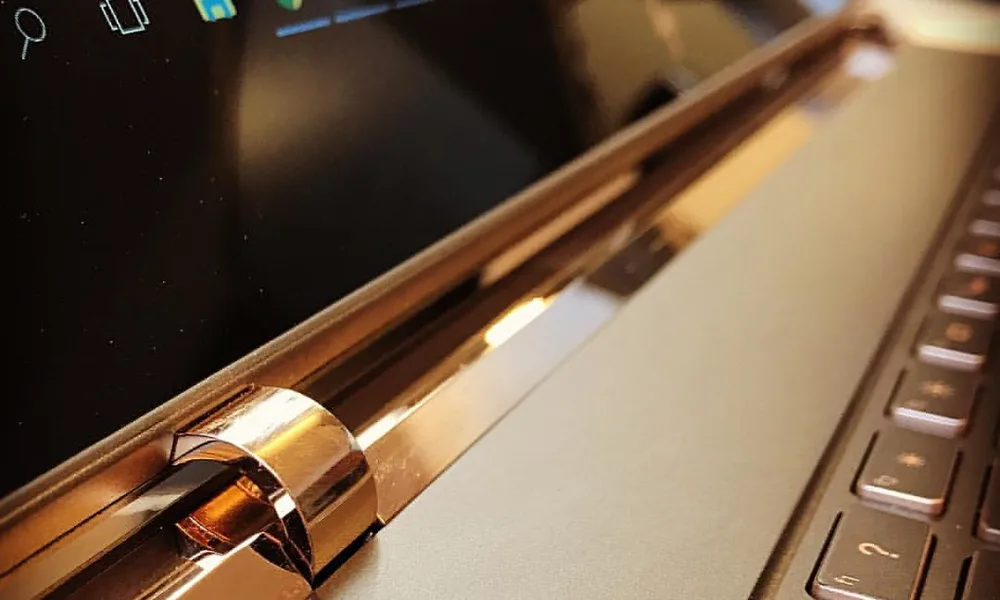
The keyboard is comfortable for long typing sessions, with good key travel and a layout that suits writers and analysts. Battery life covers a full workday on typical office use, though the brightest screen settings shorten it noticeably, so road warriors should test their real workload before deciding. HP’s security features, including fingerprint readers and privacy screens on some models, are genuinely useful for staff who work in public places.
The Spectre also comes in more configurations than the XPS, with a choice of screen sizes, touch options, and processors, so buyers can match the machine to the role. A travelling consultant may want the smaller, lighter model with the brightest screen, while an analyst who works at a desk most days may prefer the larger screen and longer battery of the bigger model. That range is useful, but it also means IT has more variants to support, which is worth weighing against the flexibility.
Support comes through HP Care Packs, with mail-in and on-site options, and the Spectre is often slightly cheaper than a comparable XPS at the point of sale. The trade-off is that HP’s business support network is less uniform than Dell’s in some regions, so a company with offices in several countries should check local coverage before committing. Teams that automate repetitive office work may also want to read our explainer on what AI browser automation is, since both machines handle those tools well.
Pros:
- Bright, vivid screen with touch and stylus on 2-in-1 models
- Comfortable keyboard for long typing sessions
- Often slightly cheaper than a comparable XPS
Cons:
- Bright screens shorten battery life on the road
- Support coverage varies more by region than Dell’s
The verdict
For most business teams, the Dell XPS is the better default. It is easier to manage at scale, its support is more consistent, and its restrained design suits a fleet. A company buying ten or more machines, or one with a small IT team, will feel the benefit of that consistency every week.
The HP Spectre wins for individuals and small teams who value flexibility. If you present to clients, annotate documents, or work on the move and want a bright touch screen and a 2-in-1 form, the Spectre is the more enjoyable machine to use every day. Creative teams should also weigh screen quality carefully, as our roundup of software for photography studios shows how much display accuracy matters to visual work.
Either machine will handle office work well for three years. Choose the XPS for fleet consistency and support, and the Spectre for flexibility and screen quality, then spend the saving on a good warranty rather than a faster processor you will not notice.
One more thing to weigh is who fixes the machine when it breaks. A cracked screen on a Monday morning is a lost week if the repair is mail-in, and a lost afternoon if a technician comes on site. For staff who cannot afford downtime, on-site cover on either machine is money well spent, and it narrows the price gap between the two more than any spec difference does.
How to choose between the XPS and Spectre
Start with how the laptop will be used. If it is a standard issue machine for a whole team, pick the XPS: uniform hardware, easy imaging, and reliable support matter more than any single feature. If it is a personal machine for a founder, a consultant, or a creative lead, the Spectre’s screen and 2-in-1 form may matter more.
Next, test the keyboard and the screen in person. Specs do not tell you whether a keyboard suits your hands after six hours, or whether a glossy screen glares under office lights. A short hands-on test in a shop, or a trial unit from the supplier, is worth more than a dozen reviews.
Finally, price the whole three years. Add the warranty, accidental damage cover, a spare charger, and a docking station, then compare. The cheaper laptop on day one is not always the cheaper laptop by year three, especially if a single repair takes a week without on-site support.
Checklist before you buy
Use these checks before you order an XPS or a Spectre for business use.
- Type on the exact keyboard for at least ten minutes, not just a showroom tap.
- Test battery life with your real apps, calls, and screen brightness.
- Confirm the warranty length, accidental damage cover, and repair turnaround in writing.
- Check that your docking station, monitors, and chargers work with the ports provided.
- Confirm IT can enrol and manage the machine with your existing tools.
- Price the full three-year cost, including warranty, accessories, and support.
Frequently asked questions
Which is better for business, Dell XPS or HP Spectre?
For most teams, the Dell XPS is the better business default because it is easier to manage at scale and its support is more consistent. The HP Spectre suits individuals who want a bright touch screen and a 2-in-1 design.
Is the HP Spectre good for office work?
Yes. The Spectre handles office apps, browsers, and video calls comfortably, and its keyboard suits long typing sessions. Battery life covers a full workday on typical office use, though bright screens shorten it.
Does the Dell XPS have good battery life?
Yes, on typical office work the XPS lasts a full workday. Heavy video calls, bright screens, and demanding apps reduce that, so test with your real workload if you travel often.
Which laptop is better for video calls?
Both are fine for calls, with good microphones and speakers. The Spectre’s brighter screen helps in sunny rooms, while the XPS’s clean design and reliable camera framing suit regular meeting use.
Can IT manage XPS and Spectre laptops centrally?
Yes, both support central management, deployment, and security tools. Dell’s management and deployment tools are slightly more established for large fleets, while HP offers its own management suite and security features.
Which holds its value better after three years?
The XPS usually holds its resale value slightly better, thanks to strong brand demand for used premium Dell machines. The difference is small, so buy for the work, not the resale price.
The bottom line
The Dell XPS and HP Spectre are both excellent business ultrabooks, and neither is a bad buy. The XPS is the fleet pick: consistent, durable, and backed by support that scales. The Spectre is the personal pick: brighter, more flexible, and more enjoyable for people who present, annotate, and work on the move.
Decide who the laptop is for, test the keyboard and battery with real work, and price the full three years including warranty and support. The right machine is the one your team will still be happy using in year three, not the one with the longest spec sheet on day one.