
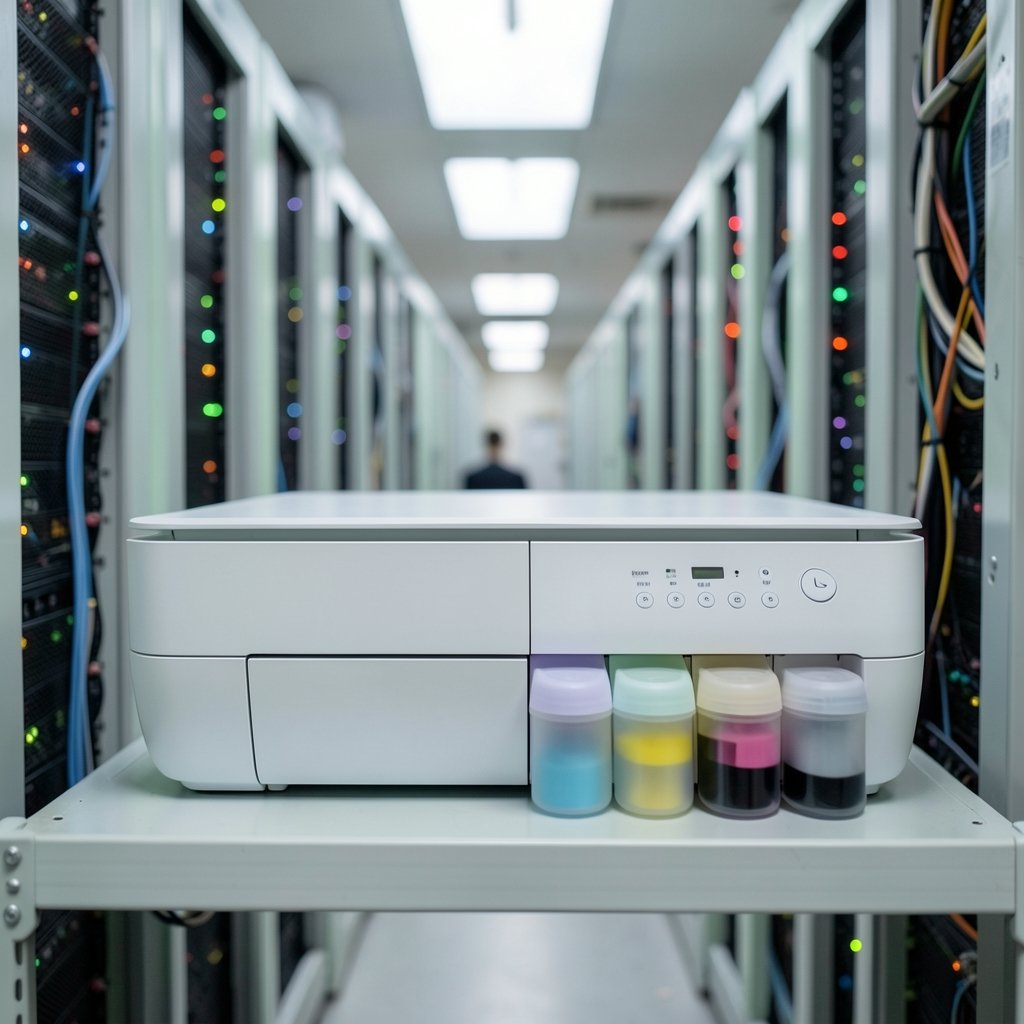
What if the most annoying part of owning a printer disappeared entirely? No more $60 cartridge swaps, no more “low ink” warnings that stop a job halfway through, no more guessing whether a refill will cost more than the printer did. That is the promise behind the Epson EcoTank ET-2800, a wireless color all-in-one that swaps cartridges for refillable ink tanks. It sounds like a small change. In daily use, it reshapes how you think about printing costs.
This article walks through what the ET-2800 actually is, how the tank system works, where it shines, and where it frustrates people. The goal is a realistic picture, not a sales pitch.
What the Epson EcoTank ET-2800 Actually Is
The ET-2800 sits in Epson’s EcoTank family, a line built around cartridge-free printing. Instead of a plastic cartridge that mixes ink and print head into one disposable part, the ET-2800 uses four refillable tanks built into the body of the printer: black, cyan, magenta, and yellow. You pour ink from a bottle into the tank when it runs low.
The machine itself is a wireless color all-in-one, which means it prints, scans, and copies, and it connects over Wi-Fi rather than requiring a cable. It is aimed at households, students, home offices, and anyone who prints in bursts but hates paying cartridge prices.
The supertank label refers to the high-capacity ink reservoirs. Epson ships the printer with bottles of ink in the box, and the tanks hold far more ink than a typical starter cartridge. That is the core selling point: a low cost per page rather than a low purchase price.
How the Tank System Changes the Math
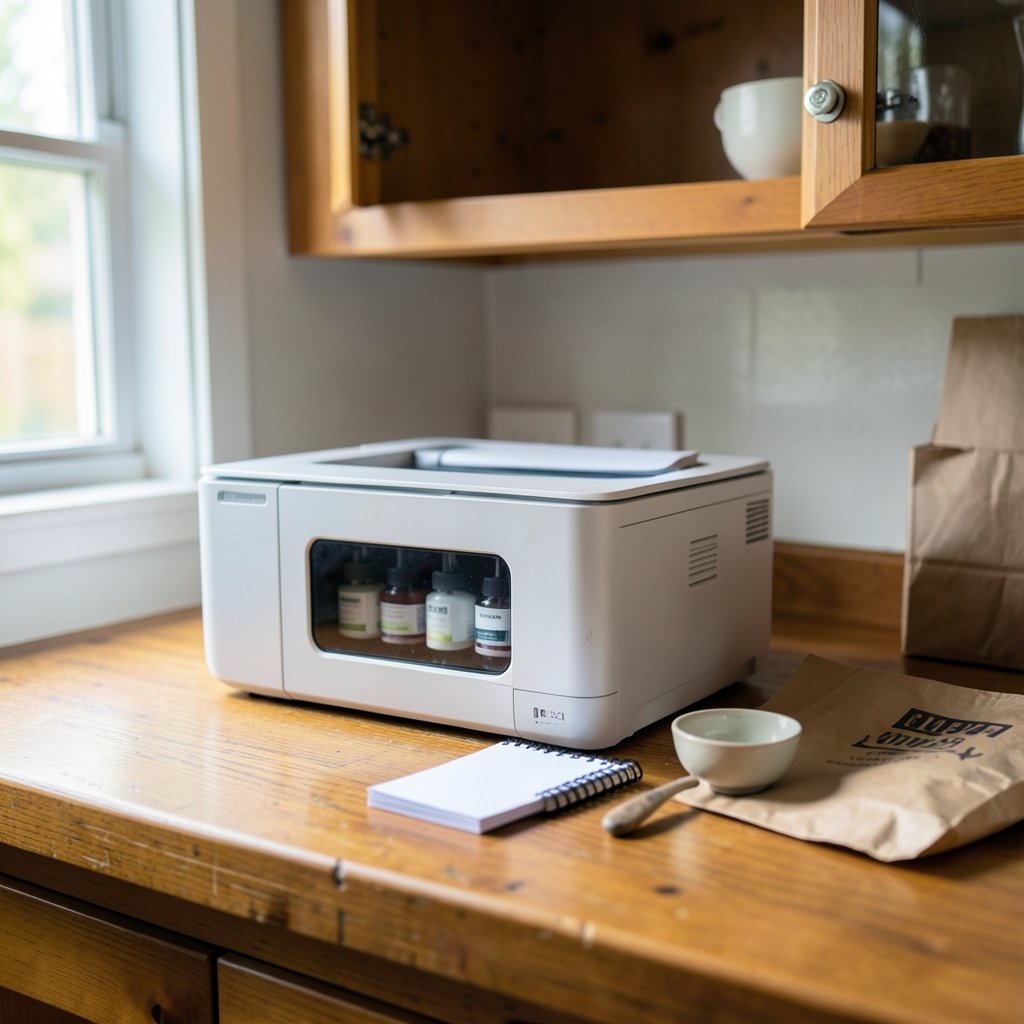
Traditional inkjet economics are strange. The printer is cheap because the ink is expensive. Cartridges are small, they dry out, and the chip inside often declares them empty while ink remains. A tank printer flips that model. You pay more upfront, then refill rarely and cheaply.
| Feature | Cartridge printer | EcoTank ET-2800 |
|---|---|---|
| Ink delivery | Sealed cartridge | Refillable tank |
| Refill method | Replace cartridge | Pour from bottle |
| Typical refill frequency | Weeks to months | Months to a year or more |
| Cost per page | Higher | Lower |
| Upfront price | Lower | Higher |
| Risk of dried ink | Higher when idle | Lower with large tanks |
The practical effect is that heavy printers save money fast, while light printers may never print enough pages to justify the higher sticker price. That is the single most important calculation a buyer should make.
Setting It Up: What to Expect
Setup is where tank printers earn their reputation, for better and worse. The process is manageable, but it is not the two-minute job a cartridge swap is.
- Unpack the printer and remove all shipping tape and protective inserts, including the ones inside the scanner lid area.
- Plug in the power and turn the printer on.
- Open the ink tank cover and remove the tank caps.
- Take each ink bottle, match the color to the tank, and twist the cap onto the bottle to break the seal.
- Insert the bottle into the matching tank and let it fill. The bottles are keyed so a color cannot go into the wrong tank.
- Stop when the tank reaches the upper line. Do not overfill.
- Close the caps firmly and run the initial ink charging cycle, which takes several minutes and uses ink to prime the system.
Two mistakes trip people up here. First, squeezing the bottle to speed up filling can force ink past the fill line and cause a mess. Second, skipping the full charging cycle or interrupting it can leave the print head underprimed, which shows up as missing lines on the first test page. Let the machine finish.
Wi-Fi setup is handled through the printer’s control panel and the companion app. If the printer refuses to join a network, the usual culprits are a 5 GHz-only network, a mistyped password, or a router that needs a restart. Wired USB remains the fallback for anyone who would rather skip wireless entirely.
Print Quality and Speed in Real Use
The ET-2800 is a document printer first. Text comes out sharp and dark, which is exactly what you want for school papers, invoices, shipping labels, and recipes. Color documents and simple graphics look clean and accurate.
Photo printing is where expectations need calibrating. On plain paper, photos look like what they are: ink on office paper. On dedicated photo paper, results improve noticeably, but this is not a photo-lab machine. Anyone printing gallery-quality images should look at a dedicated photo printer instead.
Speed is modest. This is not a workgroup laser. For a home user printing a handful of pages at a time, it is fine. For someone printing 40-page reports on a deadline, the pace will feel slow. Duplex printing is manual, meaning you flip the pages yourself, which is a genuine limitation for anyone who prints double-sided regularly. (Inkjet printing)
Scanning and copying are straightforward. The flatbed handles books and IDs, and scans can go to a computer or a memory card depending on how you set it up. It is competent rather than remarkable.
Running Costs and the Refill Reality
The headline claim of any tank printer is a low cost per page, and the ET-2800 delivers on that promise over time. Ink bottles cost a fraction of what equivalent cartridge ink would, and each bottle fills the tank multiple times. For a family printing homework and coloring pages, one set of bottles can last a very long time.
A few practical notes keep the savings real:
- Use genuine or reputable third-party ink. Cheap unbranded ink can clog print heads and cost more in cleaning cycles than it saves.
- Print something every couple of weeks. Inkjet print heads dislike long idle periods. A single color page every week or two keeps nozzles clear.
- Run the nozzle check when output looks streaky. It uses very little ink and catches problems early.
- Store spare bottles upright and capped. Ink bottles leak if they tip, and the mess is permanent on fabric.
The cost per page figure that matters is your own. Divide the price of an ink bottle by the number of pages it yields, and compare that to your current cartridge cost. For most households, the tank wins by a wide margin over a year or two.
Where the ET-2800 Fits in a Home or Office
The ET-2800 is a good match for specific situations and a poor one for others. Being honest about which camp you are in saves a lot of frustration.
It fits well if you:
- Print regularly but in modest volumes, such as schoolwork, forms, and shipping labels
- Want to stop buying cartridges on a schedule
- Value wireless printing from phones and laptops
- Need scanning and copying in one device
It fits poorly if you:
- Print only a few pages a month, where the upfront premium never pays back
- Need fast duplex output for long documents
- Print photos professionally or at high volume
- Want a compact footprint, because the tanks add bulk
If you are also weighing hardware choices elsewhere in your setup, similar trade-off logic applies to other gear decisions, like choosing between direct drive vs bowden 3d printer extruders which one suits your workflow, or picking brass vs hardened steel 3d printer nozzles which one belongs on your machine. The pattern is the same: match the consumable to your actual usage.
Common Problems and How to Fix Them
Even a reliable printer has recurring quirks. Here are the ones owners report most often, with practical fixes.
Streaky or missing lines in prints. Run the built-in nozzle check, then a print head cleaning cycle if needed. Repeat once or twice, but avoid endless cleaning, which wastes ink. If the printer sat unused for months, a power cleaning may be required.
Wi-Fi drops or the printer goes offline. Restart the router and printer, then reconnect through the app. Assigning the printer a fixed address on your router prevents the device from losing track of it after network changes.
Ink smudges on the page. This usually means the paper is too thin or the print head needs cleaning. Use paper rated for inkjet printing and avoid stacking fresh prints immediately.
The printer will not turn on after setup. Check that the shipping tape around the print head carriage was fully removed. A stuck carriage can prevent startup.
Ink level looks wrong right after filling. The level indicator can take a moment to settle. Print a page and recheck before assuming a problem.
For wireless devices generally, connection trouble often traces back to physical or pairing issues rather than the device itself. The same troubleshooting mindset that solves wireless charger alignment problems your phone wont charge applies here: check the basics first, then the software.
How It Compares to Alternatives
Buyers usually weigh the ET-2800 against three options: a cheap cartridge inkjet, a monochrome laser, and a higher-tier EcoTank model.
| Option | Best for | Trade-off |
|---|---|---|
| ET-2800 | Regular home color printing | Manual duplex, modest speed |
| Budget cartridge inkjet | Very light printing | Expensive ink, frequent swaps |
| Monochrome laser | Fast text documents | No color, higher upfront cost |
| Larger EcoTank model | Heavy printing, offices | Bigger, pricier |
The budget cartridge inkjet wins only if you print almost nothing. The laser wins for pure text speed and volume. The larger EcoTank wins for busy offices. The ET-2800 occupies the sensible middle for a household that prints color regularly but not constantly.
Tips That Actually Help Owners
A few habits separate happy tank printer owners from frustrated ones.
- Keep the printer out of direct sun and away from heat. Ink and print heads last longer in stable conditions.
- Print a test page after any long break. It costs pennies and prevents clogs.
- Label your spare ink bottles by color. Mixing them up during a refill is the most common cause of a ruined tank.
- Keep the manual. The control panel combinations for nozzle checks and cleaning cycles are not obvious, and the manual lists them all.
- Do not chase the lowest ink price. Consistency matters more than saving a dollar on a bottle.
If you are building out a broader home setup and comparing devices, the same “pick the one that fits your real use” advice shows up in guides like best android tablets 2026 pick right one without overpaying. The principle holds: specs matter less than fit.
Conclusion
The Epson EcoTank ET-2800 is not the cheapest printer you can buy, and it is not the fastest. What it offers is a straightforward bargain: pay more now, stop buying cartridges later. For a household that prints regularly in color, scans the occasional document, and wants wireless convenience without subscription ink plans, that bargain makes sense. For someone who prints ten pages a month, the math never works out.
The honest verdict is that the ET-2800 rewards the right owner. If your printing habits are steady and your patience for cartridge shopping is gone, the tank system delivers exactly what it promises. If your needs are occasional or speed-critical, a different machine will serve you better. Know your volume, do the cost-per-page math, and the decision becomes clear.
Frequently Asked Questions
How long does the ink in the ET-2800 actually last?
It depends on how much you print. Epson ships the printer with starter ink bottles, and the tanks hold a large volume of ink. A household printing a moderate number of pages per week can often go many months between refills, while a heavy user will refill sooner. The reliable way to estimate is to divide the bottle’s stated page yield by your own monthly page count.
Can the ET-2800 print double-sided automatically?
No. Duplex printing on the ET-2800 is manual, meaning the printer prompts you to flip the paper and reload it. If automatic double-sided printing is a requirement, look for a model that lists auto-duplex as a feature.
Does the ET-2800 work with phones and tablets?
Yes. It supports wireless printing from mobile devices through Epson’s app and standard mobile printing protocols. Setup is done through the app, and the printer needs to be on the same network as your phone or tablet.
What happens if I let the printer sit unused for months?
Inkjet print heads can clog when idle for long periods. The large tanks reduce the risk compared with small cartridges, but they do not eliminate it. Printing a page every week or two, and running a nozzle check if output looks off, keeps the print head healthy.
Is third-party ink safe to use in an EcoTank printer?
It can work, but quality varies widely. Poor ink can clog print heads and require repeated cleaning cycles that waste more ink than they save. Many owners find that reputable brands or genuine ink cost less over time because the printer stays reliable.
Is the ET-2800 a good choice for a small business?
It depends on volume and document type. For a small office printing color documents, forms, and labels at moderate volume, it is a reasonable fit. For high-volume text printing or fast double-sided reports, a laser printer is usually the better tool.



