
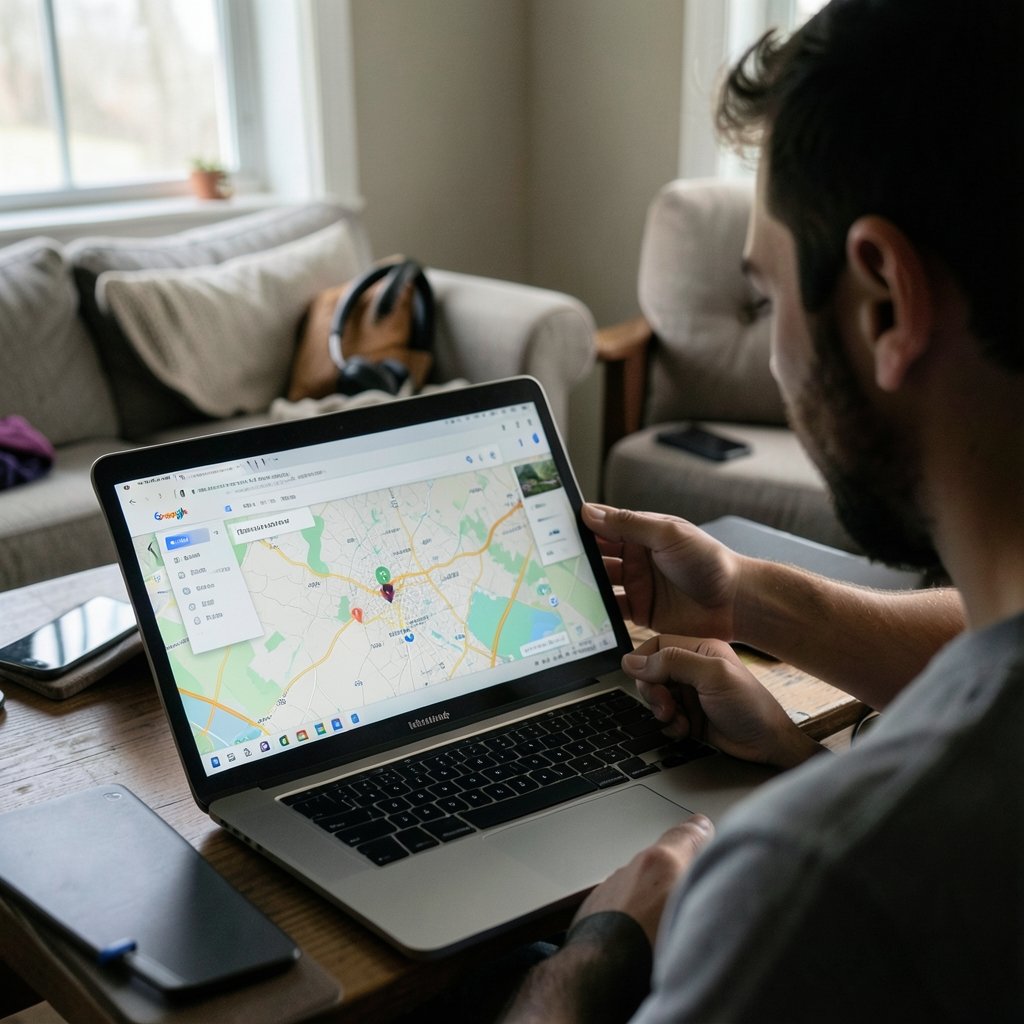
Roughly 70 million smartphones are lost or stolen worldwide every year, according to industry estimates cited by security researchers, and only about 7 percent of them ever make it back to their owners. That number sounds grim, but there’s a catch: most lost Android phones are not actually gone. They’re under a couch cushion, in a taxi’s back seat, or sitting silent in a coat pocket with the ringer off. The difference between a phone that comes home and one that doesn’t usually comes down to knowing exactly what to do in the first ten minutes.
This guide walks through the real recovery process: Google’s built-in tools, manufacturer options, what to do when the phone is offline, and the security steps that protect your data even if the device never turns up again.
Start With Google’s Find My Device Before You Panic
Google’s official locating tool is the fastest path for most people. It’s built into Android, it’s free, and it works from any browser or from another Android phone. The tool has existed in some form since 2013, when it launched as Android Device Manager, and it has been renamed and expanded several times since. As of late 2026, Google has been consolidating it under the Find My Device brand and, in some regions, a broader “Find Hub” umbrella. The naming can shift, so don’t be thrown off if the interface looks slightly different from a tutorial you read last year.
Here’s the practical sequence:
- Open a browser on any device and go to google.com/android/find, or install the Find My Device app on a friend’s phone.
- Sign in with the same Google account that’s on the lost phone.
- Select the missing device from the list at the top of the screen.
- The map will show its last known location, usually within a few seconds if the phone is online.
From that screen you get three options that matter: Play Sound (rings the phone at full volume for five minutes, even if it’s on silent), Secure Device (locks the screen and signs out of the Google account), and Erase Device (wipes everything). Use Play Sound first. In practice, a huge share of “lost” phones are within earshot, and the ringtone cuts through couch cushions and car seats better than a phone call ever will. (Find My Device)
What Find My Device Actually Needs to Work
The tool is not magic. It depends on three conditions:
| Requirement | What it means in practice |
|---|---|
| Signed into a Google account | The phone must have been set up with your account and not signed out |
| Location services turned on | GPS or network location must be enabled in settings |
| An internet connection | Wi-Fi or mobile data; without it, you only see the last known spot |
If any of those are missing, remote location won’t work, and you’ll need the fallback steps further down. This is why the single best time to check your settings is before anything goes missing. Open Settings, search for “Find My Device,” and confirm it’s switched on. It takes twenty seconds and it is the difference between a stressful afternoon and a lost phone.
Use the Manufacturer’s Tool as a Second Opinion

Google’s tool isn’t the only option, and on some phones it isn’t even the best one. Samsung owners have SmartThings Find, which is tied to the Samsung account rather than the Google account and often reports a location when Google’s tool lags. It can also ring a phone that’s offline by using Samsung’s own device network. Other brands have similar services, though availability varies widely by region and model.
The practical rule: check both. If Google shows a location from two hours ago and Samsung shows a live one, trust the live one. If both agree, you can be confident you’re looking at the right place. Cross-checking costs nothing and occasionally saves a wild goose chase across town.
One more thing worth knowing: Google has been rolling out a crowdsourced finding network that lets nearby Android devices quietly report the location of an offline phone over Bluetooth. It’s genuinely useful when it works, but rollout has been uneven across countries and device models. Don’t assume it’s active on your phone, and don’t rely on it as your only plan.
When the Phone Is Offline or Powered Off
This is where most people give up too early. A phone that’s off or out of signal will show only its last known location, which might be your own living room from three hours ago. That doesn’t mean the trail is cold.
A few things that actually work:
- Check the last-known timestamp. If it’s recent, the phone was there recently. If it’s from yesterday, the phone may have been picked up and moved.
- Call the phone. If someone found it, a call is how they answer. Put a contact number in the lock screen message when you secure the device.
- Retrace the last sync. Google Photos, Gmail, and other apps log activity. A photo uploaded at 6:42 p.m. tells you the phone was alive and connected at that moment.
- Ask the venue. Taxi companies, restaurants, and gyms all have lost-and-found boxes. Call before you assume theft.
If the phone was stolen rather than lost, do not go confront anyone based on a map pin. Location data can be off by dozens of meters in dense areas, and confronting a stranger over a dot on a screen is a genuinely bad idea. Contact local police and let them handle it. Reporting the loss to your carrier is also worth doing, since they can suspend service so nobody runs up charges on your account.
Secure Your Accounts the Moment You Realize It’s Gone
Finding the phone is the goal, but protecting your data matters more. Do these in order, ideally from a laptop:
- Lock the device remotely through Find My Device. This keeps your banking apps and messages behind a screen lock.
- Change your Google password from a computer. This signs the phone out of your account on next connection.
- Review signed-in devices in your Google account security settings and remove anything you don’t recognize.
- Check your bank and payment apps for unfamiliar activity. Most have their own device-management pages where you can revoke access.
- Enable two-factor authentication if you haven’t already, using an authenticator app rather than SMS, since your SIM may be in the lost phone.
The security differences between platforms matter here, and it’s worth understanding how Android and iPhone handle remote locking differently if you’re weighing a switch. For most people, though, the Google account controls above are the critical layer.
Set Yourself Up So This Never Hurts Again
The uncomfortable truth is that the people who recover lost phones quickly are the ones who prepared. A few habits make an enormous difference:
- Turn on Find My Device and verify it works by locating your own phone while it’s in your hand.
- Add a lock screen message with a contact email or alternate number, so a finder can reach you without opening the phone.
- Write down your IMEI (dial *#06# to see it) and store it somewhere other than the phone. Police and insurers ask for it.
- Back up photos and messages automatically. A wiped phone is annoying; a wiped phone with three years of photos on it is a tragedy.
- Keep a spare charger and cable in your bag. A dead phone can’t be found remotely, and a surprising number of “lost” phones are simply out of battery in a drawer somewhere.
It also helps to know your phone’s capabilities before you need them. If you’re shopping for a replacement or upgrading soon, it’s worth reading up on the best Android phones in 2026 with an eye toward which ones have the strongest built-in finding features. And if you’re the type who misplaces things constantly, a wireless charger for iPhone and Android that lives in one fixed spot reduces the number of places your phone can vanish to almost zero. (Best android phone 2026) (Find, lock, or erase a lost Android device)
A Realistic Look at Recovery Odds
It’s worth being honest about what the data says. Phones lost in public spaces are recovered far less often than phones lost at home or at work, and phones that are powered off are harder to trace than phones that are simply silenced. The single biggest factor in recovery is speed: the sooner you log in and start pinging, the better the odds.
There’s also a psychological trap worth naming. People often wait hours before acting, hoping the phone will turn up on its own, or they assume it’s been stolen when it’s actually in a bag they haven’t checked. Act first, hope second. The tools are free and the login takes a minute.
If you’ve already been through the steps and the phone is gone for good, the next phase is damage control: remote erase, account cleanup, insurance claim, and a new device. That’s a frustrating outcome, but it’s a manageable one when your data was backed up and your accounts were locked down. The people who handle a lost phone best are rarely the ones with the best luck. They’re the ones who spent ten minutes on setup months earlier.
Frequently Asked Questions
Can I find my Android phone if it’s turned off?
Only partially. Google’s Find My Device will show the last location the phone reported before it powered down, along with a timestamp. It cannot track a phone that is completely off and offline. Some newer Android devices can be found via crowdsourced Bluetooth networks even when powered off, but availability depends on the model and region, so it isn’t something to count on.
Does Find My Device work if the phone is on silent?
Yes. The Play Sound feature rings at full volume for about five minutes regardless of the ringer setting, as long as the phone is connected to the internet. This is why it’s the first button to press: it resolves a large share of “lost” phones that are actually just nearby and quiet.
What do I do if my phone is stolen rather than lost?
Lock and erase the device remotely, change your Google password, and report the theft to local police and your carrier. Do not attempt to recover the phone yourself based on a map location, since location accuracy can be off by a significant margin. Your carrier can suspend the SIM, and police can use the IMEI number to flag the device.
Can someone bypass the lock screen on my lost phone?
A modern Android phone with a strong PIN, pattern, or biometric lock is very difficult to break into. The bigger risk is your accounts, not the hardware. That’s why changing your Google password and reviewing signed-in devices matters more than worrying about the physical lock, and why two-factor authentication is worth enabling before anything goes missing.
How accurate is the location shown by Find My Device?
It depends on how the phone is connected. GPS gives accuracy within a few meters outdoors, while Wi-Fi and cell-tower positioning can be off by dozens or even hundreds of meters in dense urban areas or inside buildings. Always treat the pin as a neighborhood, not an address, and never confront a stranger based on it.
Is there a way to find a phone that never had Find My Device enabled?
Options are limited but not zero. Check your Google account’s recent activity for clues about when the phone was last online, contact your carrier about location services (usually only available to law enforcement), and ask venues along your route. For future devices, enabling Find My Device during setup takes under a minute and prevents this exact situation.
Conclusion
Finding a lost Android phone is less about luck and more about sequence: check Google’s Find My Device first, cross-reference with your manufacturer’s tool, secure your accounts immediately, and only then start retracing your steps. The tools are free, built in, and genuinely effective when the phone is online and location services are on. The catch is that they only help people who set them up beforehand, which is why the most valuable step in this entire guide is the one you take while your phone is still in your hand. Spend ten minutes today confirming Find My Device is on, noting your IMEI, and adding a lock screen contact message. Then, if the worst happens, you’ll be the person who finds their phone instead of the person who files a claim.



