Learning how to fix phone overheating while charging starts with a simple distinction: a phone that feels warm during charging is normal, while a phone that is too hot to hold comfortably is not. In most cases, you can fix it by unplugging the phone, removing its case, moving it somewhere cool, and switching to a slower, certified charger.
Some warmth is expected, because charging is never perfectly efficient and fast charging adds more heat. The trouble starts when extra heat piles on: a thick case, a warm room, a damaged cable, or an app working hard in the background. This guide covers the common causes, the safe fixes to try, and the warning signs that mean you should seek professional help.
Key takeaways
- Some warmth while charging is normal. A phone that is too hot to hold, keeps getting hotter, or shows a temperature warning is not.
- Start with the easy fixes: unplug, remove the case, move the phone somewhere cool, and stop using it.
- Cheap or damaged cables and chargers are a common cause — use the charger that came with the phone, or a certified replacement.
- Fast charging creates more heat than slow charging, so a standard charger is the cooler choice overnight.
- If the battery looks swollen, the phone smells of burning, or the heat returns with a known-good charger, unplug it.
The most common causes
A faulty or low-quality cable or charger
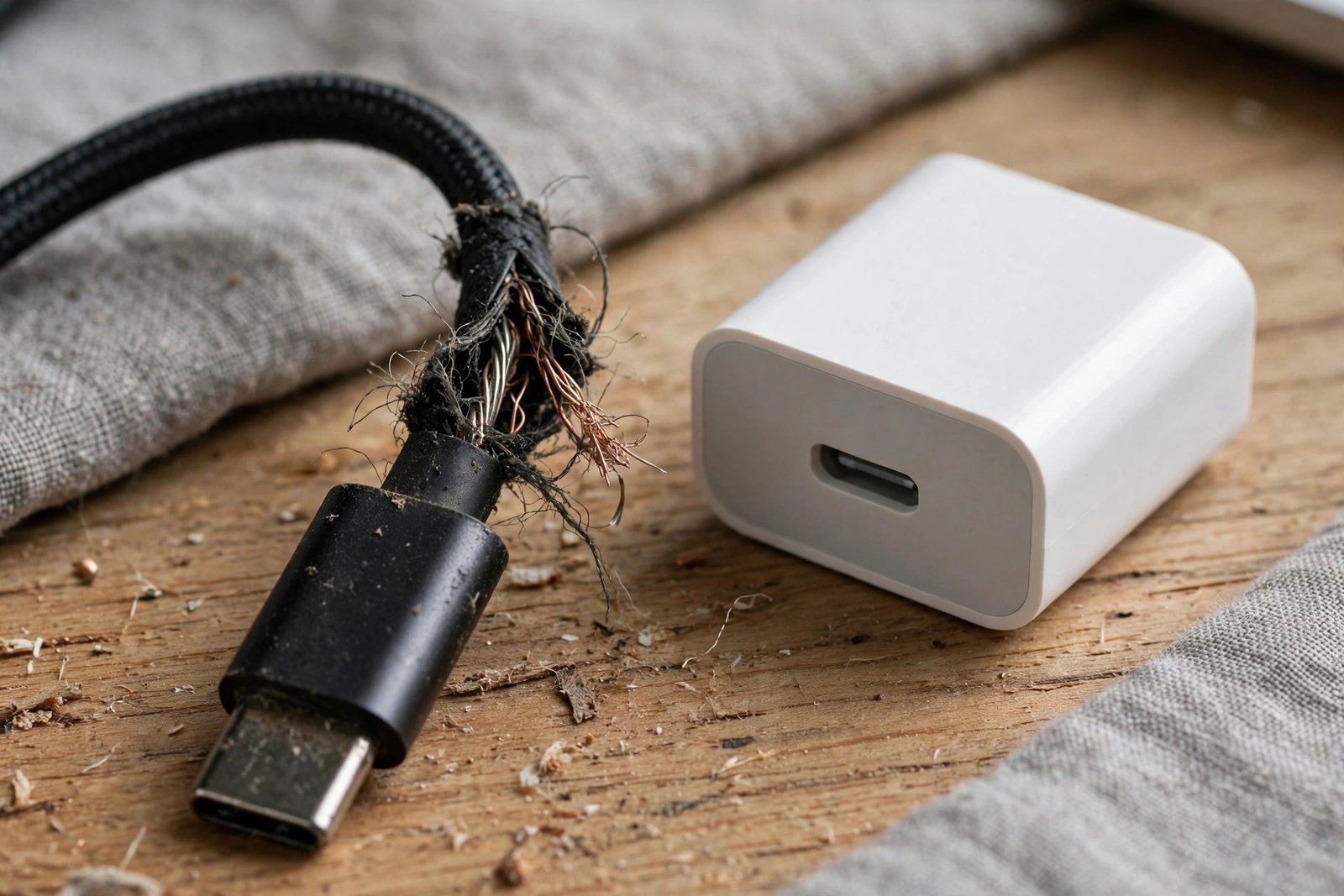
The charger and cable matter more than most people expect: a cheap, uncertified charger may deliver power unevenly, and a damaged cable with frayed wiring or a loose connector can make the phone charge in fits and starts, generating extra heat at the port.
If the heat started after you switched to a new cable or charger, that is your prime suspect. Try the charger and cable that came with the phone, or a certified replacement. Look for fraying near either end, bent pins, a wobbling connector, or scorch marks: any of those means the accessory should be replaced, not repaired.
A case that traps heat
Thick cases, especially rugged or leather ones, act as insulation, slowing the rate at which heat escapes from the phone’s body. This is most noticeable with fast charging, which generates more heat in a shorter time.
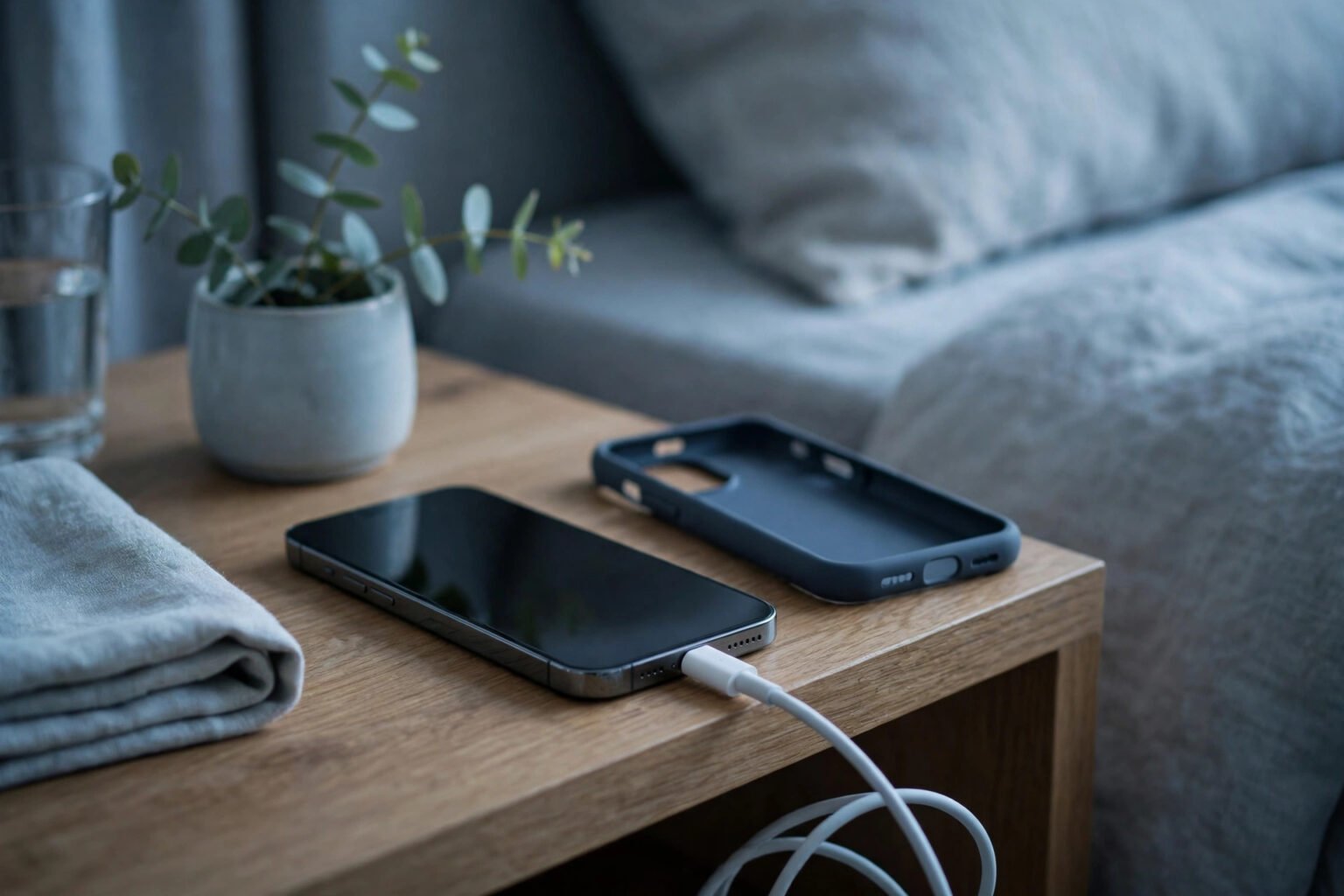
Removing the case while the phone charges is a quick test. If the phone cools noticeably within ten or fifteen minutes, the case was part of the problem. Taking it off during charging is usually enough.
Background apps and heavy use
A phone that is working hard while it charges will run hotter than one sitting idle. Video streaming, video calls, gaming, navigation, and large downloads all draw power and generate heat on top of the warmth from charging. A phone backing up photos or updating apps can be busy even when the screen is off.
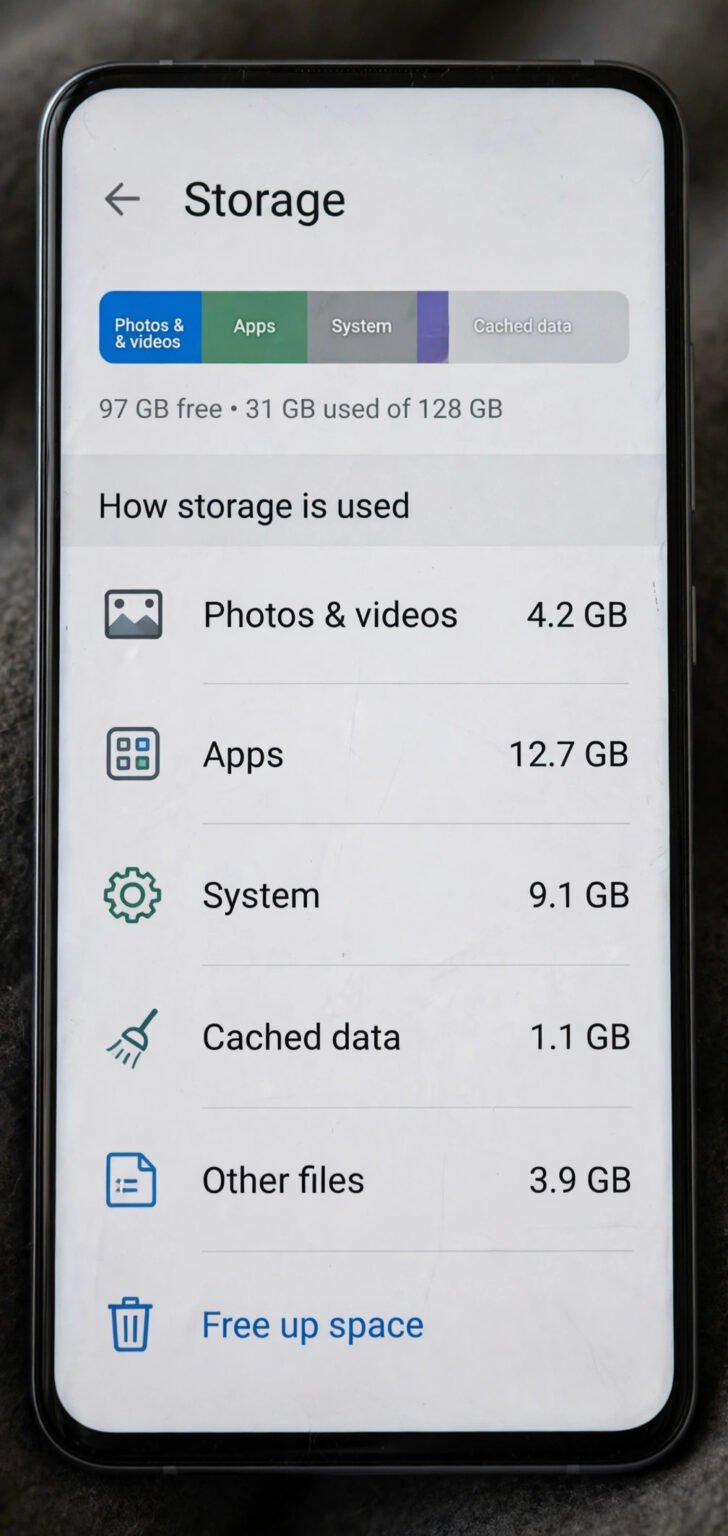
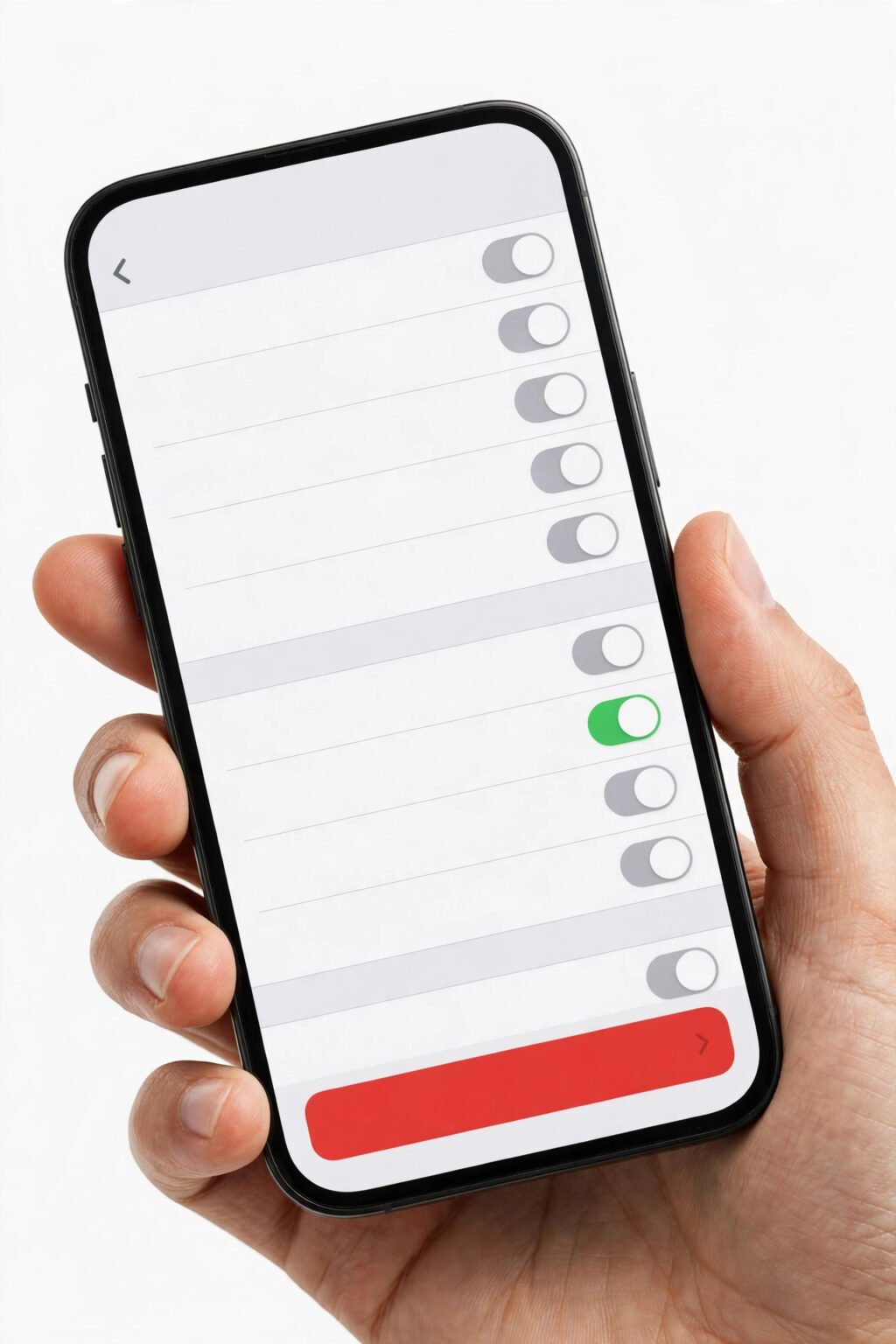
The battery settings screen shows which apps have used the most power. An app running in the background far more than expected is worth closing, updating, or removing.
A hot environment
Phones are designed for ordinary room temperatures. Charging one in direct sunlight, on a car dashboard, on a radiator, or under a pillow or duvet will push its temperature up quickly.
The fix is simple: move the phone somewhere cool, shaded, and well ventilated. Do not put it in a fridge or freezer, as the sudden change can cause condensation inside the phone.
Fast charging and an ageing battery
Fast charging pushes more power into the battery in less time, and that extra speed comes with extra heat, most noticeably in the first part of a charge. If your phone regularly runs hot, a standard charger is a sensible change, especially overnight.
Age matters too: older batteries lose efficiency and can generate more heat for the same charge. If the heat has crept up gradually, check the battery’s condition. If you use an iPhone, our guide to checking your iPhone battery health explains what the figures mean.
Causes at a glance
| Cause | Typical sign | First fix to try |
|---|---|---|
| Faulty cable or charger | Heat near the port, or after a new accessory | Use the original or a certified charger and cable |
| Case trapping heat | Phone cools quickly once the case is off | Remove the case while charging |
| Background apps or heavy use | Phone is hot and drains fast, even idle | Close heavy apps and pause downloads |
| Hot environment | Hot after sun, a car, or under bedding | Move it somewhere cool and shaded |
| Fast charging | Worst in the first half of the charge | Use a standard charger overnight |
| Worn or faulty battery | Heat crept up gradually; battery drains quickly | Check battery health; consider a replacement |
Table: common causes of a phone overheating while charging.
Safe fixes to try, in order
Work through these steps one at a time.
1. Unplug and let it cool
Unplug the phone and set it down on a hard, cool surface, such as a table or worktop, with the screen off. Give it ten to fifteen minutes, and do not put it in the fridge or freezer.
2. Remove the case and move it somewhere cool
Take the case off and move the phone out of sunlight and away from other sources of heat.
3. Stop using the phone while it charges
Close games, video apps and navigation, and end any video calls. Pause large downloads and updates until the phone has cooled.
4. Try a different cable and charger
Swap in the charger and cable that came with the phone, or a certified replacement, and charge from a wall socket rather than a laptop USB port or car charger. If the phone stays cool with the original charger but overheats with another, you have found the problem.
5. Charge more slowly, and update the software
If your phone offers a setting to slow charging or to charge adaptively overnight, turn it on. Otherwise, use a standard charger, particularly overnight. Many phones also stop charging at around 80 percent, which reduces heat and is gentler on the battery; switching that on can help extend your iPhone battery life over the years. Finally, install any pending system updates and restart the phone.
Should you keep charging, or stop?
Use this quick framework when the phone feels hot.
- Warm, but comfortable to hold, and no warning on screen: keep charging, but remove the case, stop using the phone, and move it somewhere cool.
- Hot to hold, but cooling after you unplug it and remove the case: let it cool fully, then try again with the original charger and a slower speed.
- Hot again with a known-good charger, in a cool room, with the case off: stop charging, check the battery usage screen for a rogue app, update the software, and restart the phone. If it still overheats, book a professional check.
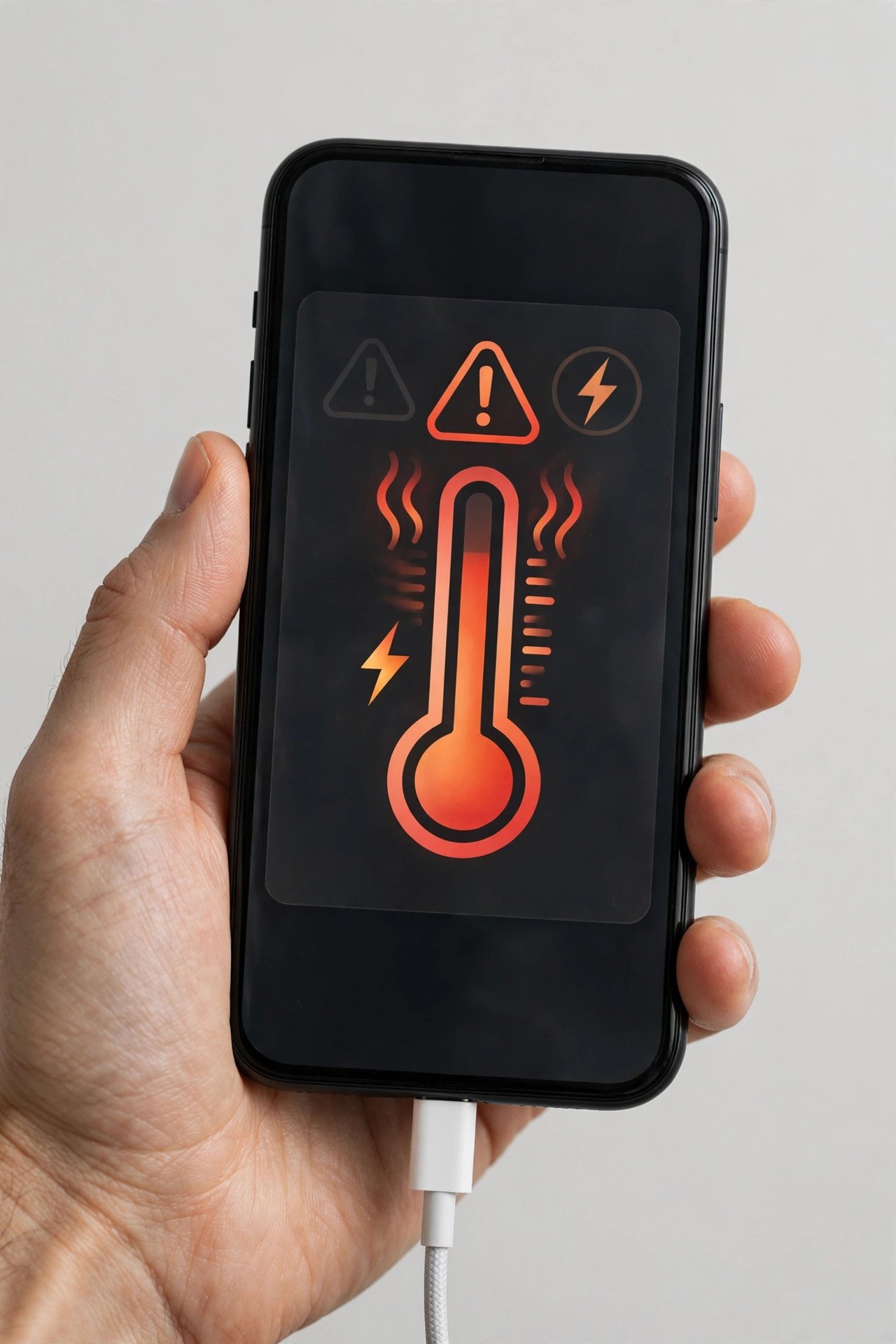
- A temperature warning on screen, or the phone has stopped charging by itself: leave it alone until it cools. Do not force it to charge. If the warning returns, get the phone checked.
- Swollen battery, burning smell, smoke, or a phone too hot to touch: unplug it immediately and seek professional help. Do not try to charge it again.
When to stop using the phone and seek help
Some situations are not a matter of trying another cable. Stop using the phone and seek professional help if the battery or the back of the phone looks swollen, the screen is lifting away from the frame, the phone smells of burning, you can see smoke, or it is too hot to hold even after you have unplugged it and left it somewhere cool.
Also seek help if the phone shows a temperature warning repeatedly, shuts down on its own while charging, or overheats every time you charge it, even with the original charger, a cool room, and no case. Do not keep charging it to see if the problem goes away, and do not try to open the phone yourself. Take it to the manufacturer’s service centre or a reputable repair shop: a trained technician can test the battery and the charging port safely.
Frequently asked questions
Is it normal for a phone to get warm while charging?
Yes, some warmth is normal, especially with fast charging or when the battery is low and filling quickly. The warmth should be mild, and the phone should cool as the charge slows near full. A phone that is too hot to hold, or that keeps getting hotter, is not normal.
Why does my phone get hot only when fast charging?
Fast charging delivers more power in less time, which generates more heat, most strongly in the first part of a charge. If it makes your phone uncomfortably hot, use a standard charger, particularly overnight.
Can a phone case cause overheating?
Yes. A thick or rugged case insulates the phone and slows the escape of heat, so the phone runs hotter while charging. Removing the case while charging is a quick test, and it is often all the fix that is needed.
Should I charge my phone overnight?
Charging overnight is fine for most modern phones, which slow or stop charging once full. To keep heat down, use a standard charger rather than a fast one, keep the phone out of direct sunlight and out from under bedding, and switch on any optimised charging setting your phone offers. If you are comparing handsets, our round-up of the best phones for battery life covers models that hold up well.
Does using my phone while it charges make it hotter?
Yes. Gaming, video calls, streaming and navigation all generate heat on top of the heat from charging. If your phone feels hot, put it down and let it charge with the screen off.
Can overheating damage my phone permanently?
Repeated overheating can shorten a battery’s lifespan and, in severe cases, damage internal components. A single warm charge is unlikely to cause lasting harm, but a phone that overheats regularly should be checked.
A short safety note
Heat is a warning. Never use a phone that is swollen, smells of burning, or is too hot to touch. Unplug it, do not try to charge it again, keep it away from flammable materials, and seek professional help. Do not open the phone or remove the battery yourself, and do not put a hot phone in water or in a fridge or freezer.
Conclusion
Most phones that overheat while charging are fixed by something simple: a better charger, a case removed, a cooler spot, or a slower charge. Work through the causes in order, change one thing at a time, and watch whether the phone cools.
If the heat keeps coming back with a good charger, a cool room and no case, do not keep charging through it. Check the battery’s health, update the software, and if the problem persists, book a professional check. The next step is a small one: charge your phone tonight with the original charger and the case off, on a cool surface. If it is cool in the morning, you have your answer.