
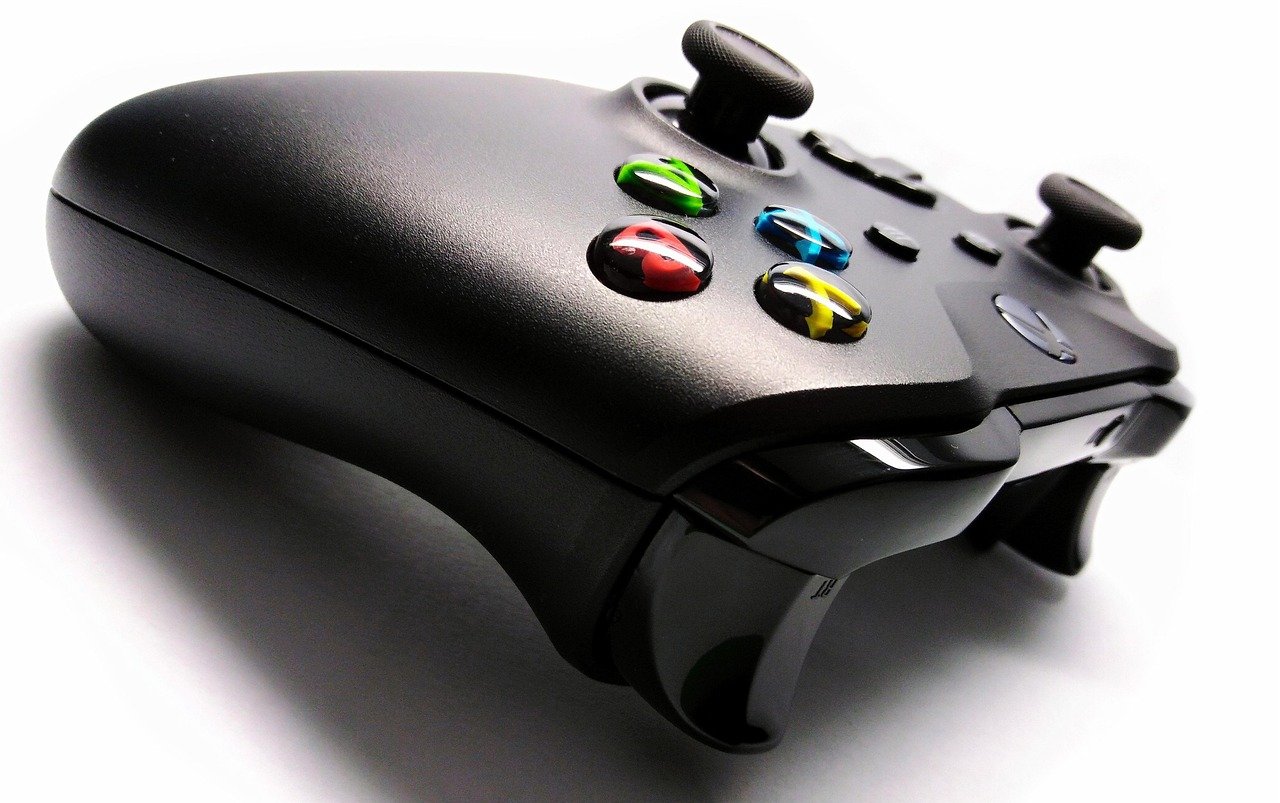
Quick Answer: Is gaming controller worth buying for beginners?
Yes, but only if you play games that actually benefit from one. A controller is worth buying when your library leans toward racing, platformers, fighting games, or sports titles, and it is usually skippable if you mostly play shooters, strategy games, or anything built around a mouse.
There are real alternatives. Keyboard and mouse remain the default on PC, and many beginners already own a console pad that works fine on a computer with the right setup. A cheap third-party pad can also cover casual play without a big spend.
Before buying, compare compatibility with your platform, wired versus wireless, ergonomics and hand size, price tier, warranty and return policy, and whether refurbished options exist in your region.
Walk into any beginner gaming forum and you will find the same argument playing out: someone insists a controller is essential, someone else calls it a waste of money, and a third person quietly points out that both are right depending on the game. That split is not noise. It reflects a genuine truth about how modern games are designed. Most PC titles assume a keyboard and mouse, but a large minority are built from the ground up around analog sticks and triggers. Buying a controller before you know which camp your games fall into is the single most common beginner mistake, and it is an easy one to avoid with a little planning. (Game controller)
Why the “just use a keyboard” advice only half works
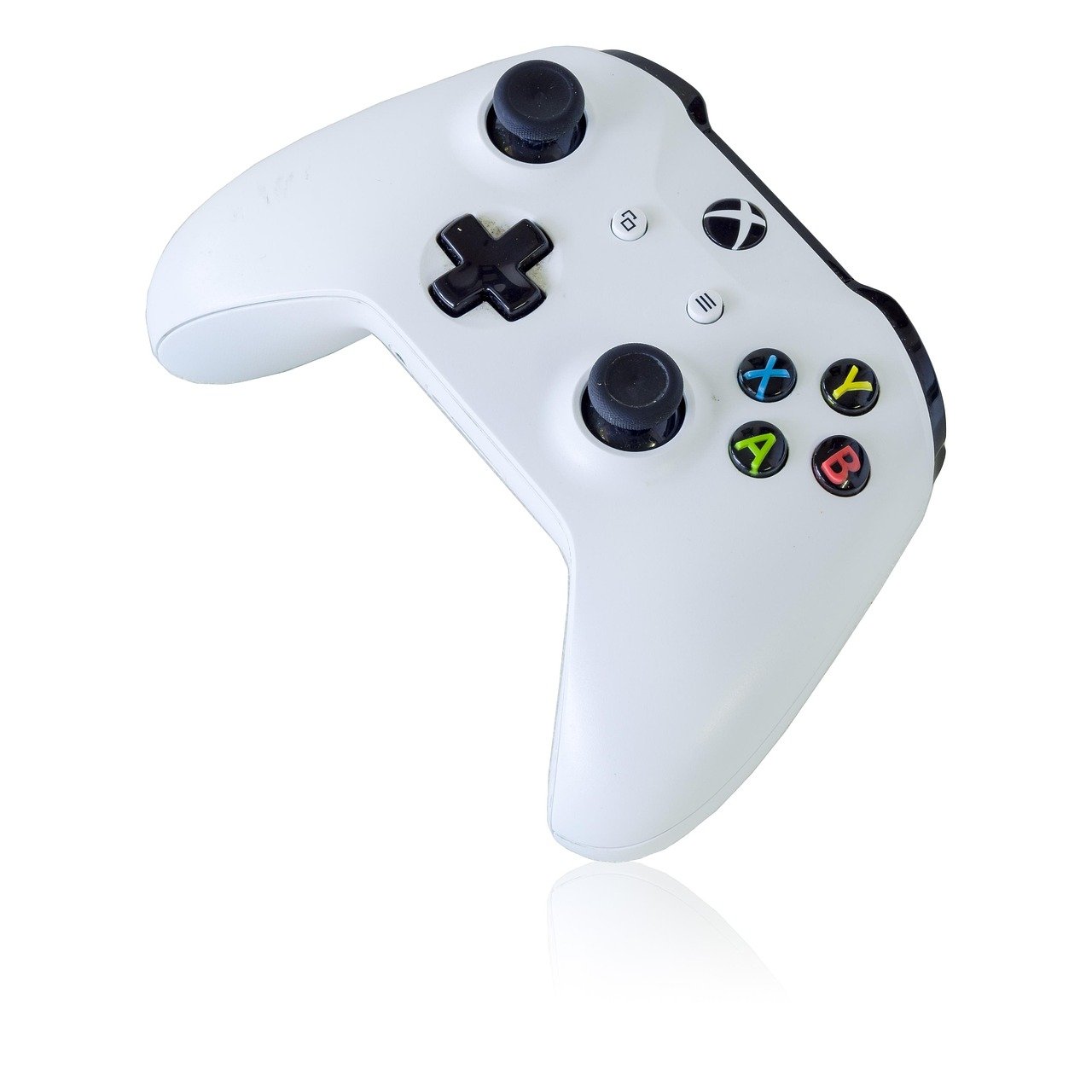
The keyboard-and-mouse setup is brilliant for anything that needs precision aiming or dozens of hotkeys. Strategy games, first-person shooters, and simulation titles lean on that precision, and no controller matches a mouse for snapping onto a target. If that describes your taste, a controller is genuinely optional, and spending money on one is money you could put toward a better monitor or a comfortable chair.
But input devices are not neutral. Games like racing simulators, 2D platformers, and fighting games are tuned around gradual analog input. A keyboard gives you on-or-off keystrokes, which makes gentle steering or a slow walk feel clumsy. This is why so many beginners describe a game as “unplayable” when the real problem is the input device. The best ukulele for beginners analogy applies here in an odd way: the right tool for the job matters far more than the price tag, and the wrong tool makes practice feel like punishment.
Which game genres actually justify a controller
Not all games reward a controller equally. The table below gives a rough guide to how much difference a pad makes, based on how each genre handles movement and camera control.
| Genre | Controller benefit | Beginner verdict |
|---|---|---|
| Racing and driving | High: analog steering and throttle | Worth buying |
| 2D and 3D platformers | High: precise directional input | Worth buying |
| Fighting games | High: designed around a d-pad and face buttons | Worth buying |
| Sports titles | High to moderate | Usually worth it |
| Action-adventure | Moderate: comfort and camera control | Depends on preference |
| First-person shooters | Low: mouse aiming wins | Skip unless you prefer comfort |
| Strategy and management | Low: hotkeys matter more | Skip |
| Puzzle and casual | Low to none | Skip |
The pattern is fairly stable, and it has held for years. If two or more of your favorite genres sit in the top half of that table, a controller earns its place. If everything you play sits in the bottom half, you can happily wait.
Do you already own a controller that works?
This is the question beginners skip, and it is often the most valuable one. Xbox-style controllers have long enjoyed native support on Windows, which means plugging one in usually just works. PlayStation pads work through Steam’s built-in controller configuration and increasingly through native support in individual games. Many players already own a console pad gathering dust and never realize it can serve double duty on a PC.
Compatibility is not permanent, though. Driver updates and firmware changes shift the picture over time, so it pays to check the current status for your exact pad and platform before assuming it will work. The practical test is simple: plug it in, launch one game, and see whether the buttons map correctly. Ten minutes of testing beats an hour of forum reading.
Wired or wireless: what beginners should actually pick
The wired-versus-wireless debate generates more heat than light. Wired controllers cost less, never need charging, and avoid battery anxiety entirely. Wireless controllers are more comfortable on a couch and remove cable clutter, but they need charging or disposable batteries and add a small amount of latency.
For most casual play, that latency difference is small enough to ignore, and claims about it vary widely between reviewers and setups, so treat absolute statements with suspicion. The honest guidance is this: if you play at a desk, buy wired and save money. If you play from a sofa or across a room, wireless is worth the premium. There is no universal right answer, only a right answer for your room.
The beginner mistakes that cost the most money
A few recurring errors show up again and again among first-time buyers. Avoiding them is worth more than any spec sheet.
- Buying before checking the game library. Confirm that at least a few of your games officially support controllers before spending anything.
- Chasing the cheapest option. Budget third-party pads vary enormously in build quality, and a pad that drifts or loses connection after two months is not a bargain.
- Ignoring hand size and grip. Ergonomics matter more than any spec for beginners, and a pad that cramps your hands will sit in a drawer regardless of its review scores.
- Skipping the return policy. The warranty and return window are your real safety net, so check the retailer’s terms before you open the box.
- Overlooking refurbished stock. Official renewed controllers can cut the price significantly, though availability varies by region.
That third point deserves emphasis. Reviewers with large hands often praise pads that smaller-handed players find uncomfortable, and vice versa. Where possible, hold a display model before buying. If that is not an option, buy from a retailer with a generous return window and treat the first week as a trial.
What about the wider setup?
A controller rarely lives in isolation. Beginners often discover that the pad is fine but something else in the chain is holding them back, whether that is a cramped desk, a laggy display, or a machine that cannot keep up. If you are building or upgrading a PC around your new hobby, it helps to pair a sensible input choice with hardware that matches it, and a guide to the best motherboard for gaming can save you from an expensive mismatch. The same logic applies to audio: a controller is a small purchase next to a headset, and the best wireless gaming headsets 2026 roundups show how quickly accessory spending adds up. Budget for the whole setup, not just the pad. (Gaming disorder)
How controller buying fits into a bigger hobby budget
Gaming is a hobby with a long tail of accessories, and beginners frequently spend in the wrong order. The pattern that works is to buy the thing that unlocks the most games first. A controller unlocks a genre or two. A better screen improves everything. A comfortable chair protects your back for years.
There is a broader lesson in how people spend on hobbies generally. The same psychology that makes a beginner overbuy accessories shows up in every field, from music to 3D printing, and it is why so many guides stress starting small. If you are curious how this plays out elsewhere, the best 3d printer for beginners advice follows an almost identical script: buy the entry model, learn the craft, upgrade later. Controllers are no different. A mid-priced, well-supported pad will carry a beginner through years of play, and the money saved can go toward games.
Do you need one for retro and handheld favorites?
Retro gaming is where controllers get genuinely interesting. Many classic titles were designed around a d-pad and two buttons, and playing them on a keyboard feels wrong in a way that is hard to explain until you try it. Emulation and re-releases have made old libraries accessible again, and a modest pad transforms the experience. If your taste runs toward the classics, a browse through Gameboy Color games: 15 classics still worth playing will show how much of that era assumed a handheld layout. A controller is close to essential there, and it is one of the strongest arguments for buying one as a beginner.
The same holds for anyone exploring older console generations. The best movies about the 70s comparison is a stretch, but the underlying point stands: nostalgia-driven hobbies reward authenticity, and the right input device is part of that authenticity. A controller is not just hardware; it is the shape the game expects your hands to make.
The practical verdict for most beginners
For the majority of newcomers, the sensible path looks like this. Start with what you own. Test your existing console pad on your PC. Play a few games with a keyboard and mouse to learn what feels wrong. Then buy a mid-priced controller from a brand with clear support and a solid return policy, preferably wired if you play at a desk.
This approach avoids the two extremes: the beginner who buys a premium pad before playing a single game, and the beginner who stubbornly refuses a controller and concludes that whole genres are “bad” when the real issue is input. Neither mistake is expensive in money, but both are expensive in wasted enthusiasm.
One more consideration deserves a mention. The accessory market moves fast, and prices shift with sales cycles and regional availability. Any specific price quoted in a review has a shelf date, so check the current figure before you commit. The same caution applies to compatibility claims, which change with firmware and driver updates. Date-stamp what you read and verify before buying.
Conclusion
So is a gaming controller worth buying for beginners? For most people who play racing games, platformers, fighting games, sports titles, or retro classics, yes, and it is one of the better-value upgrades available. For players who live in shooters, strategy games, and management sims, no, and the money is better spent elsewhere. The deciding factor is not brand loyalty or review scores but the shape of your game library, the size of your hands, and how you like to sit while you play. Start with what you already own, test before you spend, and buy from a seller who will take it back if it does not fit. Do that, and the controller question stops being a debate and becomes a simple checklist.
Frequently Asked Questions
Can I use a console controller on a PC instead of buying a new one?
Often yes. Xbox-style pads generally have native Windows support, and PlayStation controllers work through Steam’s configuration tools and growing native support in individual games. Test your existing pad on one game before spending money. Compatibility shifts with driver and firmware updates, so verify the current status for your exact model.
Is a cheap third-party controller good enough for a beginner?
It can be, but quality varies enormously at the low end. Budget pads sometimes develop stick drift or connection problems within months. A mid-priced model from a brand with clear warranty support is usually the safer bet, and a slightly higher upfront cost often works out cheaper than replacing a bargain pad twice.
How much should a beginner spend on a first controller?
There is no single correct figure, and prices move with sales and region. The practical rule is to buy the middle of the range: cheap enough that a mistake is not painful, expensive enough to get reliable build quality and a real warranty. Check the current price on the day you buy rather than trusting older reviews.
Does a controller make you worse at shooting games?
Generally yes, if you are comparing like for like. A mouse offers faster and more precise aiming than an analog stick, which is why competitive shooters are dominated by keyboard and mouse. Some players prefer a controller for comfort, and aim assistance helps in many titles, but raw precision favors the mouse.
Do I need a controller for retro games and emulation?
It is close to essential for most classic libraries. Games from the 8-bit and 16-bit eras were designed around a d-pad and a couple of buttons, and a keyboard reproduces that layout poorly. If retro titles are a big part of your plan, a modest controller is one of the best small purchases you can make.
What should I check before buying a controller online?
Check platform compatibility for your exact device, wired versus wireless, ergonomics and hand size, warranty length, and the retailer’s return window. If possible, try a display model first. Buying from a seller with a generous return policy is the single best protection against a pad that simply does not suit your hands.



