
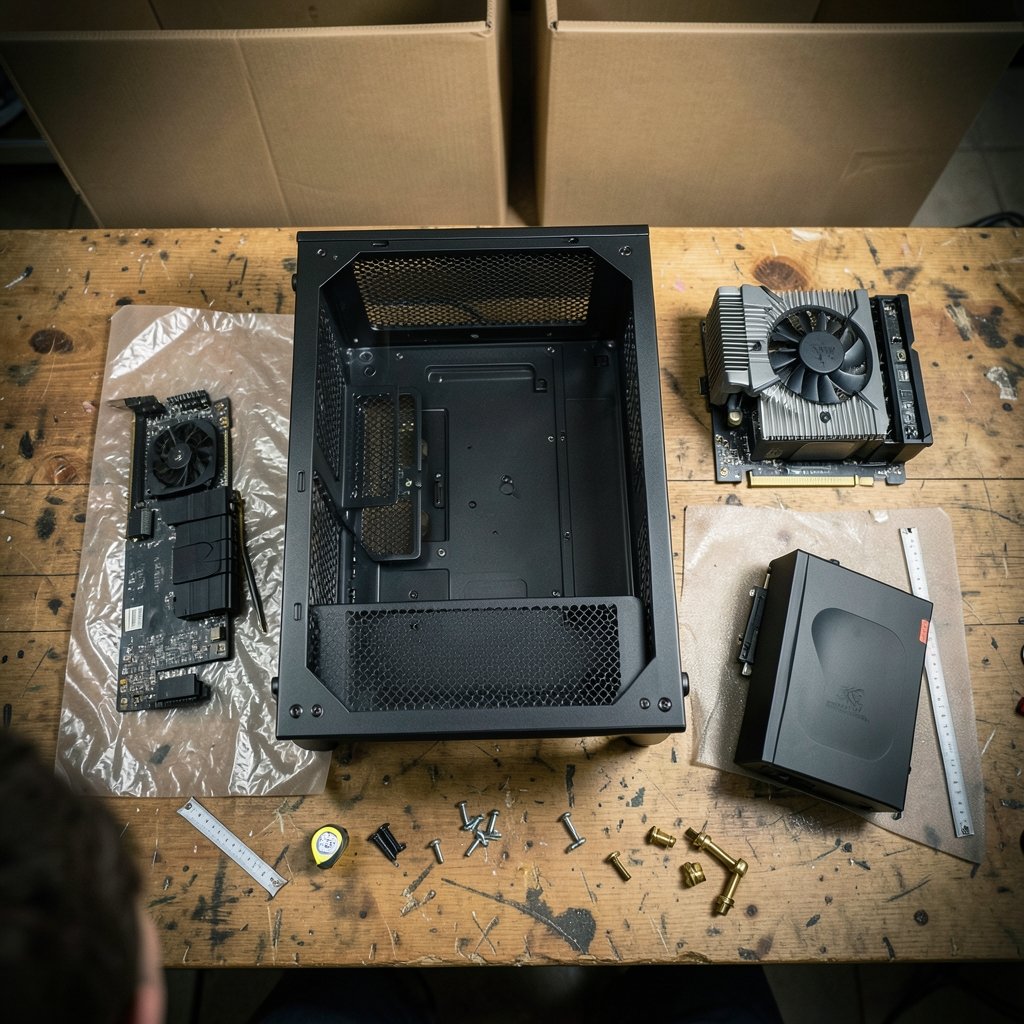
Quick Answer: What should I check before paying for gaming PC cases?
Before paying for a gaming PC case, confirm that it physically fits your parts and that its specs match how you plan to use it. That means comparing the case’s published clearances against your motherboard form factor, GPU length and thickness, CPU cooler height, radiator sizes, and power supply type. The details live on the manufacturer’s product page, so read that sheet line by line rather than trusting the product title.
Cases that look similar can differ sharply. A mesh-front mid-tower and a glass-front showpiece may both say “ATX,” yet one swallows a 360 mm graphics card while the other forces you to remove a fan cage. Small form factor cases go further, often demanding a different power supply standard entirely.
Check form factor support, maximum GPU length and slot thickness, cooler height, radiator mounts, PSU size and type, drive bays, front I/O ports, airflow design, panel material, cable space, and the warranty and return window.
A case is the one part you keep through several upgrades, so a rushed purchase tends to haunt people. The buyer who grabs a bargain tower because it looks sharp in a photo often discovers the hard way that the graphics card will not clear the front fans or that the USB-C port on the front panel has no matching header on the motherboard. None of that shows up in a product thumbnail.
The good news is that every number you need is published somewhere. The work is knowing which numbers matter and where the spec sheets get fuzzy. This guide walks through the checks in the order that saves the most return shipping.
Start with motherboard form factor, the hard constraint
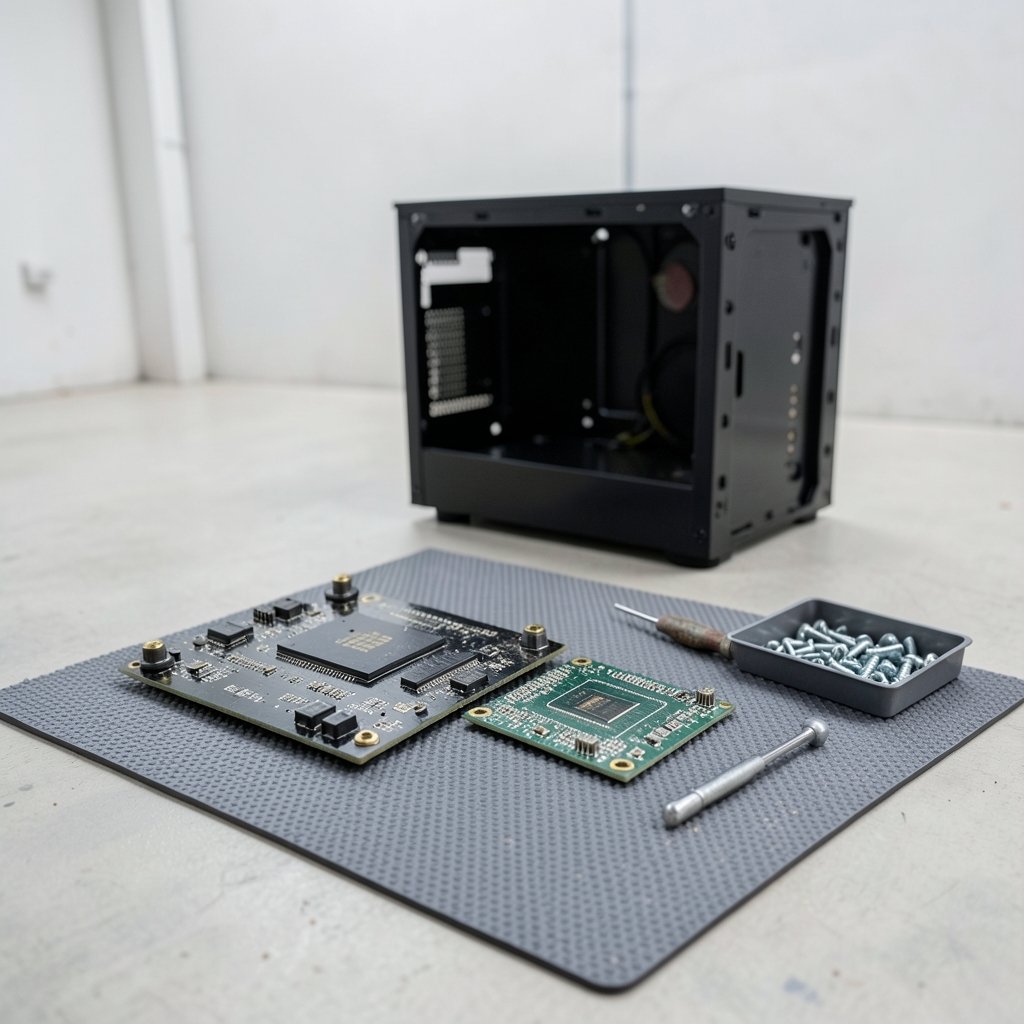
Form factor is the first gate. ATX, Micro-ATX and Mini-ITX boards use standardized mounting-hole patterns, and those patterns have not moved much since the ATX specification arrived in 1995. An ATX-family board uses a nine-hole mounting pattern, while Mini-ITX uses four holes on a 170 by 170 mm board.
The practical rule: a case that lists only Mini-ITX support will never take an ATX board. That is physics, not preference. Most mid-towers list ATX, Micro-ATX and Mini-ITX together, which is the flexible choice if you might downsize later.
One trap deserves attention. A case labeled “ATX” does not promise room for a towering air cooler or a triple-slot graphics card. Form factor support covers the board’s footprint and screw holes, nothing more. Treat it as the entry ticket, then check clearances separately. If you are also weighing a platform change, it helps to check CPU compatibility before an upgrade, since a new board can change which case size makes sense.
Measure GPU clearance before anything else
Graphics card clearance is where most builds fail. Modern high-end cards often run past 300 to 360 mm in length and occupy three or more slots in thickness. Case spec sheets publish a maximum GPU length and a slot or thickness figure, but those numbers are not standardized across brands.
Some manufacturers measure with front fans installed. Others quietly assume the fans come out or that a drive cage moves. The result is a spec sheet that says 330 mm while your 320 mm card scrapes the intake. Cross-check independent reviews that show a card installed, and look for photos of the interior rather than renders. If the card is already on your desk, measure it yourself with a tape and compare against the smallest published figure you can find.
Thickness matters just as much. A card that fits lengthwise can still press against a side panel or block a bottom fan mount. Check the slot count and whether the case lists a maximum CPU cooler width alongside it.
Cooler height and radiator support
Air coolers commonly stand 150 to 170 mm tall, and cases list a maximum CPU cooler height. Subtract a few millimeters for safety, because glass side panels and foam padding eat into the stated figure.
Liquid cooling adds a second set of numbers. Check which radiator sizes the case accepts (120, 240, 280 or 360 mm), whether mounting is possible at the top, front or side, and how much room exists for a radiator plus fans together. A case that fits a 360 mm radiator up front may not fit one on top once the motherboard and VRM heatsinks are in place.
Power supply type and length
Most gaming cases take a standard ATX power supply, but small form factor builds often require SFX or SFX-L units instead. Buying the wrong standard means buying a second power supply.
Length is the quieter issue. Bottom-mounted designs leave a fixed bay, and long modular cables need room to bend. Check the maximum PSU length and look for reviews that mention cable clearance. A 160 mm unit in a bay rated for 160 mm can still be a fight once the cables plug in.
Airflow, noise and panel design
A mesh front generally moves more air than a solid or tempered-glass front, which can choke intake. That is a design principle, not a guarantee. Manufacturer airflow figures are rarely independently measured, so treat them with caution and lean on reviews that publish thermal and acoustic testing.
Think about where the case will sit. A glass-front showpiece on a carpeted floor pulls dust and runs warmer than a mesh case on a desk. Also check fan counts included versus supported, because “supports seven fans” often means you are buying five of them separately.
Front I/O, drive bays and the small stuff
Front panel connectivity is easy to overlook until the build is done. Confirm USB-C presence and speed, since USB naming has been revised repeatedly and “USB 3.2 Gen 1” means 5 Gbps while “Gen 2” means 10 Gbps. A front USB-C port also needs a matching header on the motherboard, and not every board has one.
Drive support has shifted too. Many modern cases drop 3.5-inch bays in favor of 2.5-inch mounts, and M.2 drives live on the motherboard rather than the case. If you keep hard drives or SATA SSDs, count the bays and check the mounting hardware.
Cable management depth behind the motherboard is another spec worth finding. Tight builds with stiff cables need 20 mm or more to close the back panel without bulging.
Build quality, warranty and return terms
Tempered glass adds weight and can shatter if mishandled, so check how panels latch and whether spares are sold. Steel, aluminum and plastic frames differ in rigidity and price, and the difference shows up in panel rattle and flex.
Then read the boring part. Case warranties commonly run one to three years, though some brands go longer. Check the retailer’s return window and whether return shipping is covered, because a case that fails a clearance check is a bulky, expensive thing to send back. The same discipline applies to other big purchases: buyers comparing financing offers should check BMG Money reviews before signing rather than trusting a headline rate.
A quick comparison of case types
| Case type | Typical board support | Strengths | Watch out for |
|---|---|---|---|
| Full tower | ATX, E-ATX | Room for long GPUs, big radiators, many drives | Size, weight, price |
| Mid tower | ATX, Micro-ATX, Mini-ITX | Balanced clearance and footprint | GPU length varies widely by model |
| Micro-ATX tower | Micro-ATX, Mini-ITX | Smaller desk footprint, cheaper | Fewer radiator and drive options |
| Small form factor | Mini-ITX | Very compact | SFX PSU, tight cooler limits, cable routing pain |
Step-by-step: the pre-purchase check
- List your motherboard form factor, GPU length and slot thickness, cooler height, radiator size, PSU type and length, and drive count.
- Open the case’s official spec page and match each figure, writing down the published maximums.
- Subtract a 5 to 10 mm safety margin from every clearance number.
- Find one independent review with the interior photographed and a large GPU installed.
- Confirm front I/O needs, especially USB-C and the motherboard header.
- Read the warranty and return policy, including who pays return shipping.
- Only then compare prices and pull the trigger.
Mistakes that cost people money
The most common error is trusting the product title over the spec sheet. “Supports ATX” says nothing about your cooler. The second is assuming maximum GPU length is measured the same way by every brand, which it is not. The third is forgetting the power supply standard in small builds.
A fourth mistake is buying for looks alone and ending up with restricted intake and loud fans. A fifth is skipping the return window fine print. None of these are exotic failures, which is exactly why a ten-minute spec check prevents most of them.
If the build also involves peripherals, the same logic applies elsewhere: readers weighing audio gear can see which gaming headset details actually matter before buying, and anyone considering a prebuilt bundle should check what Rillabox buyers should know before ordering. Compatibility homework is the theme across all of it.
Conclusion
A gaming PC case is mostly a box with holes in it, but those holes have to line up with expensive parts. The checklist is short: form factor, GPU length and thickness, cooler height, radiator support, PSU type and length, drive bays, front I/O, airflow design, build quality, and the warranty behind it all. Get those right and the case becomes the least dramatic purchase in the build, which is exactly what you want. Get them wrong and you will know within five minutes of opening the box.
Frequently asked questions
Does a case labeled ATX fit every ATX motherboard?
It fits the board’s mounting pattern, but that says nothing about cooler height, GPU length or radiator space. Always check the individual clearance figures on the spec sheet.
How much clearance should I leave for a graphics card?
Aim for at least 5 to 10 mm beyond the card’s measured length, and confirm whether the published maximum assumes front fans are installed. Thickness and slot count need the same scrutiny.
Can I put a Micro-ATX board in a Mini-ITX case?
No. Mini-ITX cases support only the smaller 170 by 170 mm board with its four mounting holes. You need a case that explicitly lists Micro-ATX support.
Do I need a special power supply for a small form factor case?
Often yes. Many SFF cases require SFX or SFX-L units rather than standard ATX power supplies, and length limits apply even within the correct standard.
Is a mesh front always better than a glass front?
Mesh generally allows more intake air, but actual thermal and acoustic performance varies by model. Look for independent testing rather than manufacturer airflow claims.
What should I check in the return policy before buying a case?
Confirm the return window length, whether opened cases qualify, who pays return shipping, and whether original packaging must be kept. Cases are bulky, so return costs add up fast.
One last practical step: before ordering, save the spec sheet and a screenshot of the retailer’s return terms. If the case arrives and a clearance figure turns out to be optimistic, you will have the evidence on hand for a refund rather than an argument. Measure twice, buy once.
A final sanity check is to search the case model alongside your specific GPU and cooler, since owners post build logs and forum threads showing real clearances. If nobody has tried your combination, assume the worst and size up. Spending a little more on a roomier mid tower beats rebuilding around a part that almost fits. With the specs matched and the return terms saved, you can order with confidence and get on with the build.



