
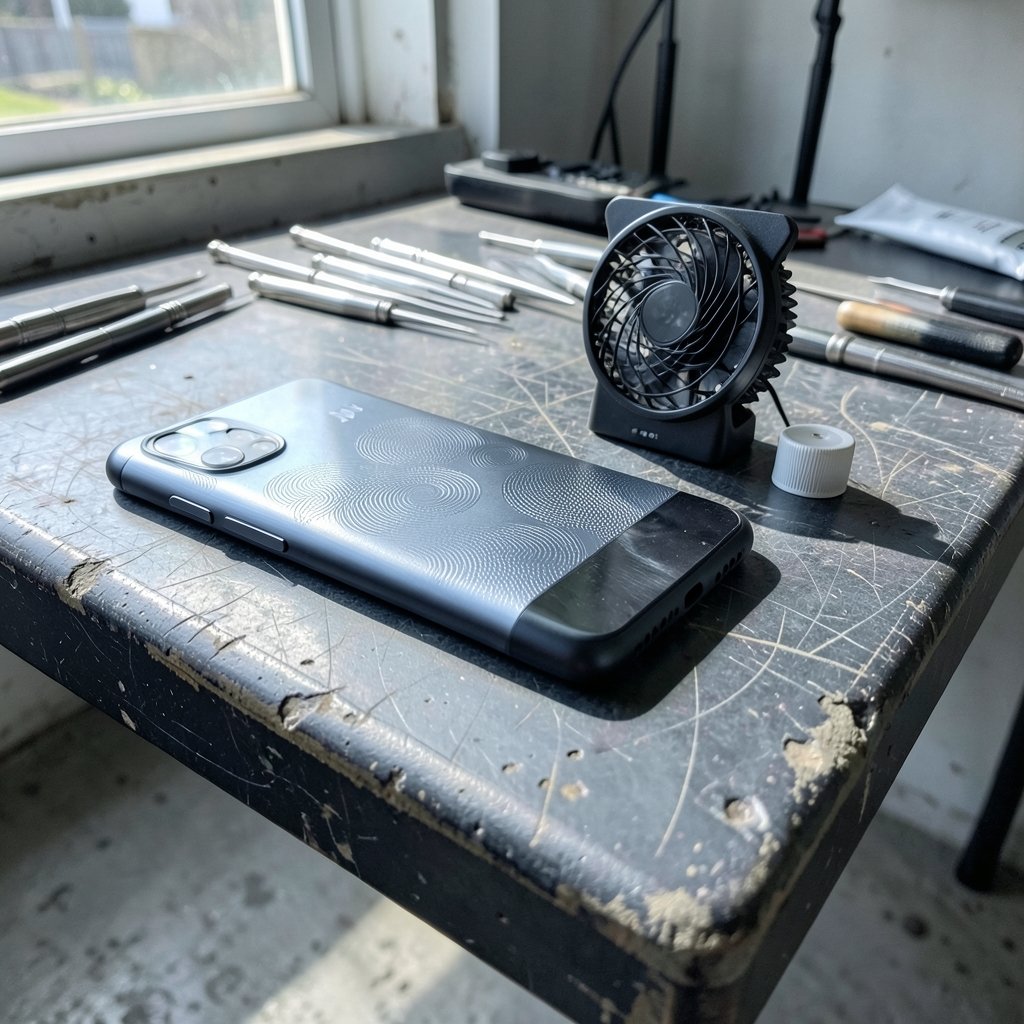
What makes a gaming phone different from a flagship phone that happens to run games well? The honest answer is less exciting than the marketing suggests, but more useful than you’d think. Gaming phones are built around a few specific problems: heat, sustained performance, touch response, and battery wear during long sessions. Everything else is either a bonus or a gimmick.
This guide breaks down what gaming phone gaming actually delivers in practice, where the money is well spent, and where buyers routinely waste it.
What a Gaming Phone Really Is
A gaming phone is a smartphone designed with a priority order that differs from a mainstream flagship. Camera quality drops down the list. Sustained chip performance, cooling headroom, display responsiveness, and battery endurance move up.
That trade-off shows up in physical design. Bigger vapor chambers. Sometimes an internal fan. Shoulder triggers that work like controller bumpers. Ports positioned so a charging cable doesn’t stab your palm during a match. Software modes that strip background processes and lock the frame rate.
None of this makes a game run that a normal flagship couldn’t run. It makes the game run the same way twenty minutes in, when a thin phone has already heated up and started pulling back its clock speeds.
Sustained Performance Beats Peak Benchmarks
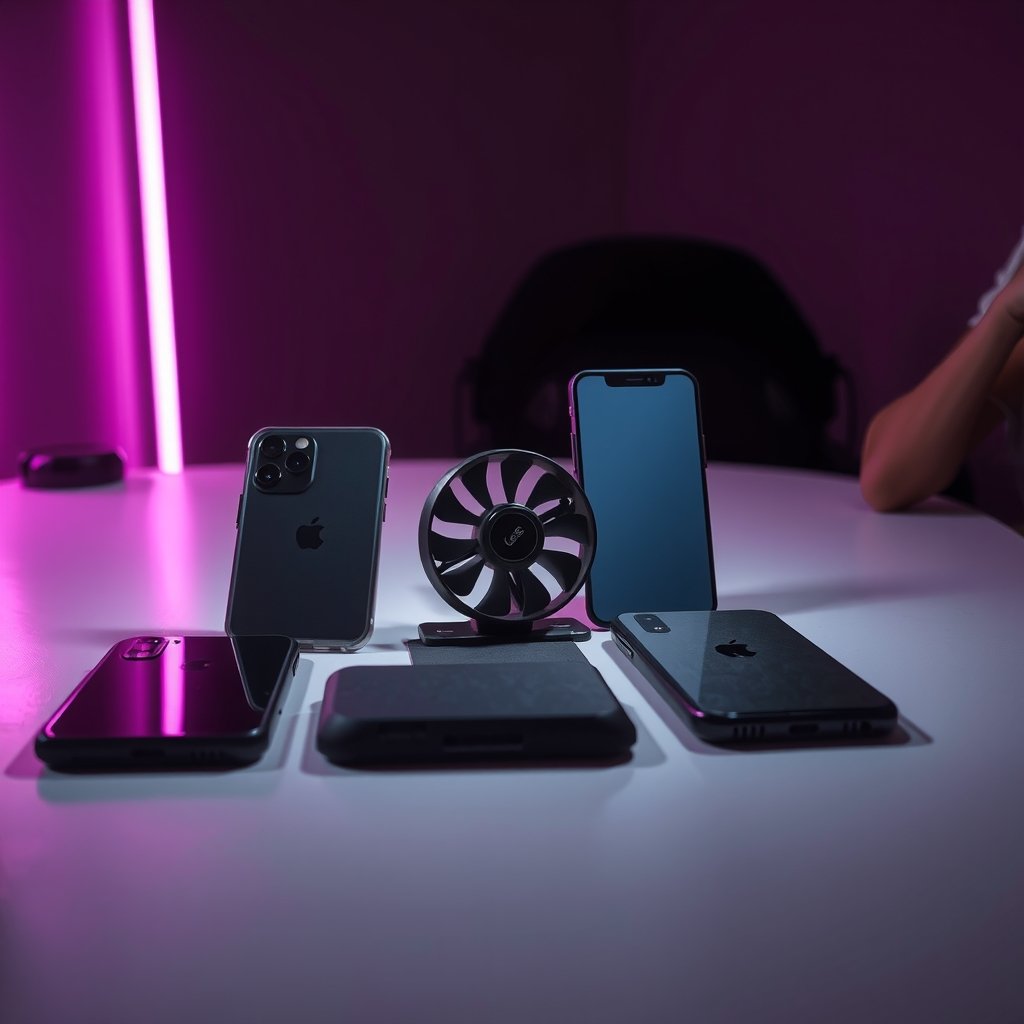
The single most misunderstood number in phone gaming is the peak benchmark score. A phone can post an excellent score in a 60-second test and still feel worse than a rival after fifteen minutes of play.
Phones manage heat by reducing performance. This is called thermal throttling, and every phone does it. The difference is how aggressively and how soon. A device with a large vapor chamber and a metal back can hold higher clocks longer. A slim phone with a glass sandwich will hit its limit faster and drop frame rates to protect the chip.
Practically, this means:
- Short benchmark runs tell you almost nothing about a two-hour session.
- Frame-rate stability matters more than the maximum frame rate.
- A phone that averages 55 fps steadily feels better than one that bounces between 30 and 90.
- Case choice matters. A thick insulating case on a hot phone makes throttling worse.
To compare devices properly, look for reviews that publish frame-rate graphs covering 30 minutes or more rather than a single score. Stability is the spec that never appears on the box.
Displays: Refresh Rate, Touch Sampling, and What You Can Feel
Two display numbers matter for gaming, and they are not the same thing.
Refresh rate is how many times per second the screen redraws. 120Hz and 144Hz panels look smoother than 60Hz, and in fast games the difference is genuinely visible.
Touch sampling rate is how often the screen checks for your finger. A high refresh rate with a low touch sampling rate still feels laggy. This is why some phones with modest refresh rates feel snappier in shooters than phones with higher refresh rates but slower touch response.
Two practical warnings apply here. First, a high refresh rate only helps if the game actually renders at that rate. Many popular titles cap at 60 fps regardless of your hardware. Second, high refresh rates drain battery quickly. Most gaming phones let you lock specific games to specific rates, which is the right approach.
Brightness matters too, and it’s underrated. Playing outdoors at 400 nits is miserable no matter how fast the panel is.
Cooling: Vapor Chambers, Fans, and Clip-On Coolers
Cooling is where gaming phones earn their price premium, and where marketing language gets loosest.
A vapor chamber is a sealed metal cavity with a small amount of fluid inside. Heat evaporates the fluid, it condenses elsewhere, and the cycle moves heat away from the chip. Bigger chambers spread heat better. Some gaming phones add a physical fan that pushes air through internal channels.
Clip-on external coolers are the pragmatic option for anyone with a normal phone. A decent powered cooler clamped to the back can drop surface temperatures noticeably and reduce throttling. The catch is bulk, noise, and the need for power.
Common mistakes people make with cooling:
- Playing while charging on a bed or pillow, which blocks every heat escape path.
- Using a thick rugged case during long sessions.
- Assuming a “gaming mode” in software replaces physical heat dissipation. It doesn’t.
- Buying a cooler without checking whether it covers the actual hot zone, which is usually near the top-center of the back.
Battery, Charging, and Bypass Mode
Long sessions create two battery problems: capacity and heat during charging.
Bypass charging solves the second one. Instead of charging the battery while you play, the phone runs directly off the wall adapter. The battery stays out of the loop, so it doesn’t heat up or cycle. For anyone who plays plugged in for hours, this is one of the most genuinely useful gaming phone features, and it’s often buried in settings.
Fast charging is a mixed blessing. A 100W charger is great between matches. During play, fast charging generates heat right where the chip is already struggling. Bypass mode or a slower charger is better mid-session.
Battery health also degrades faster when a phone is repeatedly hot and full. If you play plugged in most days, bypass mode isn’t a gimmick, it’s maintenance.
Shoulder Triggers, Haptics, and Controls
Shoulder triggers are the most divisive gaming phone feature. Some players map them to aim and fire and never go back. Others find them awkward and return to the touchscreen within a week.
The honest test is whether the games you play support mapping. If you mostly play shooters and racing games, triggers can genuinely reduce hand cramping because your thumbs stay on the screen. If you play puzzle games and strategy titles, they’ll sit unused.
Haptics deserve a mention. Good vibration feedback makes actions feel connected to the game. Cheap haptics feel like a buzzer. It’s a small thing that separates a satisfying device from a hollow one.
Software: Gaming Modes and What They Actually Do
Every gaming phone ships with a gaming overlay. These usually do four things: block notifications, lock brightness, prioritize the game’s CPU threads, and sometimes record or stream.
The useful parts are notification blocking and performance locking. The useless parts are the RGB lighting and the “boost” toggles that do nothing measurable.
A few settings worth changing on any phone used for gaming:
- Turn off battery saver while gaming, since it caps performance.
- Disable auto-brightness, which tends to dim mid-match.
- Set the display to a fixed refresh rate per game rather than globally.
- Turn off background sync for apps you don’t need during play.
If you’re tuning a phone for play generally, the same logic applies as tuning a desktop: remove bottlenecks and stop the system from making decisions mid-session. The same principles behind choosing components for a PC apply to phones, which is why guides on the best motherboard for gaming focus on sustained power delivery rather than peak numbers, and why 16gb vs 32gb ram gaming where 32gb helps where it doesnt makes the same point about memory headroom. (Gaming computer)
Do You Need a Gaming Phone, or Just a Good Phone?
Here’s the uncomfortable truth. For most players, a well-cooled mainstream flagship with a high refresh display is enough. Gaming phones make sense in specific situations.
| Situation | Gaming phone worth it? | Why |
|---|---|---|
| Competitive mobile shooters, daily | Often yes | Triggers, touch response, sustained frames |
| Long sessions plugged in | Yes | Bypass charging, cooling headroom |
| Casual play, a few matches a week | Usually no | Flagship handles it fine |
| Emulation and heavy titles | Sometimes | Cooling helps, but check specific compatibility |
| Photography matters equally | No | Gaming phones compromise cameras |
Buyers also overpay for peak benchmark scores and underpay attention to weight. A 250g phone with a cooler attached is a genuinely tiring thing to hold for an hour. Try before committing if you can.
There’s a similar pattern in the laptop market. The best gaming laptops under 1000 actually fits budget tends to win on cooling and sustained performance rather than headline specs, and the same is true of phones.
Accessories That Change the Experience
A short list of things that genuinely improve gaming on a phone, ranked by impact:
- A powered clip-on cooler. Biggest single improvement for a phone that throttles.
- A controller or grip. Reduces cramping and improves precision.
- A short right-angle charging cable. Prevents cable strain during play.
- A slim case or no case. Better heat dissipation.
- A stand or grip with airflow. Keeps the back exposed.
Things that rarely help: screen protectors marketed as “gaming” (they’re just glass), RGB accessories, and phone stands without ventilation.
If you’re also fixing connection problems during online matches, prioritizing traffic for your gaming device is often more effective than any hardware upgrade. The same approach in prioritize devices your wi fi smoother video calls gaming applies directly to phone gaming, where a stable ping beats a higher frame rate.
Handhelds vs Gaming Phones
A dedicated handheld console is a different product with a different trade-off. It usually wins on controls and cooling, and loses on portability and app ecosystem.
For players deciding between the two, the honest framing is: a gaming phone is a phone that plays games well, while a handheld is a game device that does little else. The best handheld gaming consoles 2026 which one actually fits covers that decision in detail. If you already carry a phone everywhere and play in short bursts, the phone usually wins. If you want long sessions with real controls, the handheld does. (GSMArena phone glossary)
Common Mistakes Buyers Make
A few patterns show up again and again.
Buying for benchmarks. Peak scores are the least predictive number available.
Ignoring weight and ergonomics. A heavy phone with a cooler is uncomfortable after 40 minutes.
Skipping the display settings. Many owners never change refresh rate per game and end up with unnecessary battery drain.
Assuming gaming mode fixes heat. Software can’t cool a chip.
Overlooking charging behavior. Playing plugged in without bypass mode accelerates battery wear quietly over months.
Trusting trigger marketing. Check whether your specific games support mapping before paying extra for them.
Conclusion
Gaming phone gaming is really about consistency. The best device isn’t the one with the highest benchmark score, it’s the one that holds a stable frame rate, stays comfortable in your hands, and doesn’t cook its battery during a long session.
Buy for cooling and sustained performance first. Then look at touch response and display. Then consider triggers and software, which are nice-to-haves rather than essentials. If you play casually, a good mainstream phone with a clip-on cooler will get you most of the way there for far less money.
And whatever you buy, take the twenty-minute test seriously. Play a demanding game for half an hour, then judge. That’s the only benchmark that reflects how the phone will actually feel.
Frequently Asked Questions
Is a gaming phone actually better for gaming than a flagship?
Sometimes, but not automatically. Gaming phones usually win on sustained performance, cooling, and features like bypass charging and shoulder triggers. Mainstream flagships often win on cameras, weight, and software polish. If you play demanding games for long sessions, the gaming phone advantage is real. For short casual sessions, the difference is small.
What is thermal throttling and why does it matter?
Thermal throttling is when a phone reduces its processor speed to avoid overheating. Every phone does it. It matters because it causes frame rate drops mid-session. A phone with better cooling delays throttling and holds performance longer, which is why frame-rate stability over 30 minutes is a more useful measure than a peak benchmark score.
Do high refresh rate screens really improve gaming?
They improve smoothness, but only when the game renders at that rate. Many popular titles cap at 60 fps regardless of your display. Touch sampling rate matters just as much for responsiveness. A phone with a moderate refresh rate and fast touch response can feel better in shooters than one with a higher refresh rate and slower touch input.
What is bypass charging on a gaming phone?
Bypass charging lets the phone run directly from the power adapter instead of charging the battery while you play. The battery stays out of the circuit, so it doesn’t heat up or cycle. For players who game plugged in for hours, it reduces heat and long-term battery wear. It’s often hidden in battery settings.
Are shoulder triggers worth paying extra for?
Only if the games you play support button mapping. In shooters and racing games, triggers can reduce hand cramping because your thumbs stay on screen. In puzzle, strategy, or card games, they go unused. Check game compatibility before treating triggers as a deciding feature.
How do I stop my phone from overheating while gaming?
Remove thick cases, avoid playing on beds or pillows, and keep the back exposed to air. A powered clip-on cooler helps most. Use bypass charging or a slower charger during long sessions, and avoid fast charging mid-match. Lowering the refresh rate for less demanding games also reduces heat.



