Sony’s PlayStation 5 ships with 16GB of unified memory, and that single spec sheet detail has quietly become the reference point for a whole generation of PC builds. If a console designed for the next decade of games can live on 16GB, why are so many PC builders being told to double it? The answer is messier than either camp admits, and it depends far more on how you play than on any single benchmark number.
This breakdown walks through what system RAM actually does in games, where 16GB stops being enough, and when spending extra on a 32GB kit is money well spent versus money burned on peace of mind you’ll never use.
What System RAM Actually Does in a Game
Before comparing capacities, it helps to separate two jobs that get blurred together in forum arguments. System RAM holds the game’s active data: level geometry, textures waiting to be streamed to the GPU, audio files, physics state, and the operating system’s own overhead. VRAM on the graphics card holds what the GPU is rendering right now.
That division matters because system RAM rarely moves average frame rates once a game has enough memory to run. What it does affect is the texture of performance: frame-time consistency, stutter when you turn a corner into a new area, and how long loading screens linger. A machine with too little RAM doesn’t run slowly so much as it hitches, and those hitches are often misdiagnosed as a weak GPU.
The second job is multitasking. A gaming PC in 2026 is usually also running a browser with a dozen tabs, Discord, a music app, and maybe a capture tool. Every one of those eats into the same pool. Two players with identical hardware can have completely different RAM pressure depending on what’s open in the background.
The Case for 16GB: Still the Sensible Default
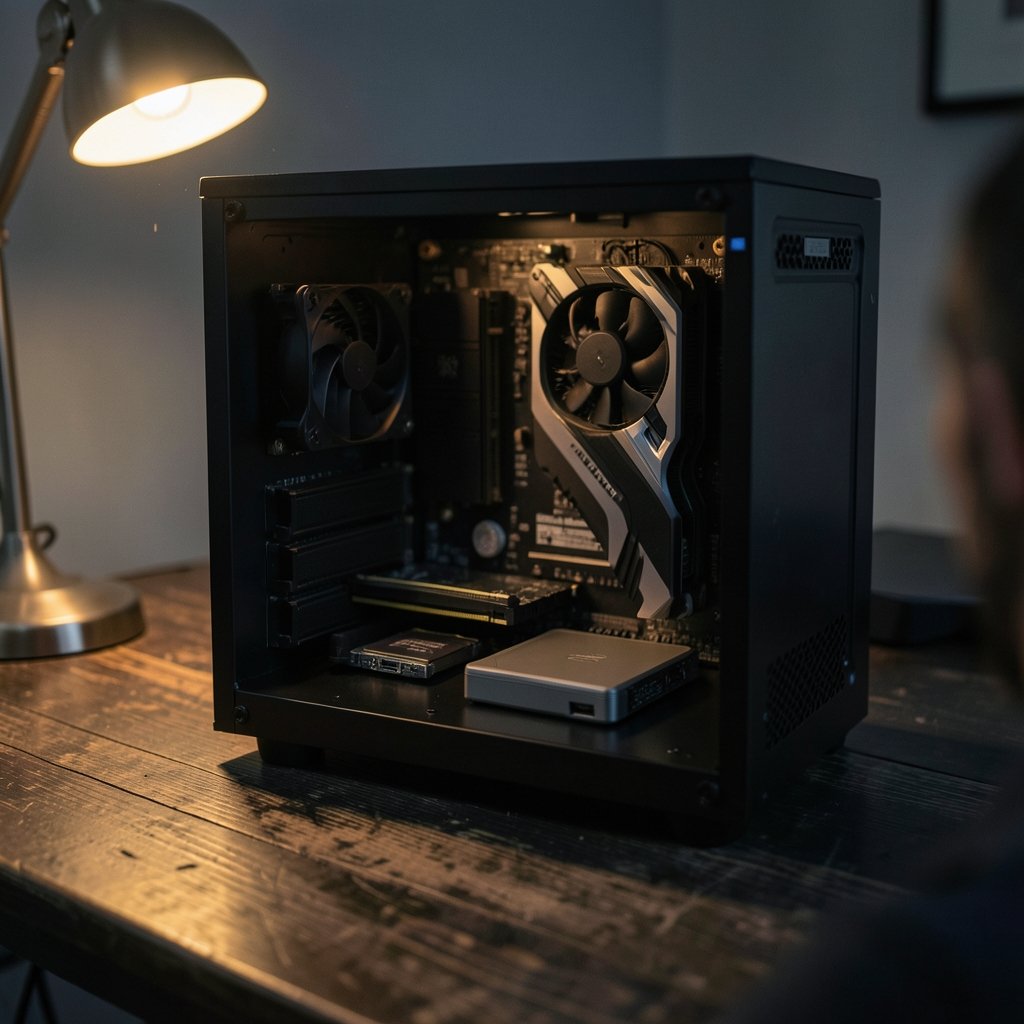
For a straightforward 1080p or 1440p gaming build, 16GB remains a genuinely reasonable choice. Most current titles list 8GB to 16GB of RAM in their system requirements, and 16GB comfortably clears that bar with room for the operating system.
The practical argument is simple arithmetic. A 16GB kit costs roughly half what a comparable 32GB kit does, and that saved money can go toward a better GPU, a faster SSD, or simply a bigger game library. In a build where every dollar competes for a slot, RAM is one of the easiest places to avoid overspending.
There’s also a platform angle. On DDR5 systems, 16GB kits are widely available and easy to tune. If you’re building on a budget and want to compare what else that money could buy, it’s worth looking at how far a gaming PC under 1000 stretches when you prioritize the graphics card over memory capacity.
Where 16GB Starts to Strain
The cracks show in specific situations rather than across the board:
- Heavily modded games. Texture packs and script mods can push memory use well past what the base game needs.
- Simulation and strategy titles. Large-scale city builders and grand strategy games hold enormous amounts of state in memory.
- Aggressive multitasking. Streaming, recording, or running a second monitor full of browser tabs while playing.
- Future-proofing anxiety. This is real, but it’s a feeling, not a frame rate.
A useful diagnostic: open Task Manager on a second screen during a demanding session and watch the memory graph. If it sits pinned near 100% with the page file churning, you’re a 32GB candidate. If it hovers around 60–70%, you’re fine.
The Case for 32GB: Headroom You Can Feel
The argument for 32GB has gotten stronger for one structural reason: DDR5 is now the mainstream standard on both current Intel and AMD platforms. Memory prices fluctuate, but the gap between a 16GB and 32GB DDR5 kit is often smaller than people expect, especially when bought as a two-stick kit rather than added later.
Where 32GB genuinely earns its keep is in the scenarios above. Modded sandbox games, large strategy saves, and simultaneous streaming all benefit from not having to shuffle data to disk. The improvement isn’t a higher average FPS number; it’s the absence of stutter you may have been blaming on something else entirely.
There’s a quieter benefit too. Windows caches aggressively, and having spare RAM means the system keeps more of your frequently used data ready. Everything feels a little more responsive, from alt-tabbing to launching a game.
The Mistake Almost Everyone Makes
Here’s where practical experience beats spec sheets. The most common RAM mistake isn’t buying 16GB when you needed 32GB. It’s buying a single stick, or mismatching sticks, and running in single-channel mode.
Two 8GB sticks running in dual-channel will outperform one 16GB stick in a surprising number of games, because dual-channel doubles the effective memory bandwidth. Many prebuilt systems and budget upgrades quietly ship with a single module, and the owner never realizes why their frame times look ragged.
The second common mistake is chasing speed over stability. A 6000 MT/s kit that won’t run stably at its rated profile is worse than a 5600 MT/s kit that just works. Enable the memory profile in BIOS, then actually test it.
The third mistake is upgrading capacity when the real bottleneck is elsewhere. If games stutter, check VRAM usage and storage speed before assuming RAM is the culprit. A slow drive streaming assets can mimic memory starvation almost perfectly.
How RAM Fits Into a Balanced Build
Memory doesn’t exist in a vacuum, and it’s easy to over-invest in it while under-investing in parts that move frame rates far more. A useful mental model: the GPU sets your ceiling, the CPU sets your floor, and RAM mostly decides how smooth the ride is between them.
That hierarchy shows up in every part of a build. The best motherboard for gaming determines which memory standard and speeds you can even run, so choosing a board with weak memory support and then buying an expensive kit is backwards. Likewise, if you’re playing competitive online games, your internet for gaming and a decent ethernet cable for gaming will affect your experience far more than the difference between 16GB and 32GB. (Random-access memory)
Quick Comparison
| Factor | 16GB | 32GB |
|---|---|---|
| Typical cost | Lower | Roughly double for the same speed tier |
| 1080p / 1440p gaming | Sufficient for most titles | Comfortable headroom |
| Heavily modded games | Often strained | Well suited |
| Streaming while playing | Tight but workable | Comfortable |
| Large strategy/sim saves | Can hitch | Smoother |
| Multitasking overhead | Limited | Generous |
| Future-proofing | Adequate for now | Better long-term buffer |
Capacity vs. Speed: What Actually Moves Performance
This is the part that gets lost in the 16 versus 32 debate. Once a game has enough memory, capacity stops mattering and speed and configuration start to. Dual-channel operation, rated speed, and stable timings all influence frame-time consistency more than an extra 16GB of unused headroom ever will.
A 16GB dual-channel kit at a solid speed will generally deliver a better gaming experience than a 32GB single-stick configuration. That’s not a hypothetical; it’s one of the most reproducible findings in PC building, and it’s why experienced builders insist on matched pairs.
The practical takeaway is to buy memory in a matched kit, install it in the correct slots (usually the second and fourth from the CPU), and verify dual-channel mode is active before worrying about anything else.
Matching RAM to Your Actual Habits
Rather than asking “is 32GB worth it,” ask what your typical session looks like. A few profiles:
- The focused single-player player. One game, maybe a browser tab, nothing else. 16GB is plenty, and the savings buy a better GPU.
- The modder. Texture packs, script mods, custom assets. 32GB removes a whole category of stutter.
- The streamer. Game plus encoding plus chat plus browser. 32GB is the safer floor.
- The strategy obsessive. Late-game saves in large-scale sims can balloon memory use. 32GB is justified.
- The builder on a strict budget. 16GB in dual-channel, spent wisely elsewhere, wins more often than people admit.
Notice that none of these profiles are defined by resolution alone. That’s the trap in most buying guides: they frame the decision around 1080p versus 4K, when VRAM handles most of that load. System RAM pressure comes from what else is happening, not from pixel count.
The Upgrade Path Question
One argument for 16GB is that you can always add more later. In practice, that path is less clean than it sounds. Adding a second kit months later risks mismatched modules, and mixing kits can force lower speeds or instability. If you’re fairly confident you’ll want 32GB eventually, buying it as a single matched kit up front is usually the smarter move.
Conversely, if you’re building now on a tight budget and gaming is your only workload, 16GB in dual-channel is a defensible choice that leaves room to upgrade when prices and needs align.
Conclusion
The 16GB versus 32GB question doesn’t have a universal answer, and anyone who insists otherwise is selling something. For most current games at 1080p and 1440p, 16GB in a dual-channel configuration is genuinely sufficient, and the money saved is better spent on a stronger GPU. For modders, streamers, strategy players, and anyone who keeps a busy desktop running behind their game, 32GB removes stutter and buys peace of mind that’s worth the premium.
The decision hinges less on frame rates than on habits. Check your actual memory usage during a real session, confirm you’re running matched sticks in dual-channel, and let that evidence decide. Capacity is the easy lever to pull, but it’s rarely the one that matters most.
Frequently Asked Questions
Is 16GB of RAM enough for gaming in 2026?
For the majority of games at 1080p and 1440p, yes. Most titles list 8GB to 16GB in their requirements, and 16GB clears that with room for the operating system. The exceptions are heavily modded games, large-scale simulation titles, and setups where streaming or heavy multitasking runs alongside the game.
Is 32GB of RAM overkill for gaming?
It’s overkill for a focused single-player setup with little running in the background. It’s not overkill for modders, streamers, or strategy players whose saves and mods consume large amounts of memory. The honest framing is that 32GB is insurance against specific workloads, not a general performance upgrade.
Does more RAM increase FPS?
Rarely, once a game has enough memory to run. Capacity mainly affects frame-time consistency, stutter, and loading rather than average frame rate. Memory speed and dual-channel configuration typically influence gaming performance more than extra capacity does.
Is it better to have 32GB single-channel or 16GB dual-channel?
16GB in dual-channel is generally the better gaming configuration. Dual-channel roughly doubles effective memory bandwidth, which improves frame-time consistency in many titles. A single stick of 32GB leaves performance on the table for the sake of capacity you may not use.
Can I mix a 16GB kit with another 16GB kit later?
It sometimes works, but it’s not guaranteed. Mixing kits can force lower speeds, cause instability, or prevent the rated memory profile from enabling. If you expect to want 32GB eventually, buying it as one matched kit up front is the more reliable route.
Does RAM matter more at 4K than at 1080p?
Not in the way most people assume. Higher resolutions primarily increase VRAM pressure on the graphics card, not system RAM usage. System memory pressure comes from the game’s data footprint and whatever else is running, which is largely resolution-independent.