
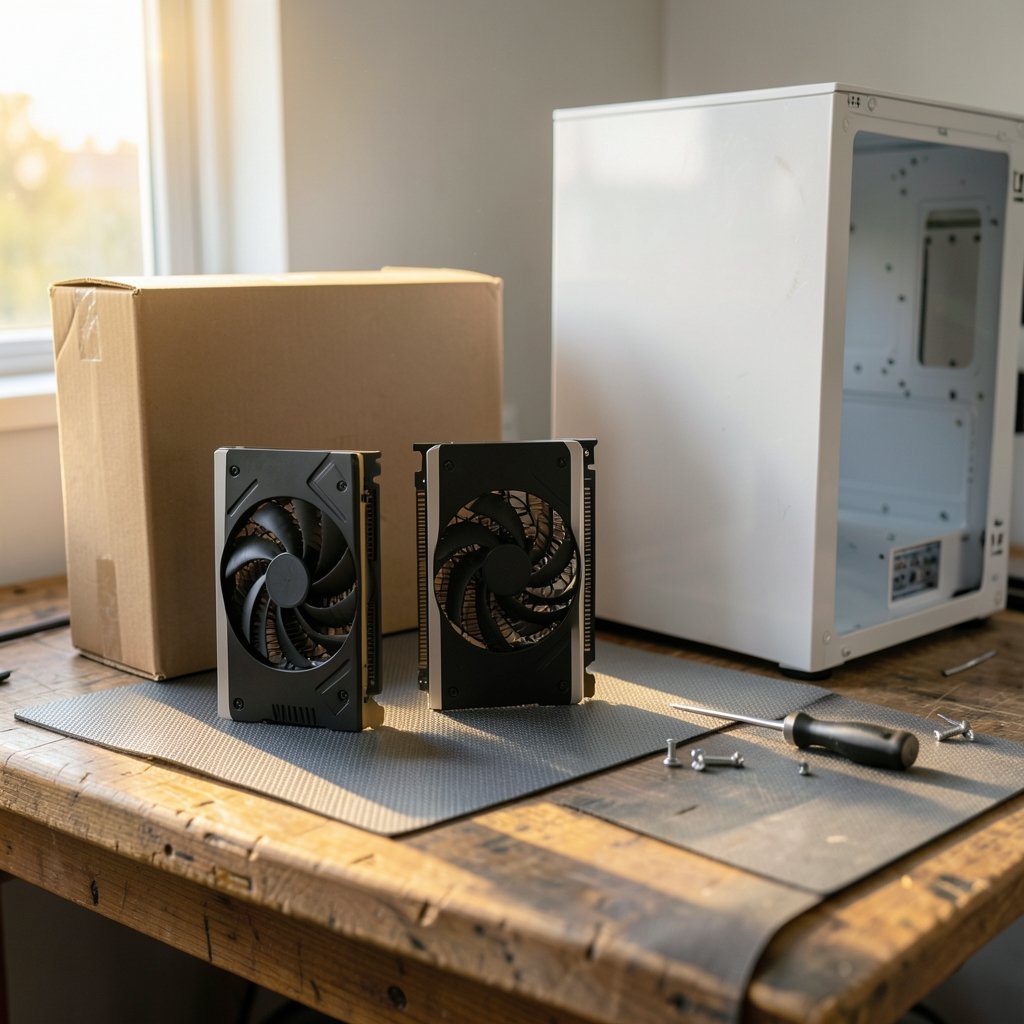
Roughly two-thirds of PC gamers still run a graphics card that costs less than a game console, yet the budget tier gets a fraction of the headlines. That gap matters, because the sub-$300 segment is where most people actually build their machines. In 2026, the budget GPU market is more interesting than it has been in years: memory prices have been volatile, next-gen entry cards are trickling onto shelves, and older models keep hanging around at aggressive discounts. The trick is knowing which cards deliver real frame rates per dollar and which ones are yesterday’s hardware wearing a new price tag. (NVIDIA GeForce Graphics Cards)
This guide breaks down what to look for, which cards deserve a spot in your build, and the mistakes that quietly cost budget builders hundreds of dollars.
What “Budget” Actually Means in 2026
Before comparing cards, it helps to define the tier. Most enthusiasts treat $150 to $300 as the budget sweet spot. Below $150 you are usually looking at older or used hardware. Above $300 you have crossed into mid-range territory where expectations for 1440p gaming kick in.
Two forces shape this segment right now:
- Memory pricing pressure. GDDR6 and GDDR7 prices have swung hard, and card makers pass those swings straight to buyers. A card that launched at $249 can sit at $279 a few months later, or drop to $219 during a clearance push.
- The used market. Generations-old flagships often beat new budget cards on raw performance per dollar, but they carry warranty and driver-support risks that matter more than ever as older architectures stop receiving optimizations.
The practical lesson: always check street prices on the day you buy, not the launch-day MSRP from a review. Budget shopping is a moving target.
The Contenders Worth Considering
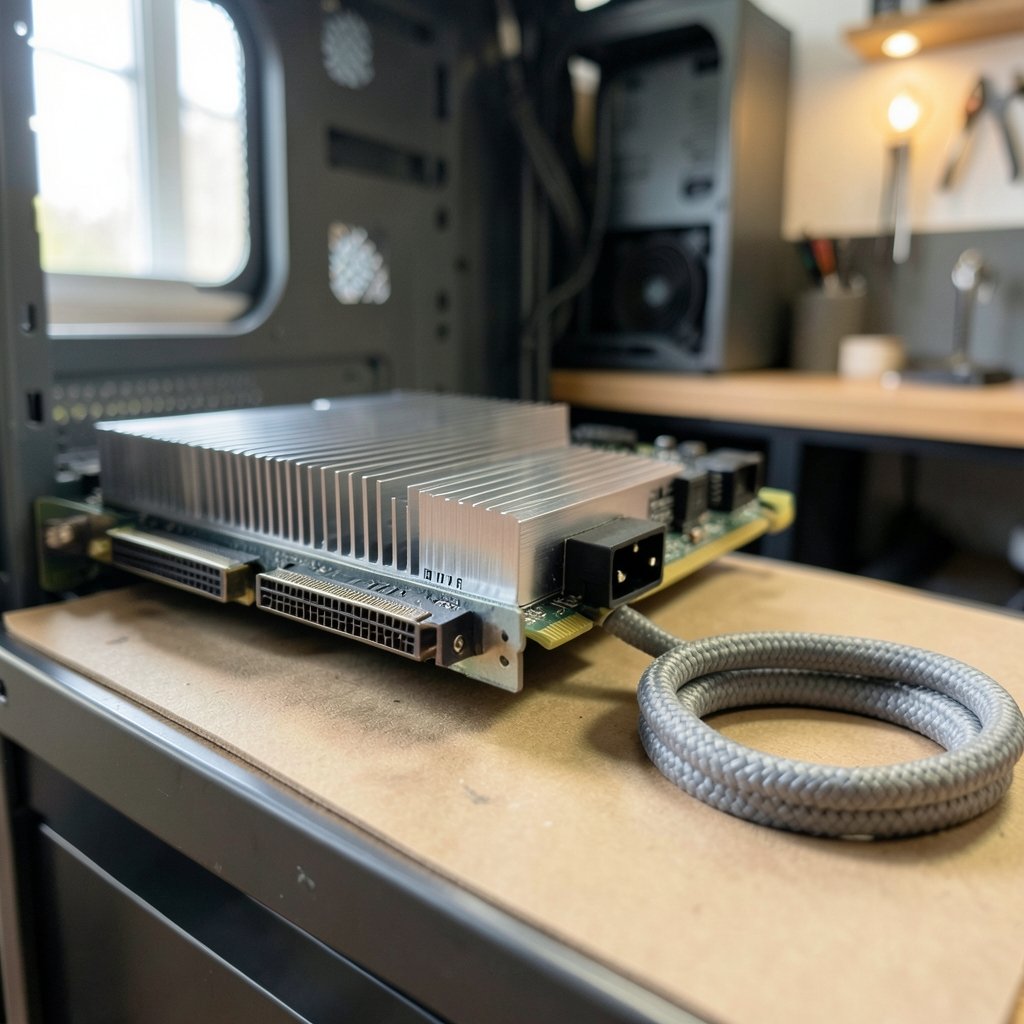
The exact lineup shifts month to month, but the categories are stable. Here is how the field breaks down.
| Card class | Typical street price | Best for | Watch out for |
|---|---|---|---|
| Current-gen entry (RTX 50-series tier, RX 9000-series tier) | $230–$300 | 1080p high refresh, newer features | Launch stock shortages, inflated early pricing |
| Prior-gen mid-tier (RTX 4060-class, RX 7600-class) | $180–$240 | 1080p high settings, quiet builds | Limited future driver headroom |
| Intel Arc value cards | $150–$220 | 1080p, strong ray-tracing value | Driver maturity varies by game |
| Used previous-gen flagship | $200–$280 | Raw raster performance | No warranty, higher power draw |
Current-Generation Entry Cards
New entry-level cards from NVIDIA and AMD bring the latest upscaling tech, better power efficiency, and longer driver support. That matters: a card that receives optimization for five years often outlasts a faster card that gets abandoned after two. If you plan to keep your PC for a while, paying $20–$40 more for current-gen is usually the smarter call.
The catch is availability. Early stock on new budget models tends to be thin, and retailers mark up accordingly. Waiting a few weeks after launch often saves real money. If you are also planning a broader rebuild, it helps to read up on how to handle a GPU upgrade and graphics card install before you buy, since power connectors and case clearance can rule out otherwise great deals. (Graphics processing unit)
Prior-Generation Mid-Tier Cards
Last generation’s mid-tier cards are the workhorses of budget builds. They handle 1080p at high settings comfortably and often appear at clearance prices once the successor arrives. The trade-off is straightforward: less future-proofing, but excellent value today.
A common mistake here is buying the cheapest listing without checking the model variant. Card makers ship multiple versions of the same GPU with different coolers, clock speeds, and power limits. The budget version of a good GPU can run louder and hotter than the premium version of a slightly slower one.
Intel Arc and the Value Wildcard
Intel’s Arc line has matured into a genuine budget option. Early driver problems are largely resolved, and the cards often undercut competitors on price while holding their own in ray-traced workloads. The caveat is game-specific performance: some older titles still favor the established vendors. If your library is mostly recent releases, Arc is a legitimate pick. If you play a lot of older or indie games, check benchmarks for your specific titles first.
The Used Market
A two-generation-old flagship can deliver 30–50% more raw performance than a new budget card at the same price. That is a real advantage. But you are gambling on the seller, the card’s history, and whether it was ever used for mining. If you go this route, test the card under load before the return window closes and confirm the power supply in your case can handle it.
How to Compare Budget Cards Without Getting Fooled
Benchmark charts are useful, but they are easy to misread. A few habits separate smart buyers from regretful ones.
Check 1% low frame rates alongside averages. A card averaging 70 fps that dips to 35 fps feels worse than one averaging 65 fps with dips to 55 fps. Smoothness beats peak numbers.
Check the resolution you actually play at. Budget cards are usually tested at 1080p, which is correct for this tier. A card that looks great at 1080p may fall apart at 1440p, and upscaling does not fully close that gap.
Factor in upscaling support. Modern upscalers can add 30–50% performance in supported games. A card with strong upscaling support often beats a slightly faster card without it. This single feature has reshaped the budget tier more than raw silicon has.
Add up the hidden costs. A $200 card that needs a new power supply is not a $200 upgrade. Neither is one that runs hot enough to require extra case fans. Budget builds live or die on total system cost.
Watch the VRAM number. 8GB is the practical floor for 1080p in 2026. Cards with less will struggle in newer titles, and 12GB is increasingly the safer bet for anyone who keeps hardware for four or more years.
Matching the Card to the Rest of Your Build
A graphics card is only as good as the system around it. Three bottlenecks show up again and again in budget builds.
- Power supply headroom. Add up your card’s power draw plus roughly 150W for the rest of the system, then leave 20% margin. A quality 550W unit covers most budget cards; a cheap no-name 600W unit is worse than a good 500W one.
- CPU pairing. An entry-level GPU paired with a very old CPU will stutter regardless of settings. Conversely, overspending on a GPU while running a decade-old processor wastes money.
- Case airflow. Budget cards often ship with smaller coolers. Two intake fans and one exhaust fan cost little and prevent thermal throttling that quietly erases performance.
If you are weighing a full system refresh instead of a single part, it is worth comparing the best laptops of 2026 across every budget before committing to a desktop upgrade, since a laptop with a decent discrete GPU can sometimes replace both a PC and a portable machine for similar money.
Common Mistakes Budget Builders Make
Even careful shoppers trip on the same handful of traps.
- Chasing the lowest price above all else. The cheapest listing is often a blower-style or single-fan model that runs loud. Spending $15 more for a dual-fan cooler is almost always worth it.
- Ignoring the monitor. A budget GPU paired with a 1440p or 4K display will disappoint. Match the card to a 1080p panel, or budget for a monitor upgrade too.
- Buying at the wrong moment. Prices spike around major shopping events as demand surges, then settle. Watching prices for two weeks before buying routinely saves 10–15%.
- Skipping the return window test. Run a demanding game or stress test in the first week. Coil whine, crashes, and overheating are far easier to fix with a return than a warranty claim.
- Forgetting driver cleanup. Swapping from one vendor to another without removing old drivers causes stutters and crashes that people wrongly blame on the new card.
Where the Money Goes Further
Budget shoppers often overlook one truth: the best value is frequently one tier up, bought at the right time. A card that launched at $350 and dropped to $270 during a clearance cycle often beats a $250 card that never discounts. Tracking a handful of models rather than fixating on one is the single highest-return habit in this segment.
It also pays to think about the whole ecosystem. Platform-level changes, like the ongoing debate over Apple’s 27% App Store fee ruling, show how software economics can shift hardware value overnight. On the PC side, the equivalent is driver support and feature lock-in: a card that loses upscaling support in new titles effectively gets slower over time.
Console and handheld competition matters too. Rumors around a Nintendo Switch 2 Lite with a Samsung 8LPU+ chip illustrate how efficient, low-power silicon keeps raising the bar for what “budget” performance looks like. A $250 GPU in 2026 has to justify itself against devices that cost less and run modern games out of the box.
Conclusion
The best budget graphics card in 2026 is not a single model; it is whichever card delivers smooth 1080p performance at a price that leaves room for a decent power supply, adequate cooling, and a monitor that matches. Current-gen entry cards offer the longest lifespan, prior-gen mid-tier cards offer the best immediate value, Intel’s Arc line is a genuine contender, and the used market rewards careful buyers who test before the return window closes.
The winning strategy is boring but effective: set a total budget, watch street prices for two weeks, prioritize 1% low performance and upscaling support over headline averages, and verify the card fits your case and power supply before checkout. Do that, and a modest spend buys a machine that plays everything you want for years.
Frequently Asked Questions
How much should I spend on a budget graphics card in 2026?
Most buyers land between $180 and $300. Below $180 you are typically choosing between older new stock and the used market. Above $300 you have entered mid-range territory. Set your ceiling based on total system cost, not the card alone, since a power supply or monitor upgrade can add $80–$150.
Is 8GB of VRAM enough for budget gaming in 2026?
For 1080p at medium-to-high settings in most current titles, 8GB remains workable. It is the practical floor, though. Newer games with heavy texture packs can exceed it, causing stutter. If you plan to keep the card for four or more years, 12GB is the safer choice.
Should I buy a used graphics card to save money?
Sometimes, yes. A two-generation-old flagship often beats a new budget card on raw performance for the same price. The risks are real, though: no warranty, unknown history, and possible mining wear. Test the card under full load within the return window and confirm your power supply can handle its draw.
Do I need a new power supply when upgrading to a budget GPU?
Often not, but check. Add your card’s power draw to roughly 150W for the rest of the system and leave about 20% headroom. A quality 550W unit handles most budget cards. If your current supply is old, low-quality, or lacks the right connectors, replace it before installing the card.
Is Intel Arc a safe choice for a budget build?
For most modern games, yes. Intel’s drivers have matured considerably, and Arc cards often undercut competitors on price. Performance still varies more by title than with NVIDIA or AMD, so check benchmarks for the specific games you play most before committing.
When is the best time to buy a budget graphics card?
Prices swing with supply and demand, and they often spike during major shopping events before settling afterward. Watching a shortlist of models for two weeks usually saves 10–15%. Clearance windows right after a new generation launches are consistently the strongest buying periods for budget shoppers.



