

The CPU matters less for gaming than the graphics card, yet it sets the ceiling on everything else. A processor that can’t feed frames fast enough leaves an expensive GPU sitting idle, and that mismatch shows up as stutter, low 1% lows, and frame drops exactly when a fight gets busy. That’s why picking the best CPU for gaming in 2026 is less about chasing the highest benchmark number and more about matching a chip to a resolution, a budget, and a graphics card you actually own.
Why the CPU Still Decides How Smooth a Game Feels
Most games lean heavily on a single fast core, but modern engines increasingly spread work across six to eight threads. A chip with strong single-core speed and a healthy cache will keep frame times stable. A chip with many cores but weak per-core performance can post a high average frame rate while still feeling jerky.
The practical lesson: average FPS is a marketing number, and 1% lows are the number you feel. When comparing reviews, look at the minimum frame rates and frame-time graphs rather than only the headline average. Two CPUs that both average 140 FPS can feel completely different if one dips to 70 during explosions and the other holds 110.
Resolution changes the equation too. At 1080p the CPU is often the bottleneck, so a faster chip genuinely buys frames. At 1440p and especially 4K, the GPU does most of the work and the gap between a mid-range and a flagship CPU shrinks to single digits. That’s the single most common buying mistake: overspending on a processor for a 4K build where the money would have been better spent on the graphics card.
The Three Tiers That Actually Matter
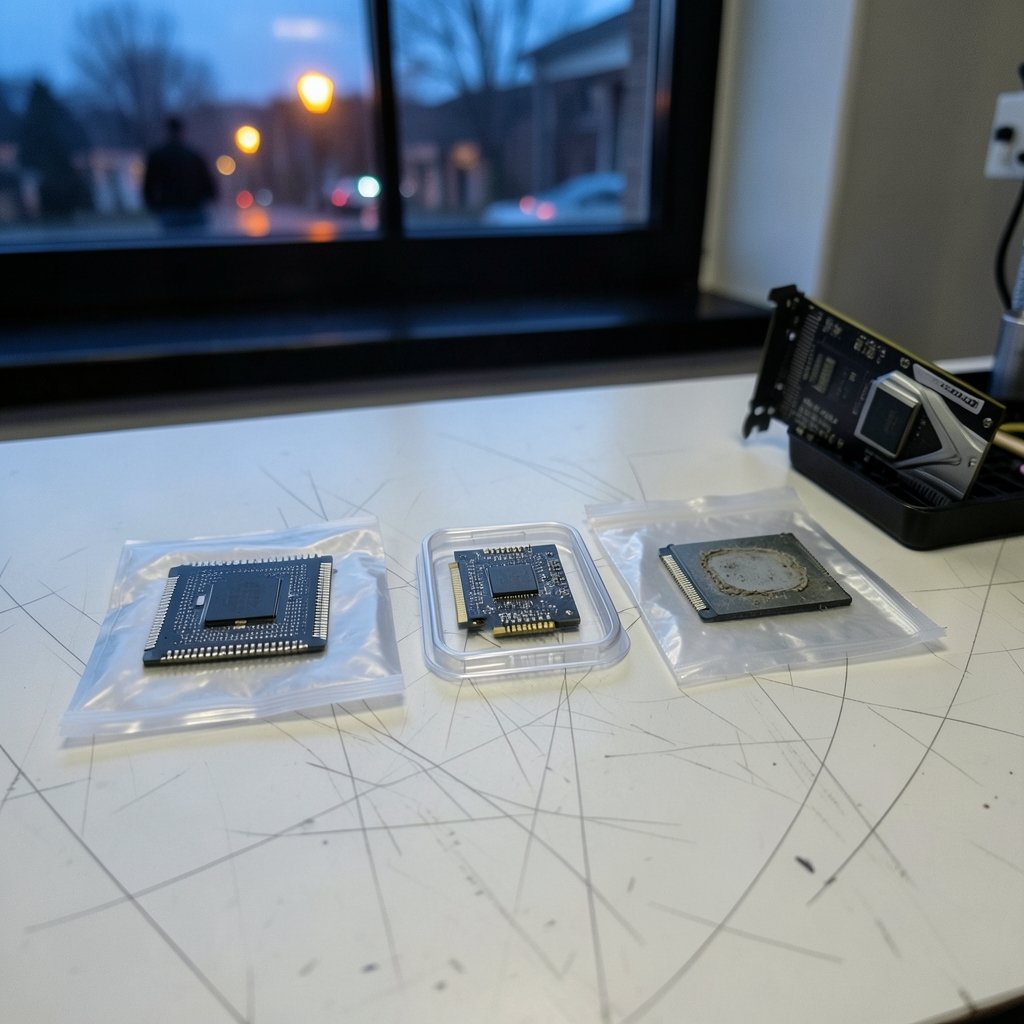
Rather than memorizing model numbers, think in tiers. Every generation, each manufacturer fills the same three slots, and the names change but the roles don’t.
| Tier | What it’s for | Typical core count | What to expect |
|---|---|---|---|
| Budget value | 1080p gaming with a mid-range GPU | 6 cores | Strong single-core speed, modest cache, low heat |
| Mainstream sweet spot | 1440p gaming, streaming, light editing | 8 cores | Best balance of price, frames, and headroom |
| Enthusiast halo | High-refresh 1080p/1440p, no compromise | 12+ cores | Top frame rates, higher power draw, premium price |
The mainstream sweet spot is where most buyers should land. An eight-core chip from the current generation will handle gaming, a browser with thirty tabs, and a Discord call without breaking a sweat, and it leaves room for a GPU upgrade later.
Budget chips: the smartest buy for most people
A six-core value chip paired with a mid-range GPU will outperform an expensive processor paired with a weak GPU every single time. If the total build budget is tight, spend the savings on graphics. This is the advice that never goes out of style, and it’s worth repeating: the CPU is the wrong place to splurge first.
Mainstream eight-cores: the safe default
Eight cores with strong single-thread performance covers gaming, recording, and multitasking. Look for a chip with a large L3 cache, because cache-hungry games benefit enormously, and check that the platform supports the memory speed you plan to buy.
Halo chips: worth it only for specific buyers
A flagship processor makes sense if you run a high-refresh 1080p monitor, play CPU-bound titles like simulation and strategy games, or stream while gaming. For everyone else, the extra money buys frames you’ll never see on a 60Hz or 144Hz display.
Platform Costs Matter More Than the Chip Price
Here’s the trap that catches first-time builders: the sticker price of a CPU is only part of the story. The motherboard and memory can swing the total by a hundred dollars or more.
A current-generation platform typically means a new motherboard and DDR5 memory. An older platform that still accepts a proven chip can reuse existing parts and cost far less overall. Before committing, price out the CPU, motherboard, and RAM together and compare that bundle, not the processor alone.
Cooling is the other hidden cost. High-end chips run hot and often need a serious air cooler or a 240mm liquid cooler. A value chip might ship with a cooler in the box. Factor that in, and check the socket’s cooler mounting compatibility before you buy. (Central processing unit)
How to Read a Gaming Benchmark Without Getting Fooled
Reviewers test on open benches with fast memory and a flagship GPU. Your build won’t match that, so translate the results.
- Check the test resolution. A 1080p chart with a top-tier GPU exaggerates CPU differences. A 1440p chart is closer to what most people experience.
- Look at the games list. A suite heavy on esports titles favors single-core speed. A suite with open-world and simulation games rewards cache and core count.
- Read the 1% lows. Frame-time consistency is what separates a good chip from a great one.
- Note the memory kit. Fast, low-latency memory can add meaningful performance on some platforms, so a review using slow RAM undersells the chip.
- Check power draw. A chip that pulls 250 watts needs a better cooler and a beefier power supply, which changes the total cost.
If a review doesn’t state its test setup, treat the numbers as directional at best. For buyers who also want to know what else is worth upgrading this year, a look at the best phones of 2026 shows the same principle at work: spec sheets lie, real-world testing tells the truth.
Matching the CPU to the Rest of the Build
A gaming PC is a chain, and the CPU is one link. Pairing a flagship processor with a mid-range GPU wastes money. Pairing a budget chip with a flagship GPU creates a bottleneck that no amount of graphics horsepower can fix.
A rough rule that works well in practice: spend roughly twice as much on the GPU as the CPU for a gaming-first build. If you’re building around a high-refresh 1440p monitor, tilt slightly toward the CPU. If you’re targeting 4K at 60 FPS, tilt heavily toward the GPU.
Peripherals deserve a mention too. A fast chip won’t help if you’re gaming on a 60Hz panel, and competitive players often get more from a high-refresh monitor and a low-latency headset than from a processor upgrade. Anyone weighing audio gear alongside a new build can compare options in this roundup of the best wireless gaming headsets for 2026, since input lag and comfort matter as much as frame rate.
What Actually Changed in 2026
Three shifts define this buying cycle.
Cache is king. Games increasingly benefit from large on-chip caches, and manufacturers have responded by stacking more cache onto gaming-focused parts. A chip with a big cache can outperform a rival with more cores in many titles.
Integrated graphics got genuinely usable. Many mainstream chips now include graphics that can run older and lighter games without a discrete card. That’s a lifeline for anyone building in stages, and it’s a reason to check whether a chip includes integrated graphics before assuming you need a GPU on day one.
Power efficiency became a selling point. After several generations of rising wattage, efficiency is back on the marketing materials. A cooler, quieter chip is easier to live with, especially in a small case.
The broader hardware market has been volatile, with platform shifts and pricing changes rippling through every category. Buyers tracking how storefront economics affect software and hardware prices can read this comparison of Humble Bundle vs Fanatical vs Green Man Gaming in 2026, because game libraries are part of the total cost of ownership too.
Common Mistakes That Cost Real Money
These come up again and again in build forums and buyer’s remorse threads.
- Buying the flagship for a 60Hz monitor. The frames exist, but the display can’t show them.
- Ignoring the motherboard socket. A “cheap” CPU that requires a new board and new RAM isn’t cheap.
- Skimping on the cooler. Thermal throttling turns a fast chip into a slow one under sustained load.
- Mismatching CPU and GPU. The most expensive mistake in PC building, and the easiest to avoid.
- Trusting a single benchmark source. Cross-check at least two reviews with different test setups.
- Forgetting the power supply. A high-draw chip plus a high-draw GPU can exceed an older PSU’s rating.
What Actually Works in Practice
The builds that age well share a pattern. They start with a mid-range eight-core chip, a motherboard with room for memory upgrades, fast DDR5, and a GPU that consumes most of the budget. They add a quality cooler and a power supply with headroom. Then they upgrade the GPU two or three years later, and the CPU is still fine.
That approach beats buying the halo chip today and pairing it with a weak GPU. It also beats buying the cheapest chip and hoping the graphics card carries everything, because CPU-bound stutter can’t be fixed by turning down graphics settings.
One more practical tip: check BIOS support before buying. Some motherboards need a firmware update to recognize newer chips, and a board that won’t boot without a compatible CPU to flash it is a frustrating dead end. Buy a board with USB BIOS flashback, or confirm the board ships with a compatible firmware revision.
Conclusion
The best CPU for gaming in 2026 isn’t the fastest one on the benchmark chart. It’s the one that matches your resolution, your graphics card, and your total budget, with a platform that leaves room to grow. For most people, that means a mainstream eight-core chip with a large cache, a motherboard that supports fast memory, and a cooling setup that keeps it from throttling. Spend the rest on the GPU, the monitor, and a power supply with headroom. Do that, and the build will still feel fast long after the model number on the box is yesterday’s news.
Frequently Asked Questions
How many cores do I need for gaming in 2026?
Six cores is the practical floor for a new gaming build, and eight is the comfortable sweet spot. Most games don’t use more than eight threads effectively, so a fast eight-core usually beats a slower twelve-core for pure gaming. Extra cores help with streaming, recording, and background apps. (Intel Core Processors)
Is it worth upgrading my CPU or my GPU first?
If the GPU is more than two generations old, upgrade it first. Graphics cards drive the biggest frame-rate gains in most games. Upgrade the CPU first only if you’re seeing stutter and low 1% lows with a relatively modern GPU, or if you play CPU-heavy simulation and strategy titles.
Does the CPU matter at 4K?
Much less than at 1080p. At 4K the GPU is almost always the bottleneck, so the difference between a mid-range and a flagship CPU shrinks to a few percent. Spend the money on graphics instead, and pick a solid mid-range processor.
Do I need integrated graphics if I’m buying a graphics card?
No, but it’s useful. Integrated graphics let you boot and troubleshoot without a GPU, and they’re handy if the discrete card fails. Some chips also support faster video encoding through their integrated graphics, which helps streamers.
How much should I spend on a gaming CPU?
For a typical 1440p build, roughly a quarter to a third of the core component budget is a reasonable guide, with the GPU taking the largest share. Budget builds can go lower. High-refresh 1080p builds justify spending more on the processor.
Will my old motherboard work with a new CPU?
Sometimes, but check first. Motherboards only accept chips from compatible sockets, and even within a socket, older boards may need a BIOS update to recognize newer processors. Confirm the socket, the chipset, and the required firmware revision before buying.



