
Roughly 90% of PC games are built around Xbox controller prompts, according to long-standing conventions in Windows game development. That single statistic explains why the Xbox-versus-DualSense debate on PC is not really a fair fight out of the box. Microsoft owns the operating system, and its controller language, XInput, is baked into Windows itself. Sony’s DualSense is a brilliant piece of hardware, but on PC it is a guest that needs the right introductions.
This comparison breaks down what each controller does well on a Windows machine, where each one stumbles, and which one suits different types of players. No hype, no console-war nonsense, just what happens when you plug both into the same desktop.
Why Controller Choice Matters More on PC Than on Console
On a console, the controller question is settled for you. On PC, it is a compatibility puzzle. Games are ported from many engines and eras, and the controller layer is often an afterthought. A controller that “just works” saves hours of fiddling, while a feature-rich controller can reward players willing to install a helper app or two. (Best PC Controller)
There is also a money angle. PC players often already own a console controller, and buying a second one is a real cost. Comparing options like the Xbox Series X vs PS5 price situation on the console side shows how pricing pressure shapes these decisions, and the same logic applies to accessories. A controller that costs more but needs extra software to shine is a different value proposition than one that works the moment it is plugged in.
How Each Controller Connects to a Windows PC
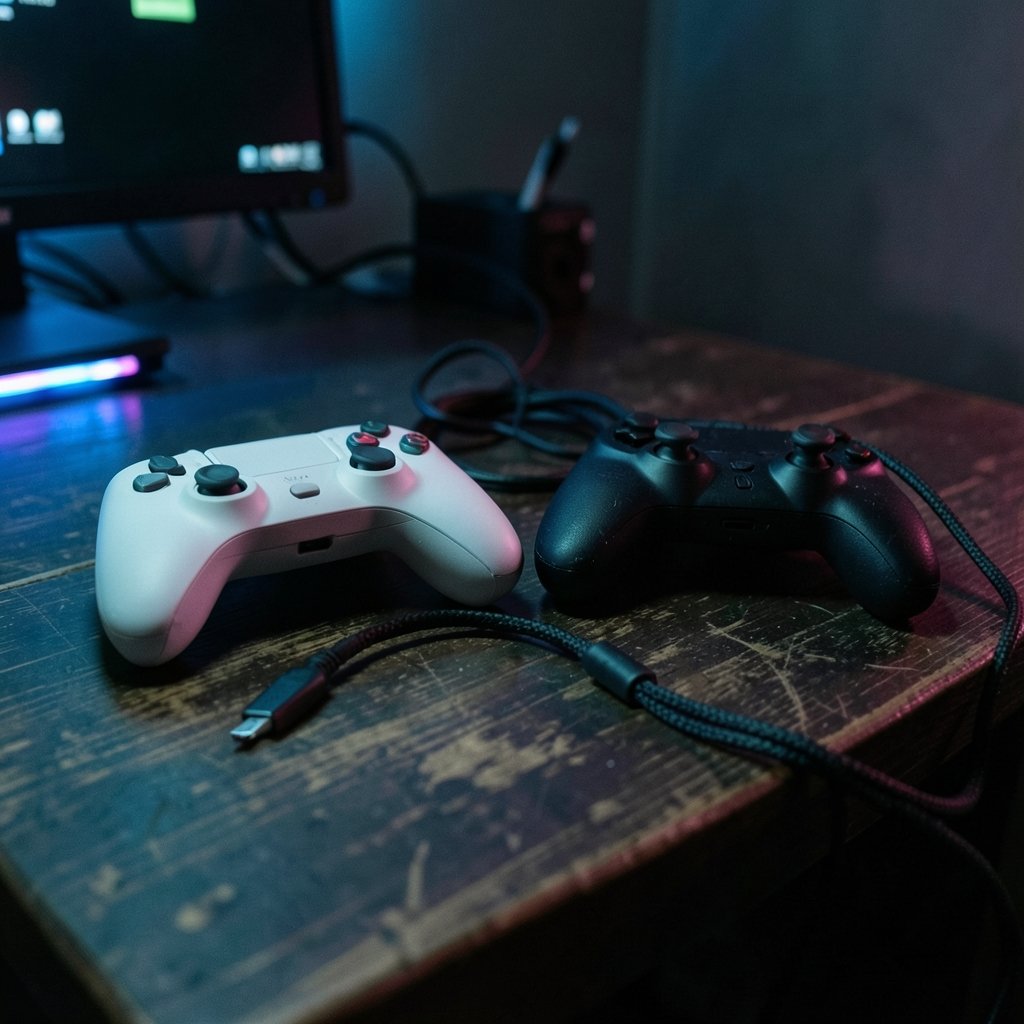
Both controllers support USB-C wired connections and Bluetooth wireless. The differences show up in the details.
| Feature | Xbox Wireless Controller | PS5 DualSense |
|---|---|---|
| Native Windows API | XInput (built in) | DirectInput plus Steam Input or third-party tools |
| Wired connection | USB-C | USB-C |
| Wireless | Bluetooth or Xbox Wireless Adapter | Bluetooth only |
| Battery | AA batteries or rechargeable pack | Built-in rechargeable battery |
| Default button prompts | Xbox glyphs in nearly all games | PlayStation glyphs only in supported titles |
| Advanced features on PC | Impulse triggers in select games | Adaptive triggers and haptics in select titles |
| Remapping software | Xbox Accessories app | Sony firmware updater, plus third-party tools |
The Xbox controller’s edge is that Windows treats it as a first-class citizen. Plug it in, and most games detect it instantly with correct prompts. The DualSense usually works too, but full feature support depends on the game, the launcher, and whether Steam Input is in the mix.
The Compatibility Gap in Plain Terms
XInput is the API most Windows games use to talk to controllers. Because Microsoft designed both XInput and the Xbox controller, the pairing is seamless. Older titles, indie games, and emulators almost always assume an Xbox-style layout.
The DualSense speaks DirectInput, an older standard, plus Sony’s own protocols for its advanced features. Many games handle it fine. Others see a generic gamepad and show Xbox prompts, or ignore the touchpad and adaptive triggers entirely. Steam Input bridges much of this gap by translating the DualSense into whatever the game expects, but games outside Steam, such as those on the Epic Games Store or Game Pass, may need extra configuration.
In practice, the Xbox controller is the path of least resistance, and the DualSense is the path of greatest potential.
Haptics and Adaptive Triggers: Sony’s Secret Weapon
The DualSense’s headline features are its adaptive triggers, which can stiffen or resist as you pull them, and its precise haptic feedback. When a game supports them on PC, the effect is genuinely transformative. Pulling a bowstring that fights back, or feeling rain patter through the grips, adds a layer of immersion no Xbox controller matches.
The catch is support. Only a limited set of PC titles implement these features natively, and the list changes with patches. Some games support haptics but not adaptive triggers, or the reverse. Third-party tools can approximate the effects, but results vary by game and can break after updates. Anyone weighing the two consoles’ flagship hardware should also read a deeper PS5 Pro vs Xbox Series X breakdown, because the same feature-support gap appears there.
For players who mostly play story-driven Sony ports and modern blockbusters, the DualSense can be worth the setup effort. For everyone else, the features are a bonus rather than a reason to buy.
Ergonomics, Build, and Battery Life
Ergonomics are personal, but some objective differences exist. The Xbox controller has offset sticks, which many players find comfortable for long sessions, and a familiar shape refined over generations. The DualSense is wider and heavier, with symmetric sticks and a chunkier grip. Players with larger hands often prefer the DualSense’s bulk; players who value a lighter feel often lean Xbox.
Battery life flips the script. The DualSense has a built-in rechargeable battery, so there is nothing to buy, but you must remember to charge it. The standard Xbox controller runs on AA batteries, which last a long time and can be swapped instantly, but many players buy a rechargeable pack anyway. Neither approach is wrong, though the Xbox’s flexibility appeals to players who hate being tethered by a charging cable mid-session.
If you are shopping around, guides like this best Xbox controller roundup cover accessories, including battery packs and grips that close some of these gaps.
Which Controller Suits Which Player?
The right pick depends on how you play. Here is a practical breakdown.
- Game Pass and Microsoft Store players: Go Xbox. Native support, correct prompts, zero setup.
- Steam-first players: Either works, but the DualSense gains the most from Steam Input’s translation layer.
- Competitive shooter players: Xbox is the safer pick for consistent latency and familiar stick tension.
- Sony exclusives and cinematic games: The DualSense’s haptics and triggers can be worth the extra configuration.
- Retro and indie players: Xbox wins on compatibility with older engines and emulators.
- Players who hate tinkering: Xbox, without hesitation.
A useful rule of thumb: if a game’s store page or community forum mentions “Xbox controller recommended,” believe it. If it lists DualSense features, the effort may pay off.
Practical Setup Tips That Save Headaches
Most controller frustration on PC comes from small setup mistakes. These fixes solve the majority of them.
- Update firmware first. Both controllers receive firmware updates that fix connection drops and feature bugs. The Xbox Accessories app handles Microsoft’s hardware; Sony offers a firmware updater for the DualSense on PC.
- Prefer wired for competitive play. Bluetooth adds latency and occasional stutter. USB-C is more reliable for shooters and fighting games.
- Use the Xbox Wireless Adapter if Bluetooth misbehaves. Microsoft’s dedicated dongle is more stable than generic Bluetooth on many motherboards.
- Enable Steam Input for the DualSense. It fixes button prompts and enables features in games that lack native support.
- Watch for double inputs. Some games detect a controller twice when third-party tools run alongside Steam Input. Disable one layer.
- Check in-game settings. Many titles hide controller options, including prompt style, in submenus rather than the main settings screen.
The most common mistake is blaming the controller for a driver or launcher problem. A five-minute firmware check and a single input layer solve most “broken controller” complaints.
Price and Value Considerations
Pricing shifts constantly, but the pattern is stable: Xbox controllers are often discounted heavily, while DualSense prices hold firmer, especially around major releases. Players comparing console bundles already know this dance from the PS5 vs Xbox Series X price conversation, and the accessory market mirrors it. A cheaper Xbox controller plus a rechargeable pack often costs less than a DualSense, though the DualSense bundles its battery and advanced hardware.
Value also depends on what you already own. If a DualSense is already sitting by the TV, using it on PC costs nothing but a cable. Buying a second controller just for PC gaming is where the math gets interesting. Checking current Xbox Series X price vs PS5 comparisons gives a sense of how the platform holders position their hardware, and controllers follow the same discount cycles.
What About the 2026 Release Calendar?
Big releases reshape controller demand. When a massive title like GTA 6 arrives, players suddenly care about frame rates, input latency, and whether their controller is supported on day one. Reports and community discussion around a GTA 6 locked 30fps PS5 Xbox 2026 scenario show how performance expectations drive hardware conversations. On PC, the equivalent question is simpler: will the controller work without a fight? Historically, Xbox controllers answer yes more often on launch day, because developers test against XInput first. (Xbox controller)
That does not make the DualSense a bad choice for big releases. It means players should budget ten minutes for setup before the first session, not after.
Common Myths Worth Clearing Up
A few claims about PC controllers refuse to die. Here is the reality check.
Myth: The DualSense does not work on Windows. False. It works wired or via Bluetooth in most games, often with Xbox prompts.
Myth: Xbox controllers are always better for shooters. Not always. Stick tension and shape are personal, and many top players use either.
Myth: Adaptive triggers work in every game. No. Support is limited and patch-dependent.
Myth: Bluetooth is fine for everything. It is fine for casual play but adds latency that matters in competitive titles.
Myth: You need expensive software for the DualSense. Steam Input is free, and basic functionality needs nothing at all.
Conclusion
There is no universal winner, but there is a clear default. For most PC players, the Xbox Wireless Controller is the smarter buy: native Windows support, correct prompts in nearly every game, broad compatibility with older titles, and flexible battery options. It is the controller that disappears into the background, which is exactly what most people want.
The DualSense is the more exciting choice. Its adaptive triggers and haptics deliver experiences the Xbox controller cannot match, and Steam Input has made it far more practical than it was at launch. Players who mostly play modern, well-supported titles and do not mind a little setup will find it rewarding.
The practical answer: pick Xbox for convenience and compatibility, pick DualSense for immersion and novelty, and do not overthink it. Both work on PC. One just works a little more often.
FAQ
Does the PS5 controller work on Windows PC?
Yes. The DualSense connects via USB-C or Bluetooth and works in most Windows games. Some titles show Xbox button prompts or skip advanced features unless Steam Input or third-party tools are used.
Which controller has better PC game compatibility?
The Xbox controller wins on compatibility. Windows uses XInput natively, so most games detect it instantly with correct prompts. The DualSense works widely but needs extra configuration for full feature support.
Do adaptive triggers work on PC?
They work only in games that support them natively, which is a limited and changing list. Third-party tools can approximate the effect, but results vary and may break after game updates.
Is Bluetooth good enough for PC gaming?
For casual and single-player games, yes. For competitive shooters and fighting games, a wired USB-C connection is more reliable because it avoids Bluetooth latency and interference.
Can I use both controllers on the same PC?
Yes. Windows supports multiple controllers, and games usually assign player slots automatically. Running two input layers at once can cause double inputs, so keep one translation tool active at a time.
Which controller is better for Game Pass on PC?
The Xbox controller is the better fit. Game Pass titles are built for the Xbox platform, so prompts, remapping through the Xbox Accessories app, and wireless setup all work with minimal friction.



