
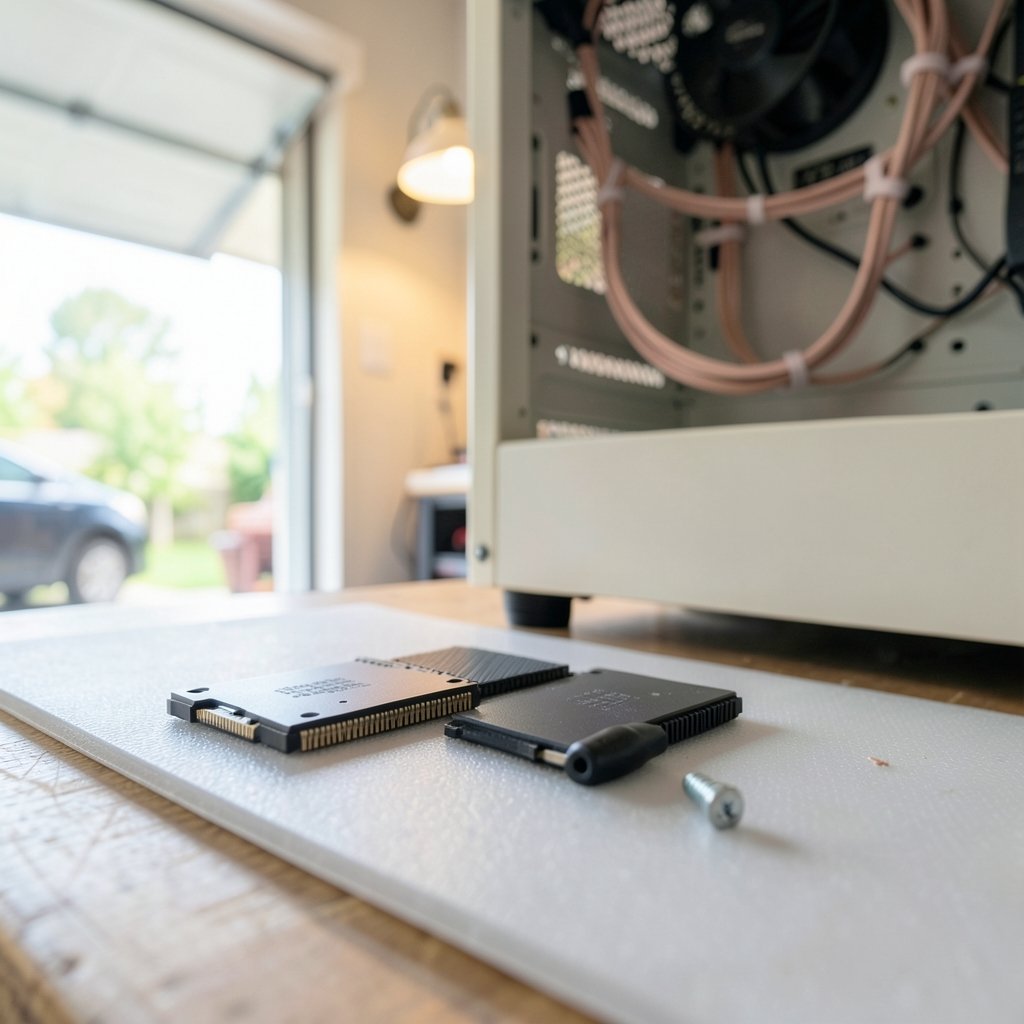
A PCIe 5.0 drive with a headline speed of 14,000 MB/s can load the same game level in almost the same time as a good PCIe 4.0 drive costing half as much. That gap between marketing numbers and real-world feel is the single most useful thing to understand before buying storage for a gaming PC. Sequential speed sells drives; random reads, latency, and sustained performance are what players actually experience. (Best motherboard for gaming) (Solid-state drive)
This guide breaks down which specs matter, which drives make sense at each budget, and the mistakes that cost people money every day.
Why Sequential Speed Barely Matters for Games
Game loading is a messy, random workload. A level is thousands of small files — textures, audio, shaders, geometry — pulled from scattered locations on the drive. Sequential throughput measures how fast one giant file copies, which is closer to a video-editing benchmark than a gaming one.
Random read performance at low queue depths (QD1 to QD32) and latency track much more closely with how fast a game loads. This is long-standing storage-engineering consensus, and it explains why a well-tuned PCIe 3.0 drive can feel nearly identical to a budget PCIe 5.0 model in most titles.
The practical takeaway: stop shopping by the biggest number on the box. Look at controller quality, DRAM configuration, and reviews that measure load times rather than crystal disk marks.
What DirectStorage Changes (and Doesn’t)
Microsoft’s DirectStorage API, introduced with the Xbox Series X/S in 2020 and brought to PC in 2022, lets games stream assets directly from NVMe storage to the GPU with less CPU overhead. On paper, it rewards fast drives. In practice, PC adoption has been limited, and the gains vary by title. It is a nice bonus, not a reason to overspend.
The Specs That Actually Matter
| Spec | Why it matters for gaming | What to aim for |
|---|---|---|
| Interface | Sets the ceiling, rarely the bottleneck | PCIe 4.0 is the sweet spot |
| Random read (QD1) | Closest match to real load behavior | Check independent reviews |
| DRAM cache | Consistency under sustained writes | DRAM-equipped preferred |
| Capacity | More NAND parallelism, higher endurance | 2 TB is the value point |
| Heatsink | Prevents thermal throttling | Required for high-end PCIe 5.0 |
| TBW rating | Write endurance | Higher on larger drives |
Interface: PCIe 4.0 Is Still the Smart Buy
PCIe 4.0 NVMe drives already exceed what most games can exploit. PCIe 5.0 models post enormous sequential figures, but independent testing repeatedly shows small real-world gains in load times. The extra bandwidth mostly helps large file transfers and professional workloads.
There is one exception worth noting: if a player is already building a high-end system and the price gap is small, a PCIe 5.0 drive is a fine future-proofing choice. Just don’t pay a premium expecting visible load-time wins.
DRAM-Less vs. DRAM-Equipped
DRAM-less drives use Host Memory Buffer (HMB) to borrow system RAM for their mapping tables. Modern HMB implementations can perform well in games. The catch is sustained writes: once the SLC cache fills, DRAM-less drives often slow down more sharply and less predictably than DRAM-equipped models.
For a pure game library drive, a good DRAM-less SSD is often fine. For a boot drive that also handles game installs, updates, and recordings, DRAM-equipped storage is the more consistent choice. Blanket claims in either direction are unreliable — controller and firmware matter enormously.
Capacity, Endurance, and the 2 TB Rule
Larger drives usually perform better because more NAND chips work in parallel, and they carry higher TBW (terabytes written) endurance ratings. A 2 TB drive often costs far less per gigabyte than two 1 TB drives and leaves room for the ever-growing install sizes of modern titles.
Modern blockbusters routinely pass 100 GB, and some exceed 150 GB before patches. A 1 TB drive fills up fast once the operating system, a few launchers, and a handful of games are installed. If the budget allows only one upgrade, capacity is usually the better spend than raw speed.
Common Mistakes Buyers Make
These come up constantly in build advice threads and forum posts:
- Buying by sequential speed alone. The biggest MB/s number rarely wins in games.
- Skipping the heatsink on PCIe 5.0 drives. These run hot and throttle under sustained load without cooling.
- Ignoring the motherboard’s slot layout. Some boards share lanes between M.2 slots and SATA ports or the GPU slot.
- Forgetting the console requirements. A PS5 needs a PCIe 4.0 NVMe drive with a heatsink that fits Sony’s published dimensions; Xbox Series X/S uses proprietary expansion cards.
- Not checking firmware history. Some models ship with known bugs fixed later by updates.
- Overlooking the rest of the chain. A fast drive paired with a slow network still means long download waits — the right internet for gaming matters as much as storage when installing titles.
That last point deserves emphasis. Storage speeds up loading; it does nothing for a 90 GB patch downloading at a crawl. Players building a full setup should treat storage, network, and display as one system rather than isolated upgrades.
Matching the SSD to the Rest of the Build
Storage decisions don’t happen in a vacuum. A drive purchase should fit the platform around it.
- On a tight budget, a solid PCIe 4.0 drive plus a sensible best gaming pc under 1000 build delivers far more playable performance per dollar than a premium SSD bolted to weak components.
- Competitive players chasing low latency should pair fast storage with a best budget gaming monitor for competitive play and a stable wired connection.
- Anyone routing cable across a room should not cheap out on the link — a quality best ethernet cable for gaming removes a failure point that feels exactly like lag.
- Families sharing a living room have different priorities entirely; a best gaming consoles for families setup often makes more sense than another PC upgrade.
The pattern is consistent: storage is one link in a chain, and the weakest link sets the experience.
What About Console Storage?
Console owners face narrower choices, and the rules are strict.
PlayStation 5 accepts internal M.2 NVMe drives that meet Sony’s published requirements: PCIe 4.0 interface, a supported capacity range, and — critically — a heatsink within Sony’s specified dimensions. Drives that meet the spec but exceed the thickness limit simply won’t fit under the cover.
Xbox Series X/S uses proprietary expansion cards, so there is no shopping around for controllers or heatsinks. Buy the official card or a licensed equivalent.
For both platforms, the same principle applies as on PC: a mid-tier drive that meets the spec performs identically in games to a flagship model. Console load times are gated by the system’s architecture, not by how much the drive cost.
How to Actually Choose
A practical decision path, in order:
- Set capacity first. Pick 2 TB unless the budget forbids it; 1 TB only makes sense for a secondary drive.
- Confirm the interface your board supports. PCIe 4.0 is the default answer for most builds.
- Check independent load-time and random-read reviews for the specific model, not the product family.
- Verify DRAM configuration and controller from the manufacturer’s datasheet, since brands quietly swap components between revisions.
- Confirm heatsink clearance against the motherboard or console spec.
- Check warranty length and firmware history before buying.
That sequence avoids the two most expensive errors: paying for bandwidth that games can’t use, and buying a drive that physically won’t fit or thermally throttles.
Where the Money Goes Furthest
Three broad tiers make sense for most buyers.
Budget tier. A reputable PCIe 3.0 or entry PCIe 4.0 drive in 1–2 TB. Fine for game libraries and older systems. Expect good load times and modest sustained-write performance.
Mainstream tier. A DRAM-equipped PCIe 4.0 drive in 2 TB with a modest heatsink. This is the value sweet spot for most gaming builds and pairs well with a sensible best motherboard for gaming that exposes at least two M.2 slots.
Enthusiast tier. A high-end PCIe 5.0 drive with a substantial heatsink. Justified for large file work, heavy recording, or simply wanting headroom — not for measurable load-time gains in most titles.
Notice what’s missing: there’s no “best” drive in the abstract. The right pick depends on the platform, the budget, and whether the drive is a boot disk or a game library.
Conclusion
The best SSD for gaming in 2026 is rarely the fastest one on the spec sheet. A well-chosen PCIe 4.0 drive with DRAM, 2 TB of capacity, and adequate cooling will match or nearly match flagship PCIe 5.0 hardware in real load times while costing far less. Spend the savings on capacity, a better GPU, or the parts of the setup that shape day-to-day experience — the monitor, the network, the peripherals.
Buy for the workload, verify the model revision, check the heatsink clearance, and ignore the biggest number on the box. That approach has held up through every storage generation so far, and nothing about the current market suggests it will stop working.
FAQ
Is PCIe 5.0 worth it for gaming?
For pure gaming, usually not. PCIe 5.0 drives post much higher sequential speeds, but independent testing shows small real-world load-time gains over good PCIe 4.0 models. They make more sense for large file transfers, heavy recording, or buyers who simply want headroom. If the price gap is small on a high-end build, they’re a reasonable choice — just not a performance necessity. (Best wireless gaming headsets 2026) (Best SSDs 2024)
Does a faster SSD reduce game lag?
No. An SSD affects loading times, level streaming, and install speed. Lag during gameplay comes from network latency, server performance, and frame pacing. If a game stutters during play rather than during loading, storage is rarely the cause — check the connection and the GPU first.
How much storage do I need for a gaming PC?
2 TB is the practical sweet spot. Modern titles routinely exceed 100 GB before patches, and the operating system plus a few launchers consume a meaningful chunk of a 1 TB drive. Larger drives also tend to perform better and carry higher endurance ratings thanks to NAND parallelism. (Best internet for gaming)
Do I need a heatsink on my gaming SSD?
It depends on the drive. High-end PCIe 5.0 models run hot and can throttle under sustained load without cooling, so a heatsink is effectively required. Many PCIe 4.0 drives ship with a slim heatsink or run cool enough without one. Always check clearance against the motherboard or console spec before installing.
Can I use a PC SSD in a PS5?
Only if it meets Sony’s published requirements: PCIe 4.0 NVMe, a supported capacity range, and a heatsink within Sony’s specified dimensions. Drives that exceed the thickness limit won’t fit under the console’s cover even if they meet the electrical spec. Xbox Series X/S uses proprietary expansion cards instead.
Is a DRAM-less SSD bad for gaming?
Not automatically. Modern DRAM-less drives using Host Memory Buffer can perform well in game loading. The trade-off appears under sustained writes, where they may slow down more sharply once the cache fills. For a pure game library, a good DRAM-less model is often fine; for a boot drive handling installs and recordings, DRAM-equipped storage is more consistent.
One final note on timing: storage prices swing with NAND supply, and the best deal is often last generation’s mainstream drive rather than this year’s flagship. Watch for sales on 2 TB PCIe 4.0 models with a documented controller and DRAM, and don’t be swayed by a deep discount on an unknown revision. A drive bought well is one you’ll forget about for years — which is exactly the point.



