
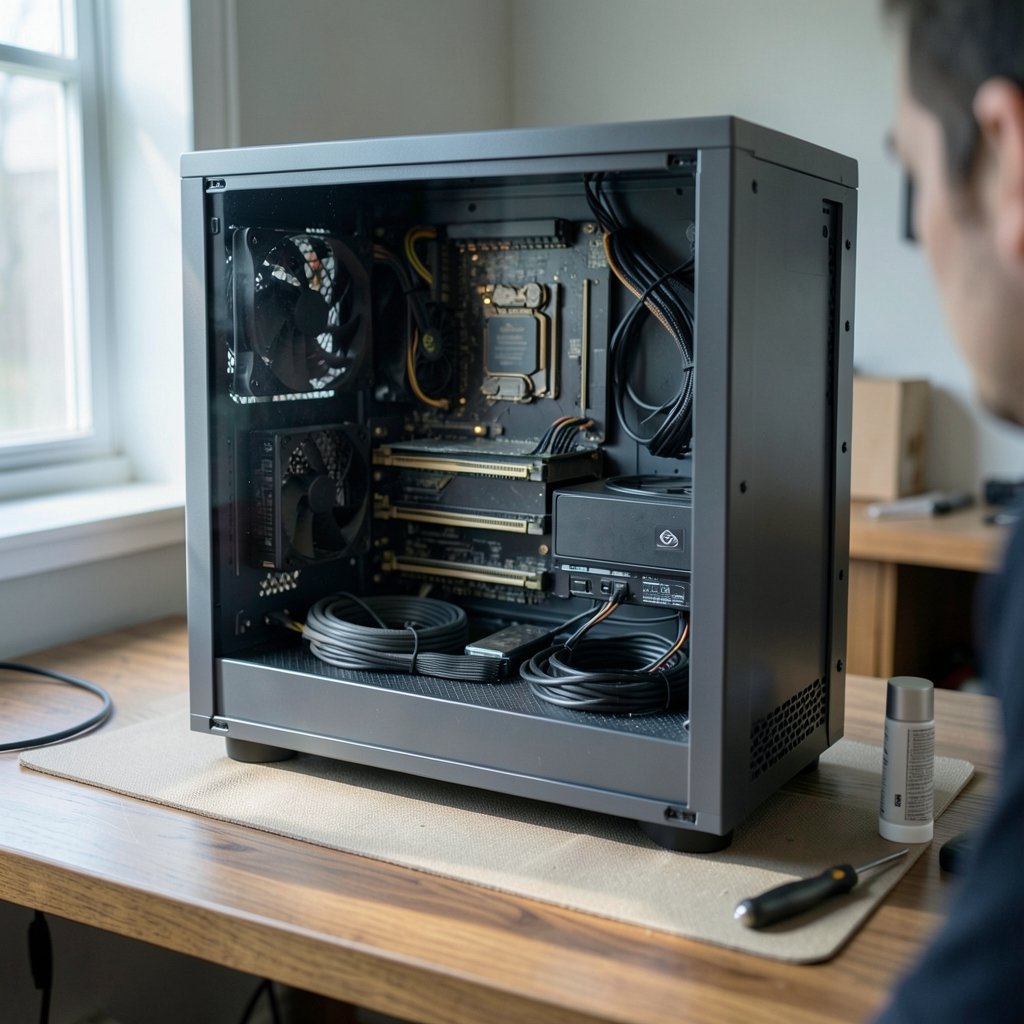
A gaming PC is one of the few big purchases where the price tag is entirely up to you. The same case can hold a $700 budget build or a $3,000 showpiece, and the difference often comes down to a single component. That freedom is exciting, but it also makes budgeting confusing.
The short version: most people spend between $800 and $1,500 to build a solid gaming PC, and the graphics card eats the biggest chunk of that. Everything else is a balancing act between what games demand and what your wallet can handle. This guide breaks down real cost tiers, hidden expenses, and the mistakes that quietly push budgets over the edge.
Quick Answer: How much does it cost to build a gaming pc?
Building a gaming PC typically costs between $800 and $1,500 for a machine that handles modern games at high settings, though budget builds can land near $600 and high-end 4K rigs can exceed $3,000. You can buy parts new from retailers, hunt for used components, or start with a prebuilt and upgrade over time.
Prebuilt systems usually cost $100 to $300 more than an equivalent DIY build, but they include assembly, warranty service, and a working machine out of the box. Laptops are another route, though they trade upgradeability for portability.
Before committing, compare the graphics card tier, CPU socket longevity, RAM and storage amounts, power supply quality, case airflow, and whether you still need a monitor, keyboard, and operating system license.
Why the Graphics Card Decides Your Budget
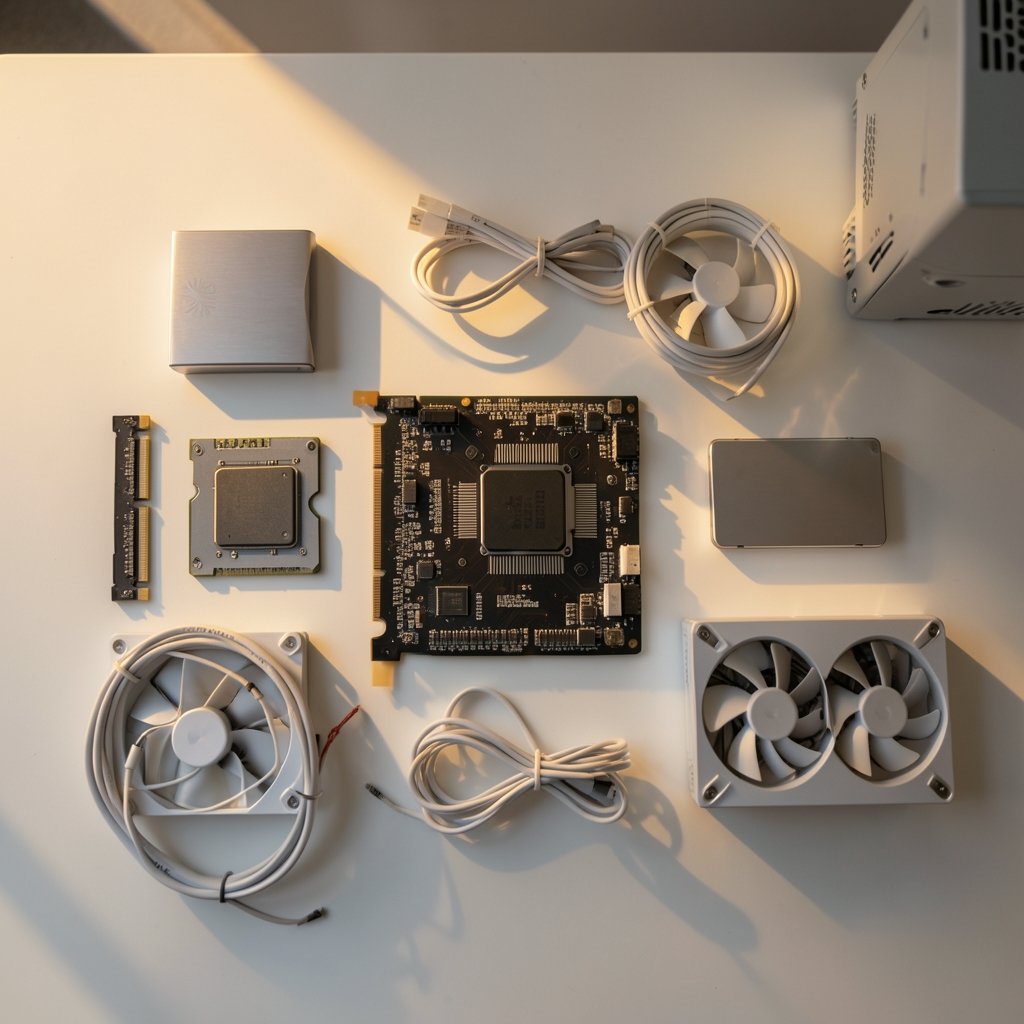
If you remember one thing about PC building, make it this: the GPU is the heart of a gaming rig. In most builds, it accounts for 30 to 50 percent of the total cost. A mid-range card might run $300 to $500, while top-tier models can cost as much as the rest of the computer combined.
That imbalance shapes every other decision. Buy a powerful GPU and you need a stronger power supply, a case with real airflow, and a CPU that won’t bottleneck it. Buy a modest GPU and you can save hundreds without touching the rest of the list.
The practical tip here is to set your GPU budget first, then build everything else around it. People who do it the other way around, buying a cheap card last to “save money,” usually end up with a lopsided machine that can’t hit the frame rates they wanted.
Three Realistic Cost Tiers
Costs shift constantly with GPU launches, memory prices, and supply conditions, so treat these as planning ranges rather than fixed quotes. Still, the tiers below give a reliable mental map.
| Tier | Typical Cost | Target Performance | Best For |
|---|---|---|---|
| Budget 1080p | $600–$900 | 60+ fps at 1080p, medium-high settings | Esports, indie games, older titles |
| Mid-range 1440p | $1,000–$1,500 | 60–100+ fps at 1440p, high settings | Most modern AAA games |
| High-end 4K | $1,800–$3,000+ | 60+ fps at 4K or high refresh 1440p | Enthusiasts, streaming, VR |
A few notes on each. Budget builds lean on integrated graphics or entry-level cards and often reuse an older monitor. Mid-range is the sweet spot for most people, and it’s where you’ll find the best price-to-performance ratio. High-end builds are about headroom: more frames, more future-proofing, and more money in every category.
For context on how fast tech pricing moves, look at adjacent categories. The price of a PS5 has fluctuated for years, and the cost of an Xbox Series S shows how consoles compete on price. A gaming PC costs more upfront but offers upgrade paths consoles can’t match.
The Full Parts List and What Each Piece Costs
Here’s where the money actually goes in a typical mid-range build.
CPU and Motherboard
A solid six-core processor runs roughly $150 to $300. Motherboards add $100 to $250 depending on features like Wi-Fi, extra M.2 slots, and overclocking support. Pairing a mid-range CPU with a premium board is a common waste of money. Most gamers never use half the features they pay for, so pick a board that fits your needs and skip the flagship chipsets.
If you’re comparing platforms, our guide to the best motherboard for gaming covers what actually matters for frame rates versus what’s marketing. (Personal computer)
Memory and Storage
Expect $60 to $120 for 16GB or 32GB of RAM, and $50 to $150 for a 1TB or 2TB NVMe SSD. Storage is one place where spending a little extra pays off. Games now regularly exceed 100GB, and a full drive forces painful uninstalls. A 2TB SSD costs less per gigabyte than two 1TB drives bought separately.
Power Supply and Case
A quality 650W to 850W power supply runs $70 to $150. Never cheap out here. A failing PSU can take other components with it, and bargain units often exaggerate their wattage claims. The case adds $50 to $150. Airflow matters more than looks, though a case you enjoy looking at has real value too.
Cooling
Stock CPU coolers are fine for budget builds. A decent air cooler costs $30 to $60, and all-in-one liquid coolers run $80 to $150. For most builds, a $40 air cooler performs within a few degrees of a $120 liquid unit. Spend the difference on a better GPU instead.
The Costs People Forget to Budget For
The parts list is only part of the story. Several expenses routinely surprise first-time builders.
Operating system. Windows licenses range from free (if you’re upgrading from an existing machine or using an unactivated copy with limitations) to about $140 for a retail license. Budget for it.
Peripherals. A monitor, keyboard, and mouse can add $200 to $600 or more. If you’re moving from a console, you may own none of these. A decent 1440p monitor alone costs $200 to $350.
Tools and supplies. A screwdriver, thermal paste, and cable ties cost under $30, but they’re easy to forget.
The “while I’m at it” tax. This is the silent budget killer. You start with a $150 CPU and talk yourself into the $300 one “for future-proofing.” You add RGB fans, a bigger SSD, and a nicer case. Suddenly a $1,000 build is a $1,400 build. Set a hard ceiling before you shop and treat every upgrade as a trade-off, not an addition.
DIY vs. Prebuilt: The Real Price Gap
Prebuilt PCs get a bad reputation, sometimes deservedly, but the math isn’t always simple. A prebuilt typically costs $100 to $300 more than the same parts bought separately. In exchange, you get assembly, a single warranty, and zero risk of bending a CPU pin.
The catch is that prebuilts often cut corners on components that don’t appear in the spec sheet: cheap power supplies, slow RAM, and single-channel memory configurations. Reading the full parts list, rather than only the CPU and GPU headline, separates good deals from bad ones.
Building it yourself saves money and teaches you how the machine works, which pays off every time something needs upgrading or troubleshooting. If you enjoy tinkering, DIY is the better long-term value. If you’d rather not deal with return windows and BIOS updates, a carefully chosen prebuilt is a legitimate option.
Where to Save and Where to Spend
Smart builders prioritize ruthlessly. Here’s the practical breakdown.
Spend on: the GPU, the power supply, and the SSD. These three determine performance, reliability, and day-to-day quality of life.
Save on: the case, the motherboard, RGB lighting, and the CPU cooler (within reason). None of these meaningfully change frame rates.
Buy used carefully: GPUs and CPUs can be great secondhand buys, but only with proof of purchase and a test run. Avoid used power supplies entirely. They’re the one component where failure is catastrophic.
Wait for sales: major shopping events reliably discount SSDs, monitors, and peripherals. GPUs are less predictable, but launch cycles often push older models down in price.
One more practical note: check what hardware most gamers actually run before buying. Surveys of player hardware consistently show that mid-range systems dominate, which means game developers optimize for exactly that tier. You don’t need the fastest card on the market to play everything comfortably.
What About Consoles and Handhelds?
It’s worth comparing a gaming PC against the alternatives, because the “cheaper” option isn’t always cheaper over time.
A console like the PS5 or Xbox Series S costs less upfront, but games, online subscriptions, and accessories add up. A PlayStation Plus subscription is required for most online play, and those fees recur every year. Over a five-year span, a $500 console can easily cost $800 or more in total.
Handheld PCs are another middle ground. A Steam Deck costs far less than a desktop and plays a huge library, though it can’t match a desktop’s performance or upgradeability. Games themselves vary widely in price too. Even a Minecraft purchase is a line item, and library costs grow faster than most people expect.
The honest answer: a gaming PC costs more upfront but spreads value across a longer lifespan. Upgrading one part at a time keeps a good build relevant for six to eight years.
Common Mistakes That Blow the Budget
First-time builders repeat the same errors. Avoiding them can save hundreds.
- Buying the CPU before the GPU. The GPU should anchor the budget, not follow it.
- Skipping the power supply quality check. Wattage means nothing if the unit is unreliable.
- Forgetting the monitor. A $1,200 build paired with a 60Hz office monitor wastes its potential.
- Overbuying the motherboard. Features you’ll never use still cost money.
- Not checking clearance. GPU length, cooler height, and RAM height all need to fit the case.
- Ignoring the return window. Test every part within the retailer’s return period, not weeks later.
Conclusion
Building a gaming PC costs somewhere between $600 and $3,000, with most people landing in the $800 to $1,500 range. The graphics card drives the budget, the power supply and SSD protect your investment, and everything else is negotiable. Decide your target resolution and frame rate first, set a hard spending ceiling, and build the parts list around those two numbers. Do that, and you’ll end up with a machine that fits your games and your wallet, with no regrets about the parts you skipped.
Frequently Asked Questions
Is it cheaper to build a gaming PC or buy a prebuilt one?
Building is usually cheaper by $100 to $300 for equivalent parts, and you control the quality of every component. Prebuilts include assembly and a single warranty, which has real value for beginners. The gap shrinks during sales, so compare full parts lists rather than headline specs.
How much should I spend on a gaming PC if I only play at 1080p?
A budget of $600 to $900 covers 1080p gaming comfortably at high settings for most titles. Focus spending on the GPU and a reliable power supply, and keep the case and motherboard modest. At 1080p, expensive CPUs and premium boards rarely improve frame rates noticeably.
Do I need to buy Windows separately when building a PC?
Usually yes, unless you’re transferring a license from an old machine. Retail Windows licenses cost up to about $140, while some builders run unactivated copies with minor limitations. Budget for the license so it doesn’t surprise you at checkout.
How often do I need to upgrade a gaming PC?
Most builds stay competitive for four to six years with one or two targeted upgrades, usually the GPU. Because desktops use standard parts, you can replace a single component instead of the whole system. That upgrade path is the biggest long-term cost advantage over consoles.
Can I build a gaming PC for under $500?
It’s possible but tight. You’d likely need used parts, integrated graphics or an entry-level card, and a smaller SSD. Expect to play older and less demanding titles. Stretching to $700 to $800 buys meaningfully better performance and fewer compromises.
What hidden costs should I watch out for?
Peripherals, the operating system license, thermal paste and tools, and the tendency to upgrade “just one more part.” Together these can add $300 or more to a build. Write the full list, including peripherals, before you buy anything.



