A Minecraft purchase can be a simple PC edition choice or a platform-specific console or mobile purchase. The amount you pay depends on the edition, device, and bundle you choose. Survival mode is the play mode where you gather resources, craft equipment, and defend yourself from hostile mobs.
Your choice affects how you play, which friends can join, and whether the game works on your devices. It also helps you avoid paying for an edition that does not match your plans. Keep your Microsoft account information handy, since account access can matter when you reinstall a PC copy later.
You do not need optional content to start exploring blocks, biomes, and new worlds. First, think about where you want to play and who you want beside you. Decide first which devices you and your friends will use, because that choice narrows the editions to compare.
Key Takeaways
- Your device, edition, and bundle shape the amount you pay.
- Check which edition your friends use before buying.
- PC buyers can compare the combined PC product with separate platform listings.
- Optional content is separate from the base game on many platforms.
- Check the official platform store for the final checkout price.
How Much Does Minecraft Cost by Platform?
The clearest available U.S. price snapshot is dated October 26, 2024, so treat it as a comparison point rather than a current quote. Historical estimates put the main computer and console listings near $26.99.
These prices are historical estimates, not current checkout prices. Check the official platform store for the amount charged today. Laptop pricing follows the PC platform, while mobile prices appear separately by operating system.
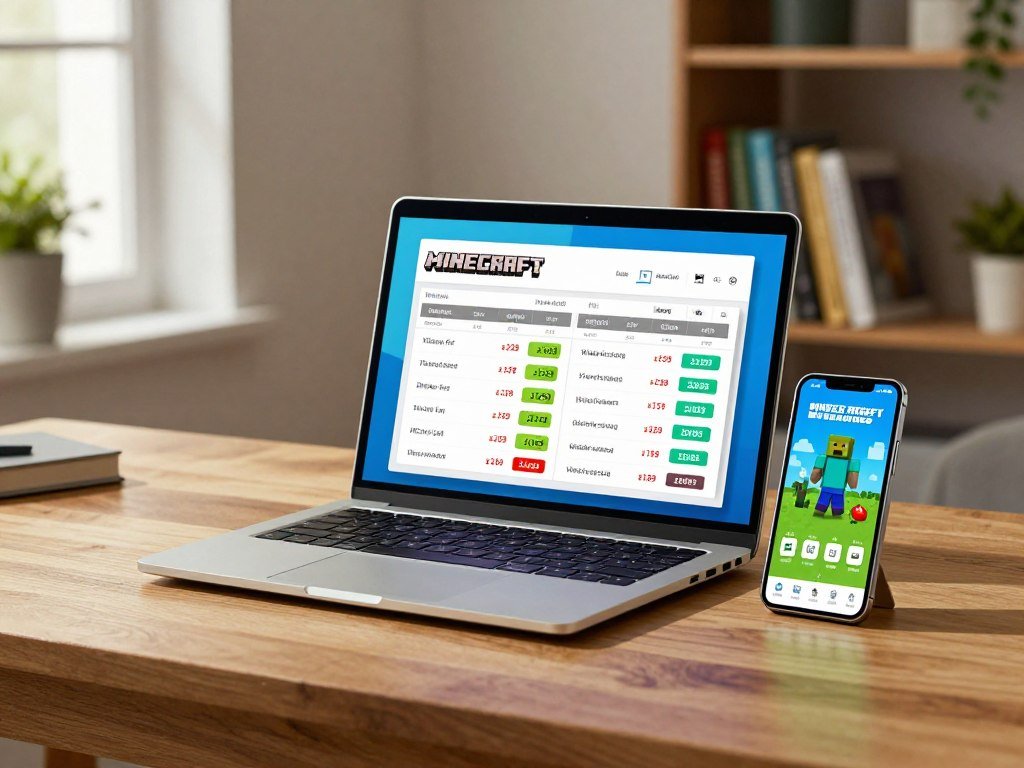
| Platform | Approximate U.S. price in the October 26, 2024 snapshot |
|---|---|
| Windows | $26.99 |
| Xbox | $26.99 |
| PlayStation | $26.99 |
| Nintendo Switch | $29.99 |
| Mobile | iOS $6.99; Android $7.49 |
If you are asking how much Minecraft costs on a laptop, use the Windows figure as the dated PC comparison. The same snapshot lists the PC edition at $26.99.
For a PC purchase, confirm the edition name before paying. Computer listings can include a specific edition or a combined product, and that wording affects what you receive.
Mobile pricing is split between iOS and Android, so the device’s operating system determines which listing applies. The platform store displays the local purchase details and final amount.
Use the 2024 figures as a comparison point only. The official platform store shows the price you can pay today.
Before you check out, make sure the listed game matches the device you intend to use. Ratings and store details can also differ by platform or region.
- Check the full product name.
- Match the listing to your device.
- Review the displayed rating and purchase details.
On consoles, the store listing can name a collection rather than only the base game. Read the included items so you understand what the price covers.
Mobile purchases use the store for your phone or tablet, not the Windows store. That distinction matters when comparing purchases across several devices.
Store pages can also show platform-specific add-ons or bundles beside the base edition. Compare like with like before deciding that one listing costs less.
The historical figures offer a useful starting point, but they do not promise today’s price. Before purchasing, confirm the edition name and final price on the store for the device you plan to use.
What Comes With the PC Edition?
A PC buyer gets both Java Edition and Bedrock Edition in the combined PC product. One purchase gives you a choice between two versions of the game.
Minecraft: Java & Bedrock Edition for PC includes both editions. Choose the version that fits your play needs, rather than treating them as separate PC purchases.
One PC purchase includes both editions
The combined product gives you access to Java Edition and Bedrock Edition on a supported PC. You can select the version you want to launch.
That choice can depend on the servers, friends, or features you want to use. The two editions share the same core game idea, but they do not share every feature or saved world.
A world saved in one edition does not automatically become a working world in the other. Keep that in mind if you switch versions or plan to move a build between devices.
Which operating systems run each edition
Java Edition runs on Windows, macOS, and Linux. Bedrock Edition is available on PC, consoles, mobile devices, and Chromebook.
The wider device list for Bedrock Edition can help when your household uses more than one kind of screen. Java Edition is limited to computers that run its supported systems.
Availability does not mean saved worlds transfer between editions. Each version has its own world files and compatibility rules.
When checking a computer listing, confirm that it names the PC bundle and supports your operating system. A game’s presence on one device does not guarantee the same edition appears on another.
That distinction matters for players who use a laptop at home and a console elsewhere. Your account may give access to a purchase, but the device and edition still need to match.
Check the operating system and the edition your friends use before choosing which version to launch.
Java or Bedrock: Which Edition Should You Choose?
Choose Java if mods and Java communities matter most, and choose Bedrock if you need cross-play across different device types. Your friends’ devices often settle the choice.
Java and Bedrock players do not share the same online multiplayer pool. Their features differ, so match the edition to the way you want to play.
| Feature | Java Edition | Bedrock Edition |
|---|---|---|
| Cross-play | Windows, Mac, and Linux | Windows, Xbox, Nintendo Switch, PlayStation, and mobile |
| Mods | Included | Not included |
| Marketplace | Not included | Included |
| Controller or touch support | Not included | Included |
| LAN or Wi-Fi multiplayer | Included | Included |
Choose Java for mods and Java communities
Java Edition supports community-made mods that can change the game or add new ways to play. Many Java players also join community servers built around shared rules and styles.
Java cross-play works among Windows, Mac, and Linux players. This is cross -platform play within those computer systems, not a shared pool with console players.
Java communities can offer custom maps, rules, and multiplayer events. A mod may also change the look of blocks, tools, or a player’s experience, depending on what you install.
Microsoft’s guide to Java and Bedrock differences explains key platform and control distinctions.
Choose Bedrock for cross-platform play
Bedrock Edition supports cross-play with other Bedrock players on supported platforms. That includes Windows, Xbox, Nintendo Switch, PlayStation, and mobile devices.
Bedrock also supports controllers and touch controls, which can feel more natural on consoles, phones, and tablets. Its platform reach can make joining friends easier when everyone uses different devices.
Bedrock Edition supports cross -platform play only with other Bedrock players. A Java player cannot join a Bedrock friend through the standard online multiplayer pool.
Ask friends which edition they use, since Java and Bedrock players do not share the same online multiplayer pool.
How Much Does Minecraft Cost on Consoles?
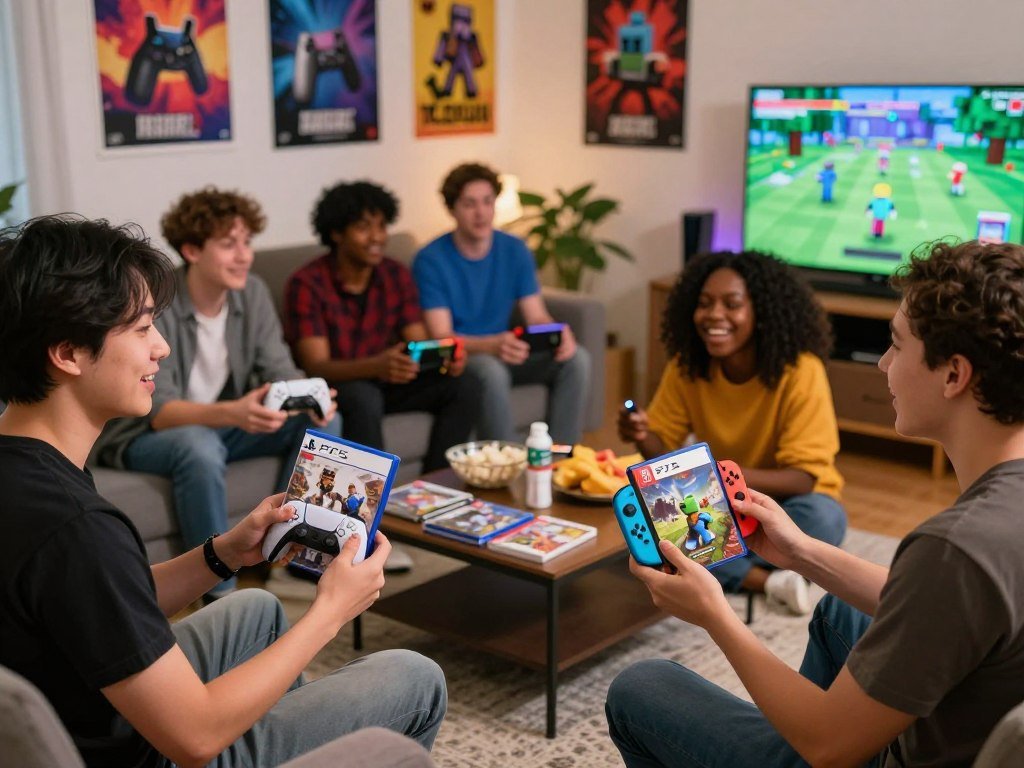
The listed PS5 collections cost $29.99 for Deluxe and $39.99 for Ultimate, while the Switch listing highlights local multiplayer options. Collection contents help explain the difference between those PS5 prices.
The PS5 Ultimate Collection costs $10 more than Deluxe and includes more extras. Switch buyers can play locally with multiple players, with different limits for couch co-op and wireless play.
| Console listing | Price | Included or multiplayer details |
|---|---|---|
| PS5 Deluxe Collection | $29.99 | 3 add-ons, 3 exclusive persona items, 700 tokens |
| PS5 Ultimate Collection | $39.99 | 5 add-ons, 5 exclusive Character Creator items, 1,000 tokens |
| Nintendo Switch base game | No price listed here | Couch co-op for up to 4; local wireless for up to 8 |
PS5 buyers comparing how much Minecraft costs on PlayStation 5 should check which collection they want. The Deluxe and Ultimate listings include different numbers of add-ons and character items.
For PS4, check the current listing for your own console and region. A PS5 collection name does not confirm what a PS4 store page includes.
The Nintendo Switch supports couch co-op for up to four players. Local wireless play supports up to eight players, which gives a group more room to join.
Nintendo Switch online features require a Nintendo Switch Online membership. The membership condition applies to online play, not the local options listed above.
Bedrock cross-play works when players use Bedrock Edition on supported devices. A console player should still check that friends use a compatible edition.
Families comparing a system for shared play can also use this family gaming console guide to weigh Nintendo Switch, Xbox, and PlayStation.
Store listings can group the base game with bonus content, so read the title and included items before checkout. The details can change the value of a console package for your household.
Check whether a console online membership is required for the way your household plans to play.
Can You Play Minecraft for Free?
Minecraft’s Java and Bedrock trials each offer about 100 minutes of in-game play, roughly five in-game days. That trial time lets you test basic play before paying.
Each trial lasts approximately 100 minutes, with slight variation by device. The full game is a paid purchase, while trial access has clear limits.
Free trial platforms and play time
The Java trial is offered for Windows 10/11, Debian-based Linux, and Arch-based Mac. Bedrock trials are offered for Windows 10/11, PlayStation, and Android.
Each version provides about five in-game days of play. Device differences can cause slight changes in the real-time limit.
- Java Edition: Windows 10/11
- Java Edition: Debian-based Linux
- Java Edition: Arch-based Mac
- Bedrock Edition: Windows 10/11, PlayStation, and Android
The trial uses the game’s core Survival mode, where you gather supplies, craft tools, and try to survive nightfall. You can explore the world and face hostile mobs within the available time.
What the trial lets you do and what it does not
The trial covers core Survival crafting, exploration, and combat. You can play offline, and LAN multiplayer is allowed.
Online multiplayer servers are disabled during the trial. That means you can test the basics, but you cannot use the trial to join online servers with friends.
Trial worlds do not transfer to the full game. A build you make during the trial will not carry over when you buy the complete version.
Use the trial to see whether the controls and pace suit you. Try gathering wood, crafting tools, and finding shelter before night arrives.
It can also help you check how the game runs on a device before paying. The trial time is limited, so focus on the features you most want to test.
If you build a trial world you want to keep, plan on starting a new world after buying the full game.
Can You Get Minecraft Through Game Pass?
PC players with Xbox Game Pass can play both Minecraft Bedrock Edition and Java Edition through their subscription. That access depends on keeping the relevant subscription active.
Playing through Game Pass is access, not ownership of a copy. Buying the game gives you a purchase tied to your account instead.
For the question of how much Minecraft costs on Xbox, the Game Pass route depends on the subscription you have. No separate game purchase is needed while your plan includes access.
PC Game Pass access includes Java Edition and Bedrock Edition. This access applies to PC, so do not assume the same offer covers every console listing.
Game Pass can suit players who want to try the game as part of a broader subscription. It may also fit a household that already pays for the service.
If you cancel or lose access to the subscription, you no longer have that subscription-based route to the game. A separate purchase gives you a copy to use under its account terms.
The Xbox Store listing directs buyers to Minecraft.net to purchase Java Edition to own. That distinction matters if you specifically want a Java copy attached to your account.
Bedrock Edition and Java Edition both support multiplayer, but the edition still affects which friends can join. A subscription does not change the edition’s compatibility rules.
Think about how often you play and whether you already use Game Pass before choosing an access route. The right option depends on whether you want a subscription benefit or a copy to own.
If owning Java Edition matters, use the Minecraft.net purchase route rather than assuming Game Pass access is ownership.
What Do Realms and Realms Plus Add?
First-time Realms users can try a 10-user subscription for 30 days. The offer is a subscription trial, not a free copy of the game.
The 30-day Realms offer applies to first-time users signing up for a 10-user subscription. Realms gives players a shared online space for their worlds.
A Realms trial for first-time subscribers
Realms can keep a shared world available for players who want to visit at different times. A subscription can help friends build together without needing the host to be online.
The first-time offer lasts 30 days and applies when you sign up for the 10-user plan. Check the sign-up screen for the terms that apply to your account.
Realms is separate from the one-time game purchase. You need access to the game itself to use the service with your friends.
Realms Plus and its trial
Realms Plus offers an in-app free 30-day trial. It also includes access to over 150 pieces of Marketplace content.
That added content can give players more ways to change a shared world. The subscription and its included content remain separate from owning the base game.
Review the subscription terms and renewal details before signing up. The trial can become a paid subscription if it renews under the terms shown in the app.
Keep track of the trial end date in your account settings. That small check can prevent a charge you did not plan to keep.
Players should also confirm which edition and devices support the subscription they choose. Friends need compatible access to join the same shared world.
Check the renewal terms in the app before the trial ends so a trial does not become an unexpected paid subscription.
Which Minecraft Extras Cost Extra?
Minecraft’s base game and its Marketplace extras are separate buying decisions. Optional content can add new looks or worlds, but you do not need it to start playing.
Marketplace purchases are optional, and using DLC requires full-game ownership. Check what an item supports before you pay for it.
Marketplace add-ons and cosmetic content
The Minecraft Marketplace offers creator-made content for Bedrock Edition. Common options include:
- Add-ons that change game features
- Skin packs for a player’s look
- Creator-made worlds and adventures
- Texture packs that change block styles
- Character cosmetics and avatar items
These items can add variety to the game, but they are not required for the core experience. Some Marketplace content costs Minecoins, the virtual currency used for purchases.
Full-game ownership is required to use DLC. Buying an add-on does not replace buying the game itself.
The Marketplace offers content made by different creators, so check the item description and platform details. A pack for one edition may not work on another.
Creator-made add-ons can change gameplay or add features. A report on Bedrock Marketplace add-ons discusses how that content can alter play.
Bundles with included extras
Some game listings include extras with the base product. The Nintendo Switch version includes the Super Mario Mash-Up Pack, with 15 tracks and 40 player skins.
That pack gives Switch players themed music and character looks. It is included with that version rather than being a required extra for every device.
Read the listing to see whether a bundle includes the content you want. Extras can be appealing, but they may not matter if you only want the standard game.
Check whether a pack supports the edition you play with friends. A skin or world that works on one platform may not transfer to another.
Confirm the add-on’s platform compatibility before purchasing, because content intended for one edition may not work in another.
What Should You Check Before Buying?
The right edition can still be the wrong purchase if the device does not meet its requirements. Check your computer before checkout, especially if it is older or has limited storage.
Bedrock for Windows needs at least 4 GB of storage, while Java Edition needs at least 2 GB. Recommended storage is higher for both editions.
| Check | Bedrock for Windows | Java Edition |
|---|---|---|
| Storage | 4 GB minimum; 8 GB recommended | 2 GB minimum; 4 GB recommended |
| Memory | No figure specified here | 8 GB with discrete graphics; 12 GB with integrated graphics |
| Operating system | Windows 10 version 19041.0 or higher | Windows 10 64-bit, Windows on ARM, macOS 12+, or Linux 64-bit minimum |
Bedrock for Windows requires Windows version 19041.0 or higher. Java Edition supports Windows 10 64-bit, Windows on ARM, macOS 12 or later, and 64-bit Linux.
Java Edition needs 8 GB of memory with a discrete graphics card, or 12 GB with integrated graphics. These details can help you judge whether a computer is ready for the game.
Use this checklist before you buy:
- Confirm the operating-system version.
- Check available storage space.
- Review memory and graphics capability.
- Make sure you can access your Microsoft account.
- Match the edition to the one your friends use.
- Review the platform’s rating and parental-control information.
A game’s rating can help you decide whether it fits your household. Parental controls can also set limits on purchases, play time, and online interactions.
Families comparing system options can read this family console guide for advice on ratings and parental controls.
For computer buyers, the exact hardware inside a PC matters more than its model name alone. This gaming PC buying guide explains what to check when comparing systems.
Compare your computer’s specifications with the edition’s minimum requirements before completing checkout.
What Is the Cheapest Way to Get Minecraft?
Try the free trial before paying, and check your Microsoft account for an existing PC purchase before buying again. That account check can help you avoid a duplicate PC purchase.
A purchased PC game can be downloaded again on a new PC through the same Microsoft account and Minecraft Launcher. You do not need to buy that copy again.
First, confirm which edition and device you want. Buying the wrong version can cost more than taking a few minutes to check your friends’ setup.
A free Microsoft Account can help carry Nintendo Switch Minecoins and in-game store purchases to other devices. Use the same account when you want those purchases available across supported devices.
A subscription is an access option, not the same as owning a copy. Consider how long you expect to play and whether you already have a service that includes the game.
Do not assume every bundle is a better deal. Compare the exact game, activation platform, and checkout terms, especially when a package includes titles you may not want.
A game deal comparison can help you weigh bundles against buying one specific title.
Check your account for an existing PC purchase before paying again. A copy tied to the same Microsoft account can be downloaded on a new PC.
Keep your sign-in details available when you change computers. The Minecraft Launcher and the account that owns the game are both part of reinstalling the PC copy.
If you use more than one device, confirm which purchases and Minecoins follow your Microsoft Account. Account links can affect where eligible in-game purchases appear.
Compare the current store listing with any subscription or bundle you are considering. The lowest listed price is not always the best fit if it covers the wrong edition.
Sign in with the account that owns the game before checking out for another PC.
Conclusion
Choose the edition that fits your device and the people you want to play with. That match matters more than collecting every extra feature or pack.
You can start with the base game and add optional content later if you want it. Ask your friends which edition they use, then compare it with your device’s supported options.
Your next step is simple: open the official store for your platform and confirm the edition and final checkout price before purchasing.
FAQ
Are there any free Minecraft games available?
The full game is paid, but Java and Bedrock trials offer about 100 minutes of in-game play. The trials let you test core Survival play before buying. First-time Realms users may also get a 30-day trial for a 10-user subscription, while Realms Plus offers an in-app 30-day trial. Those trials cover subscriptions, not free ownership of the game.
Is Minecraft still $20?
No, $20 is not a universal current price for Minecraft. The amount depends on the platform, edition, bundle, region, and store. Historical U.S. estimates from October 2024 are comparison points, not current quotes. Check the official platform store for the exact listing on your device, and make sure you compare the same product type.
Why is Minecraft so cheap?
Minecraft is a paid game, and its base price covers the main game for the platform you choose. Optional subscriptions and Marketplace content can add separate costs. You can play without buying extra worlds, skins, or packs. A bundle may include extras, so read its product details before deciding whether its price fits what you want.
Is Minecraft a $30 dollar fee?
No, buying the game is not a recurring $30 fee by default. The PS5 Deluxe Collection is listed at $29.99 as a game purchase with included extras. Subscriptions such as Realms are separate and may renew under their own terms. Check the listing and renewal details to tell a one-time purchase from an ongoing plan.
Why is Minecraft 40 dollars now?
The PS5 Ultimate Collection is listed at $39.99 and includes the game, five add-ons, five exclusive Character Creator items, and 1,000 tokens. That price is for this collection, not a universal cost for every platform or edition. Other listings may include different extras or only the base game, so compare the product names and included items.
What is the cheapest way to buy Minecraft?
Try a free trial first, check your Microsoft account for a PC copy you already own, and compare the current official store listing. A PC purchase tied to your account can be downloaded again on a new PC without buying another copy. Check the edition and device before paying, since a low price will not help if the listing is incompatible.
Did Minecraft become cheaper?
There is no general price cut to assume across all Minecraft editions and platforms. Compare the same edition, device, region, and store to judge whether a price changed. The U.S. figures dated October 2024 are historical estimates only. Store prices and bundles can differ, so compare the exact product listings rather than treating one platform’s price as universal.



