
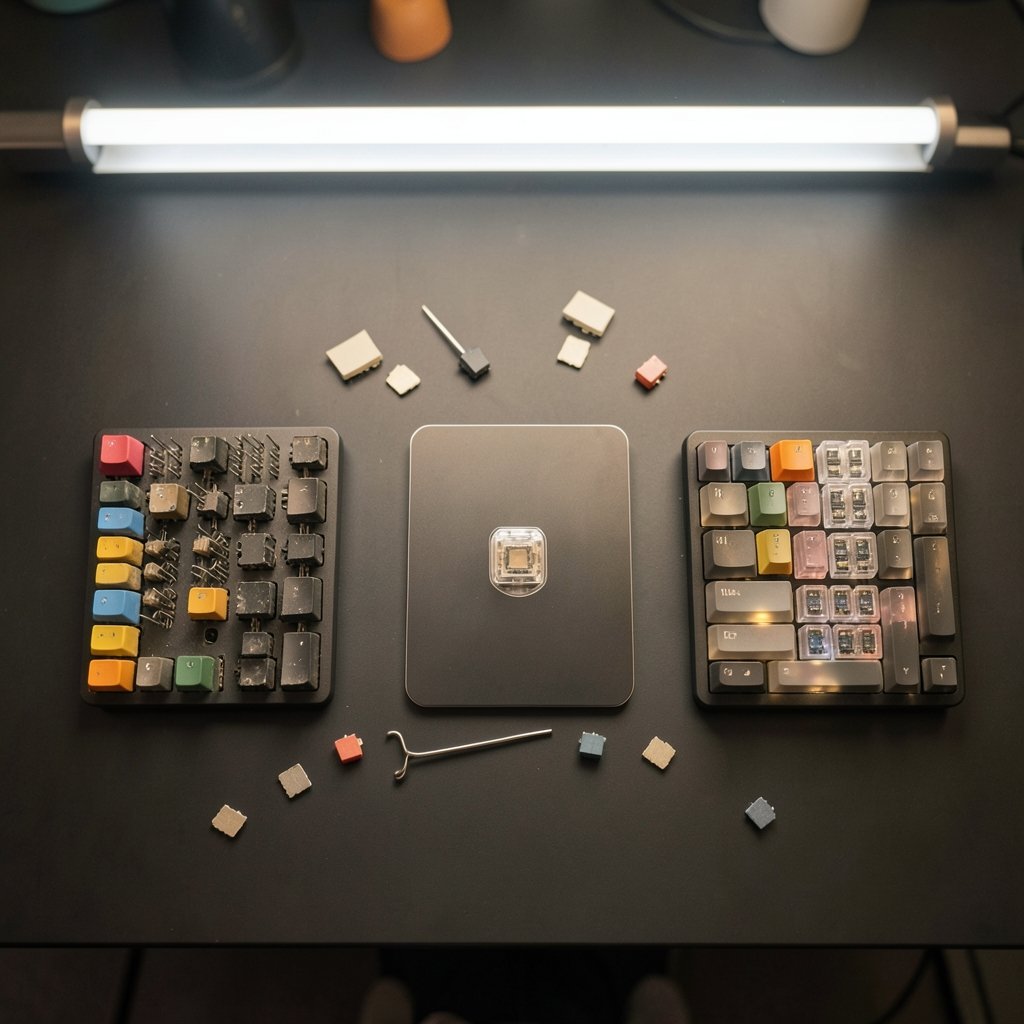
What if the biggest upgrade to your gaming setup in 2027 isn’t a faster GPU or a higher-refresh monitor, but the switches hiding under your fingertips? Walk into any keyboard discussion today and you’ll hear three acronyms thrown around like fight cards: Hall effect, optical, and mechanical. Each promises a better feel, faster response, or longer life. But the honest answer is messier than the marketing. The switch type matters far less than most buyers assume, and the things that actually change your everyday play are often invisible on a spec sheet. This guide breaks down how each technology really works, where the differences show up in practice, and how to judge a keyboard without getting fooled by big numbers. (Best budget mechanical keyboards choose without wasting)
Why the Switch Type Is Only Half the Story
Here’s the first thing to get straight: a keyboard is a system, not a single component. The switch is the part your finger touches, but the signal still has to travel through firmware, a USB connection, and the operating system before a game reacts. That chain is why a premium switch on a poorly tuned board can feel sluggish, while a modest switch on a well-built board feels instant. (USB Implementers Forum)
The USB HID standard governs how a keyboard reports key events to your computer, and it defines the polling interval that caps how often those reports can arrive. A 1000 Hz polling rate means one report every millisecond; 8000 Hz pushes that to roughly 0.125 ms. Those numbers sound dramatic, but they describe only one link in the chain. Operating system input handling and the game’s own processing add their own delays on top. So when a product page brags about a “0.1 ms response,” treat it as a description of one narrow slice of the pipeline, not your real-world experience.
How Each Switch Technology Actually Works
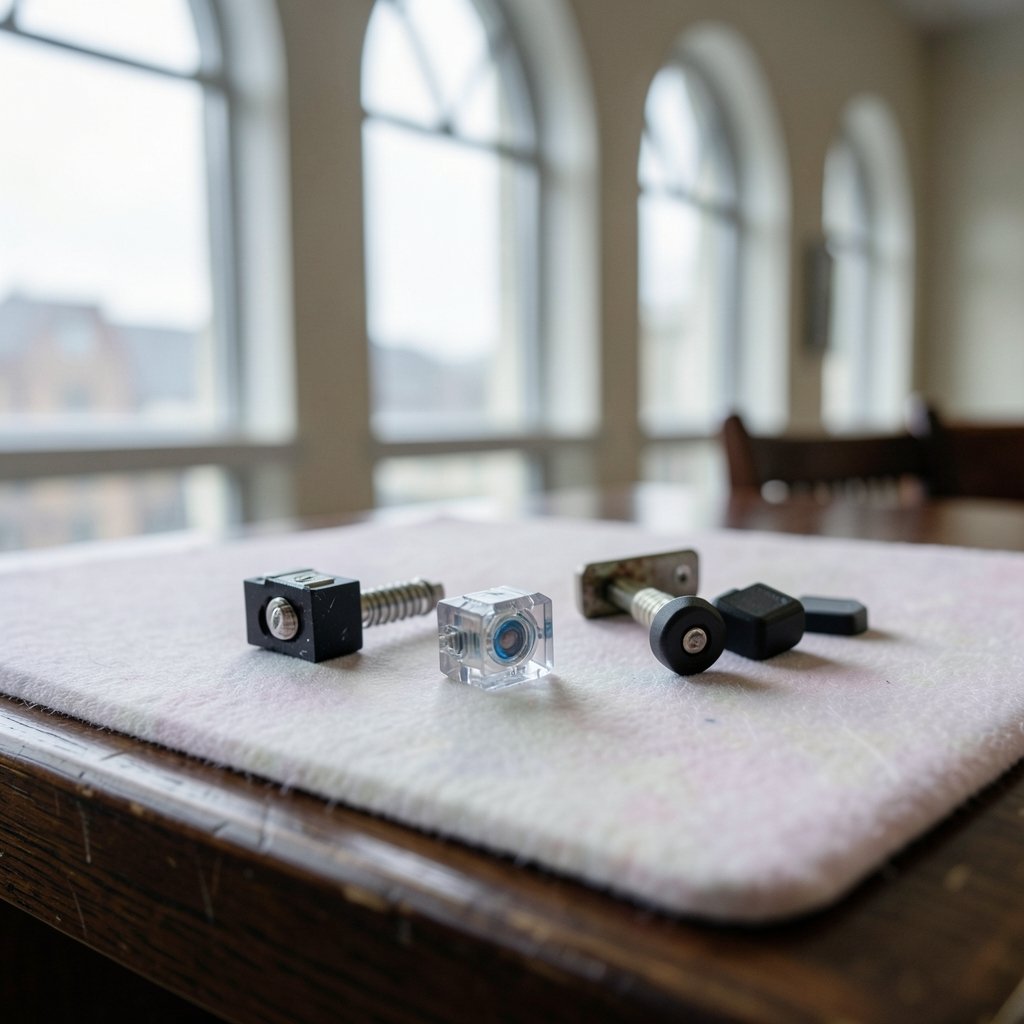
Before comparing, it helps to understand the mechanism. The physics drives everything else, including feel, latency, and durability.
Mechanical switches: the metal-contact classic
A mechanical switch uses a spring-loaded stem that physically closes a metal contact at a fixed point. Actuation force and travel distance vary by switch family, but the key limitation is baked in: the contact point is fixed, so you cannot adjust where the key “fires” in software. Metal contacts also bounce slightly when they close, which is why keyboards run debounce algorithms that typically add a millisecond or two of delay. This is a well-understood phenomenon, and you can read a plain explanation of contact bounce to see why every metal-contact keyboard deals with it. (Best mechanical keyboards 2026 actually matters before you)
The upside is familiarity. Mechanical switches come in a huge range of feels, are easy to service, and are rated by manufacturers for tens of millions of actuations. Just remember those cycle ratings are vendor claims, not independent lab results.
Optical switches: light instead of metal
An optical switch fires when your keypress interrupts a beam of light. No metal touches, so there’s no contact bounce and no debounce delay. Most optical designs are still binary, meaning they report on or off rather than a continuous position, though some boards let firmware adjust the actuation point. If you want the full picture of how light-based actuation works, an explainer on optical switches covers the mechanism clearly.
In practice, optical boards feel crisp and consistent, and they sidestep the wear that comes from metal-on-metal contact. The catch is brand lock-in: optical switches usually only fit boards designed for them, so swapping in your favorite mechanical switch later isn’t an option.
Hall effect switches: measuring the magnetic field
Hall effect switches are the most interesting of the three. Instead of a contact or a light beam, a magnet on the stem moves past a sensor that reads magnetic field strength continuously. That analog signal is the whole point: because the board knows how far the key has traveled, firmware can set a custom actuation depth per key and reset the key almost the instant it starts to release. That reset behavior is what the industry calls rapid trigger. If the underlying physics interests you, the Hall effect principle explains how a magnetic field becomes a measurable voltage.
This is genuinely different from the other two, and it’s why competitive players gravitate toward it. But the analog signal is only as good as the firmware reading it, which brings us to the most important caveat in this whole comparison.
The Firmware Gap Nobody Talks About
Rapid trigger and adjustable actuation are firmware features, not hardware guarantees. Two Hall effect keyboards can share the same sensor and behave completely differently depending on how well the software is tuned. One might reset cleanly with almost no accidental re-triggering; another might fire twice on a single tap or register phantom presses when you rest your fingers.
That means spec sheets tell you almost nothing about the experience that matters. As of the most recent reliable information, there is no independent, standardized benchmark for “gaming feel” across switch types. Most comparisons lean on vendor numbers and reviewer impressions. So the smart move is to test the behavior yourself, or trust reviewers who test reset behavior and accidental-actuation rates rather than just quoting a spec table.
Side-by-Side: What Each Type Delivers
| Feature | Mechanical | Optical | Hall Effect |
|---|---|---|---|
| Actuation method | Metal contact | Light beam interruption | Magnetic field sensing |
| Adjustable actuation | No (fixed) | Sometimes, via firmware | Yes, per key |
| Rapid trigger support | No | Rare | Common |
| Contact bounce | Yes, needs debounce | No | No |
| Switch swapping | Wide compatibility | Optical switches only | Hall effect switches only |
| Typical strength | Feel variety, repairability | Fast, consistent, durable | Customizable, competitive edge |
| Main weakness | Fixed trigger point | Locked to optical switches | Firmware quality varies wildly |
Read that table as a starting point, not a verdict. The “main weakness” column is where most buyers get burned, because it’s the part marketing pages bury.
Where the Differences Actually Show Up in Everyday Play
This is the part that separates hype from reality. For most people playing casually, the gap between a decent mechanical board and a Hall effect board is smaller than the internet suggests. Research on how people perceive input latency suggests that differences of just a few milliseconds often fall below what casual players can reliably detect. Those gains matter most in high-refresh-rate competitive play, where split-second resets and counter-strafing can decide a round.
So the honest breakdown looks like this:
- Casual and single-player gaming: Any well-built board feels great. Prioritize comfort, layout, and build quality over switch technology.
- Competitive shooters and rhythm games: Hall effect’s adjustable actuation and rapid trigger offer a real, testable edge, but only if the firmware is well tuned.
- Typing-first users who also game: Mechanical switches win on feel variety and repairability, and you’re unlikely to notice the latency difference.
- Buyers who like to tinker: Mechanical boards offer the widest switch-swapping options; optical and Hall effect boards tend to lock you into one brand’s switches.
A practical tip that saves a lot of frustration: before buying any Hall effect board, look for reviews that specifically test whether it double-fires or misfires when fingers rest on keys. That single test predicts more about your daily experience than any latency figure.
Practical Setup Tips That Beat Switch Specs
Whatever you choose, a few habits matter more than the switch label. Setting up your keyboard properly, from debounce settings to polling configuration, can close much of the gap between a budget board and a premium one. If something feels off after a purchase, most issues have simple fixes, and a practical troubleshooting walkthrough covers the common culprits like sticky keys, double-typing, and connection hiccups.
For beginners weighing their first serious board, it helps to know what’s genuinely worth paying for. A grounded look at whether a mechanical keyboard is worth buying for everyday use explains where the money goes and where it doesn’t. And if budget is the constraint, a guide to choosing a budget mechanical keyboard without wasting money shows how to avoid paying for features you’ll never use.
One common mistake: chasing the lowest possible actuation point because it sounds competitive. Set it too shallow and you’ll trigger keys by accident constantly, which costs you more rounds than it wins. Start near the middle of the adjustable range and tune from there.
The 2027 Buying Reality
Looking ahead, the trend is clear: analog sensing is spreading, firmware is becoming the real differentiator, and the marketing will get louder. That makes skepticism a buying skill. When a brand quotes a durability rating, remember it’s a manufacturer claim, not an independent test. When it quotes a latency figure, ask which part of the pipeline it measures. And when it promises “pro-level responsiveness,” ask whether anyone outside the company has tested the reset behavior.
The good news is that all three technologies are mature enough to serve most players well. The bad news is that the market rewards big numbers over honest nuance. Your job is to match the technology to how you actually play, not to how a spec sheet says you should.
For anyone building a full setup around a new board, it’s worth thinking about the display too, since a high-refresh monitor paired with a responsive keyboard is where the real gains compound. A clear-eyed take on whether a gaming monitor is worth buying for everyday use helps you avoid overspending on one part of the chain while neglecting another.
Conclusion
Hall effect, optical, and mechanical keyboards are three genuinely different technologies, but the gap between them in daily play is smaller than the marketing wants you to believe. Mechanical switches offer feel and flexibility, optical switches offer clean and consistent speed, and Hall effect switches offer real customization for competitive play, provided the firmware is well tuned. The deciding factors are usually firmware quality, build, and how you actually use the board, not the switch label on the box. Evaluate with your own hands, test the reset behavior, and buy for your real habits rather than the spec sheet. Do that, and any of the three can serve you well into 2027 and beyond.
Frequently Asked Questions
Are Hall effect keyboards actually faster than mechanical ones?
In theory, yes, because they skip contact bounce and can reset almost instantly with rapid trigger. In practice, the advantage is small and mostly matters in competitive, high-refresh-rate play. Casual players are unlikely to notice a difference of a few milliseconds.
Do optical switches ever suffer from double-typing?
Optical switches avoid the metal-contact bounce that causes most double-typing, so they’re generally very reliable on that front. However, firmware bugs or a failing sensor can still cause issues, so build quality and software maturity still matter.
Can I swap Hall effect switches into a regular mechanical keyboard?
Usually not. Hall effect switches require a board with magnetic sensors and compatible firmware, so they only fit boards designed for them. The same board-specific lock-in applies to most optical switches.
Is rapid trigger worth it for non-competitive gamers?
For most casual players, rapid trigger is a nice-to-have rather than a must. It shines in fast-paced shooters and rhythm games where quick resets matter, but it won’t transform a relaxing single-player experience.
How do I test a keyboard’s reset behavior before buying?
Look for reviews that specifically check for double-firing and accidental actuation when fingers rest on keys. If you can try the board in person, rest your fingers lightly on the keys and watch for phantom inputs, then test rapid taps to see how cleanly each key resets.
Do mechanical switches really last longer than optical or Hall effect ones?
Manufacturers rate mechanical switches for tens of millions of actuations, and optical and Hall effect designs avoid metal-contact wear entirely. But all of these are vendor claims rather than independent test results, so treat durability figures as a rough guide, not a guarantee.



