
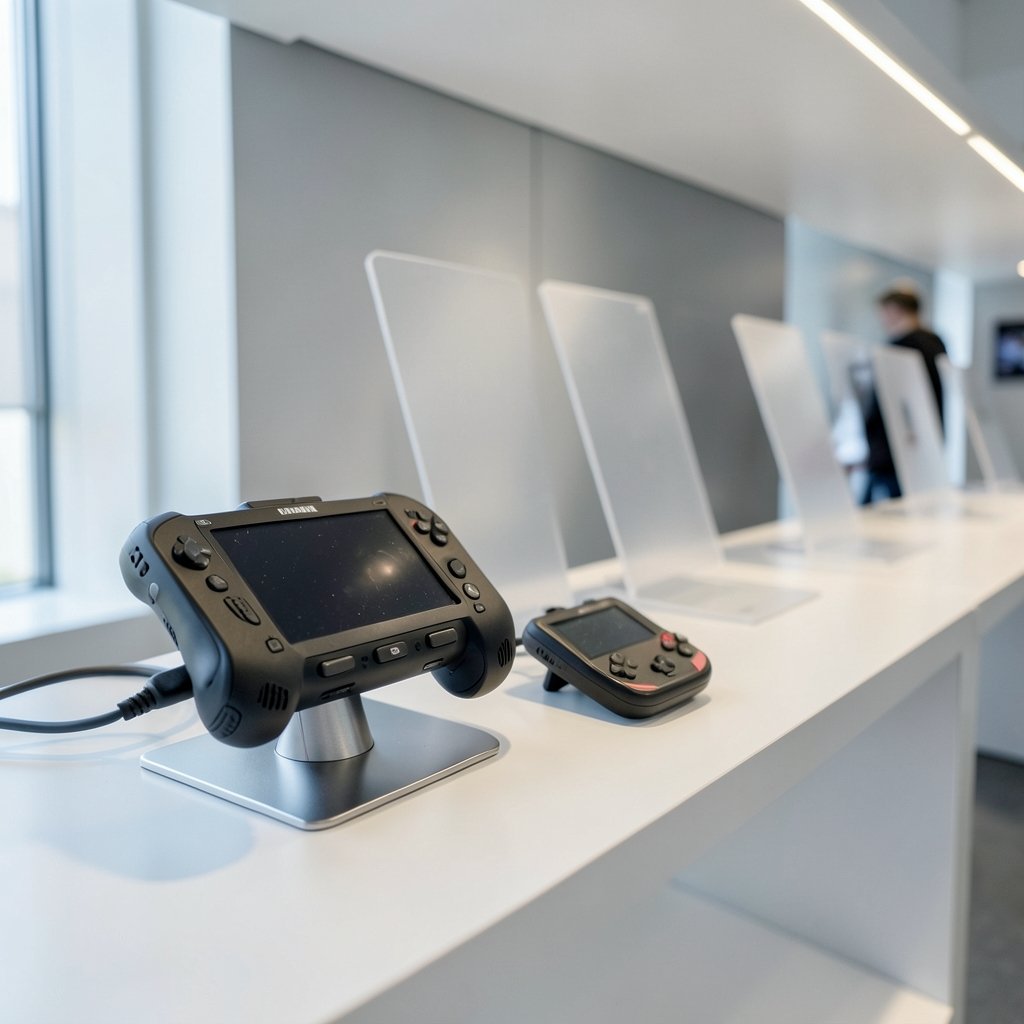
What if the biggest mistake you could make in 2027 is buying the handheld everyone else is buying?
That sounds dramatic, but the portable market has split into camps that barely speak the same language. On one side sit full gaming PCs squeezed into a controller shell. On the other sit cheap retro machines that replay three decades of console history. Both sides advertise that they “play everything.” Neither claim is quite true.
This guide walks through the decision the way you’d actually make it: games first, then screen and battery, then operating system, then budget. By the end, you should know which category fits your habits and which specs deserve your attention.
Start with three games, not with a spec sheet
The fastest way to narrow the field is embarrassingly simple. Write down three games you absolutely must be able to play on the device. Then check where each one lives.
A Nintendo exclusive points toward a Nintendo machine. A library built around Steam makes a Steam Deck the natural candidate. If your games are scattered across PC storefronts and subscription services, check whether each exact title is supported on the specific device you’re eyeing. Compatibility is not guaranteed just because two devices are both handheld PCs.
That last point trips up a lot of buyers. Two machines can share a form factor and a price bracket and still behave completely differently with the same game. Valve maintains a verification program that rates how well titles run on its hardware, and it’s worth checking before you commit.
Practical tip: pick your three games from different corners of your library. One demanding modern title, one indie, one older favorite. If a device handles all three the way you want, the spec sheet debate mostly resolves itself.
Handheld PC or retro handheld? The real fork in the road
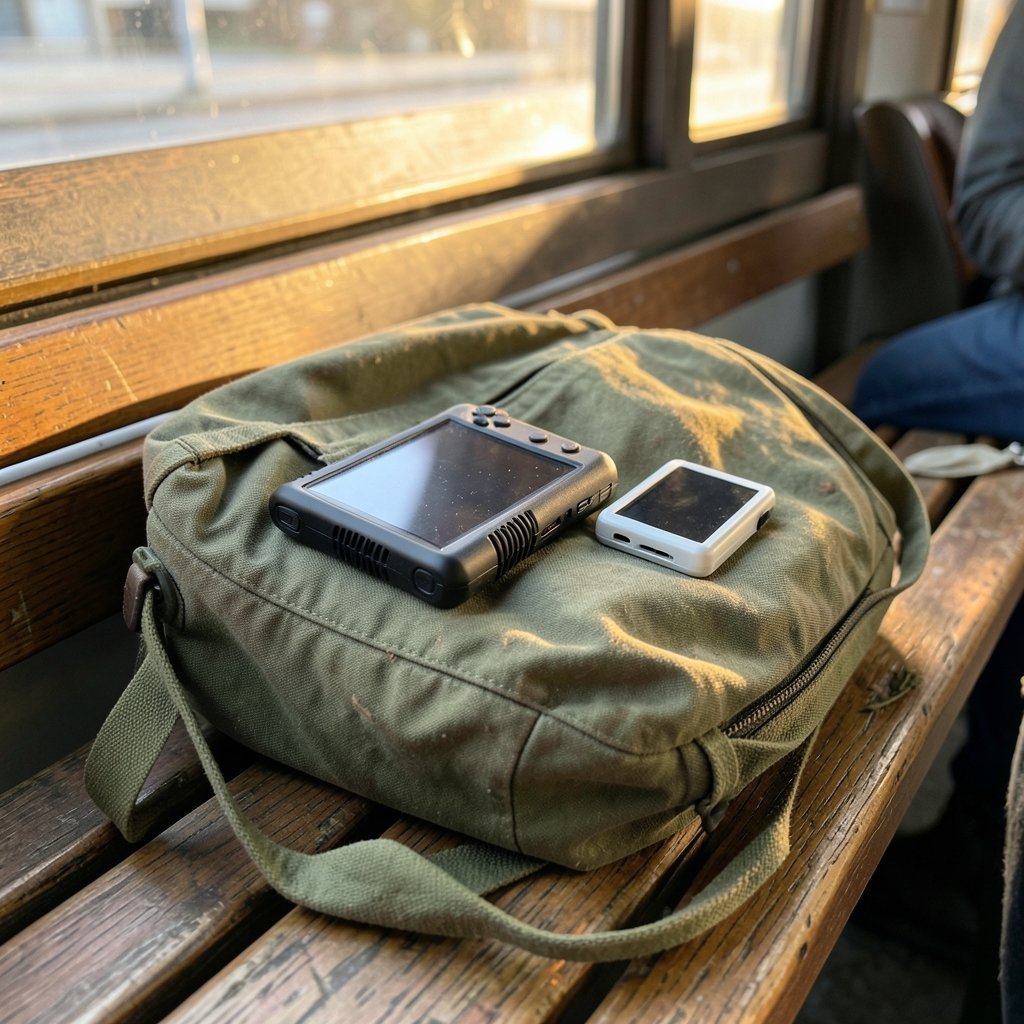
This is the decision that matters more than any benchmark. A handheld PC is a full x86 computer with an AMD processor, Windows or SteamOS, and a gamepad wrapped around it. It’s built first for modern PC games from Steam, GOG or the Xbox store. Emulation is a side effect.
A retro handheld is the opposite philosophy. Devices from Anbernic, Retroid, Miyoo and AYN cover almost the entire history of console gaming for a fraction of the price. They boot fast, weigh little, and are built around classic libraries rather than current blockbusters.
| Factor | Handheld PC | Retro handheld |
|---|---|---|
| Main job | Modern PC and AAA games | Classic console libraries |
| Price band | Premium | Budget |
| Operating system | Windows or SteamOS | Custom firmware |
| Weight and battery | Heavier, shorter runtime | Light, long runtime |
| Best for | One device for everything | Focused, nostalgic play |
Here’s the honest version: both camps claim universality, and both are overselling. A retro handheld will not run Cyberpunk 2077. A handheld PC will run old games, but you’ll pay for power you don’t need and carry weight you’ll feel on a commute.
If you genuinely want one device that covers modern releases and your back catalog, the PC route is the only route. If you mostly replay favorites from the 8-bit through 64-bit eras, spending flagship money is a mistake.
The big names, and what each one is actually for
The current field has settled into recognizable roles. No manufacturer has announced a machine built specifically for 2027, so what you can buy now is the market as it stands.
The Steam Deck OLED prioritizes simplicity. It behaves closest to a console: suspend and resume work reliably, the interface is built for a controller, and the verified-games program removes most guesswork. Its weaknesses are well documented. The original Deck’s 1280×720 display and aging chip have been overtaken by rivals shipping 1080p panels and newer silicon, and that gap is widening. Expectations for a successor are high, and the checklist observers apply to it is demanding: raw performance ceiling, stability under load, interface quality, and trust built over time.
The ROG Xbox Ally X leans on versatility and Windows access, which matters if your library spans multiple storefronts or Game Pass. The trade-off is that Windows on a small screen still demands patience.
The Lenovo Legion Go family sells the big-screen, modular experience. If you want a large display and detachable controllers, this is the lane. For a deeper head-to-head on how that plays out day to day, the comparison of the Legion Go S vs Steam Deck for everyday gaming is worth reading before you pick a side.
The MSI Claw 8 AI+ targets buyers who specifically want a heavily equipped Intel configuration.
The Nintendo Switch 2 sits outside the PC conversation entirely. Its pull is the exclusive library, detachable controllers for instant local multiplayer, and a dock with a wired Ethernet port that solves the slow wireless download problem handheld mode creates. It won’t match a PC handheld on raw power, and that’s not the point.
Screens, batteries and the specs that actually change your day
Marketing pages love resolution numbers. Your hands care about different things.
Screen size and panel type matter more than raw pixel counts. An IPS panel gives better viewing angles and color, which you’ll notice on a train seat with sunlight coming in sideways. A 120Hz refresh rate genuinely helps in fast games, but only if the chip can push those frames.
Battery life is where handheld PCs embarrass themselves. Expect the real number to land well below the box claim once you’re running a demanding title at full brightness. Retro devices, by contrast, run for days.
Storage decides how many games you keep installed. Check whether microSD expansion is supported, because on PC handhelds a 1TB drive fills faster than you’d think.
Weight is the spec nobody lists prominently and everybody feels. A device that’s comfortable for twenty minutes can be miserable at hour two. If you can, hold one before buying.
The dock matters too. A good dock turns a handheld into a TV console and adds wired networking, which is the difference between a 20-minute download and an overnight one.
Operating system: Windows, SteamOS, or something else
Windows gives you the widest compatibility and the most friction. Updates interrupt, sleep mode is inconsistent, and touch targets are small. SteamOS gives you a console-like flow with fewer surprises but a narrower catalog guarantee.
There’s a third path: Linux distributions tuned for gaming. These have matured enough that they’re a real option for tinkerers, and the differences between the main contenders are practical rather than ideological. If that route interests you, the breakdown of Bazzite vs Nobara for everyday gaming covers what each one gets right.
For most buyers, the honest advice is to pick the operating system that matches your patience level, not the one with the best benchmark. A slightly slower device you actually enjoy using beats a faster one you dread booting.
What about the storefront question?
Your library is an asset, and where it lives shapes which device makes sense. Steam, Epic and GOG each behave differently on handheld hardware, from cloud save reliability to how gracefully they handle a small screen and a controller-only interface. The practical comparison of the Steam vs Epic vs GOG everyday gaming experience is a useful reality check before you assume every store works equally well on the go.
Budget: what the money actually buys
Handheld pricing splits into clear bands, and the value story changes at each one.
At the entry level, retro handhelds deliver enormous library coverage per dollar. You’re trading power for portability and simplicity, and for many players that’s the right trade.
In the middle, you’re looking at previous-generation PC handhelds, discounted models, and the base versions of current machines. This is often the sweet spot, provided you accept that you’re buying yesterday’s chip.
At the top, flagship PC handhelds and premium Windows machines compete on screen, silicon and modularity. You’re paying for headroom that may not translate into a better commute.
Watch for launch pricing versus public pricing. Some devices ship with promotional pricing for early configurations that later rises, and shipping dates can slip when components arrive late. If you’re planning around a specific release window, the rundown of handheld console prices confirmed versus reported separates what’s actually announced from what’s merely rumored.
Common buying mistakes that cost real money
Buying for the spec sheet instead of the library. The most common error. A powerful device that can’t play your three must-have games is an expensive paperweight.
Ignoring the verified-games list. Compatibility varies by title, not by brand. Check the specific game.
Underestimating battery reality. Demo units run curated content at moderate brightness. Your session won’t.
Skipping the hands-on. Weight and grip are personal. Reviews can’t measure your wrists.
Assuming a successor is imminent. No manufacturer has announced a machine specifically built for 2027. Waiting indefinitely for a device that hasn’t been confirmed is a strategy, but not a good one.
Forgetting accessory costs. Cases, docks, expanded storage and screen protectors add up quickly.
How to decide in one afternoon
- List three must-play games and confirm each runs on your shortlisted device.
- Decide whether you want one device for everything or a focused retro machine.
- Set a hard budget that covers accessories as well as the unit.
- Check battery reports from owners, not marketing pages.
- Handle the device if any store near you has one on display.
- Confirm the return window before you open the box.
That sequence takes an afternoon and saves months of regret.
Conclusion
The handheld market in 2027 rewards buyers who start with their games and work backward. The Steam Deck OLED remains the simplest console-like experience, the ROG Xbox Ally X and Legion Go trade simplicity for flexibility and screen size, the MSI Claw 8 AI+ serves Intel loyalists, and Nintendo’s machine wins on library rather than horsepower. Retro handhelds quietly offer the best value per hour played, as long as you accept what they can’t do.
Pick the device that fits the games you already love and the way you actually travel. Everything else is a spec sheet arguing with itself.
FAQ
Will a handheld PC play every game in my Steam library?
No. Compatibility varies by title, not by brand. Some games run flawlessly, others need tweaking, and a few don’t work well at all. Check the verification status for each specific game before you buy, especially for the three titles you care about most.
Is a retro handheld worth it if I already own a gaming PC?
Often, yes. A retro handheld covers classic console libraries at a fraction of the price, boots instantly, and weighs almost nothing. It complements a PC rather than replacing it. If your nostalgia lives in older generations, it may get more actual play time than a premium machine.
How much battery life should I expect from a PC handheld?
Expect noticeably less than the box claims once you’re running a demanding title at high brightness. Real-world runtime drops sharply under load. Read owner reports rather than launch-day marketing figures, and factor a power bank into your budget if you travel long distances.
Should I wait for a Steam Deck successor?
That’s a gamble. No manufacturer has announced a machine built specifically for 2027, and expectations for Valve’s next device are high precisely because nothing has been confirmed. If you need a device now, buy for the games you want to play today rather than for a rumor.
Does the operating system really matter on a handheld?
Yes, more than most specs. Windows offers the widest compatibility but the most friction with updates and sleep behavior. SteamOS feels closer to a console. Linux gaming distributions sit in between and reward tinkerers. Choose based on your patience, not benchmarks.
What’s the single most important spec to check?
Storage expansion and battery, in that order, for PC handhelds. A fast drive fills quickly, and microSD support extends its life. For retro devices, screen quality and build feel matter more than raw power. In both cases, weight and grip decide whether you actually carry the thing.



