

What if the gadget that saves you the most hassle costs less than a pizza? That is the strange reality of the budget smart home. A ten-dollar plug can turn a dumb lamp into a scheduled, voice-controlled fixture. A cheap door sensor can text you when the back gate opens. You do not need a five-figure renovation budget to make a house feel smarter. You need a plan, a few standards, and a healthy suspicion of deals that look too good.
This guide covers what is genuinely worth buying on the cheap, where hidden costs hide, and how to keep a budget setup secure. It also flags the mistakes people make most often, because the difference between a smart home that works and one that fights you is usually planning, not price.
Why budget smart home gear got so much better
For years, cheap smart devices meant one thing: a proprietary app, a proprietary hub, and a brand that might vanish next year. That changed when Matter, an open interoperability standard from the Connectivity Standards Alliance, launched in October 2022. Matter lets devices from different brands work together and with the big ecosystems, including Apple Home, Google Home, Amazon Alexa, and Samsung SmartThings. For budget buyers, that matters enormously. A cheap sensor that speaks Matter is less likely to become e-waste when you switch phones or platforms.
Thread, an IP-based low-power mesh protocol, arrived alongside Matter and shows up in many inexpensive sensors and bulbs. Thread devices need a border router, which is often built into a smart speaker or hub you may already own. Older standards did not disappear, though. Zigbee and Z-Wave remain common in cheap sensors and plugs, and both need a compatible hub. Meanwhile, Wi-Fi devices are the simplest budget path because they need no hub at all, but every one of them eats router capacity. In a small flat that is fine. In a house with thirty Wi-Fi bulbs, you will notice.
The cheapest entry points that earn their keep
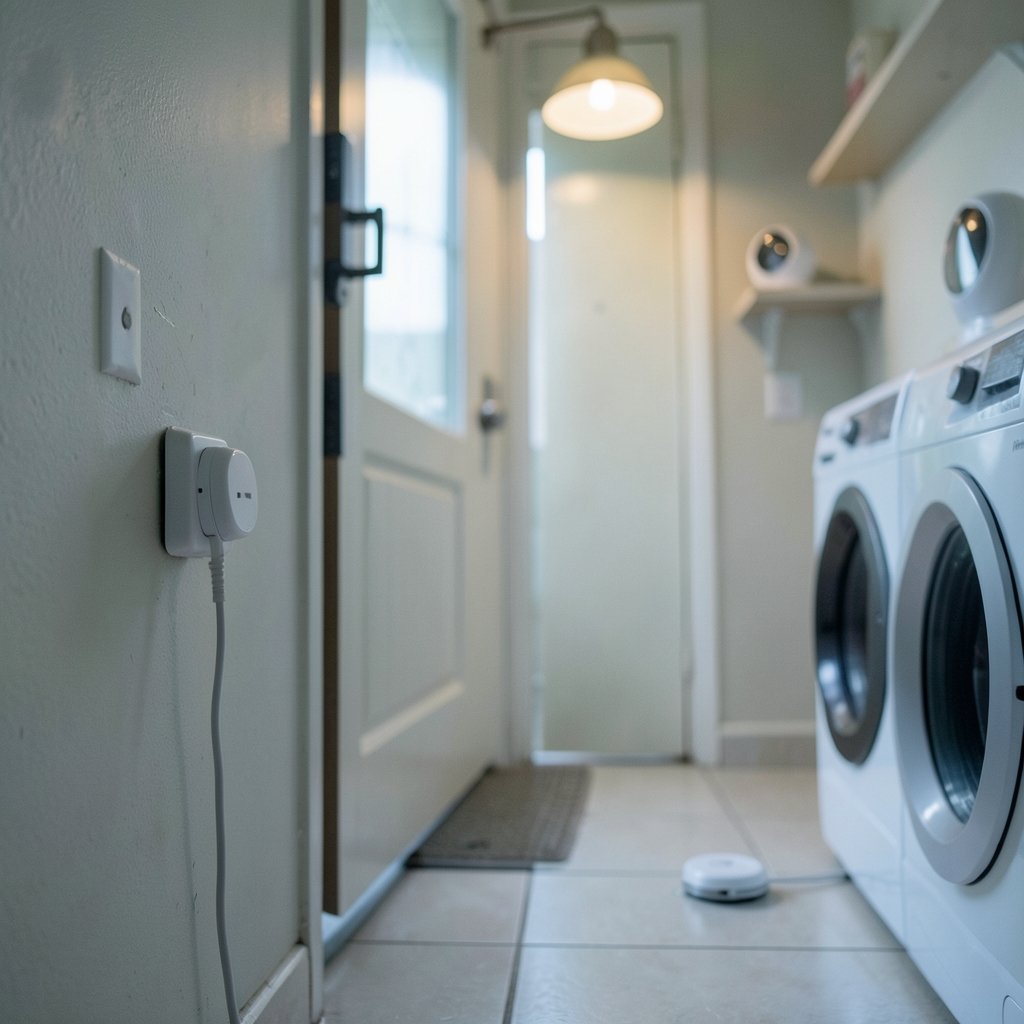
Some categories deliver outsized value for very little money. Others are where budgets go to die. Here is the practical split.
| Product | Typical budget price | What it does well | Watch out for |
|---|---|---|---|
| Smart plug | Roughly $8–15 each | Scheduling, voice control, away-mode lighting | Bulky designs that block the second socket |
| Door and window sensor | Low single digits to low teens | Alerts, automation triggers | Needs a hub or border router in many cases |
| Smart bulb | Often under $15 | Dimming, color, schedules without wiring | Wi-Fi congestion; check hub requirements |
| Motion sensor | Budget tier | Hallway and bathroom automation | Pets triggering lights constantly |
| Energy-monitoring plug | More than a basic plug | Reveals standby draw and appliance costs | Savings depend on local electricity prices |
Smart plugs are the classic first purchase. They need no wiring, they work with almost anything that has a switch, and they teach you how automation actually feels in daily life. Energy-monitoring plugs cost more, but they can pay for themselves if you use them to hunt down phantom loads. Just do the math honestly: savings depend entirely on your electricity price and what you plug in.
Sensors are the second great bargain. A door sensor on the back gate, a motion sensor in the hallway, a water-leak sensor under the washing machine. These small devices create the triggers that make a home feel responsive. The catch is that many budget sensors use Zigbee or Z-Wave and need a hub, which brings us to the hidden-cost problem.
The hidden costs that wreck a budget
The sticker price is rarely the whole story. Three costs trip people up again and again.
The first is the hub. A $10 sensor is not a $10 system if it requires a $60–100 hub to function. Before buying, check whether the device needs a proprietary bridge, a Matter controller, or a Thread border router. Sometimes you already own the missing piece, because many smart speakers double as border routers. If you are weighing platforms, a comparison of home assistant vs smartthings which smart home platform fits can clarify which one fits your budget and technical appetite.
The second is subscriptions. Some budget cameras and doorbells are cheap precisely because the useful features sit behind a monthly fee. Add up two years of subscription before deciding a $30 camera is a bargain.
The third is replacement churn. A no-name brand that folds leaves you with orphaned hardware. Buying from brands with a track record, or sticking to Matter-certified gear, reduces that risk. If you are building out a hub-based setup, it helps to read up on how to pick the right brain for your house before committing, because the hub decision shapes every cheap device you buy afterward.
Matching cheap devices to the right protocol
Protocol choice is the single biggest factor in whether a budget setup stays cheap. Pick wrong and you end up buying a second hub, then a third.
Wi-Fi is best for a handful of devices near the router: a plug, a bulb or two, maybe a camera. It is the worst choice for scaling up.
Zigbee and Z-Wave shine for sensors and switches. They form their own mesh, sip power, and keep your Wi-Fi network clear. The trade-off is the hub requirement.
Matter over Thread is the forward-looking budget pick. It needs a border router, but it plays nicely across ecosystems and reduces lock-in.
Matter over Wi-Fi combines easy setup with cross-brand support, though it still leans on your router.
A useful rule of thumb: use Wi-Fi for a few standalone devices, and use a mesh protocol for anything you plan to own in quantity. If you run a local automation platform, tuning your message delivery settings matters too, and a guide to MQTT QoS levels for smart homes explains how to keep sensor messages reliable without over-engineering.
Where to spend a little more
Not everything should be bargain-hunted. Two categories deserve a modest upgrade.
Smart locks. A cheap lock is a physical security device, and the failure modes are serious: jammed bolts, flaky apps, and weak encryption. Budget-friendly models from reputable brands exist, but this is the one place where saving $30 can cost you sleep. Reviews of the best smart locks for home security are worth reading before you buy, and pairing a lock with a cheap door sensor gives you a useful backup signal.
Smart speakers and hubs. These are the foundation devices that everything else talks to. A rock-bottom speaker with a poor microphone will make every voice command feel broken. A modest step up buys noticeably better reliability. If you are shopping this category, a roundup of the best smart speakers for home automation helps separate the genuinely useful from the merely cheap.
Everything else, from plugs to bulbs to sensors, is fair game for budget shopping.
Security on a budget: the part nobody wants to read
Cheap connected devices have a well-documented reputation problem. Public-sector guidance has repeatedly warned that inexpensive IoT products may ship with weak default passwords and receive infrequent firmware updates. Regulation is starting to respond. The UK’s Product Security and Telecommunications Infrastructure (PSTI) Act rules for consumer connectable products took effect on 29 April 2024 and ban weak default passwords. The EU Cyber Resilience Act was adopted in 2024, with obligations phasing in over subsequent years.
For a budget buyer, the practical checklist is short and effective:
- Change every default password before the device joins your network.
- Put smart devices on a separate Wi-Fi network or guest SSID where your router supports it.
- Enable automatic firmware updates, or check for them monthly.
- Avoid devices that require you to open router ports to the internet.
- Buy Matter-certified gear where possible, since certification includes security requirements.
If you want a fuller walkthrough, this step-by-step guide on how to secure your smart home from hackers covers network segmentation, account hygiene, and firmware routines in plain language. The short version: a cheap device with a changed password and current firmware is far safer than an expensive one you never updated.
Common mistakes that waste money
A few patterns show up over and over in budget smart home builds.
Buying devices before choosing a platform. People accumulate three apps and two hubs, then discover nothing talks to anything. Choose your platform first, then buy devices that work with it.
Ignoring the second-socket problem. Cheap smart plugs are often bulky. Two side by side can block the neighboring outlet, which is a small annoyance that compounds across a house.
Over-automating on day one. A hallway light that turns on with motion sounds great until it fires every time the cat walks past. Start with one or two automations, live with them for a week, then expand.
Skipping the network plan. Twenty Wi-Fi bulbs on a single consumer router is a recipe for dropouts. Mesh protocols exist for a reason.
Forgetting about multi-admin. If you want devices shared across Apple, Google, and Alexa households, set it up properly from the start. A guide to Matter multi-admin setup to share smart home devices across ecosystems explains the pairing codes and pitfalls.
Breaking devices with a VPN. Running a VPN on your router can isolate smart devices from your phone, which looks like a broken device but is really a routing problem. If that happens, VPN split tunneling for smart homes explains how to fix it without tearing the setup apart.
A realistic starter kit under a tight budget
If someone asked for the cheapest setup that genuinely improves daily life, it would look like this: two smart plugs for lamps and a coffee maker, one motion sensor for the hallway, one door sensor for the back door, and a smart speaker they may already own acting as the controller. That combination covers scheduling, presence-based lighting, and a security alert, and it costs less than a single mid-range smart lock.
From there, expand by category as needs appear. A leak sensor under the boiler. A second plug for the holiday lights. A cheap bulb in the hallway that dims after dark. The budget smart home works best as a series of small, deliberate additions rather than one big shopping spree.
Conclusion
Inexpensive smart home products are not a compromise anymore. With Matter and Thread maturing, budget gear can be genuinely interoperable, secure, and useful. The winning strategy is unglamorous: pick a platform first, favor mesh protocols for sensors, check for hidden hub and subscription costs, and spend a little more only on locks and speakers where reliability matters most. Change the default passwords, keep firmware current, and start small. A handful of ten-dollar devices, chosen well, will beat a house full of expensive gadgets you never configured.
Frequently asked questions
What is the cheapest useful smart home device to start with?
A basic Wi-Fi smart plug, typically around $8–15, is the lowest-risk entry point. It needs no hub, installs in minutes, and immediately adds scheduling and voice control to any lamp or appliance. Once it proves useful, add a sensor or two.
Do budget smart home devices need a hub?
It depends on the protocol. Wi-Fi devices generally do not need a hub, but they consume router capacity. Zigbee, Z-Wave, and Thread devices usually need a hub or border router, which many smart speakers already include. Always check before buying, because a hidden hub cost can erase the savings.
Is Matter worth it for budget buyers?
Yes, in most cases. Matter is an open standard released in October 2022 that lets devices from different brands work across Apple Home, Google Home, Amazon Alexa, and SmartThings. That reduces lock-in, so a cheap device stays useful even if you change phones or platforms later.
Are cheap smart devices a security risk?
Some are, particularly no-name products with weak default passwords and rare firmware updates. The risk is manageable: change default passwords immediately, isolate devices on a separate network, enable automatic updates, and prefer Matter-certified products. Regulation such as the UK’s PSTI rules, in force since 29 April 2024, is pushing manufacturers toward better defaults.
How many Wi-Fi smart devices can one router handle?
Consumer routers vary widely, but a common practical ceiling is somewhere in the range of 20 to 30 connected devices before stability suffers. If you plan to scale beyond a handful of bulbs and plugs, use Zigbee, Z-Wave, or Thread for the bulk of your sensors to keep the Wi-Fi network clear.
Should I buy a cheap smart lock to save money?
Be cautious. A lock is a physical security device, and the failure modes are more serious than a flaky bulb. Budget-friendly models from reputable brands can work well, but read independent reviews first and avoid unknown brands with no update history. Spending slightly more here is usually the better trade.



