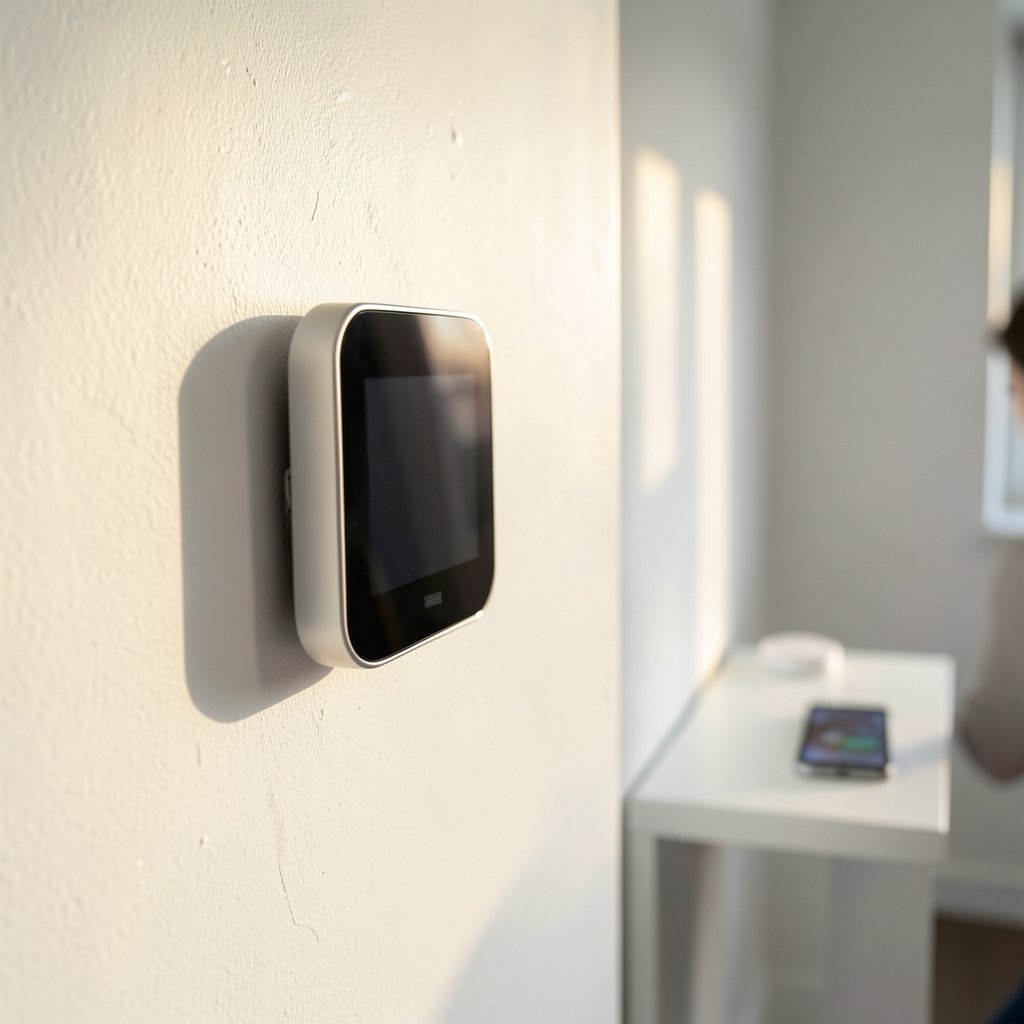
What if the device on your wall knew you were coming home before you did? That is the basic promise of an intelligent thermostat, and it is why millions of households have swapped their old dial-and-slider units for something with a screen, a Wi-Fi radio, and a bit of machine learning. The pitch sounds simple: let the thermostat learn your routine, and it will trim your heating and cooling bills without you lifting a finger.
The reality is more interesting than the marketing. Smart thermostats do save energy for most households, but the savings are smaller and far more variable than the packaging suggests. They also introduce new questions about wiring compatibility, data collection, and whether the “learning” actually learns anything useful about your life. This guide walks through how these devices work, where the savings come from, what the field evidence shows, and the mistakes that quietly erase the benefits.
What Makes a Thermostat “Intelligent”?
The terms smart thermostat, intelligent thermostat, and connected thermostat get used interchangeably in consumer and trade writing, and no single formal definition is universal. Still, a few capabilities separate a genuinely intelligent unit from a programmable one:
- Occupancy sensing. Motion sensors, geofencing via your phone, or both tell the unit whether anyone is home.
- Schedule learning. The thermostat observes when you adjust the temperature and builds a pattern, rather than asking you to program a seven-day schedule by hand.
- Remote control. A phone app lets you change settings from anywhere.
- Energy reporting. Usage history and feedback help you see what your behavior costs.
- Demand-response support. Many units can respond to utility peak-time events, often through the OpenADR standard for automated demand response.
The Nest Learning Thermostat, announced in 2011, popularized the combination of motion sensing and algorithmic schedule learning in consumer HVAC control. Before that, “programmable” meant a fiddly interface most people never touched. The insight behind the learning thermostat was that a schedule you never program saves nothing.
How the Learning Actually Works
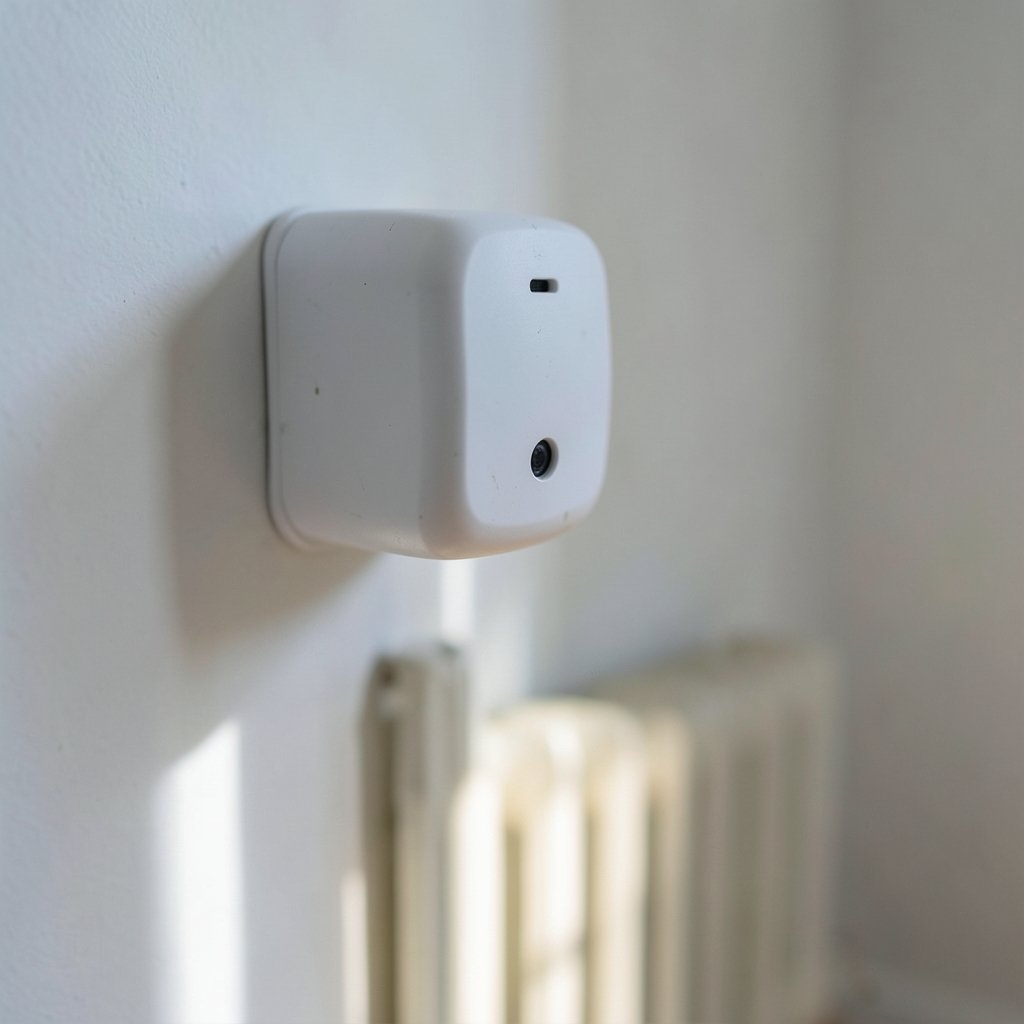
Under the hood, an intelligent thermostat is running a simple loop: sense, predict, adjust, and observe. Occupancy sensors and phone location data feed a model of when the house is typically empty. Temperature and humidity sensors track how fast the space heats or cools, which hints at insulation quality and system performance. Over one to two weeks, the device builds a rough schedule and starts applying setbacks on its own.
Here is where owners get surprised. The learning is only as good as the signals it receives. If your phone’s location permission is off, geofencing does nothing. If a sensor sits in a hallway that gets direct afternoon sun, the readings mislead the model. If guests stay for a week, the thermostat may “learn” a routine that never existed.
The practical fix is patience plus occasional correction. Most units need a couple of weeks of normal life before their predictions stabilize, and manual adjustments during that window teach the algorithm faster than letting it guess. Treating the first month as a training period, rather than judging the device on day three, is the difference between a thermostat that feels smart and one that feels broken.
Where the Energy Savings Come From
Almost all of the savings from any thermostat, smart or dumb, come from one behavior: setback. Turning the heat down or the cooling up while you are away or asleep reduces the energy the system uses. The U.S. Department of Energy advises setting thermostats back 7 to 10 °F for 8 hours a day when away or asleep, and cites estimated annual savings of roughly 10% on heating and cooling. That figure is an estimate, not a guarantee, and it assumes the setback actually happens consistently.
An intelligent thermostat’s contribution is making that setback automatic. The device does the boring part, so the savings do not depend on remembering to press a button before bed.
A second, smaller source is avoiding wasteful runtime. Occupancy sensing stops conditioning an empty house. Some units also nudge you toward efficiency with reminders about filter changes or unusual runtime patterns.
A third source, increasingly common, is demand response. Utilities pay households to let the thermostat raise the setpoint by a degree or two during grid peaks. The household saving is modest, but the payment or bill credit can be real. If you are the type who wants to understand what a quoted savings figure actually represents before signing up, the same skepticism applies here as to any calculator: the money market account calculator numbers really tell you matter more than the headline rate, and thermostat rebate offers work the same way. (When will agi arrive expert predictions actually tell us)
What Field Evidence Shows
Independent evaluations of smart-thermostat programs, including utility pilots and academic studies from the mid-to-late 2010s, generally found average household savings in the single digits to low double digits as a percentage, with wide variation by climate, baseline behavior, and household. That range lines up with the DOE’s roughly 10% estimate, but the spread is the story.
Three factors explain most of the variation:
| Factor | Effect on savings |
|---|---|
| Climate | Bigger temperature swings mean bigger setback potential |
| Baseline behavior | Households that already set back manually save little |
| Household routine | Predictable schedules suit learning algorithms; erratic ones do not |
A household that already turned the heat down every morning gains almost nothing from automation. A household that never touched the thermostat gains the most. The device is best understood as a consistency machine, not a magic efficiency upgrade.
There is a parallel worth noting for anyone who likes numbers. Just as the 2027 football recruiting team rankings numbers really tell a story only when you look past the headline order, thermostat savings claims only make sense when you look at the baseline they are measured against.
Compatibility: The Step People Skip
The most common expensive mistake is buying before checking whether the thermostat supports your system. Heating and cooling equipment varies enormously, and the wrong unit can cost you efficiency or even leave you without heat.
Key compatibility questions:
- How many wires does your system use? Count them at the wall plate and photograph the wiring before disconnecting anything.
- Do you have a heat pump? Heat pumps need thermostats that support specific wiring and staging. Misconfiguration can reduce efficiency, so check the manufacturer’s installation guide and heat-pump guidance carefully.
- Is it multi-stage or dual-fuel? Systems with auxiliary or backup heat need a thermostat that can stage them correctly.
- Is there a C-wire? Many smart units need continuous power, and older wiring often lacks it.
This is the same discipline that applies to any hardware upgrade. Before buying a CPU, you check the socket and chipset; before buying a thermostat, you check the wiring and staging. The amd vs intel cpu check compatibility before upgrade 2027 guide makes the point well for computers, and HVAC hardware rewards the same caution.
Features That Matter and Features That Don’t
Not every feature earns its price. A short field guide:
Worth paying for: reliable occupancy sensing, solid app reliability, good energy reporting, support for your specific system, and demand-response enrollment where your utility offers it.
Nice but optional: geofencing if you carry your phone everywhere, remote sensor accessories for rooms that run hot or cold, and voice assistant integration.
Mostly noise: oversized color screens, elaborate animations, and subscription tiers that gate basic history behind a monthly fee. A thermostat is a control device, not a lifestyle product, and the best one is the one nobody thinks about.
Data, Privacy, and the Fine Print
An intelligent thermostat is a sensor package bolted to your wall. It knows when you are home, when you sleep, and roughly how energy-hungry your house is. That data is valuable, and how it is handled varies by manufacturer.
In the United States, the FTC Act’s Section 5 governs deceptive privacy practices, and state laws such as California’s CCPA and CPRA impose disclosure and deletion rights. The practical checklist for buyers: read what the app’s privacy policy says about sharing usage data with third parties, check whether you can export or delete your history, and decide whether utility data-sharing is part of the deal you are accepting. If you are the kind of person who checks whether dns poisoning is hitting your device or account before trusting a network, apply the same instincts to a device that logs your daily routine.
Accessibility is the other under-discussed angle. Thermostat apps fall under accessibility guidance such as WCAG, and in U.S. federal procurement, Section 508. Small touch targets and low-contrast displays are common complaints, and they matter for older users in particular.
Common Mistakes and What Actually Works
After the marketing wears off, the households that get the most from these devices tend to do the same few things:
- Set the training period expectations correctly. Give it two weeks of normal life before judging.
- Verify the setback is happening. Check the schedule and history in the app for the first month.
- Use remote sensors where rooms disagree. A thermostat in a sunbaked hallway will condition the hallway, not the living room.
- Enroll in demand response if your utility pays. It is free money for a small comfort tradeoff.
- Keep the firmware updated. Early firmware bugs in schedule learning were common across brands.
- Do not expect savings if you already set back manually. The automation adds convenience, not efficiency.
One more practical note: professional installation is worth it for heat pumps and multi-stage systems. For a simple single-stage furnace with a C-wire, a careful DIY swap is realistic, provided you photograph the wiring first.
Standards and Interoperability
Interoperability used to be a mess of proprietary apps. The Open Connectivity Foundation addressed device interoperability, and more recently the Matter standard, developed by the Connectivity Standards Alliance with version 1.0 released in 2022, has pushed toward a common language for smart-home devices, thermostats included. The U.S. EPA’s Energy Star program also introduced a specification for connected thermostats, defining criteria that include occupancy sensing and feedback reporting.
For buyers, the takeaway is simple: a Matter-certified thermostat is more likely to keep working with your smart-home setup years from now. That matters in a category where app support has historically been abandoned when a product line is discontinued. The same forward-compatibility logic shows up in laptops, where buyers weigh platform longevity against price; the lenovo xiaoxin 14 se intel wildcat lake budget laptop buyers face the same tradeoff between a good deal today and support tomorrow.
Conclusion
An intelligent thermostat is a genuinely useful device, but it is not a miracle worker. The savings it delivers come almost entirely from consistent setback, and the field evidence puts average household gains in the single digits to low double digits as a percentage, with wide variation. Households that never touched their old thermostat gain the most; households that already set back manually gain convenience more than cash.
The buyers who end up happiest are the ones who check compatibility before purchase, give the learning a fair two-week trial, verify the schedule is actually running, and read the privacy policy before handing a device a log of their daily routine. Do those things, and the thermostat on your wall becomes what it should be: a quiet, boring machine that saves a little money every month without asking for attention. Skip them, and you have bought an expensive wall decoration with a nice screen.