
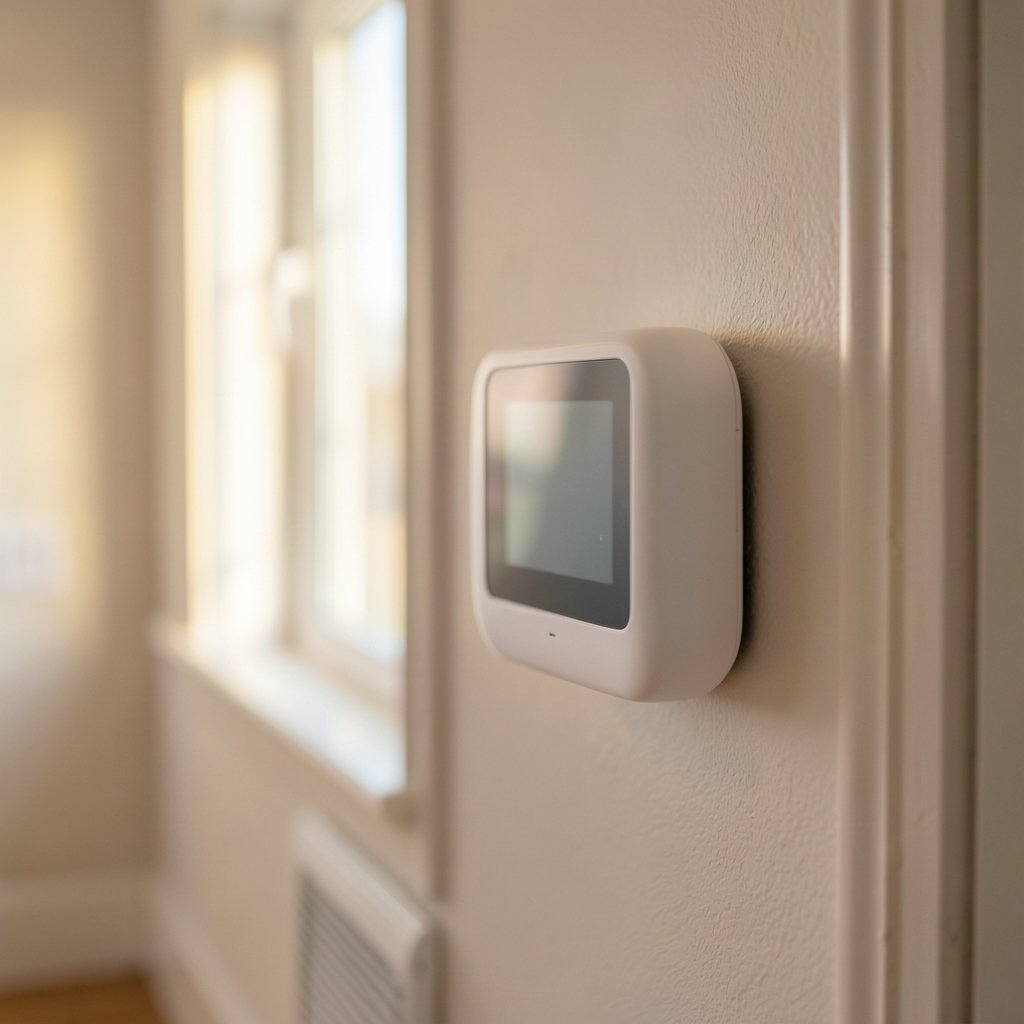
Quick Answer: What is a smart thermostat?
A smart thermostat is a heating and cooling control that connects to the internet, usually over Wi-Fi, so it can be adjusted, scheduled, and monitored from a phone app or web portal. Many models add learning behavior, motion sensors, or phone-based location tracking to switch automatically between home and away settings.
It differs from a programmable thermostat, which simply follows a fixed weekly schedule you type in once. Smart models can react to occupancy, weather, and your habits, and they can be controlled from anywhere.
Before buying, check HVAC wiring and C-wire availability, compatibility with your system type, local utility rebates, the app’s privacy terms, and whether the model supports a common standard like Matter.
Why the Thermostat on Your Wall Matters More Than You Think
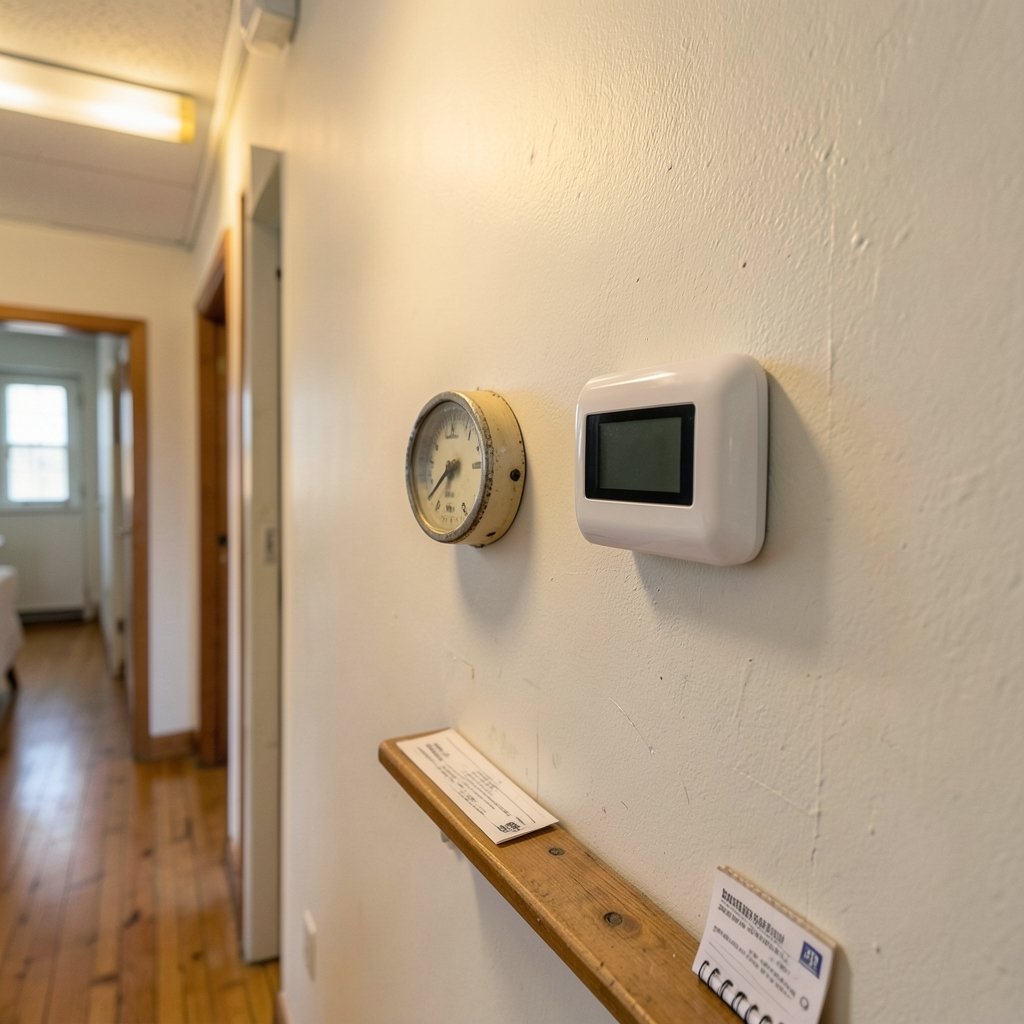
Have you ever wondered why one house on the block pays noticeably less for heating than the one next door, even with similar square footage? The answer often hides in plain sight, mounted at eye level in the hallway. The thermostat is the decision-maker for your furnace, heat pump, or boiler, and the quality of its decisions shows up on every utility bill.
For decades that decision-maker was a dial or a plastic box with a small LCD screen. It did exactly what you told it, when you told it, and nothing more. If your schedule changed, your comfort suffered or your bill did. A smart thermostat changes that relationship by adding connectivity, sensing, and in many cases a bit of machine learning to the mix.
This guide explains what these devices actually do, where the real savings come from, what installation usually involves, and the mistakes that quietly erase the benefits.
The Core Definition, Stripped of Marketing Language
A smart thermostat is a thermostat with a network connection. That connection provides three capabilities: remote control, data reporting, and automation.
Remote control means you can raise the temperature from your office before you drive home. Data reporting means the device logs runtime hours, indoor and outdoor temperatures, and how often your system cycles. Automation means the thermostat can act on that data without asking you, for example by dropping to an away setpoint when it detects nobody is home.
There is no formal standards-body definition of the term “smart thermostat.” Definitions come from manufacturers and from efficiency programs, which is why features vary so much between models that share the label. Some devices are essentially programmable thermostats with a Wi-Fi chip. Others are closer to small computers with occupancy radar.
The U.S. Environmental Protection Agency’s Energy Star program does maintain a specification for connected thermostats, which sets criteria around energy savings, connectivity, and information reporting. That specification is a useful filter when shopping, because a device has to demonstrate measurable savings to earn the label rather than just claiming it.
How Smart Thermostats Actually Save Energy
The savings story is simpler than the marketing suggests. These devices save energy in three main ways, and each one depends on your behavior as much as the hardware.
The first is schedule optimization. Most households heat or cool an empty house for hours every weekday. A well-set schedule trims that waste.
The second is occupancy response. Motion sensors or geofencing, which uses your phone’s location, let the thermostat relax the setpoint when the house is empty and restore comfort before you return.
The third is learning. Some models, most famously the Nest lineup launched in 2011, infer a schedule from the adjustments you make by hand. Turn the heat down three nights in a row at 10 p.m., and the device starts doing it for you.
How much does that add up to? Studies and utility evaluations generally report modest savings, often in the range of roughly 5 to 15 percent on heating and cooling. Those figures vary widely by climate, household, and study design, so treat any single percentage with suspicion. A household in a mild climate with erratic schedules may see little change. A household that previously left the heat blasting all day may see a clear drop.
Practical tip: the biggest savings usually come from the boring stuff, not the AI. Setting a sensible away temperature and actually letting the schedule run beats fiddling with the app every day.
Smart vs. Programmable vs. Manual: What Actually Changes
| Feature | Manual thermostat | Programmable thermostat | Smart thermostat |
|---|---|---|---|
| Remote control | No | No | Yes, via app |
| Scheduling | None | Fixed weekly schedule | Adaptive and editable |
| Occupancy sensing | No | No | Often, via motion or geofencing |
| Energy reporting | No | Limited | Detailed runtime data |
| Installation | Simple | Simple | May need a C-wire |
| Price range | Low | Low to mid | Mid to high |
The jump from manual to programmable is mostly about discipline. The jump from programmable to smart is about removing the need for discipline, because the device handles the schedule and adjusts when life interferes.
One honest caveat: a programmable thermostat set up well can capture much of the savings at a fraction of the cost. The smart layer earns its price through convenience, remote access, and data, not through magic.
Installation Realities Nobody Mentions Until You Open the Box
Compatibility is where most smart thermostat purchases go sideways. The device needs power, and many models draw it from a C-wire, the common wire that carries continuous low-voltage power from your HVAC system. Older homes frequently lack one.
A few workarounds exist. Some models include a power adapter kit that installs at the air handler. Others use a battery or steal small amounts of power from the existing wires, though that approach can cause flickering or short-cycling on some systems. If you are unsure, photograph your current wiring before disconnecting anything and check the manufacturer’s compatibility tool.
Heat pumps and multi-stage systems add another layer. Not every smart thermostat supports auxiliary heat, dual fuel setups, or variable-speed equipment. A quick compatibility check before buying saves a return shipping label later.
If you are already upgrading other parts of the home, the same wiring logic shows up elsewhere. Apartment dwellers dealing with doorbell wiring, for example, face similar constraints, and there are workable approaches covered in this guide to a smart doorbell for apartments without wiring.
Standards, Interoperability, and the Matter Question
For years, smart home devices lived in separate ecosystems. A thermostat that worked with one voice assistant might ignore another entirely. Two developments have nudged the industry toward interoperability.
OpenTherm is a communication protocol between thermostats and boilers, European in origin, that lets a modulating boiler run more efficiently than simple on-off signaling allows. It matters mainly if you have a boiler-based system.
Matter, launched in 2022 and backed by the Connectivity Standards Alliance, is a connectivity standard designed to let devices from different brands work together across platforms. Thermostat support has evolved since launch, so confirm the current status for any specific model rather than assuming.
The practical upshot: if you plan to build out a smart home, favor devices that speak a common standard. It reduces the chance of replacing perfectly good hardware because it stopped talking to your hub. The same logic applies when choosing the voice hub itself, which is why a smart speaker for home automation deserves as much scrutiny as the thermostat.
Privacy: The Data Behind the Comfort
A thermostat that knows when you are home also knows when you are not. That is worth thinking about before you mount it.
Occupancy data, usage patterns, and location information from geofencing all flow through manufacturer servers in most setups. Privacy policies and data-sharing practices vary considerably between brands. Read the policy the way you would read a lease, particularly the sections on third-party sharing and retention. If geofencing feels intrusive, most devices let you turn it off and rely on schedules instead.
A reasonable middle ground: use occupancy sensing for efficiency, disable location tracking if it makes you uneasy, and check whether the device works fully offline if the cloud service goes down. Some do, some become dumb switches.
Where Smart Thermostats Fit in a Connected Home
The thermostat is rarely the only upgrade people make, and it interacts with the rest of the house in ways that are easy to overlook.
Lighting affects how warm or cool a room feels, which changes the setpoint you actually want. Getting the color temperature right in bedrooms, for instance, influences comfort and sleep in ways a thermostat cannot, and this breakdown of smart bulb color temperature for bedrooms explains the Kelvin ranges worth targeting. If a dimmed bulb starts humming, that is a separate fix covered in this piece on smart bulb buzzing when dimmed.
For anyone comparing hardware across categories, the buying logic is surprisingly transferable. The same discipline that keeps a gaming PC build on budget applies to climate hardware, and this guide on how to choose a gaming CPU without wasting money makes the point well: match the part to the workload, not the marketing.
Landlords and hosts have an extra angle. A smart lock with time-limited access codes pairs naturally with a thermostat that drops to an away setpoint between guests, and this walkthrough on smart lock guest code expiration covers the access side of that setup.
Common Mistakes That Erase the Savings
The most frequent mistake is over-scheduling. People build elaborate schedules with six setpoint changes a day, then override them constantly. A simpler schedule that actually runs beats a clever one that gets ignored.
The second is setting away temperatures too aggressively. Pushing the house down to 50°F in winter can trigger expensive recovery runs when the system has to claw back to comfort, and it risks frozen pipes in extreme cold. Moderate setbacks tend to perform better.
The third is ignoring the HVAC system itself. A smart thermostat cannot fix a leaky duct system or a filter that has not been changed since spring. Efficiency upgrades compound; a smart thermostat on top of a neglected system mostly buys convenience.
The fourth is buying before checking rebates. Many utilities and some states offer rebates for qualifying smart thermostats. A few minutes on your utility’s website can offset a meaningful chunk of the purchase price.
Finally, resist the urge to micromanage from the app. Constantly nudging the temperature from your phone trains the learning algorithms badly and defeats the purpose. Set it, trust it, and check the energy report monthly instead.
Conclusion
A smart thermostat is best understood as a thermostat that got a brain and an internet connection. It schedules, senses, learns, and reports, and in the right household it trims heating and cooling costs by a modest but real margin. The savings are not dramatic, and they depend heavily on climate, habits, and whether the device is set up properly.
The decision comes down to fit. Check your wiring and system type first. Confirm the model supports your heat pump or boiler. Look for an Energy Star connected thermostat listing if you want evidence of savings rather than claims. Read the privacy policy before you enable geofencing. Then set a sane schedule and leave it alone.
Do that, and the device on your hallway wall stops being a plastic box and starts being the quietest cost-cutter in the house.
Frequently Asked Questions
Do smart thermostats really save money?
They usually save something, but the amount varies. Evaluations commonly land in the range of roughly 5 to 15 percent on heating and cooling, with wide variation by climate, household, and study design. Households that previously ran heat or cooling on a fixed setting all day tend to see the largest gains.
Can I install a smart thermostat myself?
Many people do, and the job is usually straightforward for a single-stage system with an existing C-wire. The risk is wiring mistakes or discovering mid-install that your system is incompatible. Photograph the old wiring first, check the manufacturer’s compatibility tool, and call a technician if your setup involves a heat pump with auxiliary heat or unusual voltage.
What is a C-wire and why does it matter?
A C-wire, or common wire, provides continuous low-voltage power from your HVAC system to the thermostat. Many smart models need it to run Wi-Fi and a display without draining batteries. Older homes often lack one, though some thermostats include adapter kits or power-stealing designs that work around the gap.
How is a smart thermostat different from a programmable one?
A programmable thermostat follows a fixed weekly schedule you enter manually. A smart thermostat adds internet connectivity, remote app control, energy reporting, and often occupancy sensing or learning. The practical difference is that a smart model adapts when your routine changes, while a programmable one just keeps following the old plan.
Will a smart thermostat work with my heat pump?
Often, but not always. Heat pump compatibility depends on the model supporting auxiliary and emergency heat stages, reversing valve behavior, and sometimes dual fuel configurations. Check the manufacturer’s compatibility list for your exact equipment before buying, since this is one of the most common sources of returns.
What happens to my smart thermostat if the internet goes down?
It depends on the design. Most devices keep running their last schedule locally and simply lose app access until the connection returns. Some rely heavily on cloud processing and lose smart features during an outage. If resilience matters to you, confirm whether the model stores schedules on the device itself.



