
You dim the lights for a movie night, and instead of a soft glow, your smart bulb greets you with an annoying electric buzz. Sound familiar? You’re not alone. This is one of the most common complaints among people who’ve upgraded to connected lighting, and it’s also one of the most misunderstood. The good news: in most cases the noise is fixable, and sometimes it’s not even the bulb’s fault.
This guide breaks down the real causes behind dimmed smart bulb noise, the mistakes people make during installation, and the practical fixes that actually work in real homes.
Why Does a Smart Bulb Buzz When Dimmed?
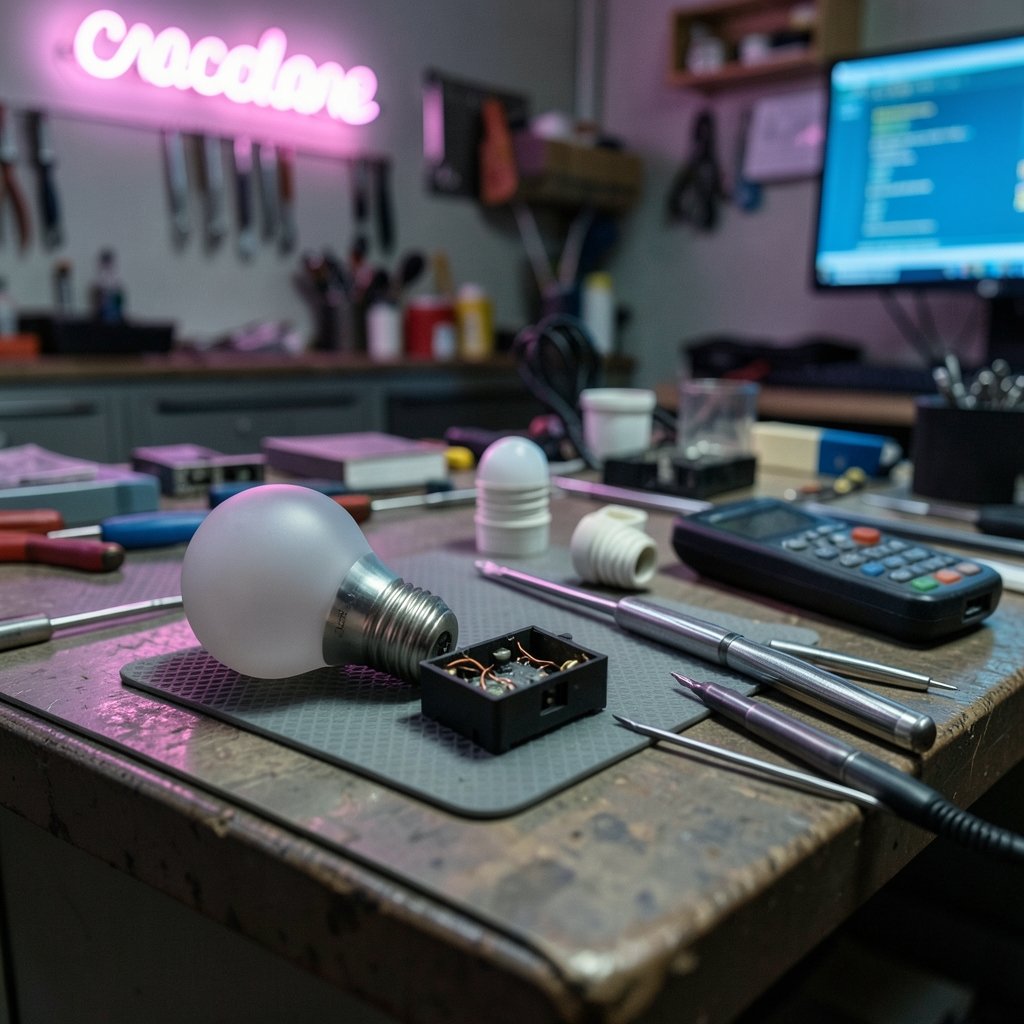
A buzzing smart bulb is almost always a sign of vibration inside the bulb’s electronics. The bulb isn’t “broken” in the traditional sense. Instead, something inside its driver circuit is physically shaking at a frequency your ears can pick up.
There are two main mechanisms at play, and understanding them makes troubleshooting much easier.
The first is pulse-width modulation, or PWM. Most smart bulbs dim by switching the LED on and off thousands of times per second. The ratio of “on” time to “off” time controls brightness. At full brightness, the LED stays mostly on, so there’s little switching activity. At low brightness, the switching becomes more aggressive, and that rapid switching can cause tiny components inside the driver, like inductors and transformer cores, to vibrate. That vibration is what you hear as a buzz.
The second is dimmer mismatch. If your smart bulb is connected to a traditional wall dimmer, especially an older leading-edge type, the dimmer chops the incoming AC waveform in a way the bulb’s driver may not handle gracefully. The result is often a louder, more erratic buzz, sometimes paired with flicker. (Dimmer)
The Role of Dimmer Type in Buzzing
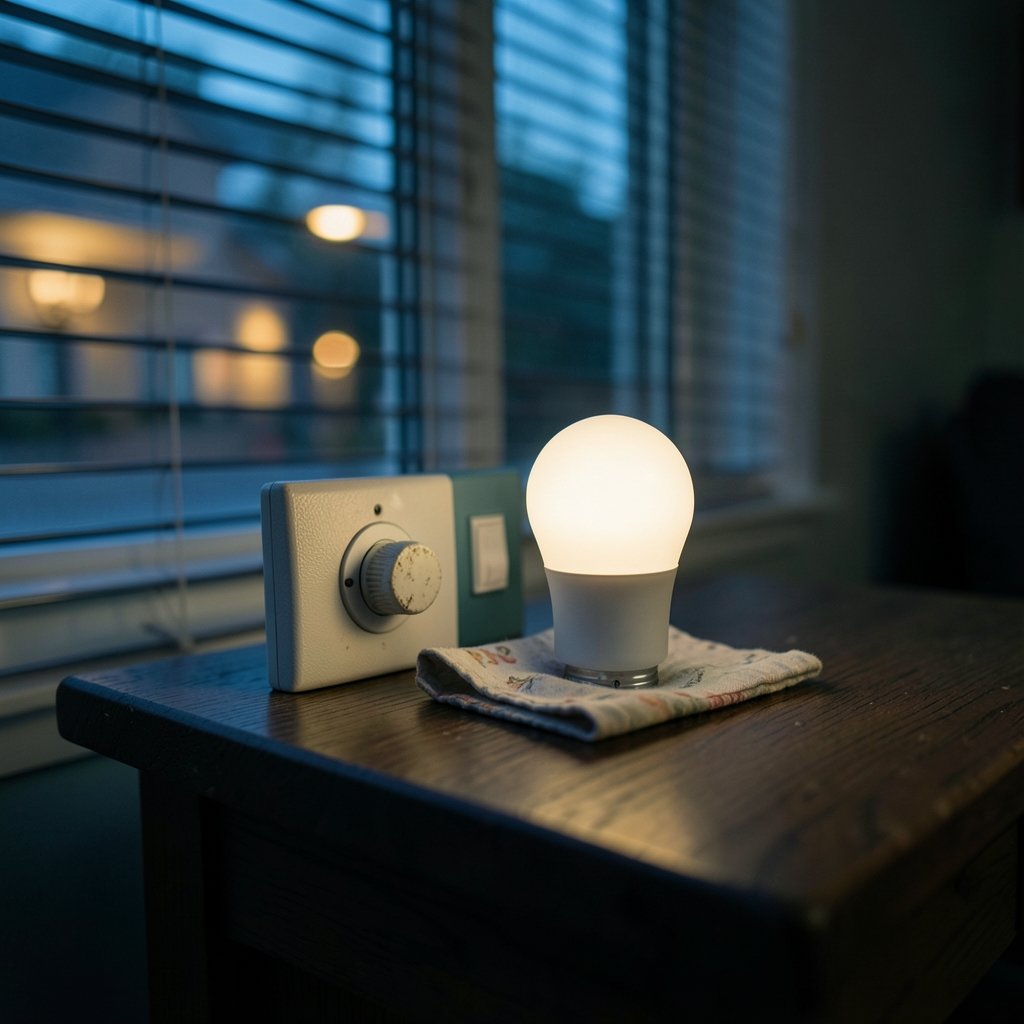
Not all dimmers are created equal, and this is where many people trip up. Here’s a quick comparison of the dimmer types you’re likely to encounter and how they tend to behave with smart bulbs.
| Dimmer Type | How It Works | Typical Behavior With Smart Bulbs |
|---|---|---|
| Leading-edge (TRIAC) | Chops the front of the AC waveform | Most likely to cause buzz and flicker |
| Trailing-edge (ELV) | Chops the back of the AC waveform | Gentler on drivers, fewer noise issues |
| Smart bulb on a plain switch | Full power, dimmed via app or voice | Usually the quietest setup |
| Smart dimmer module | Digital control, matched to load | Reliable if compatible with the bulb |
The takeaway is simple: the combination of dimmer and bulb matters more than either part alone. A premium bulb on the wrong dimmer can buzz louder than a budget bulb on a plain switch.
Common Mistakes That Make the Buzz Worse
In practice, a handful of installation errors show up again and again. Avoiding these will save you a lot of head-scratching.
- Putting a smart bulb on a dimmer switch. Smart bulbs are designed to receive full power and dim themselves. Feeding them a dimmed signal confuses the driver and often produces noise. Use a standard on/off switch instead.
- Mixing bulb brands on one dimmer circuit. Different drivers react differently to the same dimmer. A circuit with mixed brands can behave unpredictably.
- Ignoring the dimmer’s minimum load. Many dimmers need a minimum wattage to function properly. A single low-wattage LED bulb may fall below that threshold, causing flicker and buzz.
- Assuming all “dimmable” bulbs are equal. The word dimmable on a box doesn’t guarantee smooth performance with every dimmer. Compatibility lists exist for a reason.
- Overlooking loose bulbs or fixtures. A bulb that isn’t screwed in fully, or a loose shade, can rattle sympathetically with driver vibration. It sounds obvious, but it’s an easy fix people skip.
If you’re building out a connected home and want to sidestep these issues from the start, it helps to choose devices that are designed to work together. A guide to the best smart home devices for beginners can point you toward setups that avoid common compatibility headaches.
Is the Buzz Ever Normal?
Here’s a balanced answer: yes, some hum can be normal. Dimmable LED drivers contain magnetic components, and a faint hum at certain dim levels is within the range of expected behavior. Many manufacturers consider a low-level hum acceptable.
The line between “normal” and “problem” isn’t standardized, which is frustrating for consumers. As a practical rule, a buzz that is clearly audible from across a quiet room, that gets louder over time, or that comes with flicker or heat is worth investigating. A faint hum you can only hear with your ear near the bulb is usually nothing to worry about.
It’s also worth noting that mains frequency plays a role. In regions with 50 Hz power, you may hear hum at related frequencies, while 60 Hz regions produce a slightly different pitch. The underlying cause, magnetostriction and ripple in the driver, is the same.
How to Diagnose the Source of the Noise
Before buying anything new, spend ten minutes isolating the cause. This saves money and frustration.
- Test the bulb on a plain switch. Screw it into a fixture with no dimmer and dim it via the app. If the buzz disappears, your wall dimmer is the culprit.
- Try a different dim level. If the noise only appears at, say, 15 percent brightness, that points to PWM behavior rather than a faulty driver.
- Swap the bulb into another fixture. This rules out a loose socket or rattling shade.
- Check for heat. A bulb that’s unusually hot while buzzing deserves a closer look.
- Listen at full brightness. If it’s silent at 100 percent and noisy only when dimmed, you’re dealing with a dimming-related issue, not a failing bulb.
This diagnostic sequence mirrors what electricians and smart home installers do on site, and it usually narrows the problem down within minutes.
Practical Fixes That Actually Work
Once you know the cause, the fixes are straightforward. Here’s what tends to work, ranked roughly from easiest to most involved.
Dim Through the App, Not the Wall Switch
The single most effective fix is to give the bulb full power and control brightness through its app, a voice assistant, or a smart hub. This eliminates dimmer mismatch entirely. If you want a hub that coordinates your lighting and other devices cleanly, the Home Center Lite is worth a look for its price-to-feature balance.
Upgrade to a Trailing-Edge Dimmer
If you must use a wall dimmer, choose a trailing-edge model rated for LED loads. These are gentler on drivers and dramatically reduce buzz. Check the dimmer’s compatibility list against your bulb model before buying.
Match the Bulb to the Dimmer
Some manufacturers publish dimmer compatibility charts. Use them. A bulb that’s explicitly tested with your dimmer type will almost always outperform a random pairing.
Reduce the Dimming Range
If the buzz only appears at very low levels, set a minimum brightness in your app. Many smart lighting systems let you cap the low end, which keeps the driver out of its noisiest operating range.
Replace Aging or Cheap Drivers
Budget bulbs sometimes use loosely wound inductors or un-potted transformers that buzz more. Upgrading to a better-built bulb is a legitimate fix, not a cop-out. If you’re also overhauling other parts of your setup, the best smart speakers for home automation can serve as the voice control hub for your new, quieter lighting.
When Buzzing Signals a Real Problem
Most buzz is cosmetic. But a few warning signs suggest the driver is failing or the installation is unsafe.
Watch for a buzz that starts suddenly after months of silence, a bulb that runs unusually hot, visible flicker paired with noise, or a burning smell. Any of these are reasons to stop using the bulb and contact the manufacturer. Electrical safety guidance from consumer protection bodies consistently recommends replacing rather than repairing failing LED drivers, since the components aren’t user-serviceable.
It’s also smart to keep your broader smart home secure. A compromised hub or app can misbehave in odd ways, so it pays to follow basic hygiene like the steps in this guide on how to protect your smartphone from malware, especially if your lighting is controlled from your phone.
How Buzzing Compares Across Bulb Types
Different bulb designs handle dimming differently, and that affects noise.
| Bulb Type | Dimming Method | Buzz Likelihood |
|---|---|---|
| Basic smart LED | PWM, budget driver | Higher at low levels |
| Premium smart LED | PWM with better driver | Lower, smoother |
| Dimmable dumb LED | Depends on dimmer | Varies widely |
| Smart bulb with ELV dimmer | Trailing-edge control | Usually quiet |
The pattern is clear: better drivers and matched dimmers equal quieter operation. Price isn’t a perfect predictor, but it correlates.
Energy and Comfort Considerations
Beyond noise, dimming affects how much energy you use. Running bulbs at lower output saves power, and pairing smart lighting with other efficiency upgrades compounds the benefit. A well-chosen setup, including the best smart thermostats to save energy, can cut household consumption meaningfully while keeping rooms comfortable.
If security is part of your motivation for smart lighting, note that a buzzing bulb isn’t a security risk on its own, but a flickering one can look odd on camera. Pairing lighting with the best smart locks for home security gives you a more complete, reliable system.
What to Look for When Buying Quiet Bulbs
If you’re shopping to replace a noisy bulb, keep these criteria in mind.
- Dimmer compatibility list: Check that your dimmer type is supported.
- Driver quality: Reviews mentioning quiet operation are a useful signal.
- Dimming range: Bulbs rated for smooth dimming down to 1 percent tend to have better drivers.
- Brand family: Buying within one brand’s product line reduces mismatch risk.
- Warranty: A longer warranty often reflects confidence in the driver.
It’s also worth checking whether your phone or hub is up to date, since app bugs can sometimes cause erratic dimming behavior. If you’re due for an upgrade, a look at the best smartphones 2026 can help you pick a device that handles smart home apps smoothly.
Conclusion
A buzzing smart bulb when dimmed is rarely a mystery once you understand the two main causes: PWM switching inside the driver and mismatch with a wall dimmer. The fix usually comes down to giving the bulb full power and dimming through its app, upgrading to a trailing-edge dimmer, or replacing a budget bulb with a better-built one. Some faint hum is normal, but loud, worsening, or heat-producing buzz deserves attention.
Start with the simple diagnostic steps, avoid the common installation mistakes, and you’ll likely silence the noise without replacing your whole setup. Quiet, comfortable lighting is closer than you think.
Frequently Asked Questions
Why does my smart bulb buzz only when dimmed?
Because dimming changes how the driver operates. At low brightness, the bulb switches its LED on and off more aggressively, which can cause internal components to vibrate. At full brightness, that switching is minimal, so the buzz often disappears.
Is a buzzing smart bulb dangerous?
Usually not. A faint hum is normal for dimmable LED drivers. However, a loud buzz combined with heat, flicker, or a burning smell can indicate a failing driver and should prompt you to stop using the bulb and contact the manufacturer.
Can I use a smart bulb with a regular dimmer switch?
Technically you can, but you shouldn’t. Smart bulbs are designed to receive full power and dim themselves. Feeding them a dimmed signal causes mismatch, flicker, and louder buzzing. Use a plain on/off switch instead.
Will a trailing-edge dimmer stop the buzzing?
In many cases, yes. Trailing-edge dimmers are gentler on LED drivers than leading-edge types and significantly reduce noise. Check the dimmer’s compatibility list against your specific bulb model before buying.
Why does the buzz change at different brightness levels?
PWM dimming changes its switching pattern as brightness changes. Certain dim levels excite the driver’s components more than others, so the buzz may peak at specific percentages and quiet down elsewhere.
Should I replace the bulb or the dimmer first?
Test the bulb on a plain switch first. If the buzz disappears, the dimmer is the problem. If it persists, the bulb’s driver is likely the cause and replacing the bulb is the better move.



