

Quick Answer: How do I choose gaming CPUs?
Choosing a gaming CPU comes down to matching per-core speed, cache size, and platform cost to the games and resolution you actually play, rather than chasing the highest core count on the box. In practice, most buyers should shortlist chips with strong single-core performance, check independent benchmarks at their target resolution, and confirm the socket, memory type, and upgrade path before paying.
The main fork in the road is AMD versus Intel, and within each brand there are gaming-focused designs with extra cache and general-purpose designs with more cores. Neither is automatically better; they trade blows depending on the title and the settings.
Before buying, compare single-core performance, L3 cache, core count, socket longevity, memory support, power draw, integrated graphics, and price including the motherboard.
Why the CPU Still Matters Even When the GPU Does the Heavy Lifting
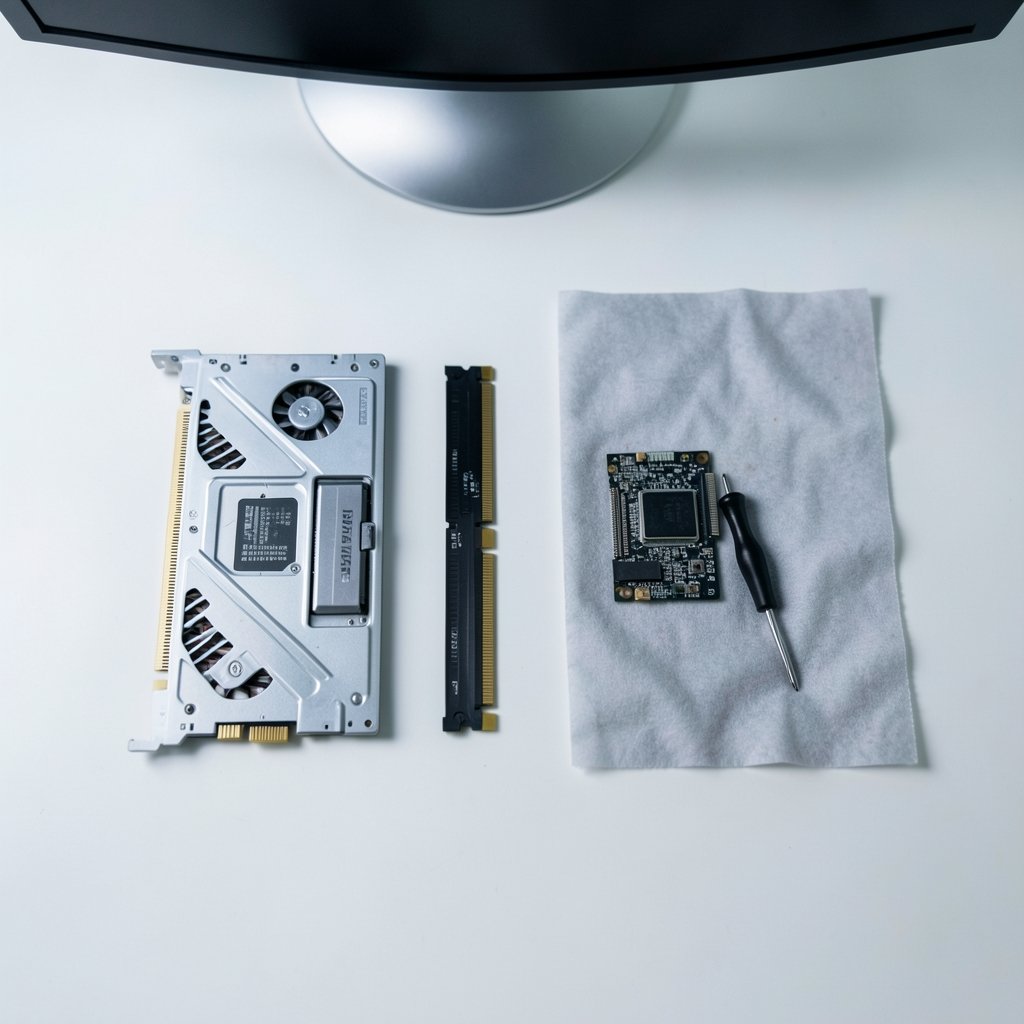
Anyone who has built a PC in the last few years has heard the same advice: spend on the graphics card, skimp on the processor. It is decent advice, and it is also incomplete. A gaming CPU sets the ceiling on how many frames your system can push before the GPU even breaks a sweat. Pair a flagship graphics card with an aging quad-core and you get stutter, uneven frame times, and a machine that feels slower than its spec sheet suggests.
The trick is understanding when the CPU is the bottleneck and when it is not. At 1080p with a fast GPU, the processor often does the limiting. At 4K, the graphics card usually takes over and CPU differences shrink to a few percent. That single fact reshapes the entire buying decision, and it is why the same chip can look like a bargain in one review and a waste of money in another.
Start With Your Resolution and Refresh Rate
Before comparing a single model, work out what you are actually driving. This is the step most buyers skip, and it is the one that saves the most money.
| Scenario | CPU Priority | What to Look For |
|---|---|---|
| 1080p, high refresh (144Hz+) | High | Strong single-core speed, large L3 cache |
| 1440p, 144Hz | Medium-high | Balanced chip, 6–8 fast cores |
| 4K, 60–120Hz | Medium | Competent mid-range chip, spend the savings on the GPU |
| Sim/strategy/MMO titles | High | Cache and single-thread performance above all |
| Streaming while gaming | High | Extra cores help encoding headroom |
Here is the practical takeaway: a high-refresh 1080p player will feel a CPU upgrade far more than a 4K player will. If you are building around a 4K display, a mid-range processor plus a better graphics card usually beats a flagship CPU plus a weaker GPU. That balance question comes up constantly in build advice, and it applies just as much when you are weighing a gaming monitor against a TV and how room lighting changes what you see — the display decision and the CPU decision are linked, because both hinge on the resolution and frame rate you genuinely want.
Cores, Clocks, and Cache: What Actually Moves Frames
Core count is a rule of thumb, not a scoreboard
Games in the mid-2020s generally scale well to about six to eight cores. Beyond that, gains are modest and depend heavily on the title. A 16-core chip is not twice as fast in games as an 8-core chip; it is often within a few percent. Extra cores earn their keep for streaming, video editing, and running a browser with forty tabs, not for raw frame rate.
Single-core performance still rules
Most game engines lean hard on one or two threads for their critical path. That is why a chip with fewer but faster cores can beat a core-heavy rival in games. When you read benchmarks, look at the 1% low figures as well as the average. Average frame rate tells you how fast the game can go; 1% lows tell you how smooth it feels. Stutter lives in the lows.
Cache is the quiet hero
AMD’s 3D V-Cache technology, introduced with the Ryzen 7 5800X3D in 2022, stacks extra L3 cache on top of the compute die specifically to boost gaming performance. The idea is simple: more cache means fewer trips to main memory, and games love that. Cache-heavy designs have since become a genuine category of gaming CPU rather than a curiosity, and they are often the fastest gaming chips you can buy at a given price even when their clock speeds look unremarkable.
AMD or Intel? The Honest Comparison
The brand question is less dramatic than forum arguments suggest. Both make excellent gaming processors. What differs is the platform around them.
AMD’s AM5 socket arrived in September 2022 with Ryzen 7000 and is the company’s current desktop platform. AMD has a track record of long socket life — AM4 supported multiple CPU generations from 2017 to 2022 — which means buying into AM5 today leaves a plausible upgrade path later.
Intel’s hybrid architecture, introduced with 12th-gen Core in November 2021, mixes performance cores and efficiency cores and uses a scheduler called Thread Director to route work between them. It works well in modern games, though some older titles and anti-cheat software had compatibility hiccups in the early days. Intel has historically changed sockets more often, so check the current roadmap before assuming an upgrade path.
| Factor | AMD (AM5) | Intel (current socket) |
|---|---|---|
| Gaming-focused cache models | Yes, 3D V-Cache line | No direct equivalent |
| Socket longevity | Historically long | Historically shorter cycles |
| Hybrid core design | No (uniform cores) | Yes (P-cores + E-cores) |
| Memory support | DDR5 | DDR4 or DDR5 depending on board |
| Power efficiency | Generally strong in gaming | Varies by SKU |
Neither column wins outright. If you upgrade your CPU every few years without replacing the motherboard, socket longevity is worth real money. If you build a complete system every five years, it matters much less.
The Specs That Confuse People Most
TDP is not comparable across brands
AMD and Intel define and measure power limits differently. Intel’s “Processor Base Power” and AMD’s TDP are not the same measurement, so putting them side by side on a spreadsheet is misleading. Compare measured power draw from independent reviews instead. It also affects your cooler and power supply budget, which is part of the true cost.
DDR5 versus DDR4
DDR5 became mainstream with AM5 and Intel’s 12th-gen chips in 2021–2022. The gaming gains over DDR4 are real but often modest and depend on resolution and the specific game. The DDR5 standard itself is published by JEDEC, and the practical advice is simple: buy a kit rated for the speed your platform officially supports, enable the memory profile in BIOS, and do not overpay for extreme speeds that deliver single-digit percentage gains.
PCIe generation
PCIe 5.0 was finalized in 2019, but for most gaming builds the difference between PCIe 4.0 and 5.0 is negligible today. Graphics cards and even fast NVMe drives rarely saturate 4.0 bandwidth in games. Do not pay a premium for 5.0 alone.
Integrated graphics
Many gaming CPUs include an integrated GPU. It is genuinely useful: you can boot and troubleshoot without a discrete card, diagnose a faulty GPU, or run a budget build until graphics prices settle. If you plan to add a graphics card immediately and never need a fallback, an iGPU-free SKU can save a little money.
A Practical Buying Process That Works
- Set your resolution and target frame rate. Write it down. Everything else follows from this.
- Set a total platform budget, rather than only a CPU budget. Motherboard, memory, and cooler are part of the cost.
- Shortlist three CPUs in your price band from independent benchmark databases that list cores, clocks, cache, and power.
- Read gaming benchmarks at your resolution, not the reviewer’s. Look at 1% lows as well as averages.
- Check the socket and upgrade path. Will this board accept a much faster chip in three years?
- Confirm memory support and cooler requirements before ordering.
- Check the return window and buy from a seller with a clear warranty process.
That order matters. Buyers who start with a brand or a model number tend to overspend on the wrong part of the system.
Mistakes That Cost Real Money
The most common error is buying too many cores and too little cache. A 16-core chip with modest per-core performance will lose to a cheaper 8-core gaming-focused design in most titles, and the buyer never notices because the box said “more.”
The second mistake is ignoring the motherboard and cooler budget. A power-hungry processor can add $80–$150 in cooling and a pricier board, quietly erasing the savings from a cheaper chip. Add those numbers before you decide.
The third is trusting a spec sheet over a benchmark. Clock speeds across different architectures are not comparable, and TDP figures are defined differently by each vendor. Reviews with measured data are the only fair comparison.
The fourth is over-buying for 4K. If you game at 4K, the GPU is almost always the limit, and a mid-range CPU frees up budget for the part that actually changes your experience. The same logic applies when you are weighing a laptop purchase — the balance between components matters more than any single spec, which is why guides on picking a gaming laptop under 1000 that actually fits your budget stress the whole-system picture over headline numbers.
Finally, do not ignore the peripherals and display you will pair with the chip. A fast CPU feeding a slow panel is wasted money, and the panel type and monitor choice should match the games you actually play rather than the ones you imagine playing.
When to Spend More and When to Save
Spend more on the CPU when you play competitive shooters at high refresh rates, when you play simulation, strategy, or MMO titles that hammer a few threads, or when you stream and game at the same time. In those cases, cache and single-core speed pay you back every session.
Save on the CPU when you game at 4K, when you mostly play graphically heavy single-player titles with a strong GPU, or when your budget is tight and the difference would otherwise come out of the graphics card. A well-chosen mid-range chip paired with a better GPU will beat a flagship chip paired with a weaker one in almost every realistic scenario.
There is also the question of timing. CPU launches are cyclical, and prices on outgoing generations often drop sharply once a successor arrives. If you can wait a few weeks around a launch window, you may get the previous generation at a meaningful discount. Just confirm the socket is still supported before you commit.
Conclusion
Choosing a gaming CPU is really a budgeting and matching exercise, not a brand loyalty test. Work out your resolution and refresh rate first, shortlist chips with strong single-core performance and generous cache, read benchmarks at your own resolution, and count the motherboard, memory, and cooler in the price. Core count beyond six to eight rarely changes how a game feels, while cache and per-core speed frequently do. Get those priorities in order and the “best” CPU for your build becomes obvious — and, just as importantly, so does the one you should skip.
Frequently Asked Questions
How many cores do I need for gaming?
Six to eight fast cores cover the vast majority of games well. Titles scale modestly beyond that, and the gains are inconsistent. Extra cores are more valuable for streaming, recording, and multitasking than for raw frame rate.
Is more cache better than more cores for gaming?
Often, yes. Cache-heavy designs reduce memory trips that stall game engines, and they frequently outperform higher-core-count chips in games. That said, a balanced chip with good cache and solid per-core speed is the safest pick.
Does the CPU matter at 4K?
Much less than at 1080p. At 4K the graphics card is usually the limiting factor, so CPU differences shrink to a few percent. Spending the savings on a stronger GPU is usually the better move.
Should I buy DDR4 or DDR5?
Buy whatever your chosen platform supports natively. DDR5 is the current mainstream standard, and its gaming advantage over DDR4 is real but modest. Do not pay a large premium for extreme memory speeds.
Do I need integrated graphics on a gaming CPU?
It is handy for troubleshooting, for booting without a discrete card, and for budget builds that add a GPU later. If you will install a graphics card immediately and never need a fallback, you can skip it and save a little.
How often should I upgrade my gaming CPU?
Most gamers get four to six years from a processor before it becomes the clear bottleneck. A long-lived socket lets you swap just the chip mid-cycle, which is cheaper than a full platform rebuild.



