
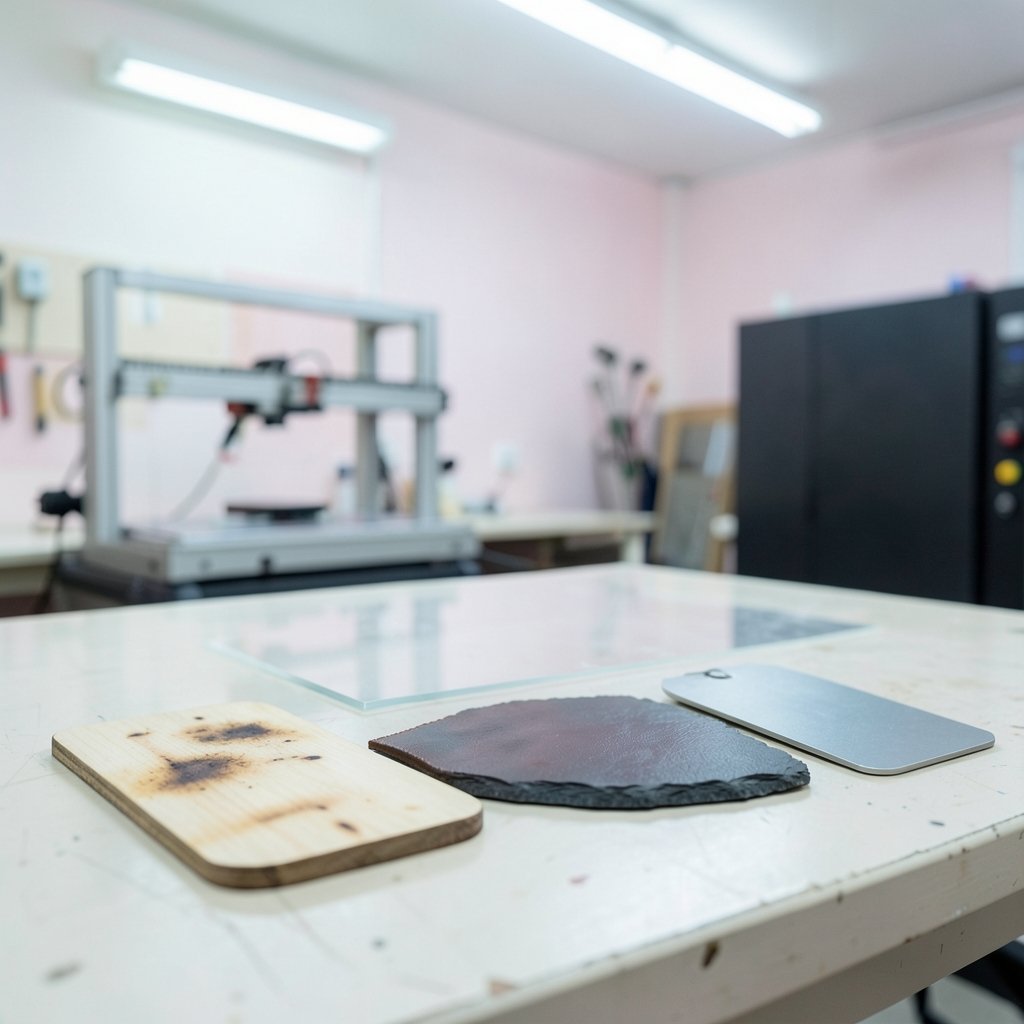
What if the biggest mistake in buying a laser engraver isn’t picking the wrong brand, but picking the wrong type of laser entirely? That happens more often than you’d think. Someone buys a 40 W diode machine expecting to cut clear acrylic, or spends thousands on a CO₂ cabinet to mark stainless steel tags. Both buyers end up frustrated, and neither problem is about quality. It’s about matching the light source to the material and the workflow.
This comparison breaks the three main laser categories down by what they actually do well, where they fail, and what the safety and software side demands. No hype, no spec-sheet theater. Just the practical differences that decide whether a machine earns its bench space.
The three laser types, in plain terms
Desktop engravers fall into three families, and each one uses a different wavelength of light. That single fact drives almost everything else.
| Type | Wavelength | Typical power | Best at | Weak at |
|---|---|---|---|---|
| Diode | ~445–455 nm (near-infrared/blue) | ~5–40 W optical | Wood, leather, dark acrylic, coated metals | Clear acrylic, glass, bare metal, speed |
| CO₂ | ~10.6 µm (far-infrared) | ~40–100 W tube | Acrylic, wood, leather, glass, cutting | Bare metal marking, small footprint |
| Fiber | ~1064 nm | Varies by marking class | Bare stainless, aluminum, brass, some plastics | Organics, wood, acrylic |
The pattern is simple once you see it. Diode lasers are cheap, compact, and fine for hobby woodwork. CO₂ lasers are the workshop workhorses for acrylic and deep cutting. Fiber lasers exist almost entirely for metal marking.
One trap: power ratings are not comparable across types. A diode’s wattage is usually quoted as optical output, but some budget listings quote electrical input or add up multiple diode modules. CO₂ tube power is quoted as tube output. A “40 W” diode and a “40 W” CO₂ tube are not in the same league. Compare within a category, never across one.
Diode lasers: the accessible starting point
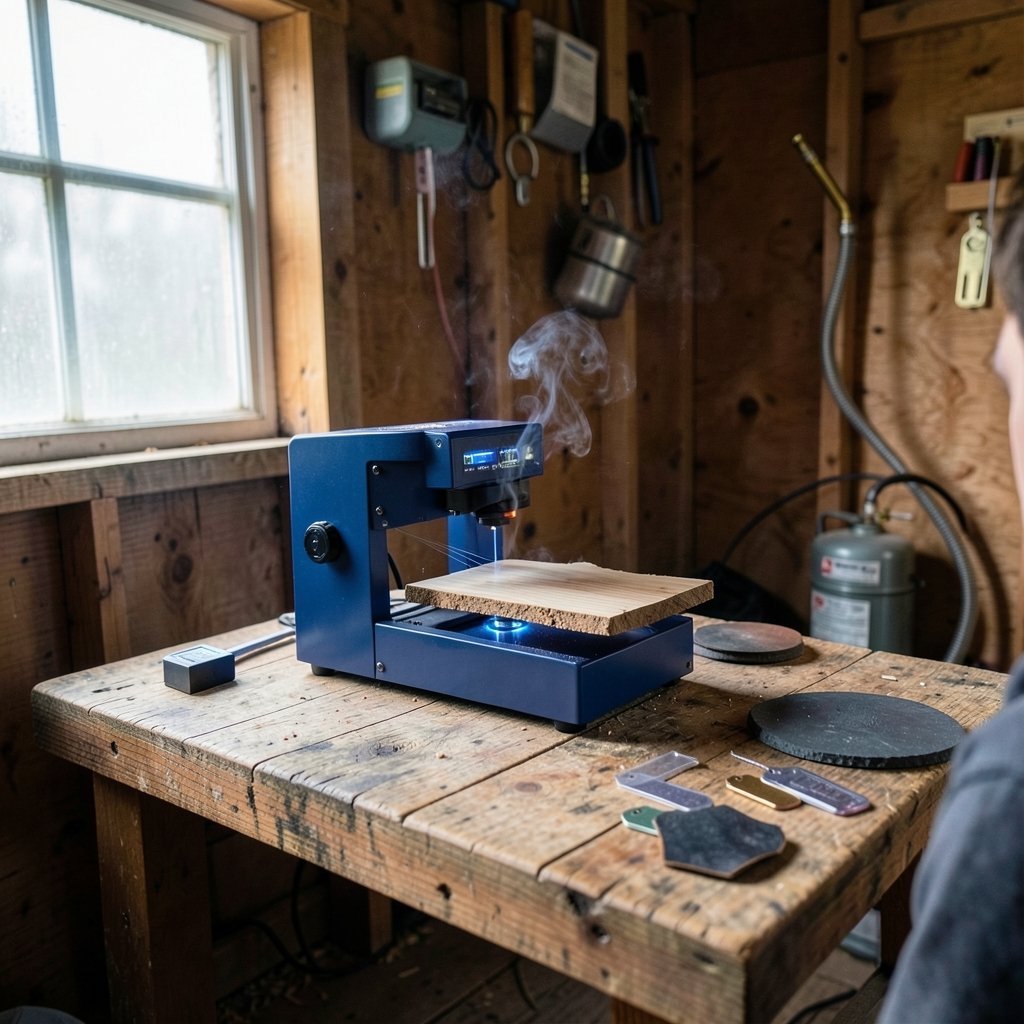
Diode engravers dominate the entry market for good reason. They’re small, they run off a standard outlet, they’re open-frame or lightly enclosed, and they cost a fraction of a CO₂ cabinet. For engraving wood signs, leather patches, slate coasters, and anodized aluminum blanks, they do genuinely good work.
Where beginners get burned is expecting more than the physics allows. Blue diode light passes straight through clear acrylic and most transparent glass. No amount of extra power fixes that. If your product line is acrylic keychains or glassware, a diode is the wrong tool and you’ll learn that the expensive way.
Practical tips that actually matter:
- Air assist is not optional. A small air nozzle clears smoke and stops charring. It’s the cheapest upgrade with the biggest quality jump.
- Focus height changes results more than power settings. Re-check focus after every material change.
- Enclosures and exhaust matter indoors. Engraving wood and leather produces fine smoke and ultrafine particles. Vent outside or run filtration, even in a garage.
- Never engrave PVC. It can release hydrogen chloride gas, which corrodes the machine and harms lungs.
If you’re weighing which model tier or subscription ecosystem makes sense before committing, a broader look at AI model comparison gpt 6 1 sol vs sonnet 5 5 vs gemini 4 argon 2026 shows how quickly tooling comparisons age, and the same caution applies to laser spec sheets.
CO₂ lasers: the acrylic and cutting workhorse
CO₂ tubes emit far-infrared light that acrylic, wood, leather, glass, and many plastics absorb beautifully. This is why sign shops, trophy makers, and product studios gravitate to them. A 40–100 W tube cuts through quarter-inch acrylic cleanly and engraves glass without coatings.
The trade-offs are real. CO₂ machines are bigger, heavier, need water cooling on many models, and want a proper exhaust run. Mirrors and lenses need alignment and cleaning. They also struggle to mark bare metal directly, which surprises people who assume “more powerful” means “does everything.”
That last point connects to a common workflow mistake: buying one machine to cover both wood products and metal tags. Usually it’s cheaper to run a CO₂ for organics and a small fiber marker for metal than to force one laser into both jobs. The same “one tool for everything” thinking shows up in software choices, which is why breakdowns like Chatgpt go vs plus vs pro paid plan comparison workflow are useful reading before locking into a subscription stack.
For makers deciding between an affordable entry machine and a proper cutting setup, the decision logic mirrors the one in diode vs co2 laser beginners workflow differences that — the machine follows the material, not the other way around.
Fiber lasers: metal marking without coatings
Fiber lasers mark bare stainless steel, aluminum, brass, and some engineered plastics directly. No marking spray, no coating that rubs off. For serial numbers, tool tags, jewelry, and industrial part marking, nothing else in the desktop range competes.
They are not general-purpose engravers. Wood and acrylic are largely out of scope. If 90% of your work is organic materials, a fiber marker is a specialist purchase, not a first machine.
Safety: the part buyers skip
Most consumer and desktop engravers are Class 1 or Class 4 products under IEC 60825-1, the international laser product safety standard. Class 4 lasers are hazardous to eyes and skin, including from diffuse reflections — the scattered light bouncing off a workpiece. That means enclosures, interlocks, and appropriate eye protection are not accessories. They’re requirements.
In the United States, laser products are regulated by FDA/CDRH under 21 CFR Parts 1040.10 and 1040.11. Imported machines should carry proper classification labels. If a bargain listing is vague about laser class, treat that as a red flag.
Fume control deserves equal weight. Engraving wood, leather, and acrylic generates smoke and ultrafine particles. PVC is the worst offender because it can release hydrogen chloride gas. Polycarbonate, ABS, and some coated metals also produce hazardous fumes. Manufacturers publish material compatibility guidance — read it before experimenting, not after.
Software and workflow: where machines live or die
The control software shapes daily life more than most buyers expect. LightBurn is the common third-party option and supports a wide range of diode and CO₂ controllers, which makes it a safe bet for mixed workshops. Manufacturer tools like Glowforge’s cloud app and xTool’s Creative Space are polished but tie you to their ecosystems.
Cloud-only software is the sleeper risk. If the service changes terms or goes down, your machine’s capability changes with it. Offline, file-based control is boring and reliable. Boring wins in a production setting.
Workflow also includes the boring logistics: where the machine sits, how exhaust routes outside, how blanks get staged, and how finished pieces get logged. A laser that’s awkward to load sits idle. Budget bench space around the machine, with room to load stock, rather than only space for its footprint.
Matching the machine to your actual work
The fastest way to choose is to list your top five products and their materials, then check which laser handles all five.
| Your main work | Sensible first choice |
|---|---|
| Wood signs, leather, slate, coated metal blanks | Diode, 10–20 W optical |
| Acrylic cutting, glass engraving, deep wood cuts | CO₂, 40–60 W |
| Bare metal tags, serial plates, jewelry | Fiber marker |
| Mixed organics plus occasional metal | CO₂ plus a small fiber, or diode plus fiber |
Two more practical notes. First, buy for the material you’ll run most weeks, not the one you dream about. Second, budget for ventilation, air assist, and spare lenses from day one — those costs are part of the machine, not extras.
Makers comparing tool ecosystems often find the same lesson in other categories. The logic in Zendesk ai vs freshdesk freddy 2027 helpdesk ai comparison — pick by workflow fit, not headline features — applies directly to laser software and hardware bundles.
Common mistakes that cost real money
The recurring errors are predictable. Buying a diode for clear acrylic. Buying a CO₂ for metal tags. Trusting cross-category wattage comparisons. Skipping exhaust because “it’s just wood.” Running PVC “just once” to see what happens. Choosing cloud-only software without checking export options. And buying the biggest machine the budget allows instead of the one that fits the bench, the outlet, and the ventilation path.
Each of these is avoidable with a ten-minute material audit before checkout. That audit is the single highest-return step in the whole buying process.
Conclusion
Laser engravers aren’t ranked on a single ladder from cheap to good. They split into three families with different physics, different strengths, and different safety demands. Diode machines are the accessible entry point for wood and leather. CO₂ cabinets own acrylic, glass, and deep cutting. Fiber markers exist for bare metal and do it better than anything else in the desktop range.
The right choice comes from your materials list, your ventilation situation, and your software tolerance — not from a spec sheet’s headline wattage. Get those three aligned, add proper fume control and eye protection, and almost any of these machines will earn its place. Get them wrong, and even a great laser becomes an expensive shelf ornament.
Frequently asked questions
Can a diode laser cut clear acrylic?
No, not effectively. Blue diode light passes through clear acrylic instead of being absorbed, so the beam leaves little energy behind. Dark or colored acrylic can sometimes be marked, but clean cutting of clear acrylic is CO₂ territory.
Does a 40 W diode match a 40 W CO₂ laser?
No. The ratings measure different things and the wavelengths behave differently. Diode wattage is usually optical output, while CO₂ figures are tube output, and CO₂ light is absorbed far more strongly by acrylic and glass. Compare machines within the same category only.
Do I need an enclosure and exhaust for a diode laser?
For indoor use, yes in practice. Engraving wood, leather, and acrylic produces smoke and ultrafine particles. An enclosure with external exhaust or filtration keeps the air breathable. Eye protection matters too, since many open-frame units expose Class 4 laser light.
Can any of these lasers mark bare stainless steel?
Only a fiber laser does it cleanly without help. Diode and CO₂ machines generally need a marking coating or spray to leave a mark on bare metal. If metal tagging is core to your work, plan for a fiber marker.
Which software should a beginner learn first?
LightBurn is the common third-party choice because it supports many diode and CO₂ controllers and works offline. Manufacturer apps are easier to start with but can tie you to a cloud service. Learning an offline tool early pays off as your workflow grows.
Is it safe to engrave PVC or unknown plastics?
No. PVC can release hydrogen chloride gas when heated, and other plastics like polycarbonate and ABS can produce hazardous fumes. Stick to materials with published compatibility guidance, and ventilate regardless.
One last framing point: treat the purchase as a system, not a box. The laser, exhaust path, air assist, lens supply, and software all have to work together, and a weak link anywhere shows up in every job you run. Write down your materials, your room, and your budget for the whole setup — then buy the machine that fits all three. Revisit that list after a month of real use; it will tell you more about your next upgrade than any review will.



