MacBook Air M5 vs MacBook Pro M5: Which Should You Buy?
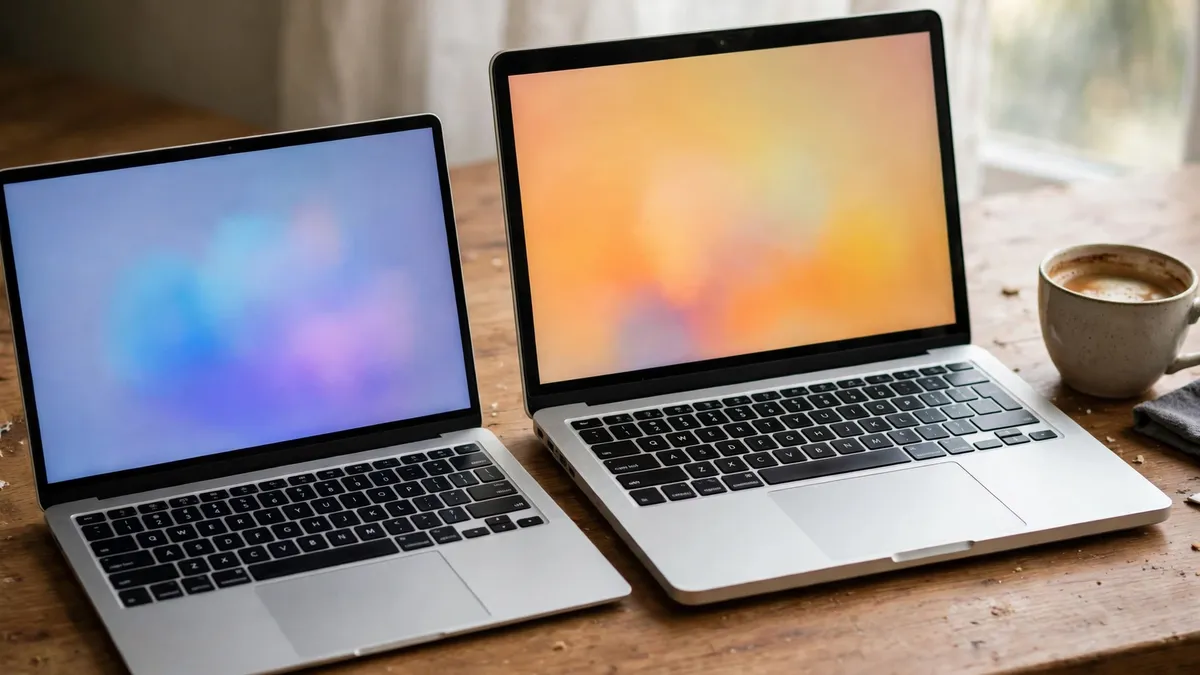
The MacBook Air M5 vs MacBook Pro M5 choice comes down to one question: do you want the lightest MacBook you can buy, or the most capable one? Both run Apple’s M5 chip, so the gap in everyday speed is smaller than ever. For email, browsing, documents, and video calls, you would struggle to tell them apart. The differences show up when you push them harder, or when you care about the screen, the speakers, and the ports.
The MacBook Air M5 is the travel laptop. It weighs around 1.2 kg, has no fan, and is silent in every situation, and its battery lasts through a full working day. The MacBook Pro M5 is the workhorse: a brighter, smoother display, better speakers, more ports, and a fan that sustains heavy workloads without slowing down. It costs more and weighs more, and for many buyers that trade is not worth it.
This comparison covers design, performance, battery, display, and price, so you can make the call with confidence. If you are still deciding between the two ranges, our MacBook Air vs MacBook Pro guide covers the broader line-up, and our MacBook vs Windows laptop comparison is worth a read if you are open to Windows.
Key takeaways
- Both share the M5 chip, so everyday speed is nearly identical — the differences are the screen, ports, and sustained performance.
- The MacBook Air M5 is lighter, silent, and cheaper, and it is the right pick for most people.
- The MacBook Pro M5 wins for video editing, coding, and other heavy work, thanks to its fan, brighter display, and extra ports.
- Battery life is excellent on both, with the Pro lasting a little longer under heavy use.
- Buy the Air unless you need the Pro’s screen, speakers, or sustained power — and spend the saving on more storage.
| Feature | MacBook Air M5 | MacBook Pro M5 |
|---|---|---|
| Chip | Apple M5 | Apple M5 |
| Display | 13.6-inch or 15.3-inch Liquid Retina, 60Hz | 14.2-inch Liquid Retina XDR, 120Hz ProMotion |
| Weight | About 1.24 kg (13-inch) | About 1.55 kg (14-inch) |
| Fan | None — silent | Yes — sustains heavy loads |
| Ports | 2 x Thunderbolt, MagSafe | 3 x Thunderbolt, HDMI, SD card, MagSafe |
| Battery | Up to 18 hours | Up to 24 hours |
| Starting price | From $999 | From $1,599 |
The MacBook Air M5: Light, Silent, and Enough for Most People
The MacBook Air M5 is the laptop most people should buy. It takes the same M5 chip as the Pro, puts it in a body barely over a centimetre thick, and runs it with no fan at all, which means it never makes a sound. You can use it in a library, a meeting, or a bedroom at night without anyone noticing. At around 1.24 kg for the 13-inch model, it is light enough to carry all day without thinking about it.
For everyday work it is fast: documents, spreadsheets, dozens of browser tabs, video calls, and photo editing all run smoothly, and the battery genuinely lasts a full working day. The 15-inch version adds screen space without much weight, which suits anyone who works with two windows side by side. The main limits are the two Thunderbolt ports and the 60Hz display, which is good but not as smooth or bright as the Pro’s.
Best for: Students, writers, office workers, travellers, and anyone who wants a light, silent laptop for everyday work.
The MacBook Pro M5: Power, Screen, and Ports for Demanding Work

The MacBook Pro M5 is built for people whose work pushes a laptop hard. The M5 chip is the same one in the Air, but the Pro adds a fan, which lets it hold top speed for long renders, exports, and builds instead of slowing down to stay cool. If you edit 4K video, compile code, or run large data jobs, that difference is real, and it shows up as minutes saved on every job.
The screen is the other big reason to buy it. The 14-inch Liquid Retina XDR display is brighter, sharper, and smoother than the Air’s, with a 120Hz refresh rate that makes scrolling and video feel noticeably better, and it handles HDR properly. You also get an HDMI port, an SD card slot, and a third Thunderbolt port, so you can connect monitors, cameras, and drives without a bag of adapters. All of that costs more money and about 300 grams, but for professional work it is money well spent.
Best for: Video editors, developers, designers, and anyone who runs demanding software for hours at a time.
Design and Portability
The Air wins on portability, and it is not close. The 13-inch Air is one of the lightest laptops you can buy, and even the 15-inch model is easy to carry. It slips into a small bag, it never gets hot on your lap, and it never makes a sound. The Pro is still portable — a 14-inch laptop at 1.55 kg is easy to carry — but you will notice the difference after a full day, and the fan will spin up under load.
Both are well built from aluminium and feel premium. The Air comes in more colours, while the Pro sticks to darker, more serious tones. If you travel a lot, the Air is the more comfortable companion; if your laptop mostly lives on a desk, the Pro’s extra weight is a non-issue.
Performance: Same Chip, Different Stamina
On paper the two laptops have the same M5 chip, and for short bursts they perform almost identically. Opening apps, exporting a few photos, or running a video call feels the same on both. The difference appears under sustained load: after ten or fifteen minutes of heavy work, the fanless Air has to slow down to manage heat, while the Pro keeps going at full speed. For a 4K video export or a long code compile, the Pro can finish noticeably faster.
For most buyers this does not matter: writing, spreadsheets, browsing, streaming, and light photo editing never push either laptop hard enough for the difference to appear. If you do not know what sustained load means for your work, you almost certainly do not need the Pro.
Battery Life
Both laptops have excellent battery life, and both will get through a working day without a charger. Apple rates the Air at up to 18 hours of video playback and the Pro at up to 24 hours, and in real use the Pro does last a little longer, partly because of its bigger battery and partly because its display is more efficient at low brightness.
The practical difference is small: after a normal day of browsing, documents, and calls, either laptop will still have charge left. The Pro’s advantage shows on long days away from a plug, such as a full day of editing on location.
Display, Speakers, and Webcam
The Pro’s display is the single biggest quality gap between the two. The XDR screen is brighter, with better contrast and a 120Hz refresh rate, and it makes everything from video to scrolling text look better. The Air’s display is still very good — sharp, bright enough for indoor use, and accurate — but side by side, the Pro is clearly better, especially outdoors or with HDR video.
Speakers follow the same pattern: the Pro has a six-speaker system that sounds fuller and louder, while the Air’s setup is fine for calls but thinner for music and films. Both have good 1080p webcams, so video calls look sharp on either machine. If you watch a lot of video, the Pro’s screen alone may justify the price.
Price and Value
The Air starts at $999, while the Pro starts at $1,599, a gap of $600 for the base models. That gap buys the better display, the fan, the extra ports, the SD card slot, better speakers, and a little more battery. Whether that is worth it depends entirely on your work. For everyday use, it is $600 you will barely notice. For professional work, it pays for itself quickly.
There is a smarter way to spend the money if you choose the Air: put the saving into more storage. 512GB is the sweet spot for most people, and it costs far less than jumping to the Pro. Our guide to the best laptops for business has more on balancing specs against price.
Verdict: Which MacBook M5 Should You Buy?
Buy the MacBook Air M5 if you want a light, silent, affordable laptop for everyday work. It does everything most people need, it is the easiest MacBook to carry, and it costs $600 less than the Pro. Choose the 15-inch model for more screen space, and spend the saving on storage.
Buy the MacBook Pro M5 if your work is demanding: video editing, coding, design, or anything that runs the chip hard for hours. The fan, the XDR display, the extra ports, and the better speakers make a real difference to that kind of work, and the Pro is built to handle it all day. If you are unsure which group you are in, you are in the Air group — and you will love it.
Frequently Asked Questions
Is the MacBook Air M5 fast enough for video editing?
Yes, for short projects and 1080p or light 4K work. For long 4K exports or heavy effects the fanless Air will slow down, and the Pro will finish faster. Occasional editors will be happy with the Air; professionals should buy the Pro.
Does the MacBook Air M5 overheat?
No, but it does slow down under sustained heavy load to manage heat. That is by design: with no fan, the Air trades a little speed for silence. In normal use you will never notice it.
How much storage should I get on a MacBook M5?
512GB is the sweet spot for most people, giving room for apps, photos, and documents without constant juggling. Choose 256GB only if you store almost everything in the cloud, and go to 1TB if you edit video or keep large photo libraries on the laptop itself.
Can the MacBook Air M5 run two external monitors?
Yes, the M5 Air supports two external displays when the lid is closed, which is an improvement over older Air models. The Pro supports more displays and runs them with the lid open, which suits desk setups with several monitors.
Is the MacBook Pro M5 worth $600 more than the Air?
It is worth it if you need the brighter XDR display, the fan for sustained performance, or the extra ports and SD card slot. If you do not need those things, the $600 is better spent on more storage, a good monitor, or simply kept in your pocket.
Which MacBook M5 is better for students?
The MacBook Air M5 is the better student laptop: it is lighter, cheaper, silent in lectures and libraries, and its battery lasts all day. The Pro only makes sense for students in film, design, or engineering courses who run demanding software regularly.
Bottom Line
The MacBook Air M5 vs MacBook Pro M5 decision is simpler than the spec sheets make it look. Both share the M5 chip, both have superb battery life, and both handle everyday work with ease. The Air is the laptop for most people: lighter, silent, cheaper, and more than fast enough. The Pro earns its price with a better screen, a fan, and more ports.
If you are still unsure, buy the Air. It is the safer choice for the vast majority of buyers, and the money you save can go towards storage or accessories. Only step up to the Pro when you can name the specific feature you need — the display, the sustained power, or the ports.