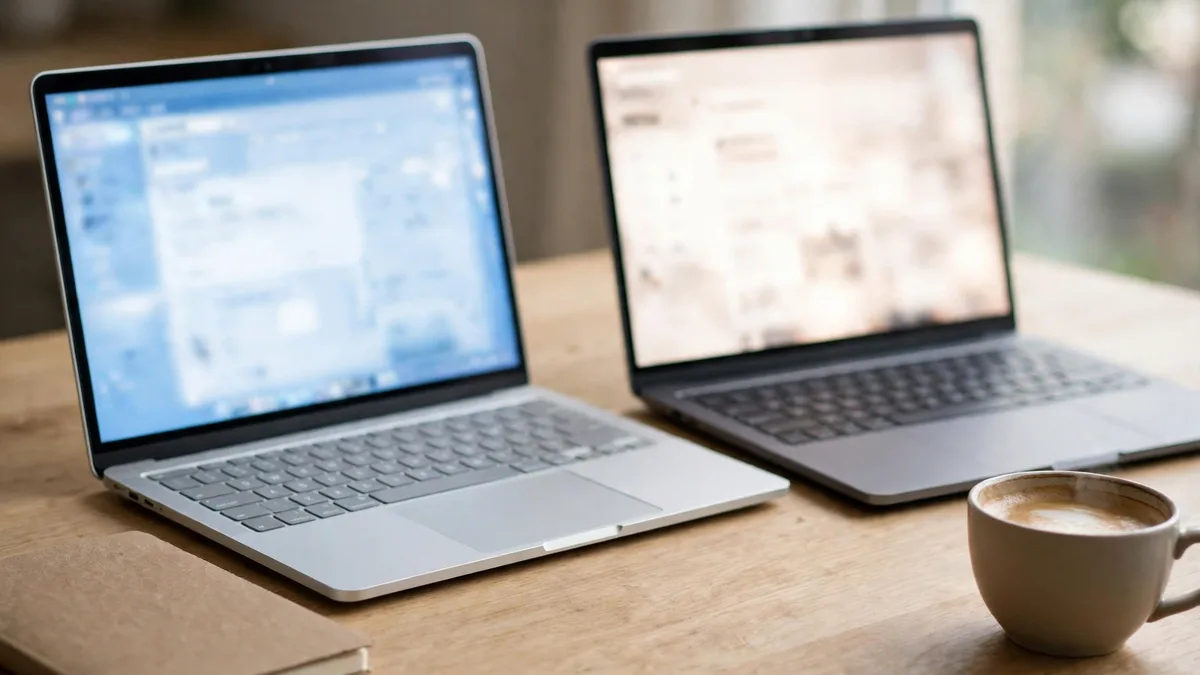
The Surface Laptop 7 vs MacBook Air M5 is the laptop comparison that matters most in 2027, because these are the two machines most people actually buy. One runs Windows on Qualcomm’s Snapdragon X Elite chip, the other runs macOS on Apple’s M5, and both promise the same thing: a thin, light laptop with all-day battery and enough power for real work. The choice is about which one fits the way you already work.
What matters most is the day-to-day experience. Both laptops are fast, quiet, and well built, so the differences that count are the screen, the keyboard, the software you rely on, and battery life. Price matters too: both start at around $999, but the configuration you actually want can differ by hundreds of dollars once you add memory and storage.
The short version is that the MacBook Air M5 is the safer pick for most people, with better battery life and a more polished app experience, while the Surface Laptop 7 is better if you live in Windows, use Microsoft 365, or want a touchscreen. Both are excellent, and the wrong choice is rarely a bad laptop.
Key takeaways
- The MacBook Air M5 wins on battery life and efficiency, lasting longer on a charge in typical mixed use.
- The Surface Laptop 7 wins on flexibility, with a touchscreen, a wider range of ports, and full Windows software compatibility.
- Both start at around $999, but check current pricing, since memory and storage upgrades push each one well past that base price.
- Performance is close for everyday work, but the M5 pulls ahead in sustained creative tasks.
- Pick by platform first: if your work, apps, and files already live in one ecosystem, switching costs more than any spec difference.
At a glance: the shortlist
| Laptop | Best for | Starting price | Standout limit |
|---|---|---|---|
| Surface Laptop 7 | Windows users, touchscreen fans | Around $999 | Some apps still run emulated |
| MacBook Air M5 | Battery life, creative work | Around $999 | No touchscreen; two USB-C ports only |
Surface Laptop 7 — The Windows choice
The Surface Laptop 7 is Microsoft’s cleanest answer to the MacBook Air, and the first Surface laptop to genuinely compete on battery life. The Snapdragon X Elite chip gives it all-day endurance, instant wake, and quiet operation in most tasks, while the 13.8-inch touchscreen is sharp and bright. The aluminum body feels premium, the keyboard is excellent, and the haptic touchpad is the best Microsoft has shipped.
The trade-off is software compatibility. Most everyday apps now run natively on Windows on ARM, including Microsoft 365, Chrome, and the Adobe suite, but some niche tools, older drivers, and certain games still run through emulation or not at all. Before you buy, check the specific apps you depend on. On ports, the Surface does better than the Air, with two USB-C ports, a USB-A port, and a Surface Connect port, so fewer dongles in your bag.
Pros: Touchscreen and excellent keyboard; strong battery life for a Windows laptop; better port selection than the MacBook Air.
Cons: Some apps still run emulated on ARM; no dedicated graphics option.
MacBook Air M5 — The efficiency champion

The MacBook Air M5 is the laptop to beat in 2027. Apple’s M5 chip is fast, efficient, and completely fanless, so the machine is silent under load. Battery life is the headline: in typical mixed use it comfortably outlasts the Surface. The 13.6-inch Liquid Retina display is bright and color-accurate, the speakers are unusually good for a laptop this thin, and macOS is polished in the ways that show up every day.
The limits are familiar ones. There is no touchscreen, and the two USB-C ports mean most people need a hub. Storage and memory upgrades are expensive, so the base $999 model with 16GB of memory and 256GB of storage is the value pick. If you already own an iPhone, the continuity features, from AirDrop to shared clipboard, are a genuine daily convenience, and our comparison of the MacBook Air M5 vs MacBook Pro M5 helps if you are weighing the Air against its more powerful sibling.
Pros: Best-in-class battery life; silent fanless design; fast M5 performance for creative work; excellent display, speakers, and trackpad.
Cons: No touchscreen; two USB-C ports only; upgrades are pricey.
Design and build
Both laptops are thin, light, and well made. The MacBook Air is slimmer at 11.3mm and 1.24kg. The Surface Laptop 7 is slightly thicker and heavier at 17.5mm and around 1.34kg, but it feels just as solid, and the 3:2 touchscreen gives you more vertical room for documents and web pages.
The practical difference is the screen. The Surface touchscreen is genuinely useful for scrolling, tapping, and marking up documents, and the 3:2 aspect ratio suits work better than the Air’s 16:10 panel. The Air counters with a brighter, more color-accurate display and thinner bezels. If you value touch, the Surface wins; if you value screen quality alone, the Air edges it.
Display
The MacBook Air M5 has a 13.6-inch Liquid Retina display at 2560 by 1664, with 500 nits of brightness and wide color support. The Surface Laptop 7 has a 13.8-inch PixelSense touchscreen at 2304 by 1536, with 600 nits and a 120Hz refresh rate, which makes scrolling noticeably smoother. Most people would be happy with either.
Performance
For everyday work, browsing, documents, video calls, and light editing, both laptops feel fast. The difference appears under sustained load. The M5 chip holds its speed longer in video exports, photo batch work, and code compilation, while the Snapdragon X Elite is strong in bursts but can throttle sooner in long renders. For AI work on device, both have capable neural engines, and our roundup of the best laptops for AI work in 2027 covers how these chips handle local AI tasks.
Software matters as much as silicon. On the Air, every major creative app is native and optimized for Apple silicon. On the Surface, most major apps are now native on ARM, but check your specific tools, especially niche professional software, since emulation costs a little speed. Neither laptop is a gaming machine, though the Air handles casual games better.
Battery life
This is the MacBook Air’s clearest win. Apple rates the Air M5 at up to 18 hours of video playback, and in real mixed use it typically delivers 15 to 17 hours. The Surface Laptop 7 is rated at up to 20 hours by Microsoft, but in mixed use it lands closer to 13 to 15 hours, still excellent for a Windows laptop.
Software and ecosystem
The software decision is really an ecosystem decision. The MacBook Air runs macOS, which pairs deeply with iPhone, iPad, and Apple Watch: AirDrop, Handoff, and shared clipboard all work without setup. The Surface runs Windows 11, which pairs with Android phones through Phone Link and runs the full Microsoft 365 suite natively. For a broader take, our guide to Windows vs Mac in 2027 covers the trade-offs in more depth.
For work, the deciding factor is usually the apps your job requires. If your team runs on Microsoft Teams, Excel macros, and Windows-only tools, the Surface removes friction. If your work is creative, or your personal life runs on Apple devices, the Air is the smoother fit. Switching platforms costs time and a few replacement apps, so the platform you already use is worth more than a spec advantage.
Price and value
Both laptops start at around $999, and both get expensive quickly once you add memory and storage. The base MacBook Air M5 comes with 16GB of memory and 256GB of storage, while the base Surface Laptop 7 typically ships with 16GB and 512GB, which makes the Surface the better value at the entry level.
Deals change the picture often, so check current pricing before you buy, and watch for student discounts and seasonal sales. The Air holds its resale value better, while the Surface is discounted more often.
The verdict
For most people, the MacBook Air M5 is the better buy. It lasts longer on a charge, stays silent, handles creative work more smoothly, and its display, speakers, and trackpad lead this class. If you already use an iPhone, the Air is the safe and satisfying choice.
The Surface Laptop 7 wins for a clear group: Windows users who want a touchscreen, people who depend on Windows-only software, and anyone who wants more storage at the base price. It is an excellent laptop, and if your work lives in Windows, it is the right one.
How to choose
Start with your software, not the spec sheet. List the five apps you use every day and check that they run well on the platform you are considering, especially on Windows on ARM. Then think about your phone: an iPhone pairs best with the Air, an Android phone pairs best with the Surface through Phone Link. Battery life favors the Air, the touchscreen favors the Surface.
Finally, try the keyboard and trackpad if you can. Both are excellent, but the feel is personal. Buy the configuration you will need in two years, not the one that fits today, since neither laptop lets you upgrade memory or storage later.
Checklist: before you pay
- Confirm your five most-used apps run natively on the platform you are choosing.
- Check the renewal and upgrade cost: memory and storage jumps are expensive on both.
- Test the keyboard and trackpad in a store if you can.
- Check current pricing and student discounts, since both laptops are discounted often.
- Make sure your chargers and docks work with USB-C, or budget for a hub.
- Confirm the return policy so you can swap if the platform does not suit you.
Frequently asked questions
Which is better, Surface Laptop 7 or MacBook Air M5?
The MacBook Air M5 is better for most people, thanks to longer battery life, silent operation, and stronger creative performance. The Surface Laptop 7 is better if you need Windows software, a touchscreen, or more storage at the base price.
Can the Surface Laptop 7 run all Windows apps?
Most everyday apps run natively on Windows on ARM now, including Microsoft 365, Chrome, and Adobe apps. Some niche tools, older drivers, and certain games still run through emulation or not at all, so check your specific apps before buying.
How long does the MacBook Air M5 battery last?
Apple rates it at up to 18 hours of video playback, and in typical mixed use it delivers around 15 to 17 hours, longer than the Surface Laptop 7.
Does the MacBook Air M5 have a touchscreen?
No. The MacBook Air M5 has no touchscreen, and Apple does not offer one on any MacBook. If touch matters, the Surface Laptop 7 is the better choice.
Which laptop is better for students?
Both are good student laptops, but the MacBook Air M5 edges it for battery life and weight, while the Surface Laptop 7 is better for students who need Windows-only software for their course. Check student discounts on both.
Is 16GB of memory enough in 2027?
Yes, for most people. 16GB handles browsing, documents, video calls, and light creative work comfortably on both laptops. Go to 24GB or 32GB if you edit video, run virtual machines, or keep dozens of apps open.
The bottom line
The Surface Laptop 7 vs MacBook Air M5 comes down to platform. The MacBook Air M5 is the better laptop for most buyers: it lasts longer, stays silent, and does creative work more smoothly, all in a lighter body. It is the default recommendation unless something specific pulls you toward Windows.
That pull is real for a lot of people, and the Surface Laptop 7 is the best Windows answer to the Air yet, with a touchscreen, better ports, and more storage at the base price. Buy the laptop that matches the software and phone you already use.