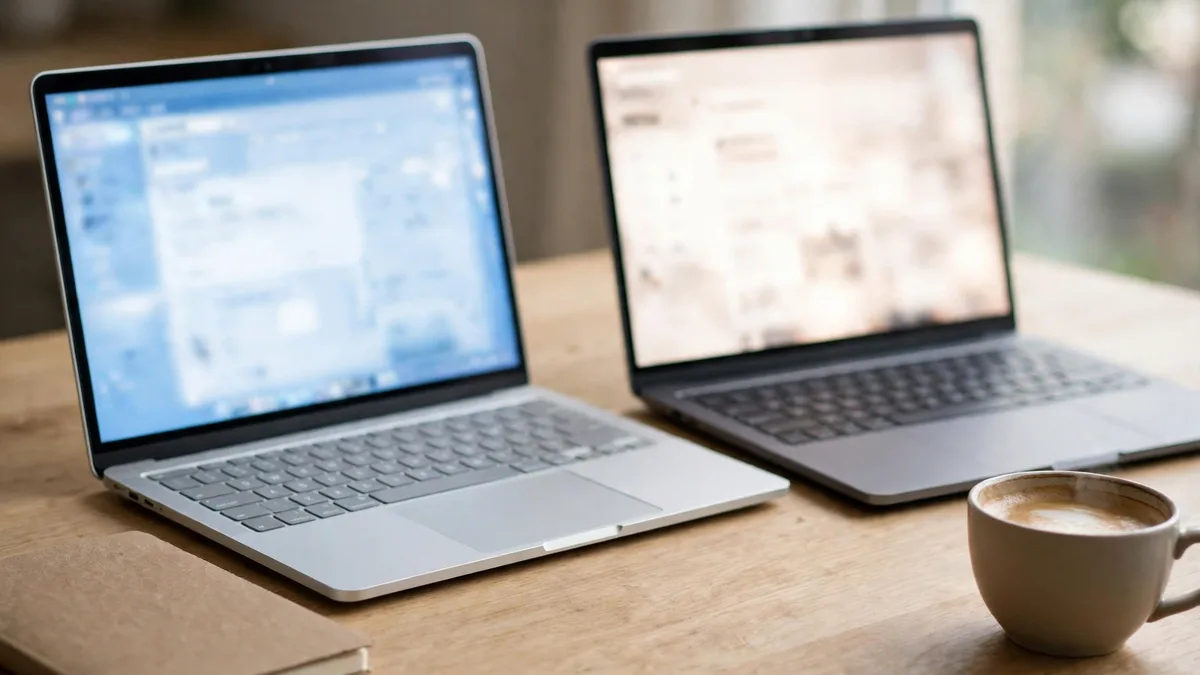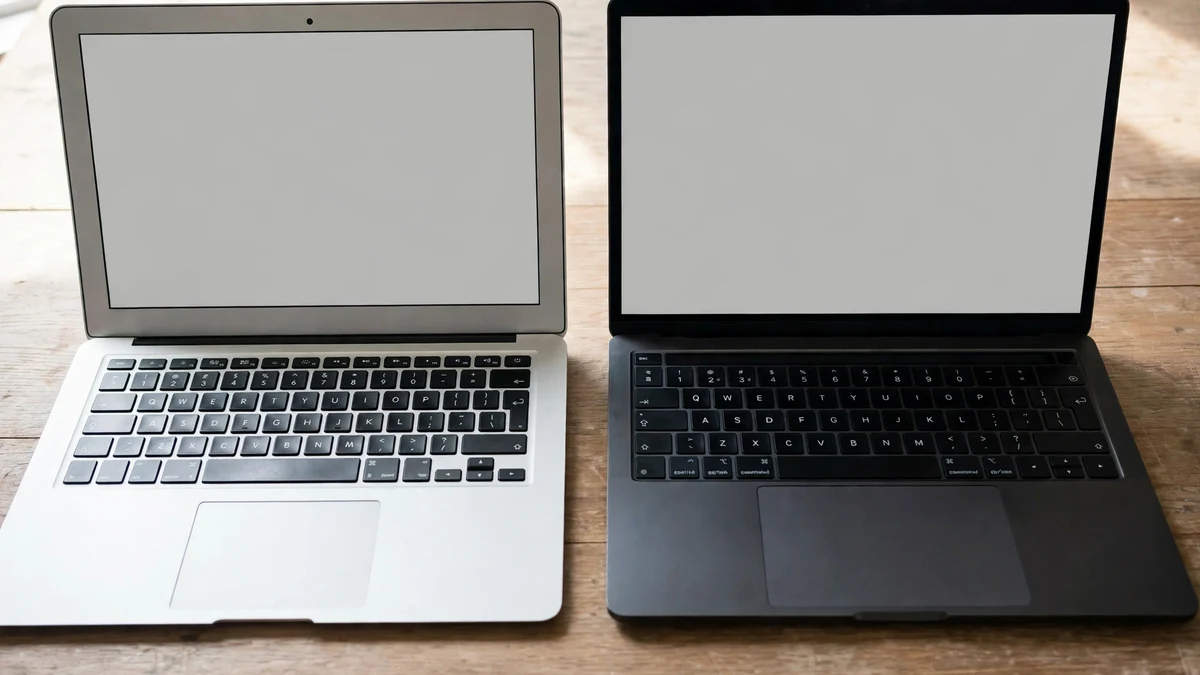
Choosing between the MacBook Air and the MacBook Pro in 2027 is less about which laptop is better in absolute terms and more about which one fits the way you actually work. Both run the same macOS and Apple silicon, and both handle everyday computing with ease. The real differences show up in sustained performance, screen quality, ports, and price.
The MacBook Air starts at approximately $999, while the MacBook Pro starts at approximately $1,599, so the gap is roughly $600 at the entry level and grows as you add memory, storage, and faster chips. That gap buys the Pro a brighter mini-LED display, a cooling fan, more ports, and longer battery life. Check current pricing before you buy, because discounts change the effective gap.
This comparison looks at design and portability, everyday and sustained performance, display and speakers, battery life, ports, and value for money. If you write, study, and browse, the Air is almost certainly enough. If you edit video, compile code, or run heavy workloads for hours, the Pro earns its premium.
Key takeaways
- The MacBook Air is the best choice for most people: lighter, cheaper, silent, and fast enough for everyday work, study, and light creative tasks.
- The MacBook Pro wins for sustained heavy work, with a fan, a brighter mini-LED display, and more ports for professional workflows.
- Both laptops share Apple silicon efficiency, excellent battery life, and the same macOS software, so switching between them feels familiar.
- The price gap starts at roughly $600, so buy the Pro only if your workload regularly pushes a laptop hard for long stretches.
- Students, writers, and travellers should pick the Air; video editors, developers, and audio professionals should pick the Pro.
At a glance: MacBook Air vs MacBook Pro
| Feature | MacBook Air | MacBook Pro |
|---|---|---|
| Starting price | Approximately $999 | Approximately $1,599 |
| Best for | Students, writers, travellers, everyday use | Video editors, developers, creative professionals |
| Display | 13.6-inch or 15.3-inch Liquid Retina, 500 nits | 14-inch or 16-inch Liquid Retina XDR, up to 1,000 nits sustained |
| Cooling | Fanless, completely silent | Active fan cooling for sustained loads |
| Ports | Two Thunderbolt ports, MagSafe 3, headphone jack | Three Thunderbolt ports, HDMI, SDXC slot, MagSafe 3 |
| Battery life | Up to 18 hours of video playback | Up to 22 to 24 hours of video playback |
| Weight | From 1.24 kg (13-inch model) | From 1.55 kg (14-inch model) |
| Speakers | Four-speaker sound system | Six-speaker sound system with force-cancelling woofers |
MacBook Air: the laptop most people should buy
The MacBook Air is the default Apple laptop for a reason. It weighs from 1.24 kg in the 13-inch model, slips into any bag, and runs completely silently because it has no fan. The keyboard is comfortable for long writing sessions, and the trackpad remains the best in the business.
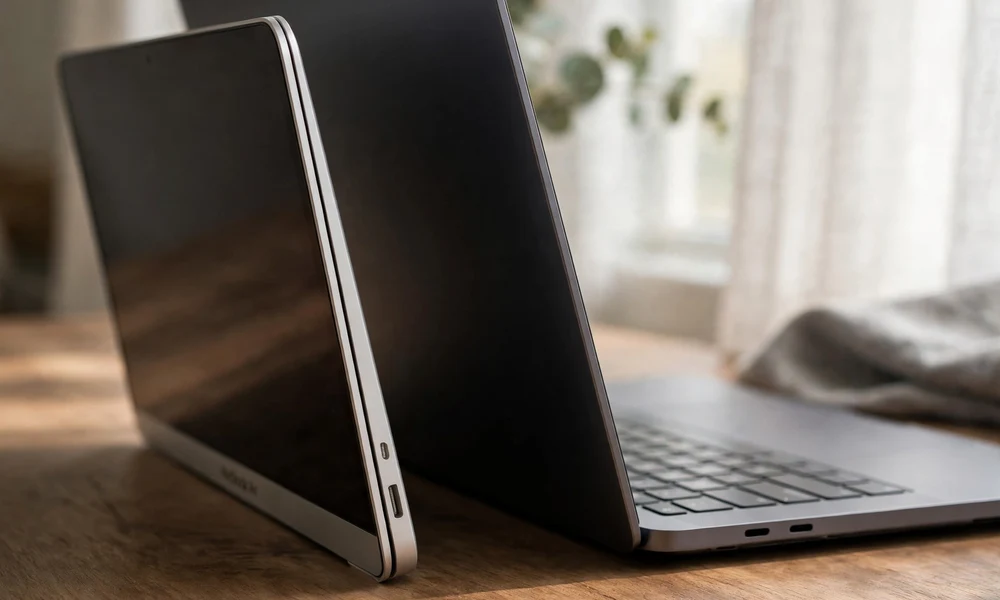
Performance is where buyers most often overthink the Air. Its Apple silicon chip handles web browsing, documents, video calls, photo editing, and even light 4K video editing without complaint. Only when a task runs at full tilt for twenty or thirty minutes, such as exporting a long video, does the fanless design throttle back to manage heat. Our guide to the best laptops for students puts portability and battery life first for the same reason, and the Air scores highly on both.
The Air comes in 13.6-inch and 15.3-inch sizes, both with a bright 500-nit Liquid Retina display that is sharp and colour-accurate for everyday work. Battery life reaches up to 18 hours of video playback, and the two Thunderbolt ports and MagSafe charging are enough for most setups.
Pros: Extremely light and portable; completely silent with no fan; excellent battery life; lower starting price; sharp, bright display in two sizes.
Cons: No fan, so sustained heavy workloads slow down; only two Thunderbolt ports; no HDMI or SD card slot; display lacks the Pro’s mini-LED brightness and ProMotion smoothness.
MacBook Pro: the workhorse for demanding jobs
The MacBook Pro is built for people whose laptop is their main professional tool. The 14-inch and 16-inch models pair faster Apple silicon chips with active cooling, so they hold peak performance through long video renders, code compiles, and 3D work. Where the Air gradually slows under a sustained load, the Pro keeps going, and that consistency is what professionals pay for.
The display is the other big upgrade. The Liquid Retina XDR screen uses mini-LED backlighting, reaches up to 1,000 nits of sustained brightness, and supports ProMotion adaptive refresh up to 120Hz. Scrolling is smoother, HDR video looks dramatically better, and for editors that screen alone can justify the upgrade.
Connectivity is also a step up: three Thunderbolt ports, HDMI, an SDXC card slot, and MagSafe 3 charging, so most professionals can leave the dongles at home. The six-speaker system is fuller than the Air’s, and battery life stretches to up to 22 to 24 hours of video playback. If you also run demanding software, our roundup of the best laptops for gaming shows how much sustained cooling matters.
Pros: Sustained performance with fan cooling; superb mini-LED XDR display with ProMotion; more ports including HDMI and SDXC; longer battery life; better speakers.
Cons: Heavier and thicker than the Air; significantly more expensive; overkill for browsing, writing, and study; the 16-inch model is a poor travel companion.
Price and value: how much should you spend?
Price is the clearest dividing line. The MacBook Air starts at approximately $999, and the 15-inch model costs a few hundred dollars more. The 14-inch MacBook Pro starts at approximately $1,599, with high-end configurations climbing well past $2,500. Check current pricing before you buy, since student discounts can narrow the gap.
Value depends entirely on use. For everyday computing, the Air delivers roughly 90 percent of the experience for roughly 60 percent of the price. The Pro’s premium only pays off if you regularly use what it adds: sustained performance, the XDR display, and the extra ports. A video editor who saves an hour a week on renders will recover the difference quickly.
Performance: everyday speed vs sustained power
In everyday use, the two laptops feel almost identical. Apps open instantly and multitasking with dozens of tabs is smooth on both. Benchmarks show the Pro ahead on multi-core tasks, but that gap is invisible when you are writing, emailing, or streaming video.
The difference appears under sustained load. Export a 30-minute 4K video or compile a large codebase, and the Pro finishes noticeably faster and stays fast on repeat runs. The Air starts just as quickly but throttles as heat builds. Professionals who run these tasks daily will feel the difference every day.
Design, portability, and battery life
The Air wins on portability without question. At 1.24 kg for the 13-inch model and 11.3 mm thin, it is one of the lightest laptops you can buy, and it disappears into a bag. The 15-inch Air adds screen space at 1.51 kg, still lighter than the 14-inch Pro. The Pro starts at 1.55 kg for the 14-inch model and 2.14 kg for the 16-inch, and its thicker chassis is noticeable on a long commute.
Both are beautifully built from recycled aluminium, with excellent keyboards, large trackpads, and MagSafe charging. A good desk setup helps either machine, and our guide to the best laptop stands for MacBook is worth a look once you have chosen.
Battery life is excellent on both, but the Pro lasts longer, particularly the 16-inch model, which can reach up to 24 hours of video playback. The Air’s 18 hours is already more than a full day for almost everyone, so the Pro’s advantage matters mainly on long flights without a charger.
Display, speakers, and everyday experience
The Pro’s display is genuinely better: brighter, smoother, and more accurate for HDR content. ProMotion makes scrolling feel fluid, and the mini-LED backlight delivers deep blacks the Air cannot match. If you watch films or edit photos, you will see the difference every time you open the lid.
That said, the Air’s display is very good. At 500 nits with sharp resolution and accurate colours, it is better than most Windows laptops at the same price. The speakers tell a similar story: the Pro’s six-speaker system is fuller and louder, while the Air’s four-speaker system is clear and pleasant for calls, music, and video.
How to choose
Start with your hardest regular task. If it is writing, studying, browsing, email, and video calls, buy the MacBook Air and spend the savings on memory or storage. If it is video editing, software development, or data analysis that runs for hours, buy the MacBook Pro. Be honest about what you do every week, not what you might do once a year.
Next, consider size and travel. If you carry your laptop daily, the 13-inch Air is the most comfortable choice. If it mostly stays on a desk, the 14-inch Pro gives you power and a great screen without the bulk of the 16-inch model.
Checklist: before you buy
- List your three hardest regular tasks and check whether any of them runs for more than 20 minutes at full load.
- Choose 16GB of memory as a minimum, and 24GB if you edit video or run virtual machines.
- Pick 512GB of storage if you keep large photo or video libraries on the laptop itself.
- Try both sizes in a store if possible, since 13-inch and 16-inch laptops feel very different in a bag.
- Check current pricing, education discounts, and refurbished stock before paying full price.
- Confirm your peripherals: the Air needs a hub for multiple external displays, while the Pro handles more natively.
Frequently asked questions
Is the MacBook Air fast enough for video editing?
Yes, for light to moderate editing. The Air handles 1080p and short 4K projects well. For long 4K timelines or frequent exports, the Pro’s cooling and XDR display make it the better tool.
Can the MacBook Air run demanding software?
It can run almost any macOS software, including development tools, design apps, and office suites. The limit is sustained performance, not compatibility. Short heavy tasks run fine, while long heavy tasks run slower than on the Pro.
Is the MacBook Pro worth the extra $600?
It is worth it if you use the upgrades: sustained performance, a brighter mini-LED display, and more ports. If your work is mostly writing, browsing, and study, the Air gives you better value.
Which MacBook has better battery life?
The MacBook Pro lasts longer, with up to 22 to 24 hours of video playback on the larger models, against up to 18 hours for the Air. Both easily last a full working day, so battery life alone rarely decides the choice.
Should students buy the MacBook Air or Pro?
Most students should buy the Air. It is lighter, cheaper, silent, and fast enough for essays, research, and coding coursework. Only students in film, engineering, or design with heavy rendering work should consider the Pro.
Can I upgrade memory or storage later?
No. Memory and storage are soldered in, so choose carefully at purchase and buy more than you think you need, because you cannot add it later.
The bottom line
The MacBook Air vs MacBook Pro decision in 2027 comes down to one question: how hard do you push your laptop, and for how long? For most people, the Air is the right answer. It is lighter, quieter, cheaper, and fast enough for everything from university essays to business presentations.
The Pro is the right answer for professionals whose work is the laptop. If you edit video, write code, or analyse data for hours at a time, the fan cooling, XDR display, and extra ports will pay for themselves in saved time. Buy the Air for everyday life, buy the Pro for demanding work.