What if the smartest home you could build was the one with the fewest apps, the fewest passwords, and the fewest things that break when the internet goes down? That sounds backwards in a market that sells novelty, but it is exactly the lens that separates a home that quietly works from one that becomes a weekend project you slowly abandon.
The “best smart home” is not a shopping list. It is a set of decisions about platforms, protocols, and priorities that you make before buying a single bulb. Get those decisions right and almost any reasonable device will fit. Get them wrong and even premium hardware turns into a pile of orphaned apps. This guide walks through what actually matters, where people go wrong, and how to build something that still works in five years.
Start With the Brain, Not the Gadgets
Most people buy devices first and a hub later, if at all. That order is backwards. The hub or platform is the brain that decides which devices talk to each other, which automations run, and whether anything works when the cloud is unavailable.
Three broad approaches dominate. A big-box ecosystem like Apple Home, Google Home, Amazon Alexa, or Samsung SmartThings gives you the smoothest setup and the widest device catalog. A local-first platform such as Home Assistant gives you control and privacy but asks for patience. A protocol-led approach built around Matter and Thread tries to keep your options open by standardizing the basics.
The right choice depends on who lives in the house and who maintains it. If the answer to “who fixes it when it breaks” is “nobody, it just has to work,” lean toward a mainstream ecosystem. If the answer is “me, and I enjoy this,” a local platform rewards you. For a deeper comparison of the two most common paths, this breakdown of home assistant vs smartthings which smart home platform fits is a useful starting point.
Whatever you choose, write it down. A one-page list of your platform, your network name, and your device inventory will save hours later. People underestimate how quickly they forget which app controls the hallway light.
Matter and Thread: What They Solve and What They Do Not
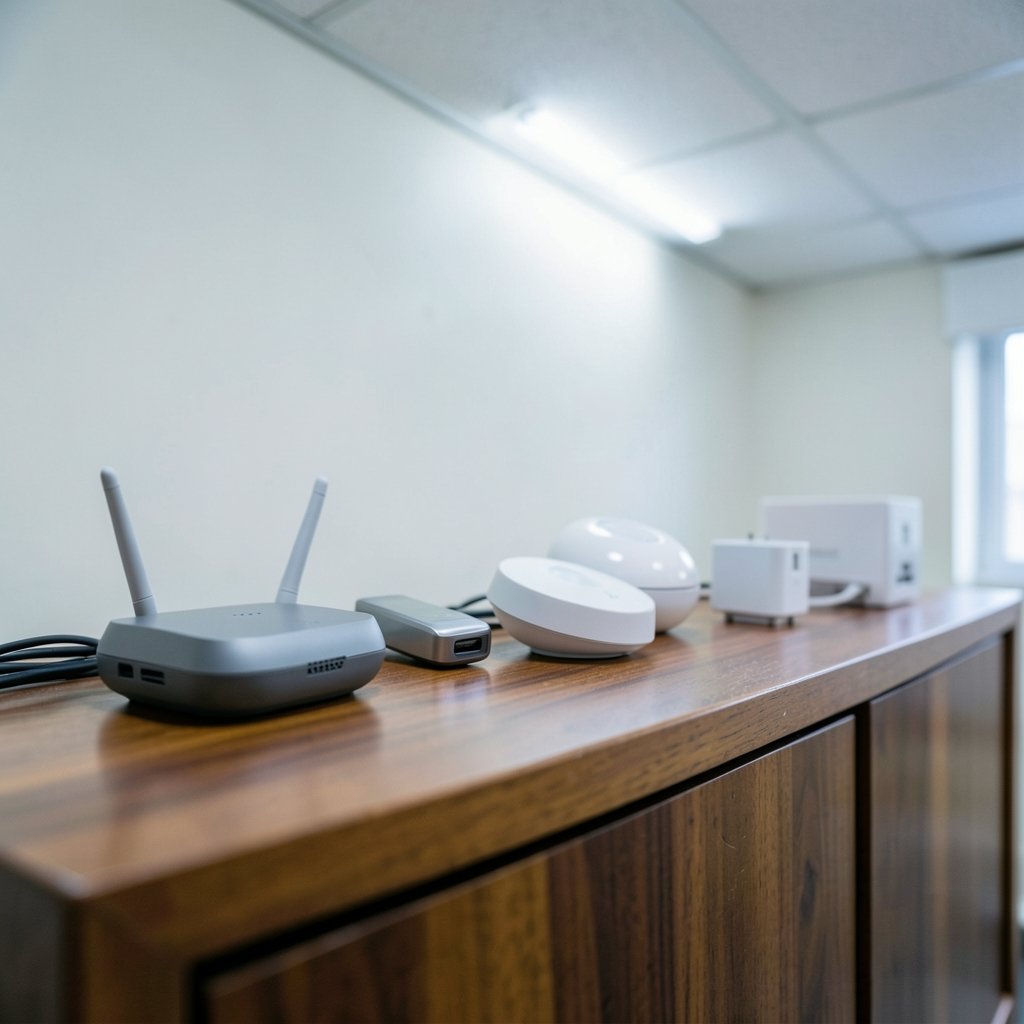
Matter is an application-layer standard published by the Connectivity Standards Alliance in October 2022. Its promise is simple: devices from different vendors should interoperate over IP-based transports such as Wi-Fi, Ethernet, and Thread. Thread is the low-power IPv6 mesh network that many battery-powered Matter devices run on. It is a networking protocol, not an application standard, which is why the two are usually mentioned together.
Matter has matured through several versions that added device types and features, and the practical result is that buying Matter-certified gear is now a reasonable hedge against lock-in. But there is a catch that trips up almost everyone: “works with Matter” does not mean every feature works on every controller. A device may expose basic on/off to one platform and its full feature set to another. Feature parity across Apple, Google, Amazon, and SmartThings is genuinely uneven.
If you plan to use more than one ecosystem, set devices up properly from the start. Sharing a device across platforms is its own skill, and this guide to matter multi admin setup share smart home devices across covers the pairing codes and admin roles that confuse first-timers.
The other honest caveat: Zigbee and Z-Wave are not going anywhere. They remain widely deployed, often cheaper, and frequently more reliable for sensors. Many hubs bridge them into Matter, which is a perfectly good arrangement. Do not throw out working Zigbee gear to chase a standard.
Build in Layers, and Buy in This Order
The most common mistake is buying the fun stuff first. Smart bulbs and color strips are the least useful purchases in a new setup because they solve a problem nobody has yet. Build in layers instead.
- Network first. A reliable router and, ideally, a separate Wi-Fi band or wired backhaul for hubs and cameras. Wi-Fi 6 and 6E handle dense device counts well, and Wi-Fi 7 certification began in 2024 for those planning ahead.
- Hub or controller second. Choose your platform and set it up before devices arrive.
- Sensors and switches third. Motion, contact, temperature, and leak sensors are cheap and generate the triggers that make automation possible.
- Lighting and plugs fourth. Smart switches usually beat smart bulbs unless you specifically want color.
- Locks, cameras, and climate last. These are the highest-stakes purchases and deserve the most research.
That ordering reflects a simple truth: automation value comes from inputs, not outputs. A $20 leak sensor that shuts off a valve is worth more than a $60 bulb that changes color on command.
Where the Best Smart Home Actually Delivers Value
Three categories consistently earn their keep. Security and access control come first, because a smart lock that lets you stop worrying about keys is a genuine quality-of-life upgrade. The best models combine local storage options, solid encryption, and a physical key backup. A roundup of best smart locks for home security is worth reading before you commit, since build quality varies wildly at similar prices.
Energy management comes second. Smart thermostats and smart lighting are the most commonly cited energy-saving categories, though savings estimates vary widely by study and climate. Treat vendor claims with skepticism and look for your own utility’s data instead.
Convenience and presence come third. Arriving home to lights that come on, a door that unlocks, and heat that has already started is the experience people imagine when they buy in. It only works if the triggers are reliable, which is why sensors matter more than speakers.
And yes, voice control has a place, but it is a convenience layer, not a foundation. If you want to choose well here, this comparison of the best smart speakers for home automation focuses on the right question: which assistant plays nicest with your platform.
Local Control Versus the Cloud
This is the single most consequential decision in the whole build, and it rarely gets discussed at the point of sale. Local control means automations run on a hub in your house. Cloud dependence means they run on a vendor’s servers. The difference shows up the day your internet drops, the day a vendor changes its API, or the day a company decides to end support for a product line.
Matter and Thread enable local operation, but many devices still require a vendor cloud account for setup or advanced features. Read the fine print. A camera that stores footage only in the cloud is a subscription in disguise. A lock that needs the cloud to unlock remotely is a lock that may not unlock when the network is down.
Practical rule: anything that controls access, heat, or safety should have a local fallback. A physical key. A manual override. A switch that still works when the hub is offline. If a product cannot be operated without an app and an internet connection, think hard about whether it belongs on a door or a boiler.
Security and Privacy Are Buying Criteria Now
Smart home security is not a feature you add later; it is a property of the whole system. Weak points cluster in predictable places: reused passwords, devices exposed to the open internet, outdated firmware, and guest networks that are not actually separated from the main one.
Regulation is catching up. The EU Cyber Resilience Act entered into force in December 2024, with main obligations applying from December 2027, which will push baseline security requirements onto products sold in Europe. In the United States, the FCC’s voluntary Cyber Trust Mark program was announced in 2024 as a labeling scheme for consumer IoT, though rollout timing has been uncertain. Both are worth watching, but neither replaces basic hygiene on your side.
The practical checklist is short. Change default passwords. Keep firmware current. Put cameras and other cheap devices on a separate network. Turn off remote access you do not use. And audit accounts once a year, removing devices and logins you no longer need. A step-by-step walkthrough of secure your smart home from hackers practical step by step covers the specifics without the fearmongering.
One more habit worth forming: buy from vendors with a track record of security updates. A cheap camera from an unknown brand with no update history is a liability, not a bargain.
The Network Problems Nobody Warns You About
Two issues derail more smart homes than any other: Wi-Fi congestion and VPN interference. The first is straightforward. Every device that streams, reports, or listens consumes airtime. Twenty devices on a single band is where people start noticing delays. The fix is usually a dedicated network for IoT devices, wired backhaul for hubs, and fewer always-on cameras.
The second is stranger and more common than expected. A VPN running on a router or phone can break local discovery, so devices appear offline or automations stop firing. The cause is usually routing, not the devices. Split tunneling, which sends local traffic directly and only routes the rest through the tunnel, fixes most of it. If your setup broke the day you installed a VPN, this explanation of vpn split tunneling smart homes fix broken devices without will likely save you an evening.
A third, quieter issue is hub placement. Hubs buried in a metal cabinet or a basement corner create mesh gaps that look like device failures. Central, elevated, and away from the microwave is not superstition; it is physics.
How to Choose a Hub Without Regret
If you are still deciding on the brain, keep the criteria narrow. You want support for the protocols your devices use, a clear path to Matter, local automation where possible, and a community or vendor that answers questions. The rest is preference. A detailed comparison of the best smart home hubs 2026 pick right brain your house covers the current field, but the decision framework matters more than any single model.
| Priority | Best fit | Trade-off |
|---|---|---|
| Simplicity and family acceptance | Mainstream ecosystem hub | More cloud dependence |
| Control and privacy | Local-first platform | Setup and upkeep time |
| Mixed device brands | Matter-capable hub with bridging | Uneven feature parity |
| Budget and existing gear | Zigbee/Z-Wave hub | Older app experience |
Whichever you pick, avoid the trap of running two full platforms in parallel “just in case.” Pick a primary, bridge what you must, and keep the second one to a minimum. Dual systems double the failure points.
Conclusion
The best smart home is not the one with the most devices. It is the one where the network is boring, the platform was chosen before the gadgets, the important systems work without the internet, and the security basics are handled without drama. Matter and Thread make that easier than it was a few years ago, but they do not make the decisions for you. Buy in layers, favor local control for anything that matters, and be skeptical of feature lists that promise everything on every platform. Do that, and the technology fades into the background, which is exactly where it belongs.
FAQ
What is the best smart home platform for beginners?
A mainstream ecosystem hub from Apple, Google, Amazon, or Samsung is usually the easiest starting point. Setup is guided, device support is broad, and family members can use it without training. A local-first platform like Home Assistant offers more control but expects you to troubleshoot.
Do I need a hub if I buy Matter devices?
Not always, but often in practice. Some Matter devices connect directly to a controller app, while others need a Thread border router or a hub to bridge older Zigbee or Z-Wave gear. Check the specific device’s requirements before buying, because the packaging rarely explains it clearly.
Does “works with Matter” mean all features work everywhere?
No. Matter standardizes core device types, but vendors and controllers implement features at different depths. A device may offer basic control on one platform and its full feature set on another. Verify the specific functions you need on your chosen controller before purchase.
Is a smart home useless without the internet?
It should not be, and that is a good test of any purchase. Devices with local control and a physical fallback keep working during outages. Anything that requires a cloud account for basic operation, especially locks and heating, deserves extra scrutiny before you rely on it.
How do I stop my smart home from getting hacked?
Change default passwords, keep firmware updated, separate IoT devices onto their own network, and disable remote access you do not use. Audit accounts and remove old devices once a year. These basics prevent the majority of realistic attacks on home setups.
Are smart thermostats and smart lights really worth it?
They are the most commonly cited energy-saving categories, but savings vary widely by study and climate, so treat big percentage claims cautiously. Their stronger case is comfort and scheduling. Check your own utility data rather than relying on vendor marketing.