When Meta announced the Quest 3S on 25 September 2024, it did something unusual for the VR market: it kept a premium headset on sale and launched a cheaper sibling that runs the exact same software. The result is a genuine fork in the road for buyers. One headset costs about $200 less. The other has sharper glass. Both play the same games.
That price gap matters because the two devices are not simply “good” and “better.” They are tuned for different buyers. The Quest 3S is a gateway drug for people curious about VR. The Quest 3 is for people who already know they will use it weekly. Choosing wrong usually means either overspending on features you never notice or underspending and quietly resenting the blurry edges of your view.
This guide breaks down the real differences, the specs that actually change how VR feels, and the mistakes buyers make when they compare the two on paper alone.
The Core Difference: Optics, Not Power
Here is the single most important thing to understand before comparing spec sheets: the Quest 3S and Quest 3 use the same chipset. Both run on the Snapdragon XR2 Gen 2 platform. Both run Meta Horizon OS. Both access the same app library, the same multiplayer lobbies, and the same mixed reality features.
So where does the money go? Almost entirely into the lenses and displays.
| Feature | Quest 3S | Quest 3 |
|---|---|---|
| Launch price (US) | $299.99 (128GB), $399.99 (256GB) | $499.99 (512GB) |
| Lenses | Fresnel | Pancake |
| Resolution per eye | 1832×1920 | 2064×2208 |
| Chipset | Snapdragon XR2 Gen 2 | Snapdragon XR2 Gen 2 |
| Passthrough | Full color | Full color |
| Tracking | 6DoF | 6DoF |
| Field of view | Slightly narrower | Wider |
| Strap | Soft strap (Quest 2 style) | Different strap design |
| Software library | Shared | Shared |
Notice what is not on that list: frame rates, game compatibility, hand tracking, or app availability. Those are identical. The divergence is physical hardware, and it shows up the moment you put the headset on.
What Fresnel vs Pancake Lenses Actually Mean
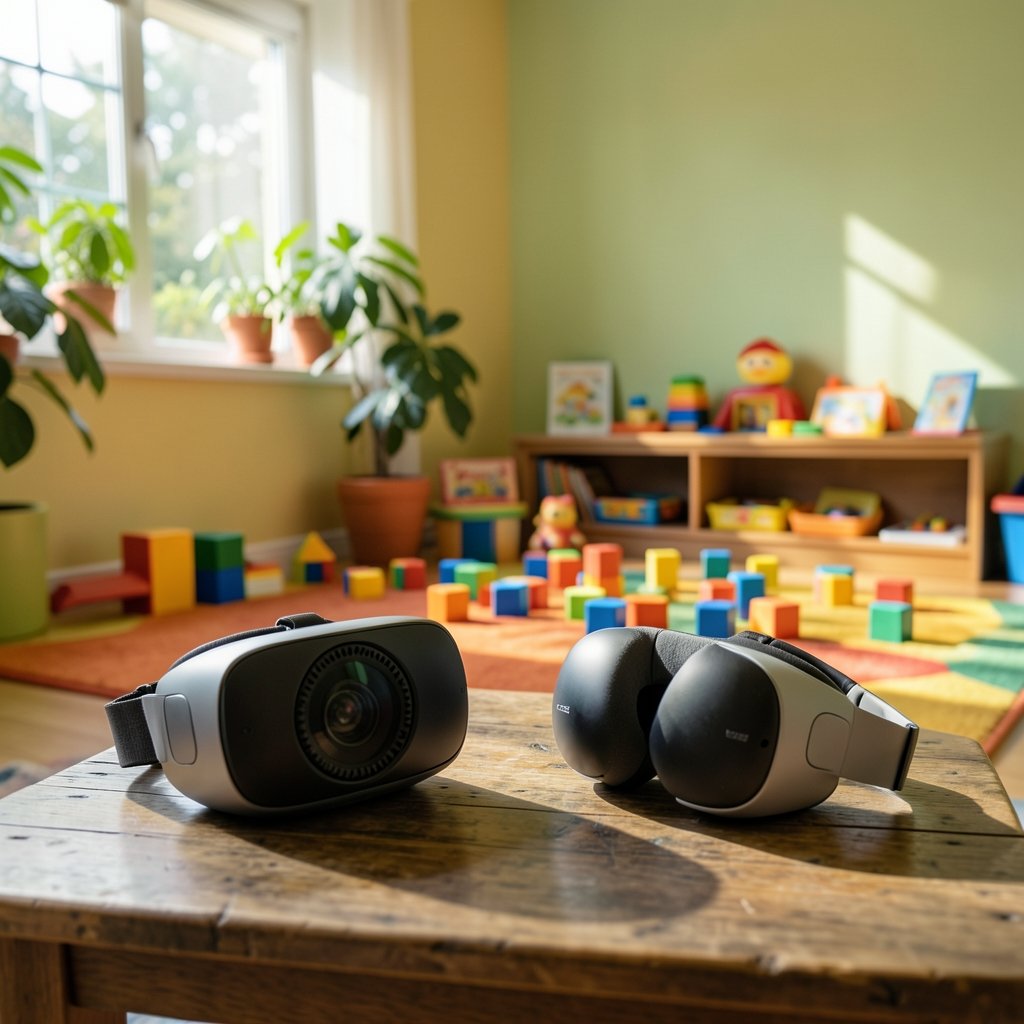
Marketing copy loves the word “pancake,” but the practical difference is easier to feel than to explain. Pancake lenses fold light multiple times inside a thin stack, which lets the lens sit closer to your eyes. Fresnel lenses use concentric rings to bend light, which requires more distance between the lens and the display.
Three things follow from that:
- Bulk and balance. The Quest 3 sits closer to your face, which shifts weight toward your head rather than hanging off your cheeks. The 3S is chunkier up front.
- Edge clarity. Pancake optics generally hold focus better toward the edges of the frame. Fresnel lenses tend to soften at the periphery, so you may find yourself turning your head more to read small text.
- Glare and rings. Fresnel lenses can produce faint concentric artifacts in high-contrast scenes. It is subtle, but people who notice it really notice it.
The resolution gap compounds this. At 2064×2208 per eye, the Quest 3 renders finer detail, which matters most for text-heavy interfaces, virtual desktop work, and reading in-game signage. The 3S at 1832×1920 is not blurry, but it is visibly a step behind in side-by-side use.
Here is the trap: many buyers read “lower resolution” and assume games look worse. In practice, most VR titles are not pushing native panel resolution anyway. The difference is most obvious in menus, text, and mixed reality passthrough, not in fast-moving gameplay.
Performance, Tracking, and Passthrough
Because both headsets share the XR2 Gen 2, standalone performance is broadly similar. Games load at comparable speeds. Frame rates hold up in the same titles. If your main worry is “will the cheaper one run the games,” the answer is yes, and it runs them the same way.
Tracking is where the physical design creates small differences. Both support 6DoF tracking and full-color passthrough for mixed reality. The camera arrays differ in number and placement, which can affect how smoothly the headset maps a room and how crisp the passthrough feed looks. In bright, well-lit rooms, both handle room mapping well. In dim rooms with plain walls, both struggle, because that is a limitation of camera-based tracking itself, not a budget cut.
Passthrough quality is a real differentiator for mixed reality apps, the kind that overlay virtual objects onto your actual living room. The Quest 3’s sharper displays make passthrough look more natural. The 3S is usable, but the world behind your virtual furniture looks softer.
There is a broader industry pattern here: hardware makers are increasingly splitting product lines into “entry” and “pro” tiers that share software but differ in optics. The same pattern appears across enterprise agent platforms and consumer devices, as covered in this analysis of OpenAI, Dots, Meta Muse, and the 2026 enterprise agent race. Shared software, different hardware, one product line.
Comfort and Fit: The Underrated Spec
Buyers obsess over resolution and ignore the strap. That is a mistake.
The Quest 3S ships with a soft strap similar to the Quest 2’s, which is functional but not beloved. The Quest 3 ships with a different strap design. Neither is universally comfortable, and both are common upgrade targets. If you plan to play for more than 45 minutes at a stretch, budget for a third-party strap or a battery headband regardless of which model you pick.
Weight distribution matters more than total weight. Because the Quest 3’s pancake lenses pull the front mass closer to your face, it often feels lighter than the numbers suggest. The 3S, with its bulkier front, can create more pressure on the cheekbones during long sessions.
Glasses wearers should check the included spacer situation on both models. Fit varies by face shape, and no spec sheet captures that.
Who Should Buy the Quest 3S
The 3S is the right call for a specific kind of buyer:
- First-time VR users who are not certain they will stick with the hobby
- Families buying a shared headset where kids will use it more than adults
- Casual players who jump in for 30-minute sessions a few times a week
- Gift buyers who want the safest entry point without overspending
- Anyone on a strict budget who would rather spend the savings on games
The 128GB model at $299.99 is the value play. VR games are not enormous, and most players do not fill 128GB quickly unless they hoard titles. If you plan to store a large library or lots of media, the 256GB version at $399.99 makes sense, though at that price the gap to the Quest 3 narrows considerably.
Who Should Buy the Quest 3
The Quest 3 justifies its price for people with specific use cases:
- Frequent users who play several times a week and will notice optical quality
- Text-heavy users doing virtual desktop work, reading, or productivity in VR
- Mixed reality enthusiasts who want the cleanest passthrough
- Sim racing and flight sim players who read cockpit instruments constantly
- Buyers who upgrade rarely and want the headset to last several years
If you fall into any of those groups, the $200 gap is easier to swallow because you will interact with the better optics every single session.
Common Buying Mistakes
A few patterns show up again and again in buyer regret stories.
Mistake one: comparing resolution numbers without context. A 12% resolution bump sounds trivial on paper. In VR, where the screen sits two inches from your eyes, it is not trivial. But it also is not transformative for gameplay. Weigh it against what you actually do in the headset.
Mistake two: forgetting the accessory budget. A comfort strap, a carrying case, and maybe prescription lens inserts can add $80 to $150 to either purchase. Factor that in before deciding the 3S saves you $200, because it might save you $120.
Mistake three: assuming the cheaper model is “last gen.” It is not. The 3S is current-generation silicon with budget optics. That distinction matters if you are worried about game support timelines.
Mistake four: buying for a use case you have not tested. If you have never tried VR, the honest move is to buy the cheaper headset, use it for a month, and decide whether the premium tier is worth it later. Resale values hold reasonably well, and the upgrade path stays open.
Mistake five: ignoring the shared platform. Because both headsets run the same store and the same OS, your game library transfers if you upgrade. That lowers the risk of starting with the 3S.
The same principle applies to buying anything with tiers: know which features you will actually touch. It is the difference between a purchase that fits and one you tolerate, a lesson that shows up in everything from headsets to how couples answer fun newlywed game questions about shared priorities. The questions you ask before buying matter more than the specs you memorize.
The Value Math
Strip away the marketing and the decision reduces to cost per hour of use.
If you use a headset 50 hours a year, the $200 premium on the Quest 3 works out to $4 per hour in year one, dropping every year after. If you use it 200 hours a year, the premium is trivial. If you use it 10 hours and then shelve it, the 3S was the smarter buy.
That is why the honest recommendation depends on self-knowledge, not specs. People who think they will use VR heavily often do not. People who already know they love it should skip the entry tier entirely.
Conclusion
The Quest 3S and Quest 3 are not rivals so much as two doors into the same room. Both run the same games on the same chip. The Quest 3S asks you to accept Fresnel lenses, slightly lower resolution, and a bulkier frame in exchange for roughly $200 in savings. The Quest 3 asks you to pay for optics you will feel every session if you use it often.
Buy the 3S if you are new, budget-conscious, or buying for a household. Buy the Quest 3 if you already know VR is part of your routine, especially for text, work, or mixed reality. Either way, set aside money for a comfortable strap. Your cheekbones will thank you.
Frequently Asked Questions
Does the Quest 3S have higher performance than the Quest 3?
No. Both headsets use the same Snapdragon XR2 Gen 2 chipset and run the same Meta Horizon OS, so standalone performance is broadly comparable. The Quest 3’s advantage is in its optics and displays, not its processing power.
Does the Quest 3S play the same games as the Quest 3?
Yes. Both headsets access the same app library, so every game and app available on one is available on the other. Your purchases carry over if you upgrade later, which lowers the risk of starting with the cheaper model.
Is the resolution difference between them noticeable?
It depends on what you are doing. In fast-paced gameplay, most people adapt quickly. In text-heavy interfaces, virtual desktop work, and mixed reality passthrough, the Quest 3’s sharper displays are clearly better. If you plan to read in VR often, that gap matters.
Which headset is more comfortable for long sessions?
It varies by face shape, but the Quest 3’s pancake lenses pull weight closer to your head, which many users find more balanced. The 3S ships with a soft strap similar to the Quest 2’s. Either way, a third-party comfort strap is a worthwhile upgrade for sessions over 45 minutes.
Should I buy the 128GB or 256GB Quest 3S?
For most casual players, 128GB is enough. VR games are not especially large, and few people fill that space quickly. Choose 256GB only if you plan to store a big library or lots of downloaded media, and remember that at $399.99 the price gap to the Quest 3 becomes much smaller.
Is it worth upgrading from the Quest 3S to the Quest 3?
Only if you find yourself bothered by edge blur, reading small text often, or using mixed reality regularly. If the 3S feels fine in daily use, the upgrade is a luxury rather than a necessity. Try a friend’s Quest 3 for an hour before deciding.