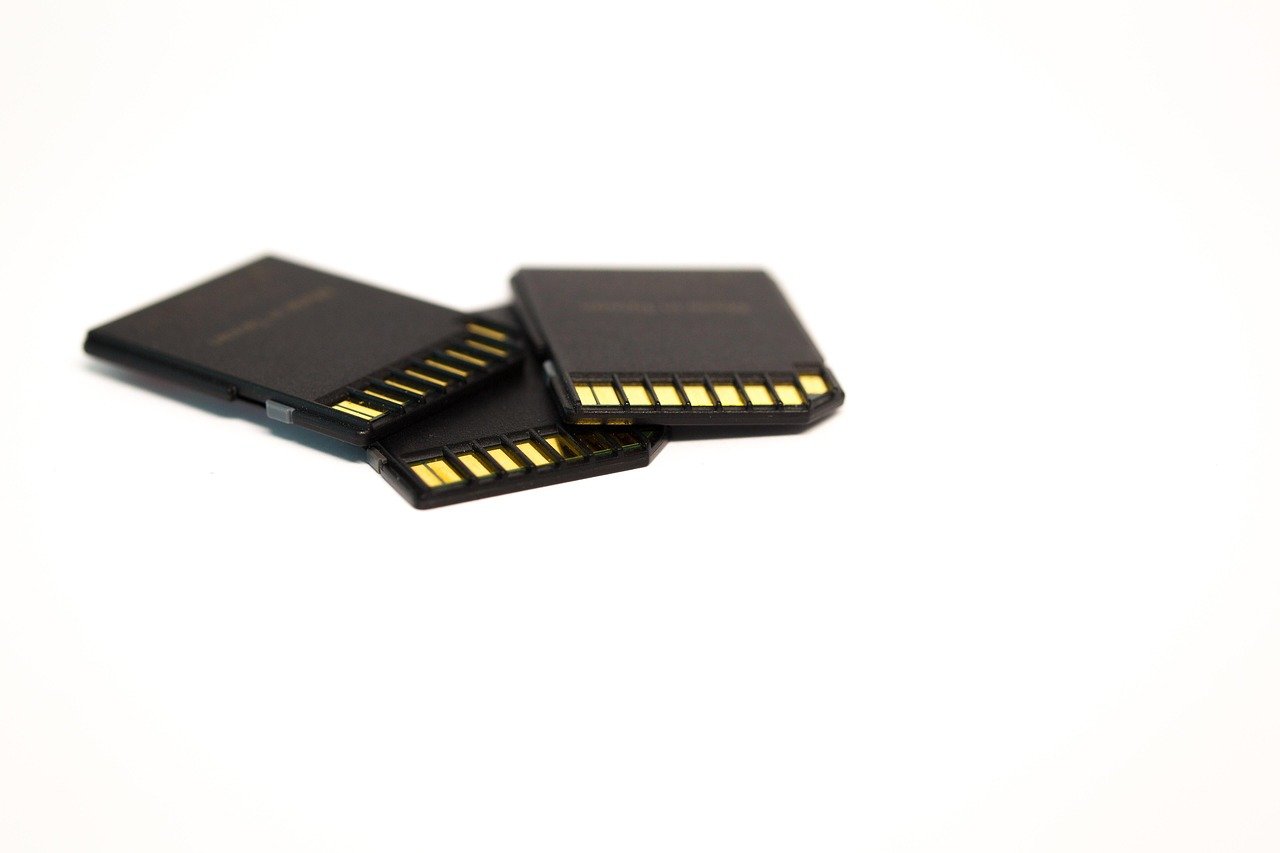
A memory card is the one piece of camera gear that can quietly ruin a shoot. The card that feels fine for stills can choke on 4K video. The bargain card from a marketplace listing can be a counterfeit that dies mid-wedding. And the premium card you bought for its speed may run at half that speed because your camera body never supported the faster interface in the first place.
That mismatch is the whole story of buying SD cards. There is no single “best” card, only the best card for a specific camera, a specific workload, and a specific budget. This guide walks through the specs that actually matter, where money is well spent, and the mistakes that cost people footage.
Start With the Camera, Not the Card
The most common buying error is shopping by brand reputation instead of by camera spec sheet. A card is a pipe, and the camera sets how wide the pipe can be. Put a top-tier card in a body with an older interface and it will simply run at the slower speed. You paid for headroom you cannot use.
Before buying anything, check three things in the camera manual or on the manufacturer’s support page:
- Supported card types. Some bodies take SD, SDHC, and SDXC; older ones cap out at SDHC (32 GB). Others add CFexpress or CFast slots alongside SD.
- Bus support. Many cameras support only the older single-row pin layout, so a faster dual-row card works but at reduced speed. Only bodies that explicitly list support for the faster bus will benefit.
- Recommended media lists. Canon, Sony, Nikon, Fujifilm, and Panasonic all publish tested card lists for their bodies. These are the closest thing to a guarantee that a card will record at the advertised bitrate without dropped frames.
If the camera is a first purchase rather than an upgrade, it is worth matching the card to the body’s actual ceiling. A beginner body paired with a mid-tier card is a smarter spend than a flagship card that never gets stretched. The same logic applies to the rest of a starter kit, whether that means a camera for beginner photography or a budget action camera where the card is often the weak link in continuous recording.
Decoding the Speed Labels on the Card
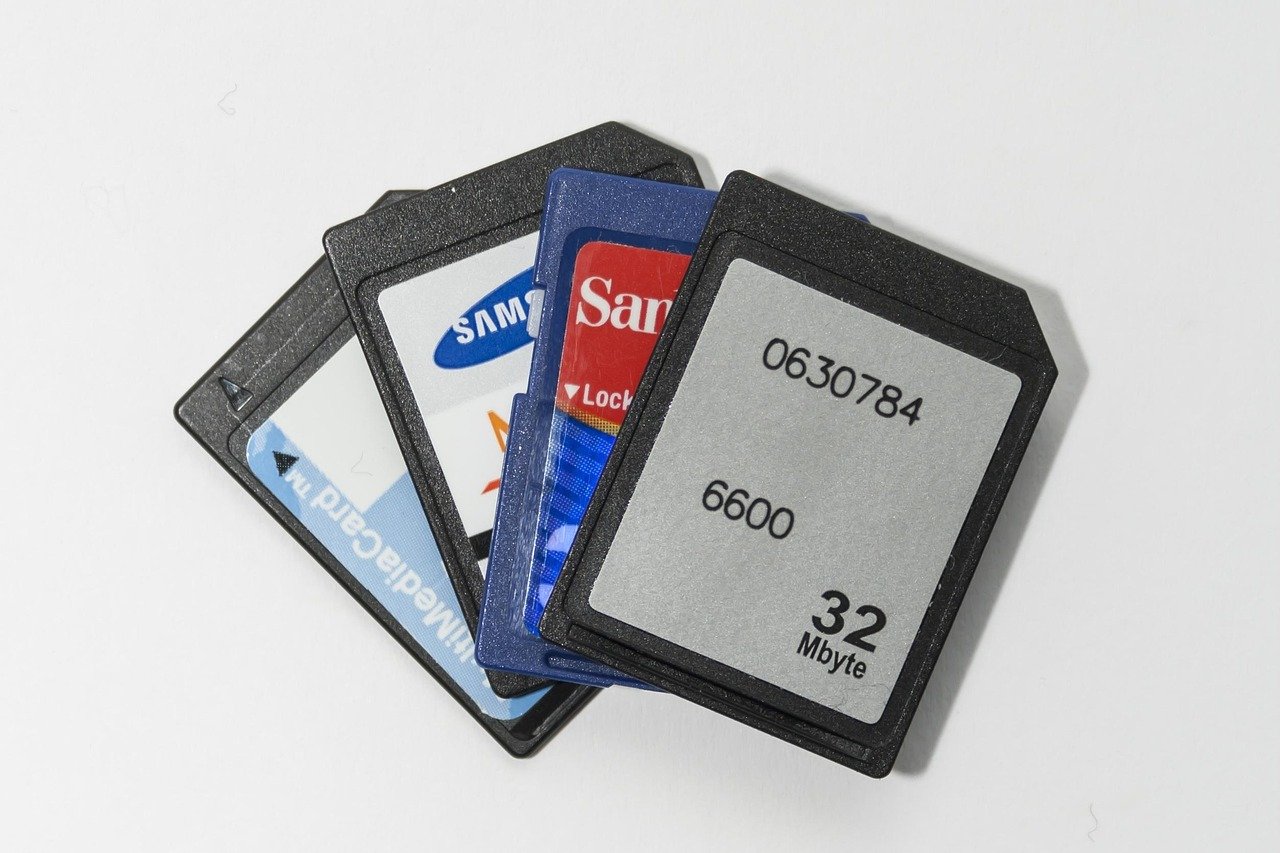
Card packaging is dense with symbols, and most of them describe minimum sustained write speed, not peak speed. That distinction matters: burst shooting and video recording care about the floor, not the ceiling.
| Label | Minimum sustained write | Typical use |
|---|---|---|
| Class 10 (C10) | 10 MB/s | Basic stills, 1080p video |
| UHS Speed Class 1 (U1) | 10 MB/s | Casual stills and light video |
| UHS Speed Class 3 (U3) | 30 MB/s | 4K video, burst stills |
| Video Speed Class 30 (V30) | 30 MB/s | The practical minimum for 4K |
| Video Speed Class 60 (V60) | 60 MB/s | Higher-bitrate 4K, some 6K |
| Video Speed Class 90 (V90) | 90 MB/s | High-bitrate 4K/120p and 8K |
The V-number is the one to read first for video. A V30 card is the sensible floor for 4K recording on most consumer and prosumer bodies. V60 and V90 cards exist for cameras that write at much higher bitrates, and they cost noticeably more per gigabyte. Buying V90 for a camera that tops out at a modest 4K bitrate is money burned.
Peak read speed, usually printed in huge type on the front of the box, tells you how fast files transfer to a computer. It says almost nothing about recording reliability. A card advertising a very high read speed can still have a modest sustained write speed, which is why the small V badge matters more than the big number.
Capacity: How Much Space Do You Actually Need?
Capacity is where buyers most often overpay or underbuy. The right number depends on file sizes, not on gut feel.
- Stills-only shooters shooting compressed raw or JPEG can work comfortably on 64 GB cards and swap between two of them.
- 4K video shooters should think in minutes, not photos. High-bitrate 4K can consume several gigabytes per minute, so 128 GB is a reasonable starting point for a half-day shoot.
- Event and wedding shooters generally prefer several mid-size cards over one huge card, because a single failure then costs a fraction of the day rather than all of it.
There is also a file system boundary worth knowing. SDHC cards stop at 32 GB and use an older file system. SDXC cards go above 32 GB and use a newer one. Most modern cameras handle SDXC without complaint, but older bodies may not, and some cameras impose their own capacity limits even when the card is technically supported.
One practical habit: format cards in the camera, not on the computer. In-camera formatting builds the directory structure the camera expects and avoids a class of avoidable write errors.
What Actually Works in Practice
A few patterns show up again and again among people who shoot for a living.
Buy two mid-size cards instead of one large one. The cost is nearly identical, and the redundancy is real. Rotate them so that if one fails, the other holds a complete copy of the day up to the last swap.
Match the card to the slot. On dual-slot bodies, many shooters run a fast card in the primary slot for video and a slower, cheaper card in the secondary slot for backup stills. That is a sensible split, and it saves money without cutting corners on the files that need speed.
Do not buy the fastest card for a camera you will replace before the card. Cards outlive camera bodies more often than people expect, so a modest amount of future-proofing is reasonable. But paying a large premium for a speed tier the current body cannot reach is not future-proofing, it is speculation.
Test new cards before trusting them. Record a long continuous clip at the highest bitrate the camera offers, then play it back on a computer. Cards that overheat or fall below their rated write speed tend to show it in sustained recording, not in short bursts.
Keep cards cool and dry. Heat is the quiet killer of flash memory. Leaving cards in a hot car or a sun-baked camera bag shortens their life. A proper camera bag for hiking with padded, ventilated storage does more for card longevity than most people realize.
Counterfeits, Reliability, and Where to Buy
Counterfeit memory cards are a genuine market problem, not a scare story. Fake cards are programmed to report a larger capacity than they physically have, so they appear to work until the moment they overwrite earlier files. The failure mode is data loss, and it usually appears at the worst possible time.
The defense is simple: buy from authorized dealers and established retailers, not from marketplace listings with prices far below the going rate. A card priced at a steep discount is the single strongest warning sign. After purchase, run a capacity test on a computer before trusting the card with anything important.
Durability ratings are worth a glance for outdoor work. Many cards carry manufacturer ratings for water, shock, X-ray, and temperature resistance. These are useful, but they describe the card surviving an accident, not the card being indestructible. Treat them as insurance, not permission.
For anyone building out a security or monitoring setup, the same reliability logic applies to storage inside the camera itself. A home security camera that records to a local card is only as dependable as that card, and continuous recording is far more demanding than occasional stills. Buyers comparing outdoor security cameras without a subscription should check card requirements carefully, since constant overwrite cycles wear through cheap media quickly.
Matching Cards to Common Workloads
The table below maps typical shooters to sensible card specs. Treat it as a starting point, then confirm against the camera’s own recommended media list.
| Shooter type | Recommended minimum | Sensible capacity | Notes |
|---|---|---|---|
| Casual stills and family photos | U1 / C10 | 64 GB | Two cards is plenty |
| Enthusiast stills, some burst | U3 / V30 | 64–128 GB | Faster read speed helps transfers |
| 4K video, vlogging | V30 | 128 GB | Check sustained write, not peak |
| High-bitrate 4K, 6K | V60 | 128–256 GB | Verify camera bus support |
| 8K or 4K/120p | V90 | 128 GB+ | Expensive; buy only if the body needs it |
Vloggers face a particular trap: long continuous takes generate heat and sustained writes, and a card that handles short clips can stall at the twenty-minute mark. Anyone comparing a camera for vlogging should budget for a V30 card at minimum and test a full-length recording before a shoot. The same advice holds for action cameras, where continuous recording in a sealed housing is the harshest thermal environment a card will ever face.
The Upgrade Trap: When the Card Is Not the Bottleneck
People often buy a faster card to fix slow imports or sluggish burst clearing, and then feel cheated when nothing improves. The bottleneck is frequently elsewhere. A slow card reader, an older USB port, or a spinning external drive can cap transfer speeds far below what the card can deliver.
The fix is usually cheap: a reader that supports the card’s full bus speed, plugged into a fast port. If the workflow involves editing and rendering, the storage and graphics pipeline matters as much as the card. A GPU upgrade and graphics card install guide is a more relevant read than a faster card when exports are the slow part. (SD card)
The same diagnostic thinking applies to accessories. A camera bag with poor organization leads to lost cards, and lost cards are a bigger practical problem than slow ones. Storage discipline, not raw speed, is what separates a smooth shoot from a frantic one. (SD Standard Overview)
Conclusion
The best SD card for a camera is the one that matches the body’s real limits, meets the workload’s sustained write requirement, and comes from a dealer you trust. For most people that means a V30 card in the 64–128 GB range, bought in pairs, formatted in-camera, and tested before it holds anything irreplaceable. Spend up only when the camera can actually use the speed, and spend the savings on a second card instead. That single habit prevents more lost footage than any spec sheet ever will.
Frequently Asked Questions
What speed SD card do I need for 4K video?
A card rated V30 is the practical minimum for most 4K recording, since it guarantees a sustained write speed of at least 30 MB/s. Cameras recording at higher bitrates, or at high frame rates, may require V60 or V90. Always confirm against the camera manufacturer’s recommended media list rather than guessing from the box.
Is a more expensive SD card always better?
No. A premium card only helps if the camera supports its faster interface and the workload demands the extra speed. In a body with an older bus, a top-tier card runs at the same speed as a mid-tier one. Matching the card to the camera’s ceiling is almost always the better spend.
How do I spot a counterfeit SD card?
The strongest warning sign is a price far below the normal retail rate, especially from marketplace sellers. Counterfeit cards report more capacity than they physically have, so files silently overwrite each other. Buy from authorized dealers and run a capacity test on a computer before trusting a new card with important work.
Should I buy one large card or several smaller ones?
Several mid-size cards are usually the safer choice. The total cost is similar, and a single card failure costs a fraction of the shoot rather than all of it. Rotating cards also gives you a natural backup of everything shot up to the last swap.
Does a faster card make my camera faster?
Rarely. Burst depth, buffer clearing, and import speed depend on the camera’s processor, its interface, and your card reader. If imports feel slow, check the reader and the port before buying a faster card. The bottleneck is often outside the card entirely.
How long do SD cards last?
Flash memory wears out gradually as data is written and rewritten, so heavy video shooters should replace primary cards periodically rather than waiting for a failure. Heat accelerates wear, so storing cards in a hot car or a sun-baked bag shortens their useful life considerably.