
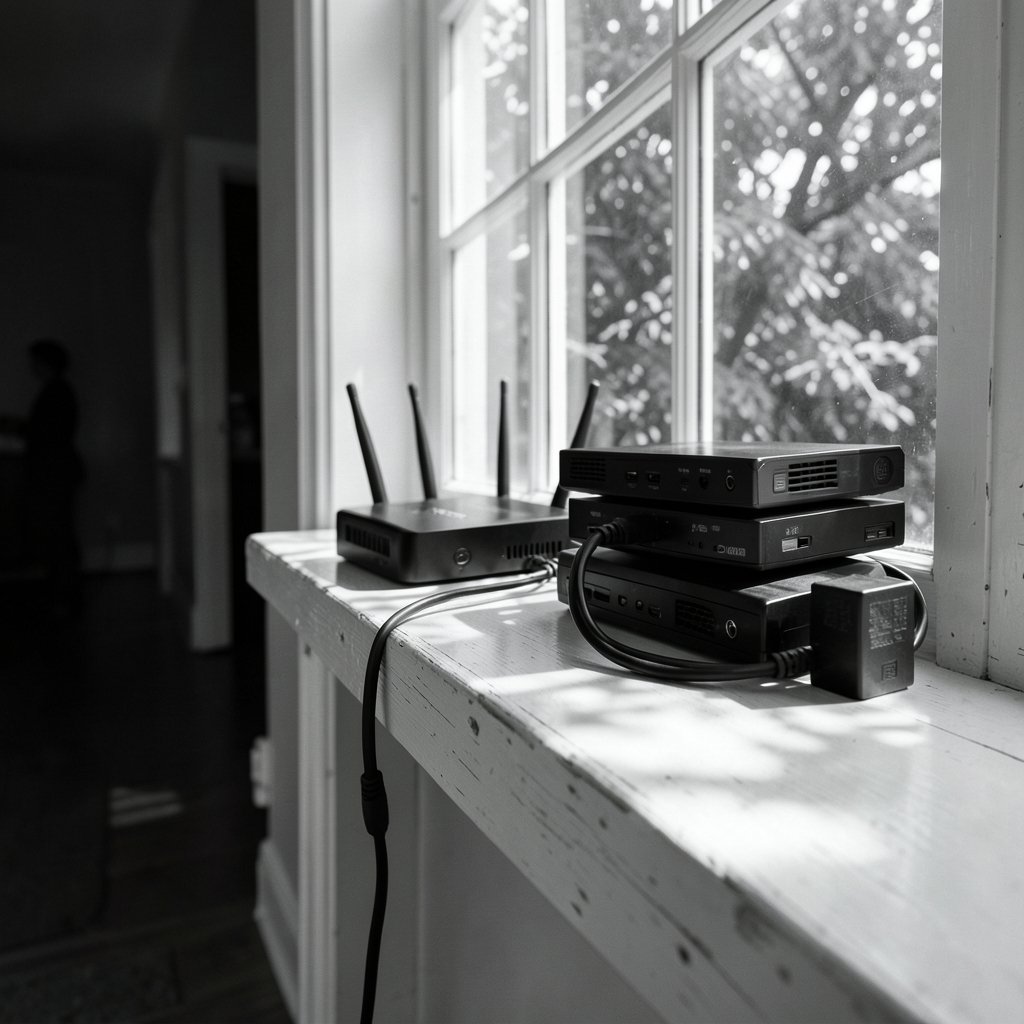
What would you say if someone asked you to name the box that brings internet into your house? Most people point at the Wi-Fi unit in the hallway. But that single box might be doing two very different jobs, or it might be two boxes stacked together. The difference between a modem/router (one combined unit, often called a gateway) and a modem and router (two separate devices) shapes how fast your network can grow, how easy it is to troubleshoot, and how much you pay every month.
This guide breaks down the real-world trade-offs, the mistakes people make when buying either setup, and the signs that it’s time to change.
What Each Box Actually Does
A modem translates between the signal your internet provider sends over its own medium and the digital data your home network understands. That medium might be coaxial cable, a phone line, or fiber. A router takes that connection and shares it: it hands out local IP addresses, performs network address translation, and usually broadcasts Wi-Fi.
The standards behind the modem side vary by connection type. Cable modems follow the DOCSIS family of specifications, while DSL connections rely on the ITU-T G.992.x and G.993.x recommendations. On the wireless side, the router’s radio follows IEEE 802.11 standards, which is why you see labels like Wi-Fi 5 and Wi-Fi 6.
A gateway fuses modem and router into a single chassis. One power cable, one box, one login screen. That convenience is exactly why internet providers love handing them out.
The Case for a Combined Modem/Router
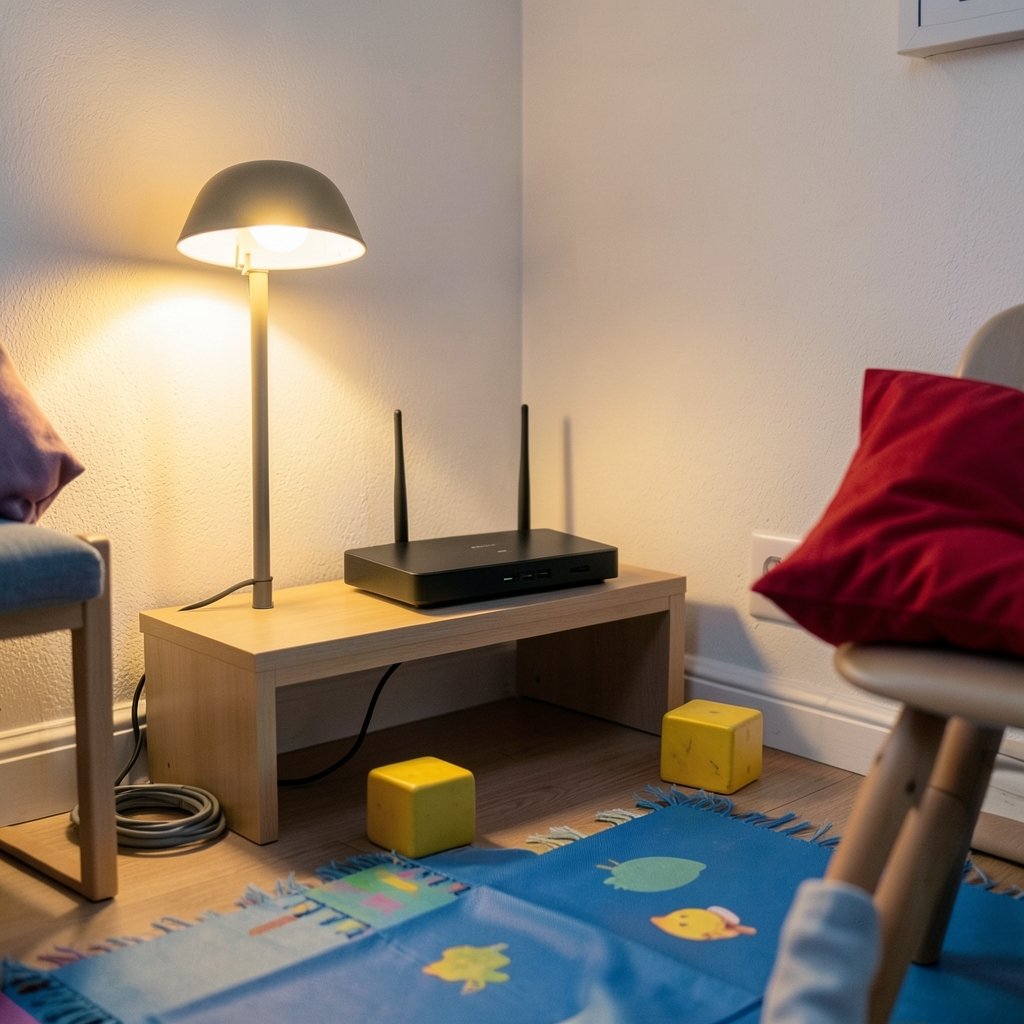
Combined units win on simplicity, and that matters more than enthusiasts admit. Here is where a gateway shines:
- Fewer cables and outlets. One device instead of two means less clutter and one fewer power brick.
- Provider support. If the gateway came from your ISP, they configure it remotely and replace it when it fails. You rarely argue about whose fault a problem is.
- One admin interface. You log into a single page to change Wi-Fi names, passwords, and firewall rules.
- Lower upfront cost. Many providers include the gateway in the plan or rent it for a modest monthly fee.
For a small apartment, a single-user household, or anyone who simply wants the internet to work without thinking about it, a gateway is a perfectly rational choice.
The Case for Separate Modem and Router
Separating the two devices gives you modularity, and modularity pays off over time. The modem rarely needs to change. The router is the part that ages quickly, because Wi-Fi standards and processing power move fast.
With separate boxes, you can:
- Upgrade Wi-Fi without touching the modem. Swap in a newer router when Wi-Fi 7 or a mesh system makes sense, and keep the modem exactly where it is.
- Choose better hardware. Retail routers often have stronger antennas, more Ethernet ports, and richer firmware than the stripped-down router half of a gateway.
- Isolate faults. If the internet drops, you can test the modem directly and know within minutes whether the problem is the provider’s line or your own Wi-Fi.
- Place the router where Wi-Fi works best. The modem has to sit near the cable or phone jack. A separate router can sit on a shelf in the middle of the house, connected by a single Ethernet run.
If you are weighing router options for a separate setup, a good starting point is understanding what makes a strong modem router combo and how those specs translate when you split the roles.
Side-by-Side Comparison
| Factor | Modem/Router (Gateway) | Separate Modem and Router |
|---|---|---|
| Setup effort | Low: one device, one login | Moderate: two devices, two logins |
| Cabling | One power cable, one coax or phone line | Two power cables plus an Ethernet link |
| Upgrade path | Replace the whole unit | Replace router only, or modem only |
| Wi-Fi performance | Usually adequate, rarely excellent | Can be excellent, your choice |
| Troubleshooting | Harder to isolate the failing part | Easy to test each stage |
| Cost over time | Rental fees add up | Higher upfront, lower long term |
| Placement flexibility | Limited by the wall jack | Router can move; modem stays put |
| Best for | Renters, minimalists, light users | Gamers, remote workers, large homes |
The Hidden Cost of Renting a Gateway
Provider rental fees are the quiet budget killer. A gateway that costs a few dollars a month looks trivial until you multiply it by several years. Over a five-year stretch, rental can easily exceed the price of buying your own modem and router outright.
The catch is compatibility. Cable providers maintain approved-device lists, and a modem that is not on the list may simply refuse to provision. Before buying, check three things: the connection type your plan uses, the DOCSIS generation your provider requires, and whether your provider supports customer-owned equipment at all. Fiber installs often use an optical network terminal that you cannot replace, which changes the math entirely.
One practical tip from years of support forums: keep the old gateway in a closet for a week after switching. If provisioning fails at 9 p.m. on a Sunday, you will be glad you did not return it yet.
Where People Go Wrong
Most modem and router mistakes are avoidable with a little planning.
Buying a modem without checking the provider’s approved list. This is the single most common failure. The box arrives, you plug it in, and the provider’s system refuses to activate it.
Double NAT. When you put your own router behind a gateway that is still routing, both devices perform address translation. The result is broken port forwarding, flaky video calls, and confusing game console errors. The fix is to put the gateway into bridge or pass-through mode so it behaves as a plain modem. If your gateway offers a bridge setting, this is the cleanest path to a separate router.
Ignoring the router’s security settings. Modern routers support WPA3, but many ship with a mixed mode that accepts older devices too. Understanding how WPA3 transition mode works when your router runs two security modes at once helps you decide whether to keep compatibility or lock things down.
Placing the router in a cabinet. Wi-Fi hates metal, concrete, and fish tanks. A router buried in a media console will underperform no matter how much you paid for it.
Forgetting the login. Half of all “my router is broken” calls are really “I cannot get into the admin page.” If that sounds familiar, these steps to log into your router settings and fix common login problems cover resets, forgotten passwords, and browser quirks.
Bridge Mode, Mesh, and Other Setup Choices
If you keep a gateway but add your own router, bridge mode is the setting that makes the pairing work. It disables routing, firewall, and Wi-Fi on the gateway so your router handles everything. Some providers call it pass-through or IP passthrough, and a few lock it behind a support call.
Mesh systems add another wrinkle. A mesh node can run in router mode, doing all the routing itself, or in bridge mode, acting as a simple access point behind another router. Choosing wrong creates the same double NAT mess described above. This breakdown of mesh Wi-Fi bridge mode versus router mode and how to pick the right setup walks through which mode fits which topology. (Router (computing)))
There is also a performance angle people rarely consider. Routers handle a lot of packet processing, and some offload that work to dedicated hardware rather than the main CPU. Learning how router hardware offloading keeps your CPU from becoming the bottleneck explains why two routers with identical clock speeds can perform very differently under heavy load.
And if your video calls stutter the moment someone starts a download, the problem may not be bandwidth at all. Running a router bufferbloat test to cut latency under load often reveals that a modest router with good queue management beats a faster one with poor management.
Who Should Pick Which
Match the setup to the household, not to the spec sheet.
Choose a combined gateway if you rent, move often, have a small home, or simply want the provider to own the hardware problem. The convenience is real, and for many people it is the right call.
Choose separate devices if you work from home, game competitively, run smart-home gear, or plan to stay put for years. The upfront cost is higher, but you gain control, easier upgrades, and cleaner troubleshooting. (FCC Broadband Speed Guide)
A middle path exists too: keep the provider’s modem, put it in bridge mode, and add your own router. You get most of the benefits of separation without buying a modem or arguing about provisioning.
Practical Buying Checklist
Before you spend anything, work through this list in order:
- Confirm your connection type: cable, DSL, fiber, or fixed wireless.
- Ask your provider which modem models are approved and which DOCSIS generation they require.
- Check whether your plan includes equipment or charges rent.
- Decide whether you need Wi-Fi coverage beyond one room. If yes, plan for mesh or a separate router.
- Count your wired devices. Consoles, desktop PCs, and NAS drives all want Ethernet ports.
- Verify the router supports WPA3 and receives firmware updates.
- Budget for a surge protector. Modems die in storms more often than people expect.
Conclusion
The modem/router versus modem and router question has no universal winner. A gateway trades flexibility for simplicity, and separate devices trade convenience for control. The right answer depends on how long you plan to stay, how demanding your network is, and how much you enjoy fiddling with settings.
If you want the internet to be someone else’s problem, take the combined box. If you want to upgrade on your own schedule, troubleshoot in minutes, and stop paying rent on hardware, split the roles. Either way, check compatibility before you buy, and put the gateway in bridge mode if you add your own router. Those two habits prevent most of the headaches people blame on bad equipment.
Frequently Asked Questions
Is a modem/router combo as fast as separate devices?
Usually not at the top end. A gateway’s router half is often built to a price, with modest antennas and limited processing power. Separate devices can be faster, but only if your internet plan and home layout can use the extra performance. A fast router on a slow plan changes nothing.
Can I use my own router with the ISP’s gateway?
Yes, and it is a common setup. Put the gateway into bridge or pass-through mode so it stops routing, then let your router handle addressing, firewall, and Wi-Fi. Skipping bridge mode creates double NAT, which breaks port forwarding and can cause odd connection errors.
Do I need to buy a new modem when I upgrade my Wi-Fi?
No. The modem handles the connection to your provider; the router handles Wi-Fi. If you have separate devices, you can replace only the router. If you have a gateway, you replace everything at once, which is one of the strongest arguments for splitting the roles.
How often should a modem or router be replaced?
Modems typically last five to eight years, or until your provider requires a newer standard. Routers age faster because Wi-Fi standards and security protocols move quickly. Replace a router when it stops receiving firmware updates, lacks WPA3, or cannot keep up with your devices.
Does a combined gateway use more electricity?
Marginally less, since one device draws power instead of two. The difference is small, usually a few dollars a year. Do not let power draw drive the decision; setup flexibility and rental fees matter far more to your total cost.
Will my provider support me if I use my own equipment?
Support varies widely. Many providers will confirm whether the line is working but stop short of troubleshooting your router. That is the trade-off for lower long-term costs. Keep your modem’s model number and the provider’s activation steps handy, and you can usually resolve setup issues yourself.



