
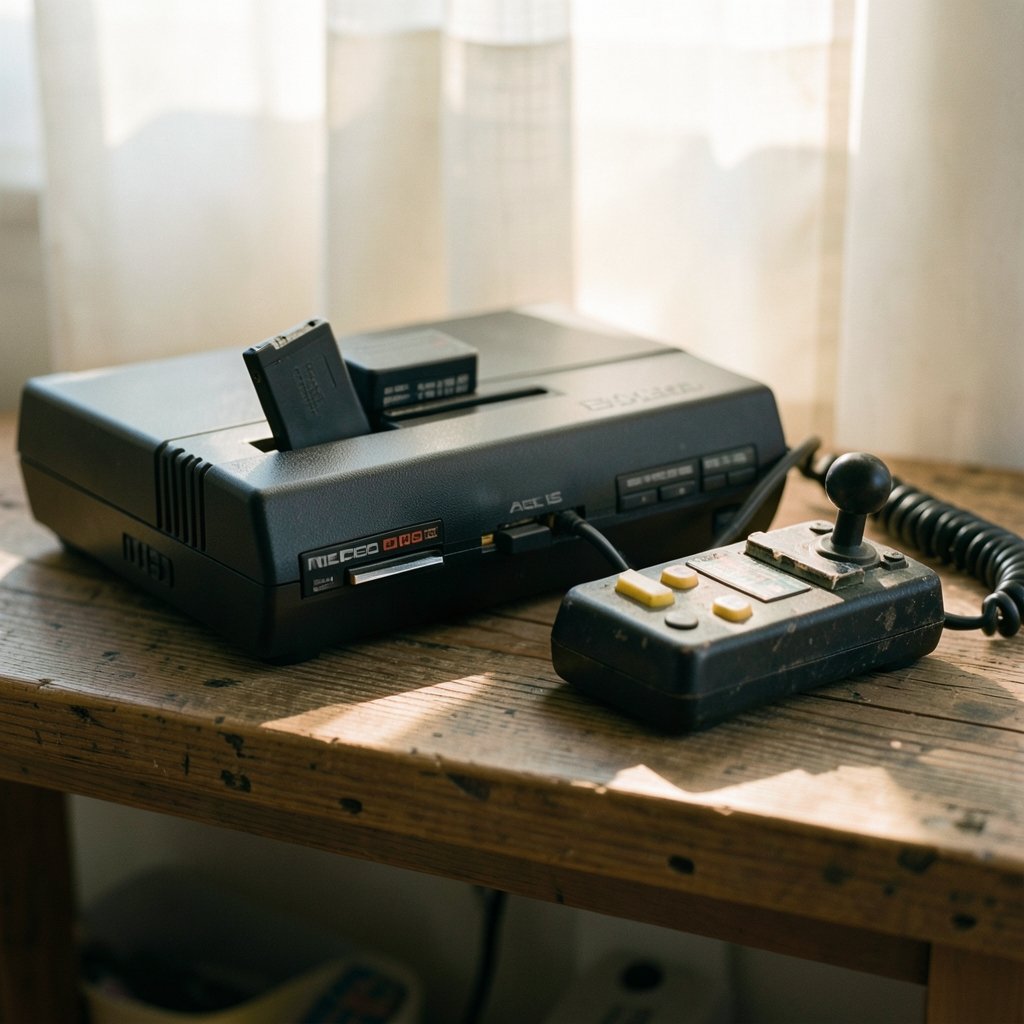
What if the biggest difference between three popular ways to play Neo Geo games has nothing to do with how the games look? That question trips up a lot of people. They see NeoSD, FBNeo, and MAME mentioned in the same forum threads and assume they are three flavors of the same thing. They are not. One is a flash cartridge that runs original games on real hardware. The other two are software emulators with different goals, different strengths, and different headaches.
Getting this straight matters before you spend money or an evening wrestling with configuration files. The three options differ sharply on compatibility, controls, and save files, and those differences decide whether your setup feels effortless or turns into a weekend project. Here is a plain-English breakdown of how each one actually behaves.
The Core Difference People Miss
NeoSD is not an emulator. It is a flash cartridge that runs original Neo Geo ROMs on genuine AES or MVS hardware. When you play a game through NeoSD, the console’s real chips do the work. There is no software layer pretending to be Neo Geo hardware.
MAME and FBNeo are emulators. MAME has been the reference implementation for Neo Geo emulation since the late 1990s, and its driver work is the upstream source for much of the hardware documentation other emulators rely on. FBNeo is a community-maintained fork of FinalBurn Alpha, which itself descends from FinalBurn, and it focuses on accurate arcade emulation with a lighter footprint than MAME.
That single distinction shapes everything else. Hardware compatibility is the cartridge’s job. Software compatibility is the emulator’s job. The two problems look similar from the outside and behave nothing alike.
Compatibility: ROM Sets, BIOS Files, and Version Locking

This is where most newcomers lose an evening. Emulator compatibility is not a simple yes-or-no list. It is a stack of version-matching requirements.
MAME’s Strict but Documented Approach
MAME maintains its own ROM set naming and versioning. A set built for one MAME release may not load in another without conversion, and the same rule applies across emulators. A set prepared for FBNeo will often fail in MAME and vice versa. This is the single most common cause of “it worked yesterday” confusion.
MAME also requires a neogeo.zip BIOS set, and the exact required version is tied to the emulator build. A mismatched BIOS is a frequent reason a game refuses to launch. The upside is documentation: MAME’s official docs cover ROM sets, input configuration, and save states in detail, so the answers exist if you are willing to read them.
FBNeo’s Lighter, Tighter Focus
FBNeo takes a similar approach but with a narrower scope. It targets accurate arcade emulation, Neo Geo included, without MAME’s sprawling device support. That focus makes it quicker to set up and lighter on older machines. It also maintains its own ROM set naming, so the version-locking rule applies here too. FBNeo users tend to learn quickly that the ROM set and the emulator build must match.
NeoSD’s Hardware Reality
NeoSD sidesteps ROM set versioning entirely because there is no emulator to match against. The cartridge runs original ROMs on original hardware, so compatibility depends on the cartridge firmware and the console rather than on a driver revision. That sounds simpler, and in many ways it is, but it is a different kind of simplicity. You are not troubleshooting software; you are managing hardware.
| Feature | NeoSD | FBNeo | MAME |
|---|---|---|---|
| Type | Flash cartridge | Emulator | Emulator |
| Runs on | Real AES/MVS hardware | PC software | PC software |
| ROM set versioning | Not applicable | Version-locked | Version-locked |
| BIOS requirement | Hardware-level | neogeo.zip required | neogeo.zip required |
| Setup effort | Low (hardware) | Moderate | Higher |
If you are also weighing emulator choices for other systems, the same version-matching logic shows up everywhere. The trade-offs in MAME vs FBNeo vs RetroArch compatibility, controls, and save files follow a very similar pattern, and the same is true when comparing Dolphin vs CEMU vs Xenia compatibility, controls, and save files for newer consoles.
Controls: Three Separate Worlds
Input mapping is emulator-specific, and there is no shared configuration format between these options. That is worth repeating because it catches people out. A controller profile you build in one tool will not transfer to another.
MAME handles input through its own configuration system, set per game or globally through its interface and configuration files. It is flexible and deep, which is both a blessing and a curse. You can remap almost anything, but you need to understand where those settings live.
FBNeo uses its own input configuration with a more streamlined interface. Most players find it faster to configure than MAME, especially for a single game or a small library.
NeoSD does not map inputs at all in the software sense. It uses the original hardware’s controller ports. You plug in a real Neo Geo controller or an adapter, and the console handles the rest. There is no mapping screen because there is nothing to map.
A practical tip that saves real time: decide on your controller before you start configuring anything. Swapping hardware mid-setup means redoing work in MAME or FBNeo, and it is the most common reason people abandon a configuration halfway through.
Save Files and Save States
Save states are not universally supported across these three, and the differences matter more than most guides admit.
MAME and FBNeo both implement save states, but compatibility varies by game and by driver. Some titles save and restore cleanly. Others do not, or behave inconsistently between versions. If save states are essential to how you play, check the specific game rather than assuming the feature works everywhere.
NeoSD works differently. It saves to an SD card at the hardware level rather than as an emulator save state. That is a meaningfully different mechanism, and it is worth understanding before you rely on it. It is not the same as a snapshot of emulator memory.
The practical lesson is simple. If you plan to rely on save states, test them early on the exact game you care about, in the exact build you plan to use. Do not assume a feature that works in one emulator will work identically in another. The same caution applies across the emulator landscape, including when you check Ryujinx vs Citron vs Suyu compatibility, controls, and save files for Switch emulation.
Common Mistakes and What Actually Works
A few patterns show up again and again in troubleshooting threads.
Mixing ROM sets between emulators. This is the number one mistake. A set built for FBNeo will often fail in MAME. Keep separate, clearly labeled folders and match each set to its emulator build.
Ignoring the BIOS version. The neogeo.zip requirement is tied to the emulator build. An outdated BIOS produces launch failures that look like ROM problems but are not.
Assuming save states are universal. They are not. Test per game.
Buying hardware without checking firmware status. If you go the NeoSD route, confirm the current firmware situation before you commit. Firmware updates have been ongoing, but the details change, so verify rather than assume.
Expecting configuration to transfer. It will not. Plan for a fresh setup each time you switch tools.
What actually works is boring but effective: pick one option, match every file version to that build, test one game end to end, and only then expand your library. People who do this finish in an evening. People who skip it spend three evenings troubleshooting.
Which One Should You Choose?
The answer depends on what you want from the hobby.
Choose NeoSD if you own real Neo Geo hardware, value authenticity, and would rather manage a cartridge than a configuration file. You get original hardware behavior and no ROM set versioning headaches, at the cost of hardware-specific constraints.
Choose FBNeo if you want a focused, lightweight emulator that runs well on modest hardware and does not demand MAME’s full documentation dive.
Choose MAME if you want the reference implementation, the deepest documentation, and the broadest hardware support, and you are willing to accept a steeper setup curve.
If you are building or upgrading a PC for emulation in general, it is worth checking compatibility before you buy parts. Guides like AMD vs Intel CPU: check compatibility before upgrade 2027 and RTX 5070 vs RTX 5070 Ti compatibility checks before 2027 cover the hardware side of that decision. The same version-matching discipline applies to PCSX2 vs Xenia compatibility, controls, and save files in 2027 and to RPCS3 vs CEMU vs Xenia compatibility, controls, and save files.
A Note on the 2027 Framing
It is worth being honest about the year in the title. The fundamentals covered here are stable: the hardware-versus-software distinction, the ROM set version-locking rule, the BIOS requirement, and the separation of input configurations. What is not known is any 2027-specific release, roadmap item, or compatibility change for any of the three. Treat forward-looking claims about next year with caution and check current release notes before planning around them.
Conclusion
The NeoSD versus FBNeo versus MAME question is really three questions wearing one coat. NeoSD asks whether you want original hardware. FBNeo asks whether you want a focused, lightweight emulator. MAME asks whether you want the reference implementation and are willing to learn its rules.
Whichever you pick, the same habits decide whether it goes smoothly. Match your ROM sets and BIOS to your exact build. Test save states on the specific game you care about. Decide on your controller before you configure anything. And do not expect settings to transfer between tools, because they will not.
Get those basics right and the differences between the three stop being obstacles. They become the reason to pick one over the others in the first place.
Is NeoSD an emulator?
No. NeoSD is a flash cartridge that runs original Neo Geo ROMs on real AES or MVS hardware. The console’s actual chips do the work, so there is no software layer emulating the hardware. That makes it a hardware solution rather than an emulator, which is why its compatibility rules differ from MAME and FBNeo.
Why does my ROM set work in one emulator but not another?
MAME and FBNeo each maintain their own ROM set naming and versioning. A set built for one may not load in the other without conversion, and it may not load in a different version of the same emulator either. The fix is to keep separate, labeled folders and match each set to its specific emulator build.
Do I need a BIOS file for Neo Geo emulation?
Yes, for the emulators. Both MAME and FBNeo require a neogeo.zip BIOS set, and the exact required version is tied to the emulator build. A mismatched BIOS is a common cause of games failing to launch. NeoSD does not need a BIOS file in the same way because it runs on original hardware.
Can I transfer my controller settings between MAME and FBNeo?
No. Controller and input mapping is emulator-specific, and there is no shared configuration format between them. MAME uses its own input configuration, FBNeo uses its own, and NeoSD simply uses the original hardware’s controller ports. Plan to set up controls fresh each time you switch tools.
Do save states work in all three options?
Not in the same way. MAME and FBNeo both implement save states, but compatibility varies by game and driver, so some titles behave inconsistently. NeoSD saves to an SD card at the hardware level rather than as an emulator save state, which is a different mechanism entirely. Test early on the specific game you care about.
Which option is easiest for a beginner?
FBNeo is usually the quickest to get running because of its focused scope and lighter footprint. NeoSD is simple in a different way if you already own real hardware, since there is no software to configure. MAME demands the most setup effort but rewards it with the deepest documentation and broadest support.



