
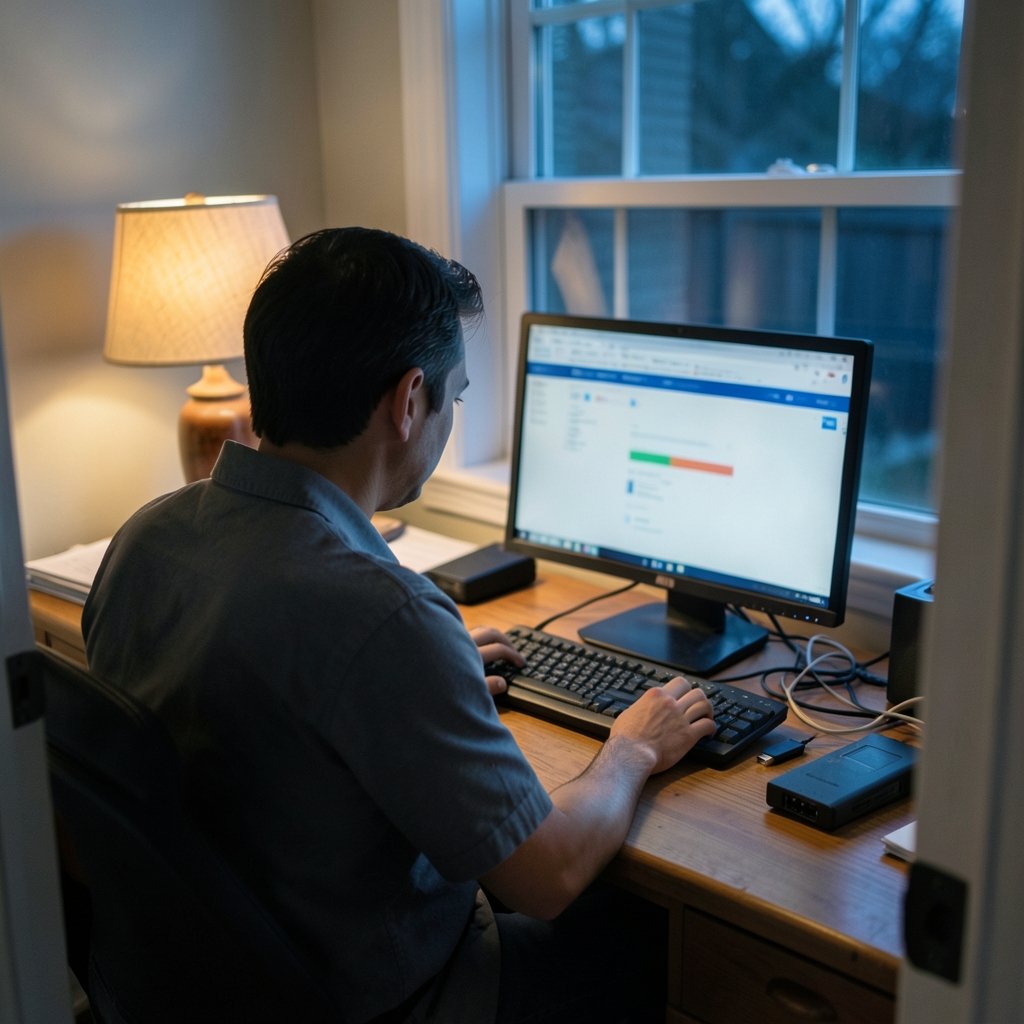
Can you still build a working Nintendo Switch emulator setup on a PC in 2026? The honest answer is: partly, and with far more caveats than the guides of 2022 ever mentioned. The emulation scene changed dramatically after 2024, and anyone searching for a clean “download, install, play” tutorial is entering a situation that no longer exists in that form. This article explains what actually happened, what a realistic setup looks like now, and where the practical and legal walls sit.
The 2026 Reality Check: The Scene Has Moved
For years, the standard advice was simple: grab Yuzu or Ryujinx, dump your keys, and you were playing Breath of the Wild on a mid-range laptop. That era ended. Yuzu settled a lawsuit with Nintendo and shut down in March 2024, with its repositories taken offline. Ryujinx, the other major open-source option, was reportedly discontinued in October 2024 after Nintendo contacted its lead developer.
What replaced them is a scattered field of forks and successors. Some are legitimate continuations of open-source code. Others are repackaged builds of uncertain origin, sometimes bundled with malware or shady installers. As of late 2026, no single emulator holds the community consensus the way Yuzu once did, and the legal picture is materially different from the pre-2024 era. Anyone claiming otherwise is either out of date or selling something.
That matters for setup because the “best emulator” question no longer has a stable answer. What you can do is understand the moving parts, verify each one yourself, and avoid the traps that catch most beginners.
Before You Touch an Emulator: Understand the Legal Ground
This is the part most tutorials skip, and it’s the part that decides whether a setup is defensible or reckless.
Switch emulation requires two things that don’t ship with any emulator: decryption keys (commonly a `prod.keys` file) and system firmware, both dumped from a console you own. Distributing those files is illegal, and it is the core legal risk in the entire scene. Downloading a pre-packaged “keys + firmware” bundle from a forum is not a shortcut; it’s the exact behavior Nintendo’s legal teams have targeted. (Video game console emulator)
In the United States, Nintendo’s cases have leaned heavily on DMCA §1201 anti-circumvention claims, which address bypassing technical protection measures rather than copying games directly. The Wikipedia entry on Yuzu) documents the shutdown timeline, and it’s worth reading before you install anything. Legality also varies by jurisdiction, so “it’s legal where I live” is a claim that needs local verification, not a forum post.
The practical takeaway: dump your own keys and firmware from your own hardware, or don’t proceed. There is no clean middle path.
What a Realistic 2026 Setup Actually Looks Like
If you’ve decided to proceed with your own dumped files, here’s the workflow that experienced users follow. Note that specific emulator names are deliberately vague here, because the active projects shift month to month and any name printed in a guide may be abandoned by the time you read it.
- Verify the emulator project is active and has a real source repository. Check commit history, issue trackers, and community discussion. A project with no public code and a single download mirror is a red flag.
- Dump your own keys and firmware from your console using community-documented tools. Keep these files private and never share them.
- Install to a dedicated folder rather than system directories, so removal is clean if the project dies.
- Configure the graphics backend to Vulkan. This became the standard for Switch emulation and generally offers the best compatibility on modern GPUs.
- Set up a controller before launching a game. Pro Controller and Joy-Con pairing works, but mapping takes ten minutes and saves an hour of frustration.
- Test with a lightweight title first, not a flagship release. If a simple game runs, your base configuration is sound.
- Enable shader caching to reduce stutter on repeat visits to the same areas.
That last point is where most people give up. First-launch stutter is normal, not a sign of a broken setup.
Hardware: Where the Money Actually Goes
Switch emulation is unusually sensitive to CPU single-thread performance. This is the opposite of what most PC builders expect. A 16-core workstation chip can lose to a cheaper CPU with higher per-core clocks in emulation workloads, because the emulator’s translation layer doesn’t parallelize cleanly.
| Component | Priority | Why It Matters |
|---|---|---|
| CPU | Highest | Single-thread speed drives frame pacing more than core count |
| GPU | High | Vulkan driver quality matters more than raw power |
| RAM | Medium | 16 GB is comfortable; 32 GB helps with shader caches |
| Storage | Medium | SSD reduces load times and stutter spikes |
| Controller | Medium | Native-feeling input changes the experience |
The GPU column deserves emphasis. On Windows, driver support for Vulkan varies significantly between vendors, and some titles that run smoothly on one GPU family stutter on another. On Linux, the picture differs again. If you’re choosing hardware specifically for this purpose, look up per-title reports for your exact GPU before buying.
The Trap Most Beginners Fall Into
Here’s the mistake that shows up constantly in support threads: people download a “pre-configured emulator pack” from a video description or a file-sharing site because it promises to skip the setup steps. These bundles are the single most common vector for malware in this space, and they almost always contain keys and firmware the user has no legal right to possess.
What actually works is slower and duller: official project releases, your own dumped files, and a willingness to read documentation. The setup takes an evening. The shortcut takes five minutes and can cost you a compromised machine.
A second common error is chasing performance with settings tweaks before the basics are right. Resolution scaling and accuracy settings get fiddled with endlessly while the real problem is an outdated GPU driver. Update drivers first, then tune.
Performance Expectations: Set Them Low and Be Pleased
Even with ideal hardware, Switch emulation in 2026 is not a console-replacement experience. Demanding first-party titles may run at inconsistent frame rates, with graphical glitches that no setting fixes. This isn’t a failure of your setup; it’s the nature of translating one console’s architecture onto general-purpose hardware.
Two specific expectations to calibrate:
Shader compilation stutter is unavoidable on first play. The emulator builds caches as it encounters new effects. Subsequent runs are smoother. Some projects ship pre-compiled caches; others don’t, for legal reasons.
Accuracy settings trade speed for correctness. Higher accuracy fixes glitches but costs frames. Lower accuracy gains speed but can break games in subtle ways. There’s no universal setting; per-title tuning is the norm.
If smooth, hassle-free play is the goal, the console itself remains the better answer, and it’s worth checking how much a Switch 2 actually costs before sinking money into PC upgrades. For many people, the math favors buying hardware over building a workaround.
Why the Scene Looks So Different From 2022
The shutdowns weren’t random. Nintendo’s legal strategy shifted from targeting ROM distribution to targeting the tools themselves, and it worked. When the two dominant emulators folded within seven months of each other, the community lost its documentation, its stable release channels, and its institutional knowledge in one stroke.
What survived is fragmented. Forks appear, gain users, then stall or get taken down. Guides written before 2024 describe software that no longer exists. This is why searching for a current tutorial produces contradictory results: half the top results are describing a world that ended.
Interestingly, Nintendo’s own posture toward new technology has been more nuanced than its litigation suggests. The company’s leadership has publicly discussed a positive outlook on generative AI in game development, which sits awkwardly beside its aggressive stance on emulation. The distinction, from Nintendo’s perspective, is between using new tools to build games and using them to run games without permission.
For context on where the hardware itself is heading, the Switch 2 release timeline explains why emulation interest has shifted toward newer, harder-to-emulate hardware. And if you’re curious how deep the technical rabbit hole goes, the firmware dump and reverse engineering discussion covers the engineering side that most users never see. (Nintendo Switch official site)
Alternatives Worth Considering First
Before committing to an emulator setup, weigh these options honestly:
Buy the console. A Switch 2 plus games costs less than a mid-range GPU upgrade, and it works on day one with zero configuration. The best Switch 2 exclusives are the reason most people want one anyway.
Play the original hardware for older titles. If you’re chasing nostalgia rather than current releases, older handhelds and their cartridges are often cheaper and simpler than an emulation project. For the Game Boy era specifically, the Pokémon FireRed cheats and emulator setup guide covers a scene that remains far more stable and legally settled than Switch emulation.
Use official re-releases. Nintendo has steadily ported its back catalog to current hardware. Checking what’s officially available takes two minutes and sometimes eliminates the need for emulation entirely.
Consider family-friendly official options if the goal is shared play. The best Switch games for families roundup covers titles designed for exactly that, with none of the setup risk.
Conclusion
A Nintendo Switch emulator PC setup in 2026 is possible, but it is no longer the straightforward project that older guides describe. The two dominant emulators are gone, the remaining options are fragmented and shift frequently, and the legal risk around keys and firmware has only sharpened. Anyone who tells you otherwise is working from outdated information.
The approach that actually holds up is unglamorous: verify each project’s status yourself, dump your own files from your own hardware, prioritize CPU single-thread performance over core count, update your GPU drivers before touching any settings, and accept that stutter and glitches are part of the experience rather than bugs to eliminate. Skip the pre-packaged bundles entirely; they’re the fastest route to a compromised machine.
And be honest about the goal. If you want to play Nintendo games smoothly with no tinkering, the console is the better purchase. If you’re interested in the engineering, the emulation scene still offers a fascinating and genuinely difficult problem to work on, just with fewer handrails than it once had. Either way, go in with current information rather than a tutorial from four years ago.
Frequently Asked Questions
Is Switch emulation still possible on PC in 2026?
Yes, but the options are fragmented. The two major emulators, Yuzu and Ryujinx, shut down in 2024. Successor projects and forks exist, but their status changes frequently, so you must verify that any project you consider is currently active and has a public source repository before installing it.
Is it legal to set up a Switch emulator on my PC?
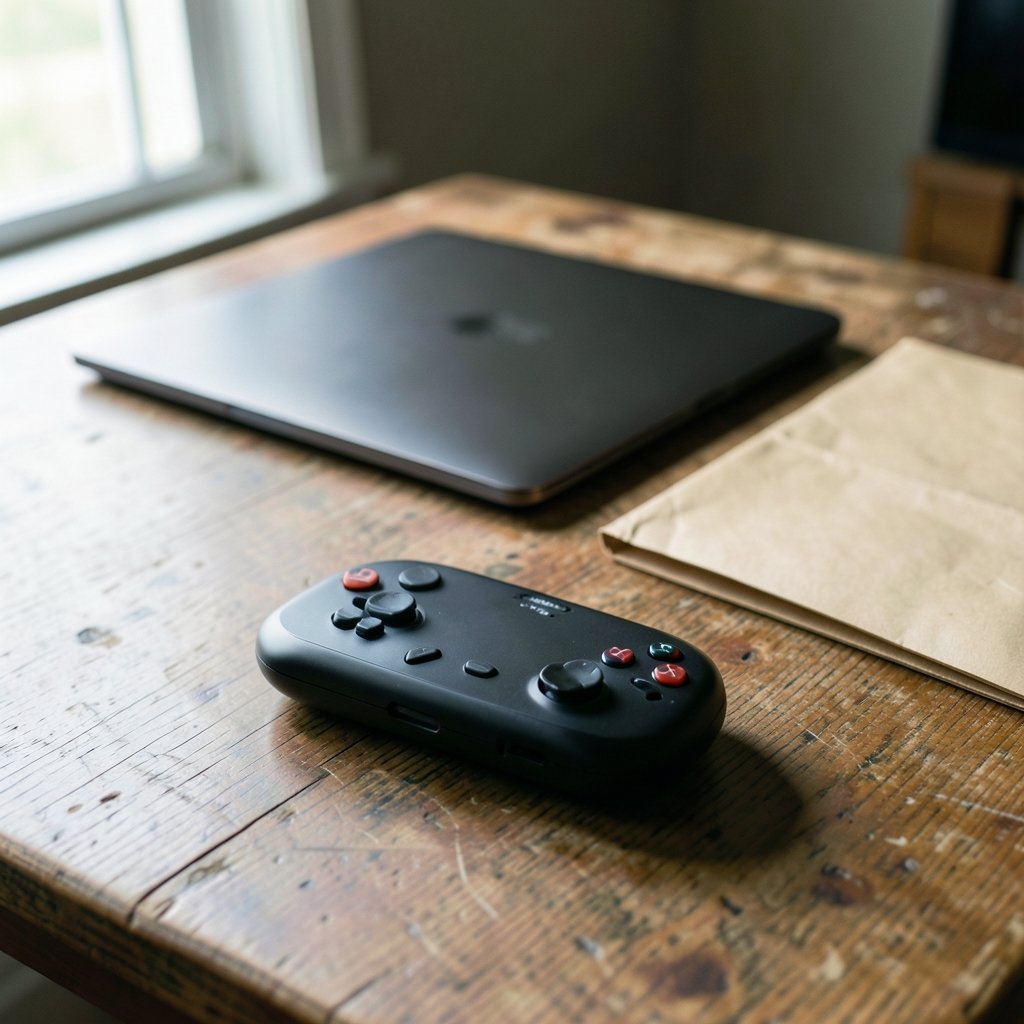
It depends heavily on jurisdiction and method. Emulators themselves have generally been treated as legal software, but obtaining decryption keys and firmware without dumping them from your own console raises serious legal issues. In the US, Nintendo’s cases have centered on DMCA anti-circumvention claims. Consult local guidance rather than relying on forum opinions.
What PC hardware matters most for Switch emulation?
CPU single-thread performance matters most. Emulation workloads don’t parallelize cleanly, so a chip with strong per-core speed often outperforms a higher-core-count alternative. GPU driver quality, particularly Vulkan support, is the second most important factor, followed by RAM and SSD speed.
Why do games stutter on first launch?
The emulator compiles shaders as it encounters new visual effects, which causes brief hitches the first time an effect appears. Once caches are built, repeat visits run smoothly. This is normal behavior, not a configuration error, and it affects even well-tuned setups.
Are pre-configured emulator packs safe to download?
No. Bundles that include keys and firmware are the most common malware vector in this space, and they typically contain files the user has no legal right to possess. Use official project releases and dump your own files instead, even though it takes considerably longer.
Should I emulate or just buy the console?
If your goal is smooth, hassle-free play, buy the console. It costs less than a comparable PC upgrade, works immediately, and carries no legal ambiguity. Emulation makes sense for people interested in the technical challenge or in preserving access to specific titles, not as a money-saving shortcut.



