

What if the strongest password you could use is no password at all? That question sits at the heart of the passwordless authentication debate. Passkeys, magic links, and hardware security keys now compete with familiar options like passwords, SMS codes, and authenticator apps. Each approach trades convenience against security in different ways, and the “best” choice depends heavily on who is logging in and what they are protecting. This comparison breaks down how passwordless authentication stacks up against the alternatives, where each method fails in practice, and what security teams should actually deploy.
What Passwordless Authentication Really Means
Passwordless authentication is any login method that verifies identity without a shared secret the user must remember and type. Instead, the user proves who they are with something they own (a device, a security key) or something they are (a fingerprint, a face). The dominant standard behind modern passwordless logins is FIDO2/WebAuthn, which the W3C published as a Recommendation in March 2019. Under WebAuthn, the user’s device generates a cryptographic key pair; the private key never leaves the device, and the server only stores the public key.
That architecture matters. There is no password database to breach, no code to phish in real time, and no shared secret to reuse across sites. When a service asks for a passkey, the device signs a challenge tied to the specific website, so a fake login page cannot replay the signature elsewhere.
Passkeys vs. Hardware Security Keys
Both fall under passwordless, but they behave differently. Passkeys sync through platform cloud accounts (Apple iCloud Keychain, Google Password Manager, Microsoft accounts), which makes them convenient across devices but ties them to a platform ecosystem. Hardware security keys are physical devices bound to the user, offering stronger resistance to device compromise but adding cost and the risk of loss. In practice, many organizations deploy both: passkeys for the general workforce, hardware keys for administrators and high-value accounts.
The Alternatives, Side by Side
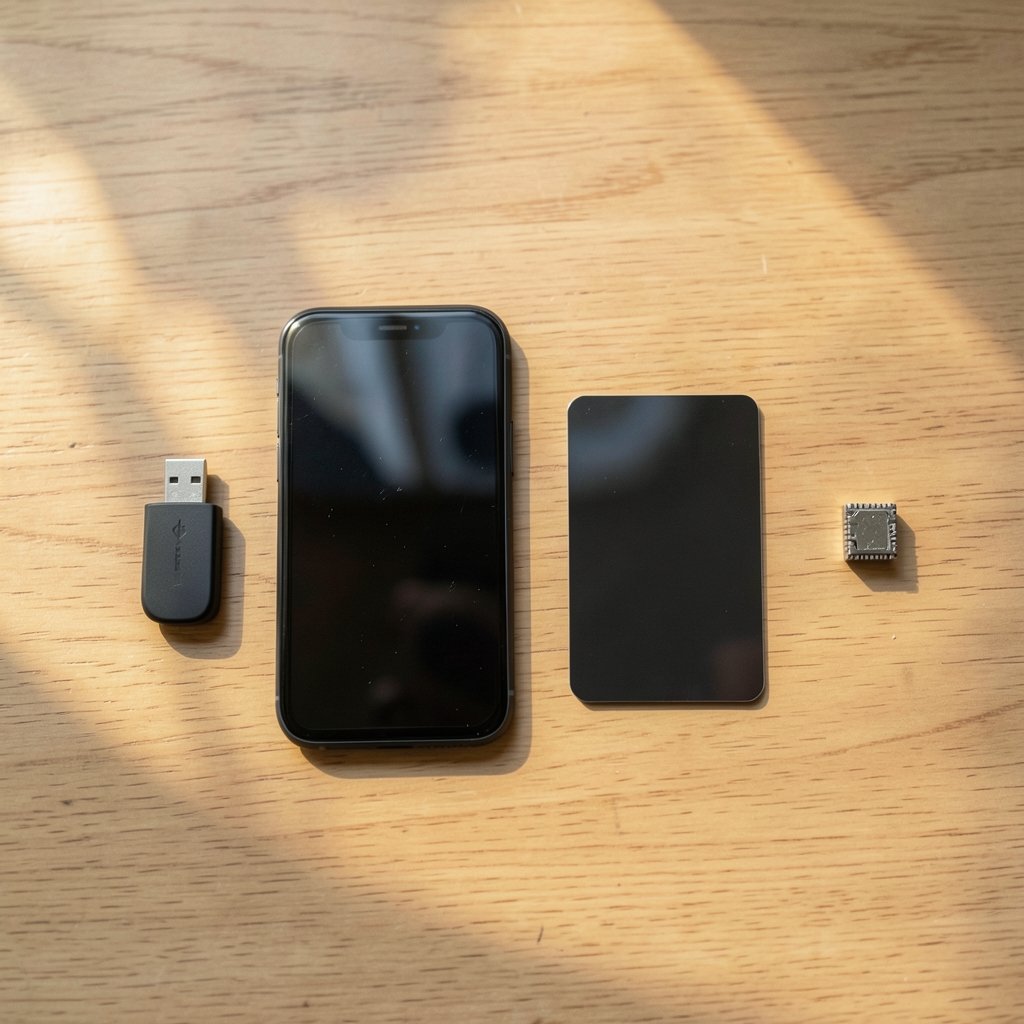
Before crowning passwordless the winner, it helps to see what it is competing against. The table below compares the main authentication methods on the dimensions that matter most.
| Method | Phishing-resistant? | Needs a device? | Recovery difficulty | Best fit |
|---|---|---|---|---|
| Passkeys (WebAuthn) | Yes | Yes (synced) | Moderate | Consumer and workforce logins |
| Hardware security keys | Yes | Yes (physical) | Higher (key loss) | Admins, high-risk accounts |
| Passwords + TOTP app | Partly | Yes (phone) | Low | Legacy systems, low-risk accounts |
| SMS one-time codes | No | Yes (phone) | Low | Fallback only |
| Magic links / email OTP | No | Yes (email) | Low | Low-security consumer flows |
| Biometric-only (local) | Varies | Yes | High | Device unlock, not remote login |
A few patterns jump out. First, only the FIDO2 family earns the “phishing-resistant” label outright. Second, every method depends on a device or channel that can be lost, stolen, or compromised. Third, recovery is where most schemes quietly fall apart.
Why Phishing Resistance Is the Real Dividing Line
Most authentication debates focus on convenience, but the security gap between methods is what should drive decisions. NIST SP 800-63B, the federal digital identity guidelines, ranks authenticators by assurance level and treats phishing-resistant options as the strongest class. The guidelines have also discouraged SMS one-time codes for years, precisely because SMS is vulnerable to SIM-swap attacks and interception. (NIST Cybersecurity Framework)
Understanding this gap starts with knowing what the weaker factors actually protect against. A solid primer on what multi factor authentication is explains why stacking factors helps but does not automatically make a login phishing-resistant. A password plus an SMS code still fails if an attacker proxies the login page in real time and relays the code.
TOTP apps, standardized in RFC 6238 (published May 2011), fixed some of SMS’s problems. Codes are generated locally, they expire quickly, and they resist replay. But TOTP is still a shared secret: the server and the app both know the seed. A convincing phishing proxy can capture a code and use it within its validity window. That is why security researchers describe TOTP as “phishing-resistant-ish” at best.
Passkeys and hardware keys close that gap because the private key is bound to the origin. A credential registered for one domain simply will not sign a challenge from another.
The Convenience Story Is More Complicated Than It Sounds
Passwordless vendors love to promise “faster logins and fewer help desk tickets.” The reality is messier. Passkeys do eliminate password resets, and that is a genuine win. But they introduce new friction: users must understand why a login looks different, IT must support multiple platforms, and account recovery becomes a design problem rather than an afterthought.
In practice, teams that roll out passkeys smoothly tend to follow a few patterns:
- Start with opt-in, not mandate. Let early adopters register passkeys while passwords remain available, then measure adoption before forcing a switch.
- Register two devices per user. A passkey on a phone plus one on a laptop prevents lockouts when a device is lost.
- Keep a recovery path that is itself secure. If recovery falls back to email or SMS, attackers will target the weakest link, not the passkey.
- Train support staff first. Most rollout pain comes from help desk staff who cannot explain what a passkey prompt means.
The most common mistake is treating passwordless as a pure technology swap. It is really an identity and recovery redesign. Organizations that skip the recovery planning end up re-enabling SMS fallback for everyone, which quietly undoes much of the security benefit. For a step-by-step look at the mechanics, this guide on how to enable two factor authentication covers the practical setup that usually precedes a passwordless migration.
Where Biometrics Fit
Biometric authentication gets conflated with passwordless, but the two are not the same. A fingerprint or face scan is typically a local unlock that releases a key stored on the device. The biometric data itself never travels to the server. That is a good design, but it means biometrics are usually a convenience layer on top of WebAuthn rather than a standalone remote authentication method. Readers who want the full picture can explore what biometric authentication is and why it pairs well with passkeys.
Passwordless vs. Alternatives: A Practical Decision Framework
So which method should an organization choose? The honest answer is “it depends,” but the dependencies are predictable.
- Consumer apps with low fraud risk: Passkeys plus email magic links as a fallback offer a smooth experience. Accept that magic links are not phishing-resistant.
- Workforce accounts handling sensitive data: Passkeys for most staff, hardware security keys for administrators and finance roles.
- Regulated or high-assurance environments: Phishing-resistant authenticators as the default, with documented exception processes for legacy systems.
- Legacy systems that cannot support WebAuthn: TOTP apps are a reasonable bridge, but plan the migration rather than settling permanently.
Cost matters too. Hardware keys carry per-unit and logistics costs, while passkeys are essentially free to issue but depend on users having modern devices. A hybrid approach usually beats a single-method mandate.
What Actually Works in Practice
Across real deployments, a few lessons repeat. Phishing-resistant authentication reduces account takeover incidents dramatically when it covers the accounts attackers actually want. But coverage is everything: if the CEO has a passkey and the finance team still uses SMS, attackers simply retarget.
Another practical point: passwordless is not automatically more private. Synced passkeys live in cloud accounts, which means platform vendors become part of the trust chain. Organizations with strict data residency or vendor-risk rules should evaluate whether platform-synced passkeys fit their policies or whether device-bound hardware keys are a better match.
Finally, expect the long tail. Some users will lose devices, some will switch platforms, and some will insist on passwords. A mature program plans for all three from day one rather than discovering them in the first week. Security teams that treat recovery and support as first-class design problems consistently report smoother rollouts than those that treat them as cleanup work.
Conclusion
Passwordless authentication is not a magic wand, but it is the strongest mainstream option available for most login scenarios. Passkeys and hardware security keys beat passwords, SMS codes, and even TOTP apps on the dimension that matters most: resistance to phishing and credential theft. The alternatives still have a place, especially as fallbacks and bridges for legacy systems. The winning strategy is rarely “passwordless everywhere overnight.” It is a layered rollout that starts with high-value accounts, plans recovery carefully, and measures real-world adoption before removing the older methods. Organizations that approach it that way get the security benefits without the lockout headaches.
Frequently Asked Questions
Is passwordless authentication more secure than a password plus SMS code?
Yes, in most cases. Passkeys and hardware security keys are phishing-resistant because the private key never leaves the device and is bound to the website’s origin. A password plus an SMS code can be defeated by real-time phishing proxies and SIM-swap attacks, which is why NIST has long discouraged SMS as a primary factor.
Are passkeys the same as biometric authentication?
No. Passkeys are cryptographic credentials based on the FIDO2/WebAuthn standard. Biometrics are often used to unlock the device that holds the passkey, but the fingerprint or face scan is a local convenience layer, not the credential itself. The server never receives biometric data.
What happens if a user loses the device holding their passkey?
This is the biggest operational challenge. Best practice is to register at least two devices per user and design a recovery process that does not fall back to SMS or email alone. Organizations should test recovery flows before rollout, because a weak recovery path undermines the whole scheme.
Can passwordless authentication work for legacy systems?
Often only partially. Older systems that cannot support WebAuthn may need to rely on TOTP authenticator apps as a bridge. That is better than SMS but not fully phishing-resistant. The practical approach is to isolate legacy systems, limit what they can access, and plan migration rather than leaving them as permanent weak points.
Is passwordless authentication more expensive than traditional logins?
It depends on the method. Passkeys are essentially free to issue but require modern devices and platform support. Hardware security keys carry per-unit and replacement costs. Most organizations find that reduced password reset tickets and lower account takeover losses offset much of the expense over time.
Does passwordless authentication improve privacy?
Not automatically. Synced passkeys are stored in platform cloud accounts, which brings vendors into the trust chain. Device-bound hardware keys avoid that dependency. Organizations with strict vendor-risk or data-residency rules should evaluate which model fits their policies before standardizing.
For teams ready to move beyond planning, the practical starting point is an inventory: list every system that accepts a login, note which ones support WebAuthn, and rank them by the value of the accounts they protect. That list, not a vendor demo, should drive the rollout order. Pair it with a simple success metric — registration rate, failed-login rate, and help desk ticket volume — so progress is measurable rather than assumed.
It also helps to watch how the standards themselves evolve. FIDO2 and WebAuthn continue to mature, and platform passkey support has improved rapidly across major operating systems and browsers. What felt like a niche option a few years ago is now a default on many consumer devices. Organizations that build WebAuthn support into their roadmap today will find each subsequent migration easier, while those that defer it will keep paying the maintenance cost of weaker methods.
None of this requires abandoning passwords immediately. It requires treating them as a legacy bridge with an expiration date rather than a permanent foundation. Start with the accounts attackers target first, make recovery as strong as the primary login, and let measured adoption — not marketing promises — set the pace. That approach captures most of the security upside of passwordless authentication while keeping the operational risk of any transition firmly under control.



