
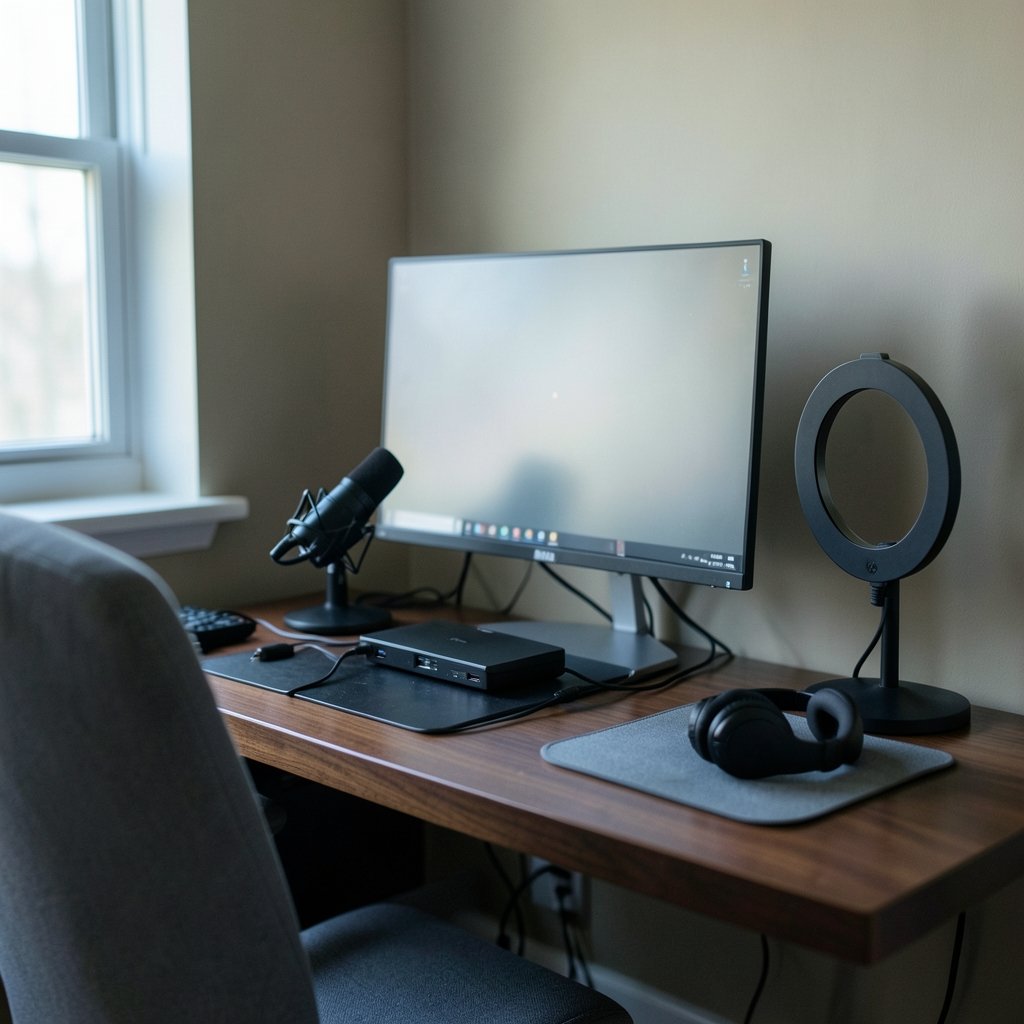
Quick Answer: Are premium streaming software worth it for a small gaming channel?
It depends. For most small gaming channels, free tools like OBS Studio already cover the core job of capturing gameplay and sending a clean stream to Twitch or YouTube, so a paid subscription only makes sense when it solves a specific, recurring problem you actually have. (Gaming monitor worth buying beginners practical buying guide)
Premium options like Streamlabs Ultra or XSplit mostly sell convenience: branded overlays, built-in alerts, multistreaming, and support in one package rather than raw capability you cannot get elsewhere. The gap between free and paid is usually workflow, not picture quality.
Before subscribing, compare your monthly cost against multistreaming needs, overlay and alert setup, encoder and hardware support, watermark limits on free tiers, support options, and whether you are even monetized yet.
Why This Question Trips Up So Many New Streamers
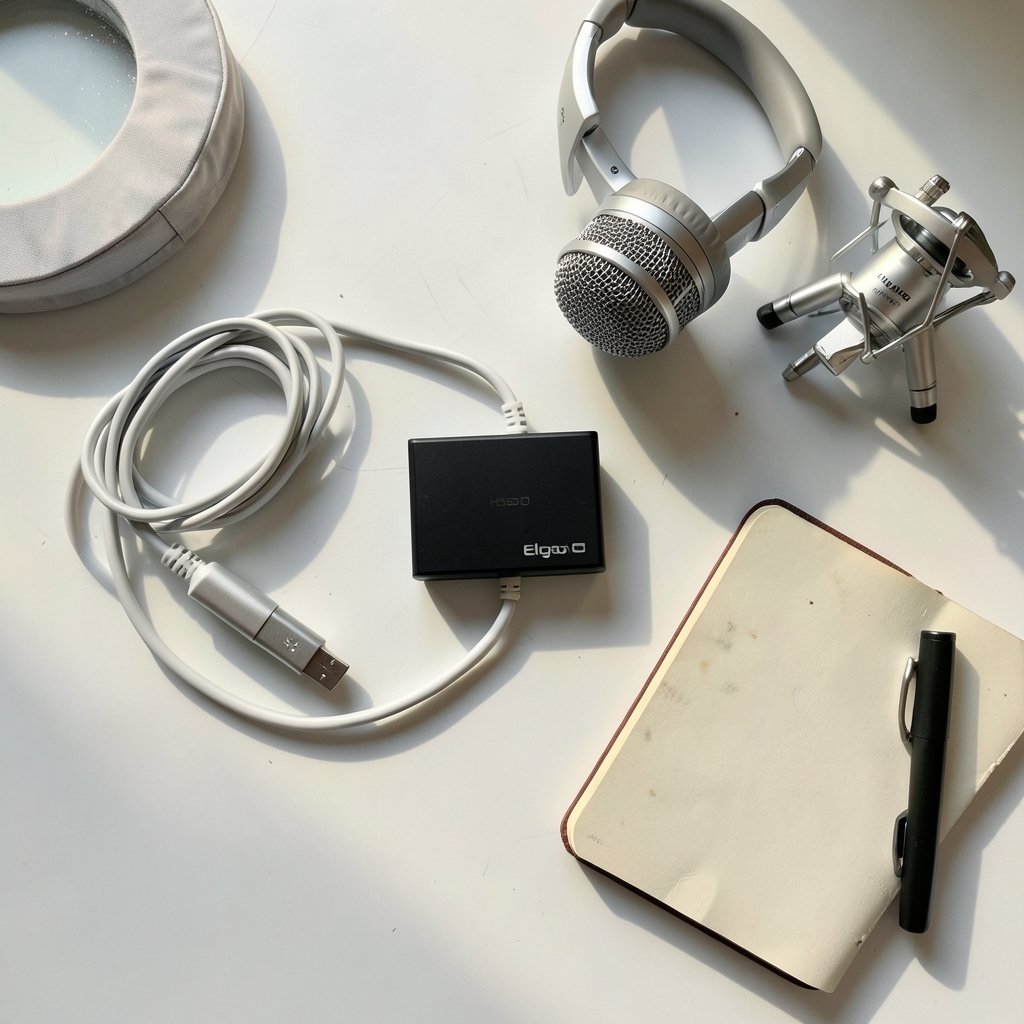
Picture this. Someone buys a capture card, a decent mic, and a ring light, then stares at a checkout page asking for twelve dollars a month so their stream can look “professional.” The cursor hovers. Is this the upgrade that finally gets viewers to stay, or just another subscription quietly draining a hobby budget?
That moment of doubt is worth taking seriously, because the streaming software market is built to make the paid tier look like the finish line. It rarely is. The software is one small piece of a much bigger puzzle, and for a small channel, the money usually works harder somewhere else.
This guide walks through what premium tools actually add, where free software already does the job, and how to decide without wasting a year of subscriptions on features you never open.
What Premium Streaming Software Actually Adds
Most paid streaming apps are not built from scratch. Streamlabs Desktop, for example, runs on the same engine as OBS Studio and layers convenience on top. That matters, because it means the paid product rarely adds a capability that the free one lacks entirely. It is packaging, polishing, and simplifying.
Here is the honest breakdown of what you tend to get when you pay.
| Feature area | Free OBS Studio | Typical premium tier |
|---|---|---|
| Core streaming and recording | Yes, full RTMP output | Yes |
| Scene and source management | Yes, unlimited | Yes |
| Built-in alerts and overlays | No, needs browser sources or plugins | Often bundled and pre-styled |
| Multistreaming | Only via plugins or restreaming services | Frequently included |
| Auto-clipping and highlight detection | Not native | Common selling point |
| Support | Community docs and forums | Ticketed support |
| Cost | Free, open source | Recurring monthly fee |
The pattern is clear. Free software gives you the engine. Premium software gives you a dashboard, a theme, and someone to email when it breaks.
The convenience layer is real, but narrow
Nobody should pretend setup friction does not exist. OBS Studio asks you to build scenes, add sources, position overlays, and wire up alerts through browser source URLs. That takes an evening the first time and maybe twenty minutes each time you redesign.
A paid tool can cut that to minutes. If you genuinely dread the technical side and that dread is stopping you from streaming at all, the subscription might be the cheapest motivation you will ever buy. But if you are comfortable following a tutorial, you are paying monthly for something you learn once.
Multistreaming is the strongest paid argument
Sending one stream to Twitch, YouTube, and TikTok at the same time is the feature most likely to justify a subscription for a small channel. Free OBS can do it, but only with plugins or a restreaming service, which adds a layer to troubleshoot.
That said, multistreaming only pays off if your audience is actually split across platforms. Many small channels have one platform with real traction and two with a handful of viewers. Broadcasting to all three feels productive and mostly adds comment-reading chaos. Platform choice is a strategy decision, not a software one, and it deserves that kind of deliberate thinking.
Where the Money Usually Belongs Instead
Here is the uncomfortable truth about small-channel budgets. Software is rarely the bottleneck. The things that make a stream watchable, in rough order of impact, are audio quality, lighting, a stable internet connection, and consistency. A twelve-dollar subscription improves none of those.
Run the math on total cost of ownership. A subscription in the ten to twenty dollar per month range sounds trivial, but annualized it lands somewhere between a hundred and twenty and two hundred forty dollars. That is a decent dynamic microphone, a pair of softbox lights, or a chunk of a capture card. Those are one-time purchases that keep working after you cancel.
The same logic applies to any recurring tool in a small operation. Whether it is streaming software, an accounting package, or a scheduling app, the question is always whether the monthly fee replaces labor you would otherwise do yourself. Pay for time saved, not for features you admire. (Pick best small business accounting software without regret)
Hardware encoding beats software branding
One thing that genuinely affects stream quality is whether your graphics card handles encoding. Modern GPUs from NVIDIA, AMD, and Intel can offload video encoding, which frees your processor to run the game instead of compressing frames.
That capability lives in your hardware, not your streaming app. Switching from free OBS to a paid tool will not improve your encoder. Changing your encoder settings, or your GPU, will. Before spending on software, check what your card supports and set your encoder accordingly. It is the single most common fix for choppy streams, and it costs nothing.
The mistake almost everyone makes
The classic error is subscribing during the setup phase, before the first stream has even run. Excitement is high, the feature list looks great, and the free trial makes it painless. Three months later the channel has streamed four times and the subscription is still billing.
A better sequence: stream for a month on free software, note every moment you think “I wish this were easier,” and only then check whether a paid tier fixes those specific moments. If the list is short, keep your money.
When Premium Software Genuinely Earns Its Keep
There are real situations where paying makes sense. The trick is being honest about whether you are in one.
You stream to multiple platforms every session
If multistreaming is core to your growth plan and you do it several times a week, a bundled solution saves real setup and maintenance time. Plugins work, but they break after updates, and debugging a broken plugin twenty minutes before going live is a special kind of misery.
You want a branded look without building it
Overlays, alerts, and scene transitions are the visible polish of a stream. Paid tiers often include themed packs that look cohesive out of the box. If design is not your strength and hiring someone is out of budget, the bundled look has genuine value.
You value support over documentation
Free software relies on documentation and community forums, which are extensive but require you to search, read, and troubleshoot. Paid support means someone answers. For a streamer with limited free evenings, that trade can be worth it. Support quality often matters more than the feature checklist, and that holds true well beyond streaming tools. (Gaming monitor worth buying beginners everyday use)
You are already monetized and treating this as a business
Once a channel earns money, subscriptions become deductible operating costs rather than hobby spending, and the math changes. Before that point, you are funding a business that does not exist yet.
How to Decide in One Evening
A simple process beats endless deliberation. Work through these steps in order.
- List every frustration you had during your last three streams. Be specific: “alerts did not fire,” “could not go live on two platforms,” “spent forty minutes on scenes.”
- Check whether free OBS plus a plugin or two solves each item. Most will be solved.
- Price the paid tier that fixes the remainder and annualize it.
- Compare that annual figure against one hardware upgrade you have been putting off.
- Start a free trial only if the paid tier clearly wins, and set a calendar reminder for the day before it bills.
- Cancel immediately if you have not opened the app for two weeks.
The reminder step matters more than it should. Free trials convert because people forget, not because the product proved itself.
Watch the free-tier traps
Some free versions of paid tools add watermarks, cap resolution, or restrict features in ways that push you toward upgrading. Read the license and terms, not the marketing page. OBS Studio, by contrast, is open source under GPL-2.0, which means no watermark, no feature gate, and no company that can change the deal on you.
That permanence is worth something. A tool you can rely on in three years without a price hike is a different kind of value than a discount that expires.
The Verdict for Most Small Channels
For the majority of small gaming channels, premium streaming software is a nice-to-have, not a need. Free OBS Studio covers streaming, recording, scenes, and sources without limits, and the paid alternatives mostly sell time and polish. Neither of those is worthless. They are just rarely the thing standing between a channel and its next hundred viewers.
The decision gets easier when you separate the two questions. Does the software make your stream look or run better? Almost never on its own. Does it save you enough time each month to be worth the fee? Sometimes, and that is the only question that should trigger a payment.
Spend on audio, lighting, and a stable connection first. Learn your free software properly. Then, if a specific paid feature keeps nagging at you for a month straight, buy it with a clear conscience. If you are still deciding how to allocate a tight budget across gear and tools, the same judgment applies to any gear purchase: buy for the problem you have today, not the channel you hope to have next year.
Frequently Asked Questions
Can free OBS Studio really produce a professional-looking stream?
Yes. Plenty of established channels stream entirely on OBS Studio. Professional appearance comes from good audio, clean lighting, a consistent layout, and reliable bitrate settings, none of which require a subscription. The free software handles all of it if you spend an evening learning the interface.
Is multistreaming worth paying for as a small channel?
Only if you already have viewers on more than one platform. Multistreaming splits your attention across multiple chat windows and can dilute the sense of community on your main platform. Many small channels are better off going deep on one platform first, then adding others once there is demand.
Do premium tools improve stream quality or reduce lag?
Not directly. Stream quality depends on your encoder settings, bitrate, upload speed, and hardware. A paid app may offer presets that make good settings easier to find, but the underlying encoding is the same technology. If your stream stutters, check your encoder and connection before blaming the software.
What is the biggest hidden cost of streaming software subscriptions?
Forgetting to cancel. Annualized, a modest monthly fee becomes a meaningful sum, and free trials convert quietly. The second hidden cost is time spent learning a new interface that you had already solved in your previous tool. Switching costs are real even when the new app is better.
Should I subscribe before I hit monetization thresholds?
Generally no. Monetization requirements on major platforms are the real gate, and they have changed repeatedly over the years, so check current figures before planning around them. Until you qualify, treat software subscriptions as hobby spending and keep them minimal. Reaching the threshold is about consistency and audience, not tooling.
What should I upgrade first if I have a small budget?
Audio. Viewers forgive a plain layout and tolerate average video, but they leave when the sound is bad. A decent microphone and a quiet room beat any software subscription. Lighting comes second, then a stable wired connection. Software upgrades belong near the bottom of the list.
Conclusion
Premium streaming software is not a scam, and it is not a shortcut either. It is a convenience product sold to people who mostly need discipline, decent audio, and a schedule. For a small gaming channel, free OBS Studio does the heavy lifting, and the money saved buys the gear that actually changes how a stream feels to watch.
The honest test is simple. Stream for a month on free tools, write down what genuinely annoyed you, and see whether a paid tier fixes it. If the answer is yes and the fee is small relative to your budget, subscribe and stop thinking about it. If the answer is vague, keep your money, learn your software properly, and put the savings into a microphone. Your future viewers will notice the difference far more than they will ever notice which app you used.



