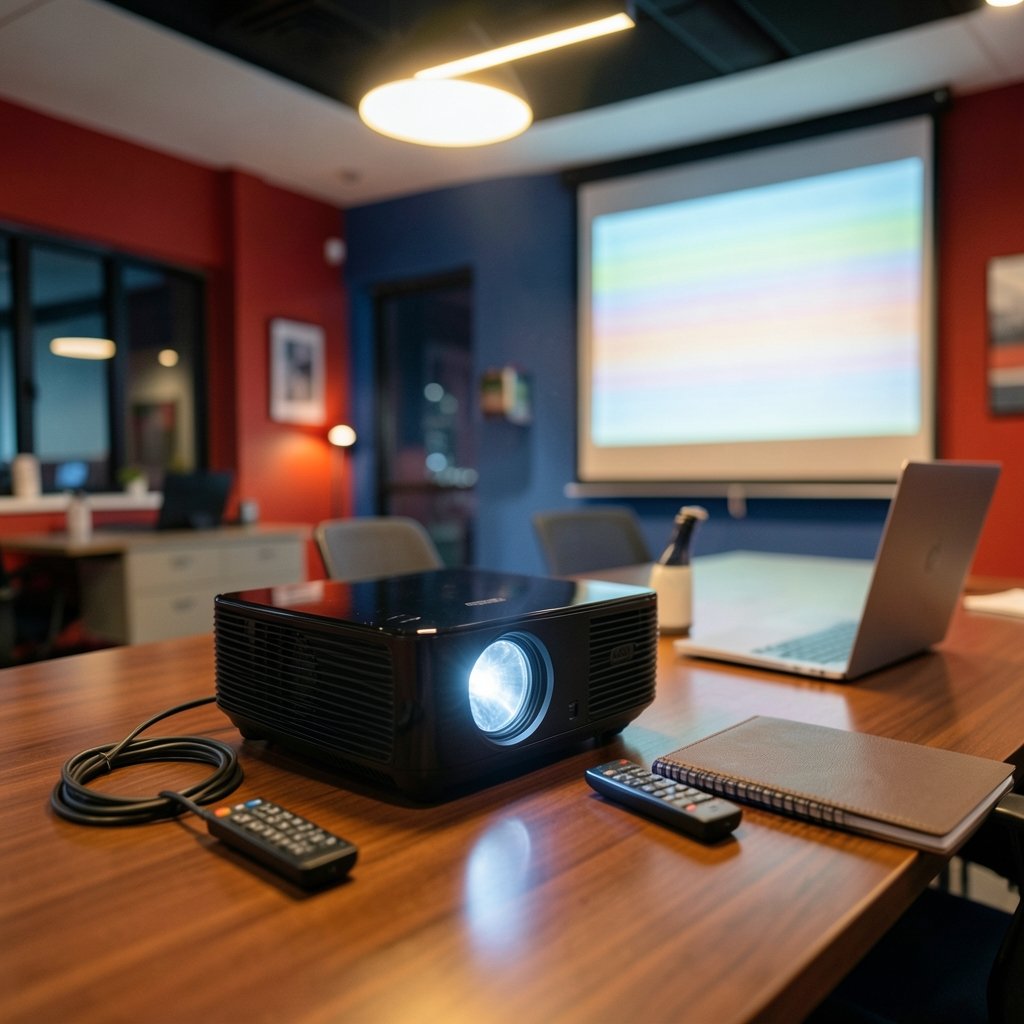
Your presentation is queued, the room is dark, and the projector is throwing a picture that pulses like a dying fluorescent tube. Few home theater or office problems are as distracting as a flickering projector image, and few are as misunderstood. Is it the lamp? The cable? The graphics card? The answer depends on what kind of flicker you’re seeing, and the fastest way to fix it is to match the symptom to its cause. (Video projector)
This guide walks through the real-world causes of projector flicker, from aging lamps and color wheels to frame-rate mismatches and loose cabling, and gives you a practical order of operations for diagnosing the problem without wasting money on parts you don’t need.
Why projector flicker is rarely just one problem
People tend to lump every pulsing, stuttering, or blinking image under the word “flicker,” but technicians treat these as different faults. Brightness flicker is a change in overall light output, often tied to the lamp or light source. Color flicker shows up as shifting hues or rainbow bands, usually a color-wheel or DLP sequencing issue. Judder looks like stutter during motion and comes from a frame-rate mismatch between the source and the display. And intermittent dropout (the image cuts out entirely for a moment) is almost always a signal or power problem.
Knowing which one you have saves hours. A projector that dims and brightens rhythmically is telling you something very different from one that shows a brief black frame every few minutes. Diagnosing a flickering display follows the same logic as any image troubleshooting: isolate the variable, then test. If you have ever tried to find the original source of an image and learned to work backward from clues, you already have the right mindset. Start with the symptom, then trace it upstream.
Lamp and light-source flicker: the most common culprit
In lamp-based projectors, the lamp and its ballast are the number-one source of visible flicker. As a UHP or mercury lamp approaches the end of its life, the arc inside the bulb becomes unstable. The projector’s ballast tries to regulate that arc, and when it can’t, you get a rhythmic pulsing or a brightness that wobbles. Manufacturers typically recommend lamp replacement once you see this pattern, and in most cases a new lamp resolves it outright.
A few practical notes from field experience:
- Flicker that appears only in the first few minutes often points to a lamp that is warming up unevenly. If it settles after ten minutes, monitor it, but plan for a replacement.
- Flicker that gets worse over weeks is a classic end-of-lamp-life signature. Don’t wait for the lamp to fail mid-presentation.
- A brand-new lamp that flickers may be a counterfeit or a defective unit. Counterfeit lamps are common online, and they frequently flicker or fail early. Buy from authorized sellers.
Laser and LED projectors generally reduce lamp-related flicker because there is no arc to destabilize. That said, laser drivers and LED dimming circuits can introduce their own modulation artifacts, so “no lamp” does not automatically mean “no flicker.” It just changes where you look.
The DLP rainbow effect and color-wheel flicker
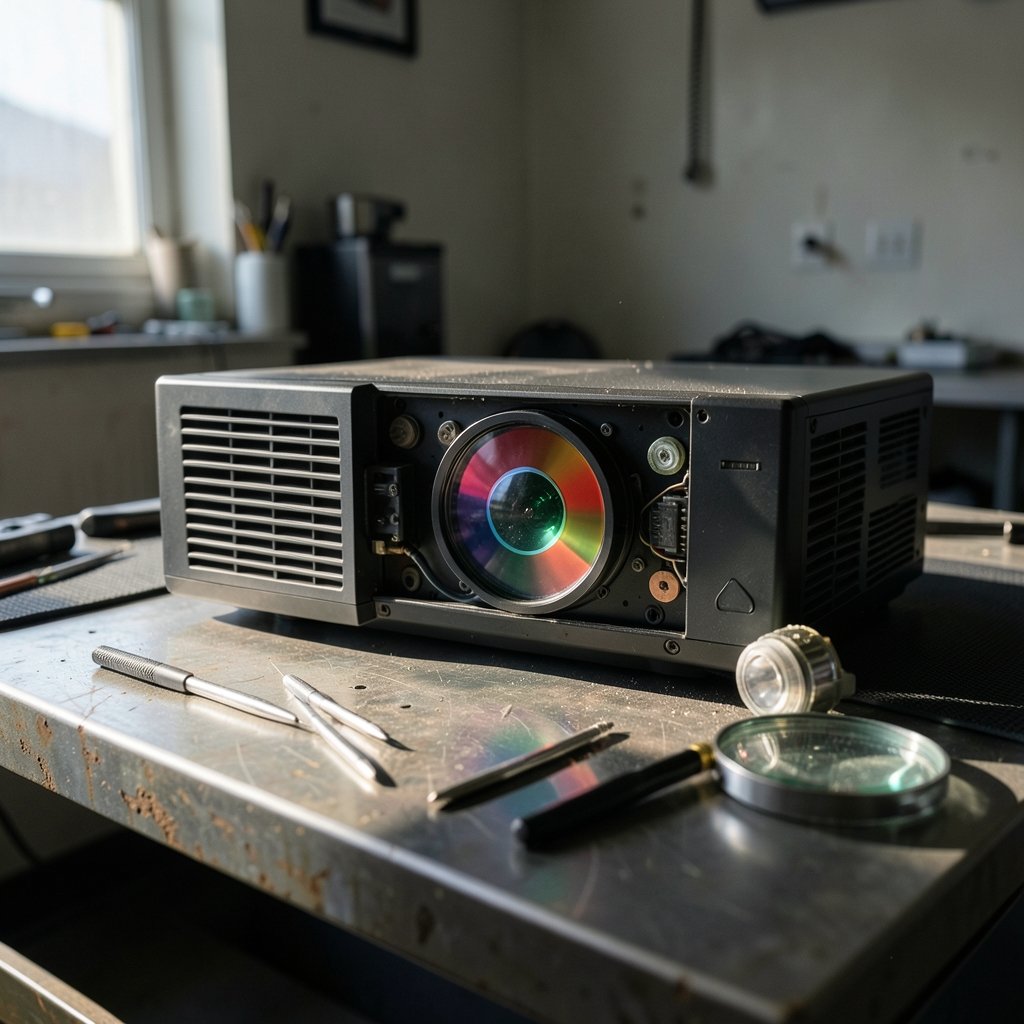
Single-chip DLP projectors create color by spinning a color wheel in front of the light source and flashing each color segment in sequence. At certain wheel speeds, some viewers perceive color breakup, the so-called rainbow effect, where rapid eye movement across the screen reveals separate red, green, and blue fringes. On some units, this sequencing also reads as a subtle flicker, especially in bright scenes or high-contrast edges.
This is partly a hardware characteristic and partly a perception issue. Faster color wheels (higher segment speeds) reduce visibility. If the flicker is new on a projector that used to look clean, suspect a failing color-wheel motor or a wheel that has slipped out of sync. Those are service-level repairs, not user fixes.
LCD and 3LCD projectors don’t use color wheels and don’t produce rainbow artifacts, but their panels can develop other issues, including uneven brightness and, in rare cases, panel flicker. If you are comparing projector types before buying, it helps to know what each technology is prone to so you can pick the one that matches your sensitivity.
Frame-rate mismatch and judder: the software-side flicker
A surprising amount of “flicker” complaints turn out to be judder. When a 24 fps film is shown on a 60 Hz projector, the display has to repeat frames unevenly (the classic 3:2 pulldown), and panning shots look like they are stuttering. On a computer source, a mismatch between the graphics card’s refresh rate and the projector’s native rate produces a similar effect.
The fix is usually simple:
- Set the source output to match the projector’s native refresh rate (often 60 Hz, or 24 Hz for film).
- Turn on any available motion or frame-interpolation setting and compare.
- On a PC, disable “adaptive” refresh options and test a fixed rate.
- Try a different HDMI cable and port to rule out a handshake problem.
If the judder disappears when you change the refresh rate, you never had a hardware fault. This is the cheapest possible fix, and it is worth trying before you spend a cent on parts.
Cabling, power, and environmental causes
Intermittent flicker or brief dropouts often trace back to the signal chain. A marginal HDMI cable, a long run without a powered extender, or a loose connector can cause the projector to lose and re-acquire the signal, which looks like a flash. Swap the cable first. It is the single most common fix for dropout-style flicker, and it costs almost nothing.
Power is the other environmental factor. Unstable mains voltage, a shared circuit with a heavy load, or a failing ballast capacitor can all cause brightness wobble. Plug the projector into a different circuit and see whether the flicker follows. If it does, the problem is upstream of the projector.
Dust is a quieter culprit. A clogged air filter causes overheating, and many projectors respond to heat stress with erratic behavior, including flicker and sudden shutdowns. Clean or replace the filter on the schedule the manufacturer specifies. In practice, most people clean it far less often than they should. (Indoor Air Quality)
A practical diagnostic order that actually works
Rather than guessing, work through causes from cheapest and most likely to most expensive. This sequence resolves the majority of flicker complaints without a service visit.
| Step | What to test | What it tells you |
|---|---|---|
| 1 | Swap the HDMI cable and port | Rules out signal dropout |
| 2 | Change the source refresh rate | Rules out judder masquerading as flicker |
| 3 | Test a second source device | Isolates source vs. projector |
| 4 | Clean the air filter and check vents | Rules out heat-related instability |
| 5 | Try a different power circuit | Rules out mains and ballast issues |
| 6 | Check lamp hours and inspect the lamp | Confirms end-of-life lamp flicker |
| 7 | Test against a known-good projector | Confirms the projector itself is at fault |
If you reach step seven and the flicker follows the projector, you are looking at a hardware repair or replacement. Before that point, almost everything is user-serviceable.
When to repair and when to replace
The economics are straightforward. A replacement lamp is usually a modest cost and restores a lamp-based projector to full brightness. A failing color wheel, ballast board, or power supply is a service repair that can approach the price of a newer, brighter unit, especially on an older model. As a rule of thumb, if the repair costs more than roughly half the price of a comparable new projector, replacement makes more sense.
There is also a quality angle. Newer laser projectors eliminate lamp flicker entirely and often run cooler and quieter. If flicker has been a recurring annoyance across multiple lamps, the upgrade may pay for itself in reduced hassle. If you are shopping around, it helps to compare specs carefully, just as you would when hunting for the best free AI image generator and weighing features against real-world output rather than marketing claims. (Best ai text to image generator free)
Common mistakes that make flicker worse
A few habits consistently turn a small problem into a big one.
- Replacing the lamp without checking the cable. People assume lamp first because it is the expensive, obvious part. Test the cheap stuff first.
- Buying a bargain lamp. Counterfeit and refurbished lamps flicker, run hot, and fail early. The savings rarely last.
- Ignoring the filter. Heat stress causes erratic behavior that looks like a dozen other faults.
- Assuming all flicker is hardware. Refresh-rate mismatches and cable dropouts account for a large share of complaints.
- Skipping the known-good test. Without a control, you can’t tell whether the projector or the source is at fault.
Conclusion
Projector image flickering is almost never a mystery once you break it down by symptom. Brightness wobble points to the lamp or ballast. Color breakup points to the color wheel. Stutter during motion points to a refresh-rate mismatch. Brief dropouts point to cabling or power. Work from the cheapest cause to the most expensive, and you will fix most flicker problems in minutes rather than replacing parts on a hunch. When the flicker survives every test and follows the projector itself, that is your signal to weigh a repair against an upgrade, and to choose the option that makes sense for how often you actually use the thing.
Frequently asked questions
Why does my projector flicker only when it first turns on?
Flicker during the first few minutes usually means the lamp is warming up unevenly. A lamp that settles after ten minutes is often on its way out, so monitor it and plan a replacement. If the flicker persists the entire session, suspect the lamp or ballast more strongly.
Can a bad HDMI cable cause projector flicker?
Yes. A marginal or damaged cable can cause the projector to lose and re-acquire the signal, which looks like a brief flash or dropout. Swapping the cable is the fastest and cheapest test, and it resolves a large share of intermittent flicker complaints.
What is the DLP rainbow effect, and is it the same as flicker?
The rainbow effect is color breakup caused by a spinning color wheel in single-chip DLP projectors. Some viewers perceive it as a subtle flicker, especially on bright, high-contrast scenes. It is related to flicker but is a distinct artifact, and faster color wheels reduce its visibility.
How do I know if my projector lamp needs replacing?
Look for flicker that worsens over weeks, dimming brightness, or a lamp-hours warning from the projector. If the flicker appears near the end of the rated lamp life and a new lamp fixes it, the diagnosis is confirmed. Buy from an authorized seller to avoid counterfeit lamps.
Is flicker a sign that my projector is broken?
Not necessarily. Refresh-rate mismatches, cable problems, and dirty filters all cause flicker on perfectly healthy projectors. Only flicker that survives every diagnostic test and follows the projector to a different setup points to a hardware fault.
Can I fix projector flicker myself?
Most causes are user-fixable: swap the cable, adjust the refresh rate, clean the filter, and replace the lamp. Color-wheel, ballast, and power-supply faults require service. If the flicker continues after the basic steps, a professional repair assessment is the sensible next move.