
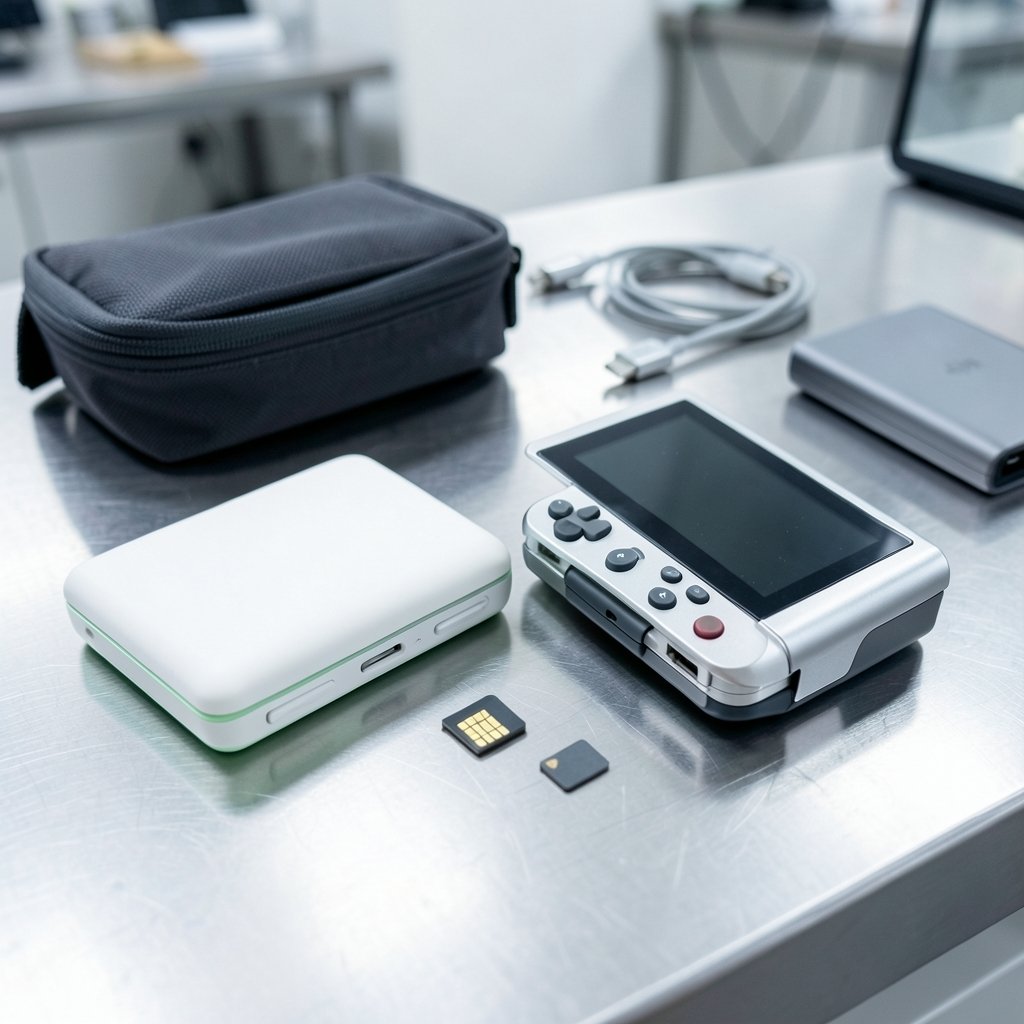
What changes in your day when one clamshell runs Android and the other runs Windows? That question drives the Retroid Pocket Flip 2 vs GPD Win Mini debate, and it matters more than the spec sheet. Both devices fold shut, fit in a bag, and can play games on a train. Setup, maintenance, and daily use diverge quickly. This comparison covers those workflow differences, marks what remains unverified for 2027, and helps readers choose the device that fits how they work and play.
Two clamshells, two completely different operating systems
The single most important fact is simple. The Retroid Pocket Flip 2 is an Android device on ARM hardware. Retroid (GoRetroid) announced it in early 2025 as the successor to the 2023 Pocket Flip, with a clamshell body, an AMOLED screen around 5.5 inches, and a slide-out design. The GPD Win Mini is a Windows x86 mini-laptop, running Windows 11 on AMD Ryzen silicon (a Ryzen 7 7840U in the 2023 model, an 8840U in the 2024 refresh).
That difference cascades into everything else. Android means an app store, touch-first navigation, and emulators delivered as apps. Windows means Steam, GOG, Epic, native PC games, driver management, and a desktop paradigm bolted onto a tiny screen. One is a console that happens to compute. The other is a computer that happens to game.
| Aspect | Retroid Pocket Flip 2 | GPD Win Mini |
|---|---|---|
| Platform | Android on ARM | Windows 11 on x86 |
| Software source | App store and APKs | Steam, GOG, Epic, standalone installers |
| Native PC games | No | Yes |
| Physical keyboard | No (gamepad and touch first) | Yes, plus trackpad |
| Emulation ceiling | Roughly GameCube, Wii, PS2 | Pushes into PS3 and Switch territory |
| Setup burden | Low to moderate | Moderate to high |
| Primary workflow | Pick up and play | Configure, then play |
The emulation workflow: app-store simplicity versus per-game tuning
On the Flip 2, emulation is an app problem. You install RetroArch or standalone emulators from the Play Store or an APK, point them at a ROM folder, and play. Community frontends and shaders are shared as download links. The workflow is short: install, scan, play. Most people get from unboxing to a running GameCube title in an evening.
On the Win Mini, emulation is a configuration project. Windows emulators such as those for PS3 and Switch need per-game settings, GPU backend choices, and sometimes community patches. Expect to spend hours in settings menus before things feel right. The reward is a higher ceiling: x86 handhelds can push further into demanding systems than ARM Android devices generally manage, though with thermal and battery trade-offs that vary by game.
The practical tip here is to budget time, not money. New Win Mini owners routinely underestimate setup. A sensible approach is to configure one emulator per session rather than trying everything at once. For readers weighing similar platform-versus-platform decisions, the same lesson appears in the One com vs hostinger workflow differences understand 2027 breakdown: the tool matters less than the habits it forces on you.
Input and productivity: gamepad-first versus laptop-first
The Flip 2 is built around gamepad controls and touch. There is no physical keyboard. Typing means an on-screen keyboard, which is fine for searching a ROM library and painful for anything longer. This shapes the workflow into something console-like: wake, launch, play, sleep. It is excellent for short sessions and terrible for note-taking.
The Win Mini includes a physical keyboard and trackpad. That turns it into a genuine pocket computer. You can browse, write, manage files, and run desktop apps. It also means Windows expects mouse-like precision on a small screen, and many users end up remapping controls or attaching peripherals.
A common mistake is buying the Win Mini purely as a gaming handheld and then resenting the keyboard. The reverse mistake is buying the Flip 2 for productivity and resenting the lack of one. Decide which workflow dominates your day before choosing.
Maintenance and updates: two different kinds of housekeeping
Android maintenance on the Flip 2 is light. App updates arrive through the store, and system updates depend on Retroid and community ROM support. The tinkering culture around Retroid devices is strong, and custom firmware is part of the appeal. But it is optional. A user who never touches a setting can still enjoy the device.
Windows maintenance on the Win Mini is ongoing. Windows updates, GPU driver updates, and per-game configuration are recurring tasks. Some updates break settings that worked last week. The device rewards users who enjoy system administration and punishes those who do not.
This is the same pattern seen across developer tooling. Teams choosing between an integrated environment and a configurable one face identical trade-offs, which the Kiro vs cursor workflow differences understand 2027 comparison captures well: flexibility costs maintenance, and maintenance costs attention.
Gaming libraries: Steam versus the Play Store
The Win Mini runs native PC games through Steam, GOG, and Epic. A library built over a decade carries over intact. Cloud saves, achievements, and friends lists follow. Proton compatibility layers extend this further.
The Flip 2 runs Android games and emulators. Its library is mobile-first: premium Android titles, streaming apps, and emulated classics. It cannot run native Windows x86 games. That is not a flaw; it is a boundary. Anyone expecting a Steam library to work on the Flip 2 will be disappointed.
| Workflow question | Flip 2 answer | Win Mini answer |
|---|---|---|
| Can I play my Steam library? | No | Yes |
| Can I stream from a PC? | Yes, via Android apps | Yes, natively |
| Is setup fast? | Yes | No |
| Does it need regular upkeep? | Rarely | Regularly |
| Is it good for short sessions? | Very | Good, once configured |
| Is it good for typing? | No | Yes |
Battery, heat, and the reality of long sessions
ARM chips are generally more power-efficient, which suits the Flip 2’s pick-up-and-play rhythm. x86 chips in the Win Mini draw more power and generate more heat, and the fan noise is noticeable under load. Neither device is a marathon machine, but the Flip 2 asks less of its battery for emulated retro games.
The practical guidance is unglamorous: cap frame rates, lower resolution on demanding titles, and charge between sessions. Owners who chase maximum settings on the Win Mini usually trade battery life for a few extra frames they cannot see on a small screen.
What 2027 could change, and what remains unverified
Any 2027 comparison rests on assumptions. Whether Retroid ships a Flip 3 and whether GPD refreshes the Win Mini with newer silicon are open questions. No verified roadmap data exists for either. Readers should treat 2027 projections as scenarios, not forecasts.
Two things are likely to hold. First, the Android-versus-Windows split will persist, because it reflects ecosystem design, not hardware fashion. Second, the maintenance burden will stay lopsided. Windows will keep demanding attention; Android will keep asking for less.
This mirrors broader platform shifts. When tools change their underlying model, the workflow disruption is what users notice, as the Airtable vs notion workflow differences understand 2027 discussion shows. The same logic applies to handhelds: the operating system sets the rhythm of use.
Who should pick which
Choose the Retroid Pocket Flip 2 if the priority is fast, low-maintenance retro gaming, a pocketable clamshell, and a console-like rhythm. It suits commuters, emulator fans, and anyone who wants to play within two minutes of opening the lid.
Choose the GPD Win Mini if a real keyboard, a native PC library, and a higher emulation ceiling justify the setup time. It suits tinkerers, travelers who need a tiny computer, and players with existing Steam libraries.
A useful rule: if the idea of editing a config file sounds like a chore, pick the Flip 2. If it sounds like a hobby, the Win Mini will reward you. The same self-assessment shows up in the Cline vs cursor workflow differences understand 2027 analysis, where the right choice depends on tolerance for configuration rather than raw capability.
Common mistakes to avoid
Three errors come up repeatedly. The first is buying the Win Mini for its keyboard and then gaming almost exclusively, paying for productivity that never gets used. The second is buying the Flip 2 expecting PC games, then discovering the x86 wall. The third is ignoring storage and accessory costs, which quietly reshape the budget.
A fourth, subtler mistake is judging both devices by benchmark numbers. A handheld’s real value is how quickly it gets you into the experience you want. That is a workflow question, not a spec question.
Conclusion
The Retroid Pocket Flip 2 and the GPD Win Mini look alike from across the room and behave nothing alike in your hands. One is an Android console that boots fast and asks little. The other is a Windows computer that asks for patience and returns a bigger library and a higher ceiling. Neither is better in the abstract. The workflow differences are the whole story, and in 2027 they will still decide which device ends up in your bag and which ends up in a drawer.
FAQ
Does the Retroid Pocket Flip 2 outperform the GPD Win Mini?
No. The Win Mini runs x86 hardware and Windows, giving it a higher ceiling for demanding emulation and native PC games. The Flip 2 is an ARM Android device tuned for efficiency and quick sessions, not raw performance.
Can the Retroid Pocket Flip 2 run Steam games?
Not natively. It cannot run Windows x86 games. It can stream games from a PC using Android streaming apps, but that requires a host machine and a stable network.
Which device is easier to set up?
The Flip 2. Emulators install as apps, and most users are playing within an evening. The Win Mini needs Windows updates, driver management, and per-game tuning before it feels comfortable.
Does the GPD Win Mini work well as a tiny laptop?
Yes, within limits. The physical keyboard and trackpad make browsing, writing, and file management possible. The small screen and compact keyboard make long typing sessions tiring.
Will a Flip 3 or a new Win Mini arrive by 2027?
That is unverified. No confirmed roadmap data exists for either product line. Buyers should base decisions on current models rather than expected refreshes.
Which one is better for retro emulation on the go?
The Flip 2 fits the on-the-go pattern better: lighter maintenance, faster startup, and a gamepad-first design. The Win Mini handles retro systems well too, but the setup and upkeep suit longer, planned sessions more than spontaneous ones.
The rule of thumb many owners arrive at is simple: the Flip 2 is the device you grab when you have ten minutes, while the Win Mini is the one you pack when you have an evening. That distinction sounds trivial until you have owned both. Spontaneous play rewards low friction, and planned sessions reward capability. Most regret comes from buying for the scenario you imagine rather than the one your week actually contains. Track your real gaming habits for a fortnight before spending. If most sessions are short and unplanned, the Flip 2’s console rhythm will fit. If you regularly block out longer stretches and want a keyboard nearby, the Win Mini earns its setup time. Match the device to the calendar, not the spec sheet.



