

Why do CPU air cooler launches still generate so much excitement in a market that keeps predicting the death of air cooling? Every few months a new tower arrives with a bolder heat-pipe layout, a thicker fan, a display on top, or a promise that it cools like a dual tower while taking up the space of a single one. Some of those claims hold up. Others fall apart the moment you try to close your case panel.
This article walks through the air cooler releases that have defined the recent news cycle, explains what each design change actually means for a build, and covers the practical checks that separate a good launch from a good purchase. It focuses on the questions buyers ask first: what is new, who is it for, and what will it fit inside.
Why air cooler launches keep coming in waves
Air cooling is not a stagnant category. It is a category where small manufacturing changes produce visible results. A taller fin stack, a denser heat-pipe array, an offset base, or a fan that spins faster than the competition can all shift a cooler up the performance tables without a redesign of the whole product.
The recent wave of launches shares a few themes. Manufacturers are pushing single-tower coolers toward dual-tower performance. They are adding screens and cosmetic editions to products that used to be purely functional. They are also paying more attention to memory clearance and mounting hardware, which are the two areas where air coolers most often disappoint people after purchase.
That last point matters more than any spec sheet number. A cooler that wins a benchmark by two degrees but blocks your first RAM slot or fouls your case panel is not a win for most builders.
SAMA’s A60 and A40 series: dual-tower and single-tower for mainstream builds
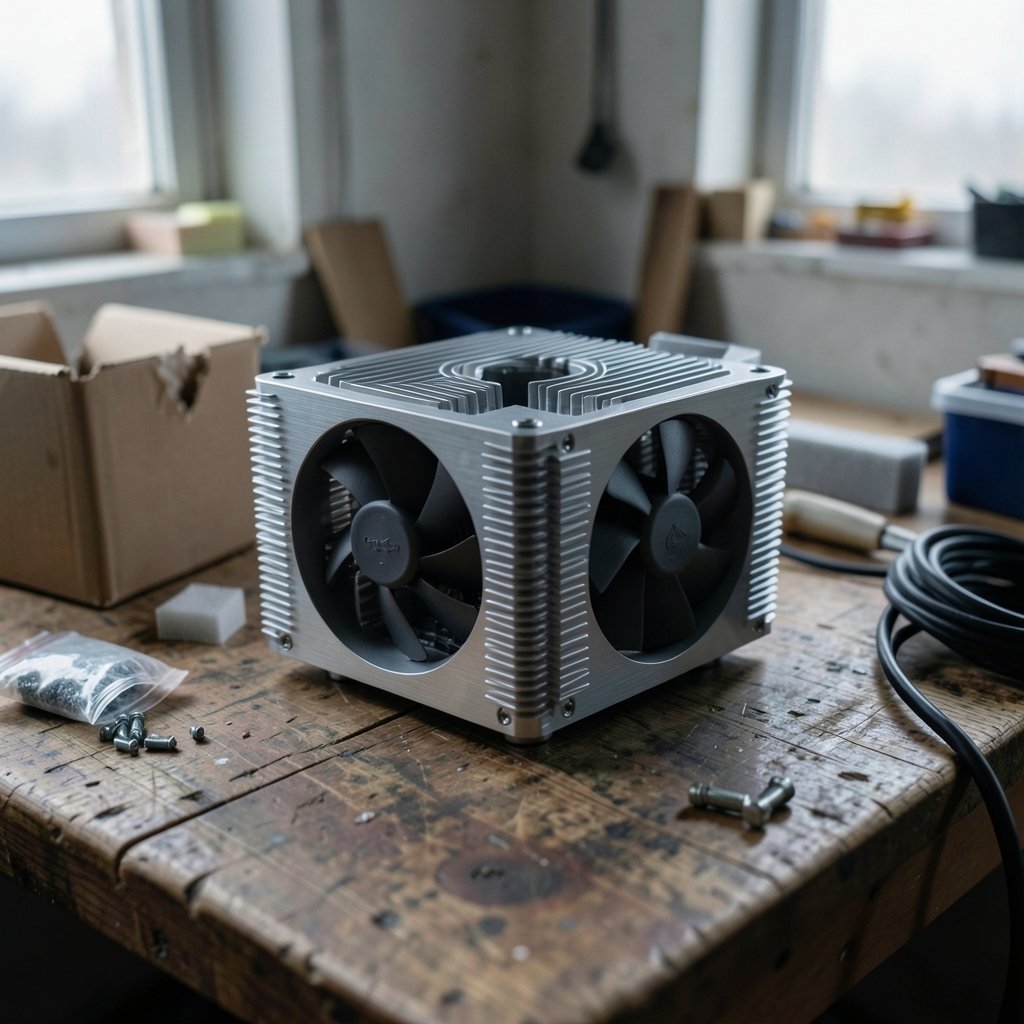
SAMA announced the A60 and A40 series as a broad lineup rather than a single flagship. The A60 is the dual-tower model, offered in Black, White, Essential, and ARGB editions. The A40 is the single-tower model, available in Black, Essential, and ARGB editions. According to the launch announcement, the series targets gamers, content creators, PC builders, and enthusiasts, with quiet operation and wide socket compatibility, including support for the latest Intel Core Ultra and AMD Ryzen 8000 series processors.
The interesting part is the structure of the lineup. Four editions of one cooler usually means the heatsink is identical and the differences are finish, fan type, and lighting. That is a sensible approach for buyers: you pick the look you want and the thermal performance stays roughly the same across the range. It also means the Essential version is typically the value pick if you do not care about ARGB.
For anyone assembling a mainstream gaming build, a dual-tower cooler in this class is usually more capacity than a mid-range CPU needs. The single-tower A40 is the more natural fit unless you are planning a high-core-count chip or a heavy sustained workload. If you are still deciding between the two form factors, a comparison of air versus liquid for beginners is worth reading before you commit, since the trade-offs go beyond raw cooling.
Cooler Master’s V8 ACE 3DHP: one tower, dual-tower ambitions
The most technically interesting launch in the recent cycle is Cooler Master’s V8 ACE 3DHP. It is a flagship single-tower cooler built around the company’s patented 3D Heat Pipe technology, and Cooler Master positions it for high-TDP processors in workstations, gaming systems, 3D rendering, video export, and AI model training. (Cpu cooler problems actually fails fix it fast)
The claim that matters is the performance rating. According to the launch announcement, Cybenetics independently validated the V8 ACE 3DHP as the number one single-tower air cooler and the number two air cooler overall in its performance database at the time of publication. That is a strong, checkable statement, and it is the kind of claim buyers should verify against the current database rather than take at face value months later.
Why does a single tower matter? Because dual-tower coolers are bulky. They overhang memory, they crowd the top of the case, and they make fan swaps and cleaning more awkward. A single tower that genuinely matches dual-tower cooling removes a lot of build friction. The trade-off is usually price and the physical size of the tower itself, which can still be tall enough to cause clearance issues.
Scythe’s Magoroku: a return focused on heat removal
Scythe returned to the German market with the Magoroku, a completely new design rather than a refresh of an existing model. The company frames it as a response to feedback from users and reviewers who wanted a new generation of high-end coolers following the Mugen 6 DBE and Fuma 3.
The design philosophy shift is the story here. Earlier Scythe models such as the Mugen 5 and Fuma 2 were deliberately built around simple installation. The Magoroku focuses instead on moving heat away as fast as possible. That is a meaningful change in priorities, and it usually shows up in the mounting hardware and the fin density rather than in the marketing copy.
For buyers, the practical question is whether the new focus on thermal performance came at the cost of installation comfort. A cooler that is harder to mount is not a dealbreaker, but it is worth knowing before you buy. If you have ever fought with a backplate at midnight, you already understand why this matters.
Sudokoo, ID-Cooling, and the experimentation wave
Smaller brands are driving much of the design experimentation in this category, and their launches are often the most creative.
Sudokoo brought a full lineup of CPU coolers to CES 2026, covering both air and liquid models. Its flagship ST720 targets workstation and server environments, supporting up to 750W TDP on AMD’s top-end Threadripper processors and full compatibility with Threadripper and EPYC SP3/SP6 platforms, at a 155mm height sized for standard 4U chassis deployments. The SK700V MACH targets enthusiasts with a 30mm-thick MACH120 fan and an L-Rail lock mounting system designed to replace traditional fan clips. Earlier Sudokoo air coolers, the SK620V and SK700V, were AM5-exclusive designs, with the V variants adding a top-mounted LCD that reads out CPU frequency, load, wattage, and temperature.
ID-Cooling has been equally busy. The Frozn A610 XL is a large single-tower cooler in black, built around an offset base to keep the first memory slot clear, rated for 250W, and using a slim 17mm front fan to maintain compatibility. The Frozn A620 SLK takes a hybrid approach, integrating two half-tower fin stacks into a single 160mm-tall unit. ID-Cooling has also detailed the Frozn 510, a thick single-tower heatsink.
Other launches round out the picture. CPS PCCooler released the TR620M X, a compact dual-tower cooler with a single fan that can spin up to 5000RPM, paired with a pure-copper, nickel-plated, reflow-soldered base. Evercool introduced the Silent Shark, a twin-tower design with a dual-fan setup combining a 120mm SSF-12 fan with sawtooth-shaped vanes and a Silent Fan, plus shark-gill-shaped wind guides intended to manage internal air pressure and noise. TRYX launched the TURRIS 620 series, a dual-tower cooler with a 5-inch display, 120mm fans rated at up to 66.32CFM, and a maximum noise figure of 32.5 dBA at 1850 RPM.
The pattern across all of these is clear: offset bases for memory clearance, slim front fans for fit, hybrid fin stacks for density, and displays for people who want their cooler to be part of the build’s look.
What actually changed in this generation of coolers
Stripping away the marketing, four engineering trends run through the recent launches.
| Trend | What it means in practice | Who benefits |
|---|---|---|
| Offset bases | The heatsink shifts away from the first memory slot | Builders using tall RGB RAM |
| Slim front fans | A 17mm fan replaces a standard 25mm fan to reduce depth | Small cases and tight memory clearance |
| Hybrid and half-tower stacks | Two smaller fin stacks share one mounting base | Buyers wanting dual-tower density in less space |
| Higher-RPM single fans | One fast fan replaces two slower ones | Compact builds with limited fan mounting |
Each of these is a real improvement, but each also carries a cost. Offset bases can shift weight distribution. Slim fans move less air at the same noise level. High-RPM fans get loud under load. Knowing which trade-off you can live with is more useful than memorizing a benchmark chart.
The compatibility checks that decide whether a launch matters to you
A cooler can be excellent and still be wrong for your build. Before buying any newly launched model, run through the same checks that experienced builders use.
- Measure your case clearance from the motherboard surface to the side panel, then compare it to the cooler’s height. A 160mm tower in a case rated for 155mm will not close.
- Check memory height. Offset bases and slim front fans exist precisely because tall heat spreaders collide with cooler bodies.
- Confirm socket support for your exact CPU and platform, not just the brand. Platform support changes between generations, and a compatibility check before an AMD or Intel upgrade saves a return.
- Look at the mounting hardware. Clips, backplates, and L-Rail style locks vary widely in how easy they are to install and remove.
- Verify GPU and PCIe clearance on dual-tower models, since wide coolers can crowd the top slot.
If something does go wrong after installation, the symptoms are usually obvious: rising temperatures, a fan that will not spin up, or a mounting bracket that does not sit flat. Most of these issues are fixable, and a guide to the cooler problems that actually cause failures covers the common causes and their fixes.
Air or liquid: where new air coolers fit in the decision
Every air cooler launch invites the same comparison. Liquid cooling handles very high heat loads in large cases well, and it moves the radiator away from the motherboard. Air cooling avoids pump failure, costs less for equivalent performance in many tiers, and has fewer points of failure.
The decision usually comes down to case size, CPU tier, and how much maintenance you want. Compatibility checks between liquid and air setups before a platform upgrade are a useful way to see where each option runs into trouble. For most mid-range gaming builds, a well-designed air cooler remains the simpler and more reliable choice. For high-core-count workstations pushing sustained loads, the calculus shifts.
Budget matters too. Not every launch is aimed at the premium tier, and some of the best value sits in the affordable range. A look at which budget gaming coolers are actually worth buying helps separate the genuinely good deals from the ones that only look cheap.
Common mistakes buyers make with new cooler launches
The most frequent error is buying on launch-day hype without checking physical fit. A cooler that tops a benchmark chart is useless if it does not fit your case or clear your RAM.
The second is assuming that a newer model automatically beats an older one. Generations do improve, but a well-regarded older cooler on clearance can outperform a mid-tier new release at the same price.
The third is ignoring noise. High-RPM single-fan designs and slim fans both change the acoustic profile. If quiet operation is a priority, check the noise figures at the speeds you will actually run, not just the maximum.
The fourth is skipping the thermal paste and mounting steps. Even a flagship cooler underperforms with a poor mount. Take the extra five minutes.
Conclusion
CPU air cooler launches are worth following because the category is genuinely innovating. SAMA is covering the mainstream with a broad dual-tower and single-tower range. Cooler Master is pushing single-tower performance toward dual-tower territory with independently rated results. Scythe has returned with a design focused squarely on heat removal. Sudokoo, ID-Cooling, CPS PCCooler, Evercool, and TRYX are experimenting with offset bases, slim fans, hybrid stacks, high-RPM fans, and built-in displays.
The through-line is that the specs on the box matter less than the fit in your build. Measure clearance, check memory height, confirm socket support, and think about noise before you buy. Do that, and a new launch becomes a genuine upgrade rather than a return label.
FAQ
What is the difference between a single-tower and dual-tower air cooler?
A single-tower cooler has one fin stack with fans on one or both sides. A dual-tower cooler has two fin stacks, usually with a fan in the middle and one at the front. Dual towers generally handle more heat but take up more space and can block memory and case clearance. Newer single-tower designs like the Cooler Master V8 ACE 3DHP aim to close the performance gap.
Do new air coolers support the latest Intel and AMD sockets?
Support varies by model. SAMA states its A60 and A40 series support the latest Intel Core Ultra and AMD Ryzen 8000 series processors. Sudokoo’s ST720 supports Threadripper and EPYC SP3/SP6 platforms. Always confirm the specific socket on the manufacturer’s compatibility list before buying, since support differs between generations.
Is a 5000RPM fan on a CPU cooler a good idea?
It depends on your priorities. A fan spinning up to 5000RPM, as on the CPS PCCooler TR620M X, can move a lot of air from a compact heatsink. The trade-off is noise under load. If you want a quiet build, check the noise profile at lower speeds rather than judging by the maximum rating alone.
Why do some new coolers use a slim 17mm front fan?
Slim fans reduce the depth of the cooler, which helps clear tall memory modules and tight case panels. The ID-Cooling Frozn A610 XL uses a slim 17mm front fan for exactly this reason. The cost is that a slim fan moves less air than a standard 25mm fan at the same speed, so the heatsink design has to compensate.
Does a built-in display on a cooler affect cooling performance?
Not directly. Displays like the 5-inch panel on the TRYX TURRIS 620 or the top-mounted LCD on Sudokoo’s V variants show system information and add to the build’s look. They add cost and a cable to manage, but the thermal performance comes from the heatsink and fans, not the screen.
How do I know if a newly launched cooler will fit my case?
Measure the distance from your motherboard surface to your side panel and compare it to the cooler’s height. Check memory clearance against your RAM height, confirm GPU and PCIe slot clearance on wide dual-tower models, and verify socket support. Manufacturer spec pages list height and clearance figures, and those numbers are the ones to trust over product photos.


