
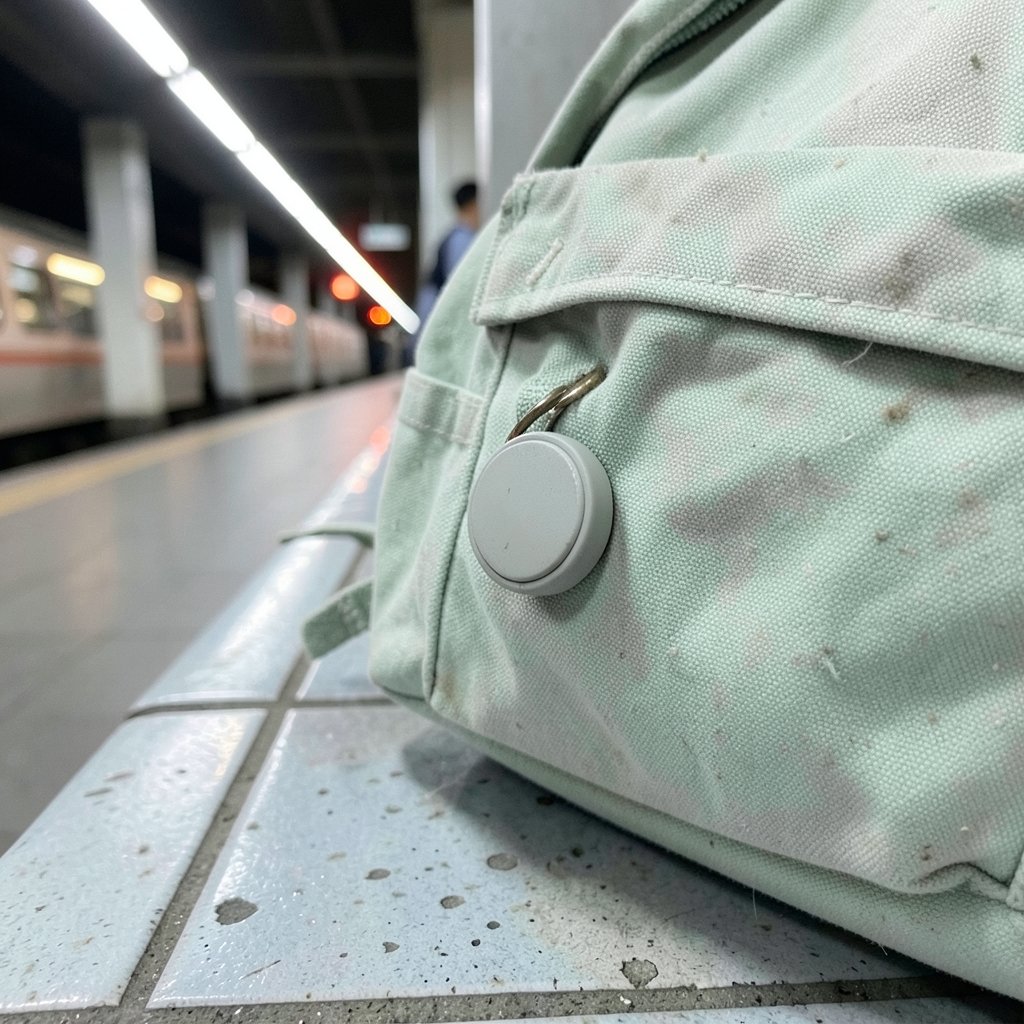
Quick Answer: How do i set up bluetooth tracker for the best performance?
Getting the best performance from a Bluetooth tracker means pairing it properly, updating its firmware, and placing it where its radio signal can escape. The core routine is simple: pair the tracker in the app, enable every network and notification setting, then test it in a real-world walk-around before trusting it with anything valuable.
There are two big families of trackers, and they behave differently. Apple’s Find My network and Google’s Find My Device network each rely on nearby phones to relay a location, so crowd density and opt-in rates matter as much as the tracker’s own radio. A tracker that works brilliantly in a city center may feel sluggish in a rural area.
Before committing, compare battery type and lifespan, network compatibility with the phone in hand, firmware update cadence, privacy and anti-stalking behavior, physical range claims, and how the tracker attaches to the item it is meant to protect.
A Bluetooth tracker is only as good as the setup behind it. A small coin-cell device that advertises over Bluetooth Low Energy can find a lost suitcase in a crowded airport or quietly fail in a basement because of choices made in the first five minutes of pairing. The difference between a tracker that feels magical and one that feels useless rarely comes down to price. It comes down to placement, settings, firmware, and a little honest testing. (Bluetooth)
What a Bluetooth Tracker Actually Does
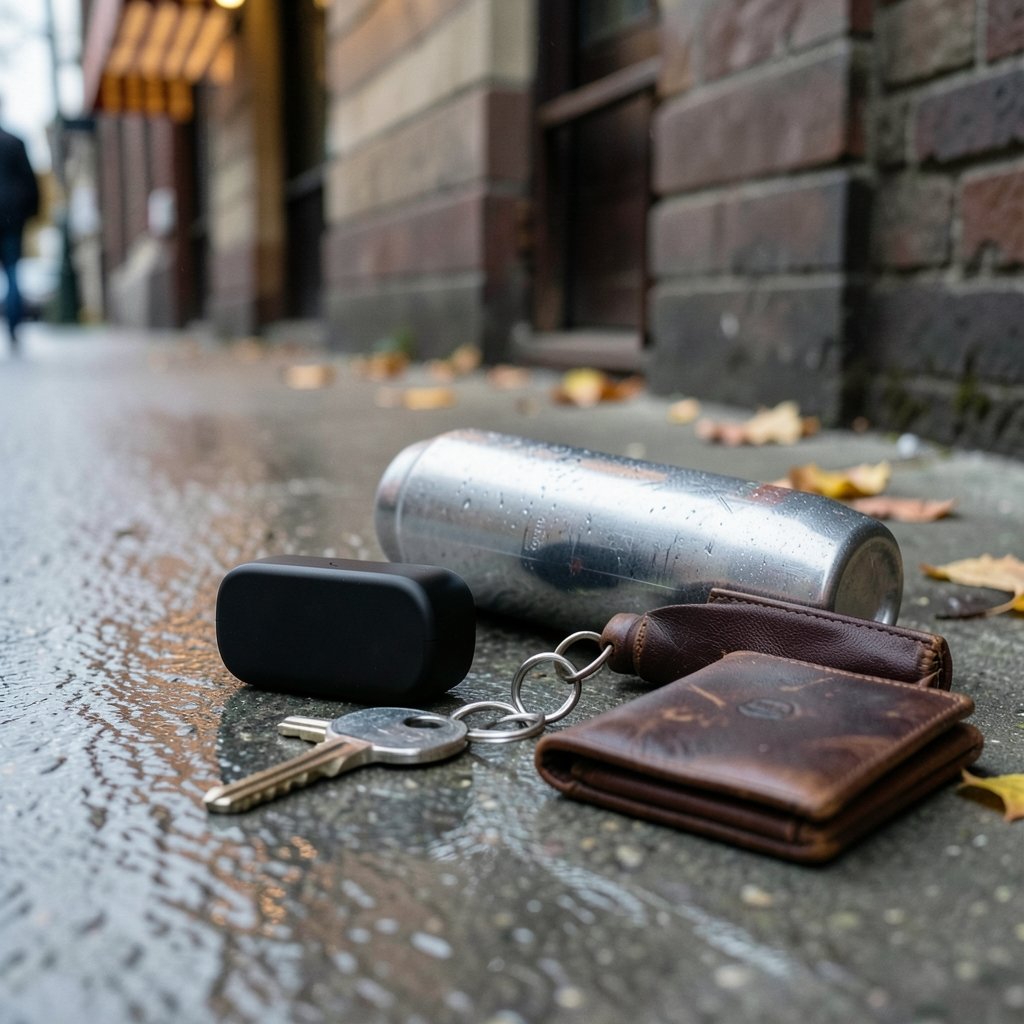
Most trackers use Bluetooth Low Energy to broadcast a short-range signal. Direct range is often quoted in the 30 to 100 meter band in open air, but walls, metal, water, and a crowded 2.4 GHz environment cut that figure sharply. When no phone is close enough to hear the tracker directly, network-based tracking takes over: nearby phones relay an approximate location back to the owner’s app. (Bluetooth Technology Overview)
That relay system is why setup choices matter. A tracker in a metal-lined pocket or buried under dense electronics can be nearly invisible to the phones that would otherwise report it. The radio principles are the same ones behind any short-range wireless device, from the Bluetooth specification onward.
Step-by-Step Setup for Reliable Tracking
1. Pair Before You Attach
Pair the tracker while it is sitting on a table next to the phone, not after it has been clipped to a bag. Pairing at close range reduces failed handshakes and lets the app register the device cleanly. Do this once, calmly, with the app open and the phone’s Bluetooth switched on.
2. Update Firmware Immediately
Firmware updates from Apple and Google have changed alert timing, network behavior, and privacy features more than once. An out-of-date tracker can behave noticeably differently from the same model on current software. Run the update, then restart the app before testing anything.
3. Turn On Every Network and Notification Setting
In the Find My or Find My Device app, confirm that network-based finding is enabled, that notifications for separation alerts are on, and that the tracker is shared with the right household members. On Android, note that the Find My Device network includes a high-traffic area setting designed to reduce stalking risk, which can delay or aggregate reports in busy places. That is a privacy feature, not a fault, but it changes what “best performance” means in a shopping mall.
4. Name It Clearly
Give the tracker a specific name such as “black carry-on” rather than “tag 2.” When several trackers appear in one app, vague names create real confusion during a stressful search.
5. Test It Properly
Walk the tracker out of range, then check how long the app takes to update. Repeat in a building, in a car, and outdoors. This is the step almost everyone skips, and it is the only way to know how the device behaves where it will actually live.
Placement Rules That Quietly Decide Performance
Placement is where most performance is won or lost, and it is the area where practical experience beats spec sheets.
- Keep the antenna area clear. Do not wrap a tracker in foil, leather, or a metal case. Metal blocks the signal.
- Avoid metal boxes and dense electronics. A tracker inside a metal suitcase shell or a laptop bag stuffed with cables will report less often.
- Watch for body blocking. A tracker in a front pocket next to a phone is easy; one in a backpack behind a seated person is harder.
- Attach firmly but not tightly. A tracker that rattles loose may end up at the bottom of a bag where it is shielded.
A useful habit is to treat the tracker like a small radio, because that is what it is. If a phone would struggle to hear a quiet voice from that spot, the tracker will struggle too.
Apple vs. Google: Matching the Tracker to the Phone
| Feature | Apple Find My network | Google Find My Device network |
|---|---|---|
| Best with | iPhone, iPad, Mac | Android phones |
| Network launched | Find My rolled out 2019 to 2021 | April 2024 |
| Crowd relay | Large installed base of Apple devices | Grows with Android opt-in rates |
| Anti-stalking behavior | Separation alerts after a period; unwanted-tracking alerts added in 2022 | High-traffic area setting can delay or aggregate reports |
| Battery | Often sealed, roughly a year | Often replaceable coin cells |
The practical lesson is to buy a tracker built for the phone in hand. Cross-platform trackers exist, but features are frequently reduced on the “other” platform, and this area changes quickly. Pairing an Apple-oriented tracker with Android or the reverse invites frustration that no amount of setup can fix.
Battery, Range Claims, and Other Numbers to Treat Carefully
Manufacturers quote range figures that are marketing claims, not standardized measurements. A tracker advertised at 100 meters may deliver a fraction of that indoors. Treat the number as an upper bound in perfect conditions.
Battery type matters more than most buyers expect. Many trackers use replaceable CR2032 coin cells, while others are sealed and last about a year. On some models, battery level affects transmit power or report frequency, so a dying battery can quietly degrade performance long before the app shows a warning. Set a calendar reminder to check battery status monthly.
Privacy Settings Are Performance Settings
Anti-stalking protections change how a tracker behaves, and owners should understand them rather than fight them. Apple’s AirTag separated from its owner emits alerts after a period, and the exact interval has been revised more than once. These alerts protect people from being tracked without consent, and they also mean a tracker left behind may start beeping.
The right response is not to disable protections but to plan around them. If a tracker lives permanently in a vehicle or a shared bag, check the app’s sharing options so the device is registered to the right person. Google’s high-traffic setting is similar in spirit: it trades a little precision for a lot of safety.
Common Mistakes That Wreck Performance
Pairing after attaching. Setting up a tracker already buried in luggage invites failed connections. Pair first, attach second.
Ignoring firmware. Skipping updates leaves privacy features and network behavior stale. Update on day one and after long storage.
Hiding the tracker in metal. A tracker inside a metal tin or a hard case with a metal lining is close to useless. Test the spot before trusting it.
Assuming rural coverage equals city coverage. Network tracking depends on nearby phones. A tracker in a remote area may only report when the owner’s phone is close.
Forgetting the phone side. Bluetooth range also depends on the phone. A phone in a thick case, in airplane mode, or with Bluetooth off will not help. If the phone is also a performance tool, treat its accessories with the same care as the tracker, the way a musician treats a keyboard stand built for stage performance.
Skipping the walk test. Every assumption about range and update speed should be checked in the real world.
Where Trackers Fit in a Broader Setup
Trackers are one small part of a wider habit of keeping gear organized and findable. Families that already enjoy structured games and clear rules tend to apply the same logic to their devices: label everything, test the system, and keep instructions handy. The same discipline that makes a backgammon board game easy to set up and play makes a tracker setup reliable, because both depend on doing the boring steps in the right order.
The same pattern shows up in software. Anyone who has followed a careful guide to set up PPSSPP knows that a clean install, current version, and a short test session prevent most problems. Trackers reward identical habits.
Using Trackers in Family and Group Settings
A tracker shared across a household is only useful if everyone understands it. Decide who owns the account, who receives separation alerts, and how the tracker is named. In group settings such as a sports club or a race day, a tracker can help recover misplaced gear, and the same labeling logic applies to equipment like a horse racing board game set that gets packed and unpacked constantly.
For businesses, trackers are increasingly part of asset management. Teams that already monitor how their name appears across search engines, as covered in this guide to tracking brand mentions in AI search, often extend the same monitoring mindset to physical assets. A tracker is a sensor, and sensors need owners, names, and review dates.
When a Tracker Is the Wrong Tool
Trackers are not GPS devices. They do not stream live location, and they do not work where no phones pass by. For a stolen bicycle in a quiet suburb, a tracker may report nothing for hours. For a pet that wanders into open country, expectations should be modest. Understanding the limits prevents disappointment and helps owners choose the right tool, whether that is a tracker, a GPS unit, or simply better labeling.
A Simple Maintenance Routine
Performance decays quietly. A short monthly routine keeps it honest: open the app and confirm every tracker reports, check battery levels, install any firmware update, and re-run a quick walk test on the tracker that matters most. Once a year, review names, sharing settings, and whether the tracker still sits in an unobstructed spot. This takes minutes and prevents the slow drift from “works great” to “why didn’t it find my bag?”
Conclusion
Setting up a Bluetooth tracker for the best performance is less about secret settings and more about discipline. Pair at close range, update firmware immediately, switch on network and notification features, place the device where its radio can breathe, and test it in the real world before trusting it. Match the tracker to the phone platform, treat range claims with skepticism, and respect privacy features as features rather than obstacles. Do those things, and a small coin-cell device becomes a genuinely dependable safety net. Skip them, and even the most expensive tracker becomes a plastic tag with a battery.
FAQ
How long does a Bluetooth tracker battery last?
Most replaceable coin-cell models last around a year, and sealed batteries in popular trackers are also rated near a year. Actual life depends on how often the tracker reports and how cold it gets. Check battery status monthly, because low power can reduce reporting before any warning appears.
Why does my tracker show an old location?
Network-based tracking depends on nearby phones relaying a signal. In a quiet area, reports can lag until a phone passes close by. High-traffic privacy settings on Android can also delay or aggregate updates in busy places. An old location usually means no relay phone has been near the tracker recently.
Can I use an Apple tracker with an Android phone?
Only with heavy compromises. Apple’s network is built for Apple devices, and Google’s network for Android. Some cross-platform trackers work on both, but features are often reduced on the non-native platform. Buy for the phone in hand rather than fighting the ecosystem.
Why does my tracker beep when I leave it behind?
That is an anti-stalking feature. A tracker separated from its owner emits alerts after a period to protect people from unwanted tracking. The interval has been revised more than once. If a tracker lives in a shared bag or vehicle, register it to the right account and use sharing settings rather than trying to silence it.
Does a metal case really block a tracker?
Yes, metal is one of the most effective blockers of a 2.4 GHz signal. A tracker inside a metal tin, a foil-lined pocket, or a hard case with metal lining will report far less often. Test any enclosure by walking away and checking how quickly the app updates before relying on it.
How often should I test my tracker?
A quick walk test monthly is enough for most households, plus a full check after any firmware update or battery change. Test again before any trip where the tracker matters, such as air travel with checked luggage. Five minutes of testing prevents the unpleasant discovery that a tracker has been silent for weeks.



