
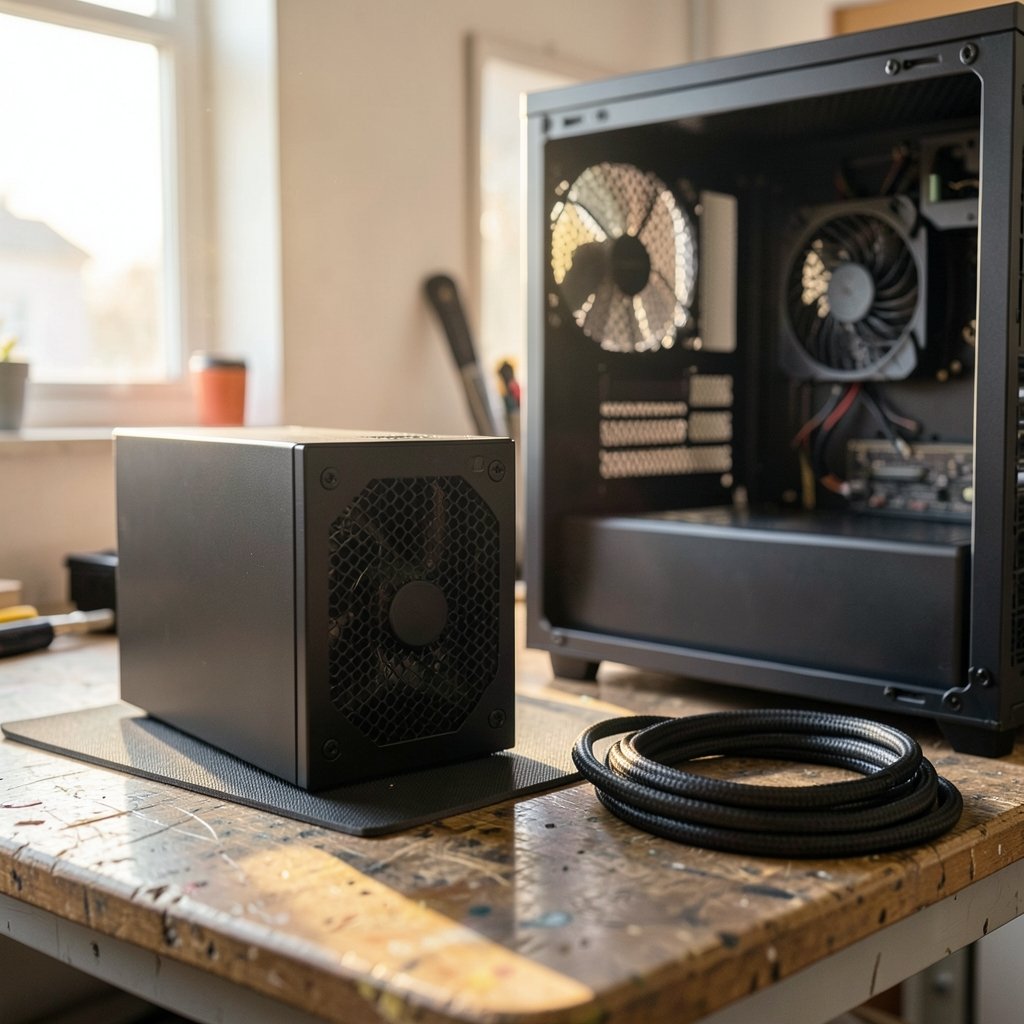
Quick Answer: How do i set up power supply unit for the best performance?
Setting up a power supply) for the best performance means matching the unit’s wattage and connector type to your parts, mounting it so its fan gets clean air, and using only the cables that came in the box. Most of the gains come from three places: correct wattage headroom, a fully seated 12V-2×6 or PCIe power connection, and unobstructed intake airflow at the bottom of the case.
A bigger wattage number is not automatically better. A well-built 750W unit with tight voltage regulation usually beats a cheap 1000W model, and efficiency ratings describe heat and power draw rather than build quality. Before buying or rebuilding, compare sustained load versus transient spikes, connector standard (ATX 3.1 versus older ATX 3.0), single-rail versus multi-rail +12V design, cable type, and case clearance.
Graphics cards now pull brief power spikes far above their rated wattage, and that single fact reshaped power supply design over the last few years. The ATX 3.x specification added explicit rules for those transient excursions, which is why a supply bought in 2018 may struggle where a modern one coasts. Getting the install right is mostly about physics and patience, not brand loyalty.
Match the Wattage to Real Load, Not the Box Label
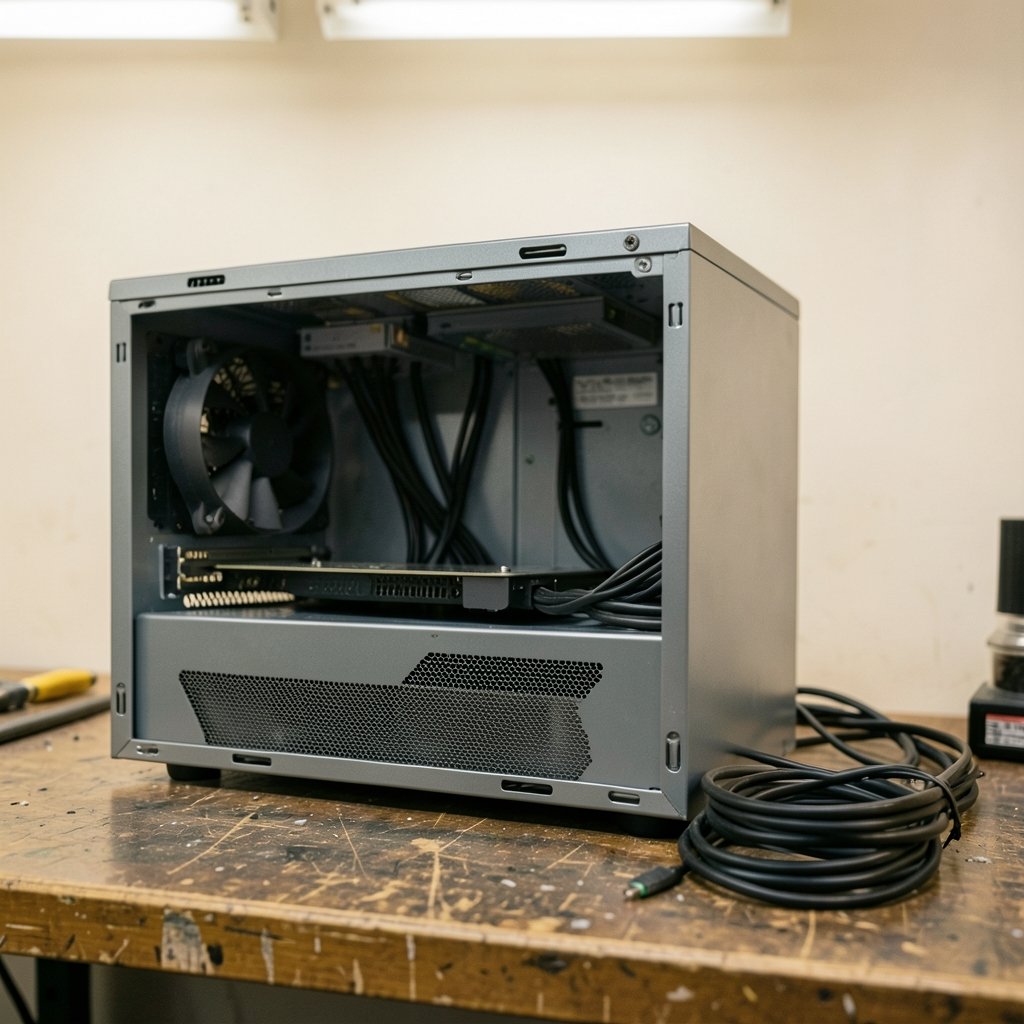
The first mistake people make is buying wattage like horsepower. A gaming build with a mid-range GPU and a six-core CPU often idles near 60W and peaks around 400W. Oversizing to 1200W wastes money and can push the unit into a low-load zone where efficiency drops.
Power supplies are typically most efficient somewhere around 40 to 60 percent of their rated capacity. That curve is why a 750W unit running at 400W often runs cooler and quieter than a 1200W unit at the same load. It is also why “buy double your needs” is a rough rule of thumb rather than a law.
A practical approach: add the CPU’s sustained package power, the GPU’s rated board power, and roughly 50 to 80W for drives, fans, memory, and the board. Then add headroom for transient spikes. High-end cards can briefly exceed their rated draw by a wide margin, and the ATX 3.x spec exists partly to force supplies to survive that.
| Build type | Typical sustained draw | Sensible PSU size |
|---|---|---|
| Office or media PC | 150–250W | 450–550W |
| Mid-range gaming | 300–450W | 650–750W |
| High-end gaming | 500–700W | 850–1000W |
| Workstation with a flagship GPU | 700–900W | 1000–1200W |
Those figures are starting points, not gospel. A unit with strong transient response at 850W can outperform a weak 1000W model, so read measured reviews rather than trusting the sticker.
Choose the Right Standard and Connector
The 12V-2×6 connector, introduced with the ATX 3.1 update, revised the earlier 12VHPWR design with longer sense pins and shorter power pins so the card only enables full power when the plug is properly seated. Reports of melted 12VHPWR connectors on high-power cards between late 2022 and 2023 drove much of that change, though the root cause was debated and no single explanation settled the argument.
Two practical lessons came out of that episode. First, seat the connector fully until it clicks, with no visible gap. Second, avoid sharp bends within the first few centimeters of the plug, because sideways strain can unseat pins.
Vendors label boxes “ATX 3.1” loosely, and marketing compliance does not always equal full spec compliance. Check the manufacturer’s own documentation for the exact model rather than the product family name.
Single-rail versus multi-rail +12V
Most quality modern supplies run a single +12V rail. Multi-rail designs split +12V into separate overcurrent-protected channels. Neither is inherently superior. Multi-rail can offer finer protection against a short on one cable, but a misallocated rail can trip under a heavy transient load. Single-rail is simpler and rarely trips spuriously. This debate is genuinely contested among reviewers, so treat confident claims on either side with suspicion.
Mount It So the Fan Can Breathe
Most modern cases put the supply at the bottom with a filtered intake underneath. Fan-down is the normal orientation there, pulling cool air from outside the case. Fan-up makes sense in cases with a solid bottom panel or in older top-mounted layouts.
Three habits prevent most airflow problems:
- Keep the bottom dust filter clean. A clogged filter is the single most common cause of a supply running hot and loud.
- Leave clearance under the case. Carpet and tight shelves choke the intake.
- Route cables so they do not block the fan grille or the front intake path.
If the case sits on thick carpet, a board underneath or a fan-up orientation solves it. Cable management matters here too. A tidy bundle behind the motherboard tray is not cosmetic; it keeps air moving toward the GPU and CPU cooler instead of pooling in dead zones.
Wire It Correctly, One Cable at a Time
Use the cables that shipped with the unit. Modular cables are not standardized across brands, and pinouts differ even between models from the same maker. Mixing a cable from another supply can send 12V down a ground pin and destroy drives or the board.
For GPUs needing multiple 8-pin connectors, use separate cables rather than daisy-chaining one cable’s two ends where the card draws serious power. A single cable and its connector are rated for a limited load, and splitting the draw across two cables keeps each connector cooler.
Fully seat every connector at both ends. Half-inserted EPS 8-pin CPU cables are a classic cause of random shutdowns under load. The same goes for the 24-pin motherboard connector, which needs a firm push until the latch clicks.
Cable guidance at a glance
| Situation | Do this | Avoid |
|---|---|---|
| Modular supply | Use only included cables | Borrowing cables from another brand |
| GPU with two 8-pins | Run two separate cables | Daisy-chaining one cable |
| 12V-2×6 connector | Seat until it clicks, gentle bend | Sharp 90-degree bend at the plug |
| SATA drives | Spread across cables | Stacking many drives on one run |
Set the Switch, Then Test Before You Trust
Check the voltage selector on older units. Modern ones auto-switch, but a supply with a manual 115V/230V switch set wrong will fail immediately. Then do a first boot with the GPU removed if the build is new, confirming fans spin and the board posts.
After the system runs, watch for symptoms. Random shutdowns under gaming load usually mean transient trips or a marginal unit. Coil whine at idle is annoying but not dangerous. A supply that runs hot to the touch with a clean filter may simply be working near its ceiling.
Hold-up time, historically around 17 ms at full load in ATX guidance, matters during brownouts. A unit with poor hold-up time may shut down during a brief voltage sag that a better unit rides out. If the local grid is unstable, pairing the PC with a UPS is smarter than buying a bigger supply. The same logic applies to whole-home backup planning, where sizing matters as much as capacity; the same reasoning behind choosing backup generators for reliable home power applies to a PC: match the source to the real load.
Efficiency Ratings Are Not Quality Ratings
80 PLUS tiers (Standard through Titanium) certify efficiency at 20, 50, and 100 percent load. A Gold unit converts more AC to DC and sheds less heat than a Bronze one at the same output. That is all the badge means.
Build quality is a separate question covering capacitor grade, fan bearing, protection circuits (overvoltage, overcurrent, short circuit, and over-temperature), and warranty length. A Titanium-rated unit with a cheap fan can still fail early. Conversely, a plain Bronze unit from a reputable maker with good protections can run for a decade.
A common error is treating the badge as a reliability promise. Read teardown reviews and check the warranty. Ten years of coverage says more about a manufacturer’s confidence than a sticker does.
Common Mistakes That Hurt Performance
The recurring failures are predictable. Buying wattage without checking transient behavior. Reusing old modular cables with a new supply. Leaving the bottom filter untouched for a year. Mounting fan-down on carpet. Daisy-chaining GPU power. Ignoring the case’s airflow path entirely.
There is also a quieter mistake: assuming a bigger number fixes instability. If a system shuts down under load, the cause might be a marginal connector, a failing cable, or a board issue rather than raw wattage. Diagnose before upgrading. (ENERGY STAR Computers)
For anyone setting up a full desk or entertainment space alongside the PC, the same principle of matching equipment to real use applies to accessories. A properly adjusted keyboard stand for stage work is chosen by load and stability, not by looks, just as a supply is chosen by measured draw. Hobby setups follow the same rule: a family racing game set needs a flat, stable surface, and a PC needs a stable power source.
When to Replace Rather Than Reconfigure
Replace the unit if it is more than eight to ten years old, lacks the connectors your GPU needs, has no 80 PLUS rating from an unknown brand, or shows bulging capacitors or a burning smell. Reconfigure if the unit is modern and well reviewed but the install is sloppy.
A supply running near 100 percent capacity is loud and inefficient. Moving to a slightly larger, better-built unit often cuts noise more than any fan swap. That is the practical case for modest headroom: not future-proofing mythology, but quieter operation at the loads you actually hit.
Conclusion
The best-performing power supply setup is boring in the best way. Wattage matched to sustained draw plus transient headroom. A modern connector seated fully with gentle cable bends. Clean intake air and a filter that gets cleaned. Cables from the original box, run separately where the load demands it. Efficiency badges read as what they are, and build quality judged by protections and warranty.
None of that requires a flagship budget. It requires checking the real numbers, reading one measured review, and taking ten extra minutes at install time. Do those three things and the supply fades into the background, which is exactly what it should do.
Frequently Asked Questions
Is a higher wattage power supply always better?
No. A larger unit only helps if the build genuinely needs the capacity or the extra headroom keeps the supply in its efficient mid-load range. Oversizing adds cost and can push the unit into a low-efficiency zone at idle. Match wattage to measured draw plus transient headroom.
Can I reuse modular cables from my old power supply?
Only if the new unit is the exact same model. Modular cable pinouts differ between brands and even between model lines, and a mismatched cable can send voltage down the wrong pin and damage components. Use the cables in the new box.
Does the 12V-2×6 connector fix the melting problems?
It improves the design with longer sense pins and shorter power pins, which helps ensure the plug is fully seated before full power flows. It does not make seating irrelevant. Push until it clicks, check for gaps, and avoid sharp bends near the plug.
Should the power supply fan face up or down?
Down is standard in modern bottom-mounted cases because it pulls cool outside air through the filter. Face it up only if the case has a solid bottom panel or sits on carpet with no clearance. Either way, keep the intake unobstructed.
How much headroom should I leave above my calculated load?
Enough to cover transient spikes, which can run well above a GPU’s rated draw for brief moments. Many builders aim for roughly 20 to 30 percent above sustained peak. Check measured transient data for your specific card rather than relying on a fixed percentage.
Is an 80 PLUS Titanium unit more reliable than a Bronze one?
Not necessarily. The badge certifies efficiency at set load points, not capacitor quality, fan bearing, or protection circuits. Reliability comes from build quality and warranty. A well-made Bronze unit can outlast a poorly built Titanium one.
