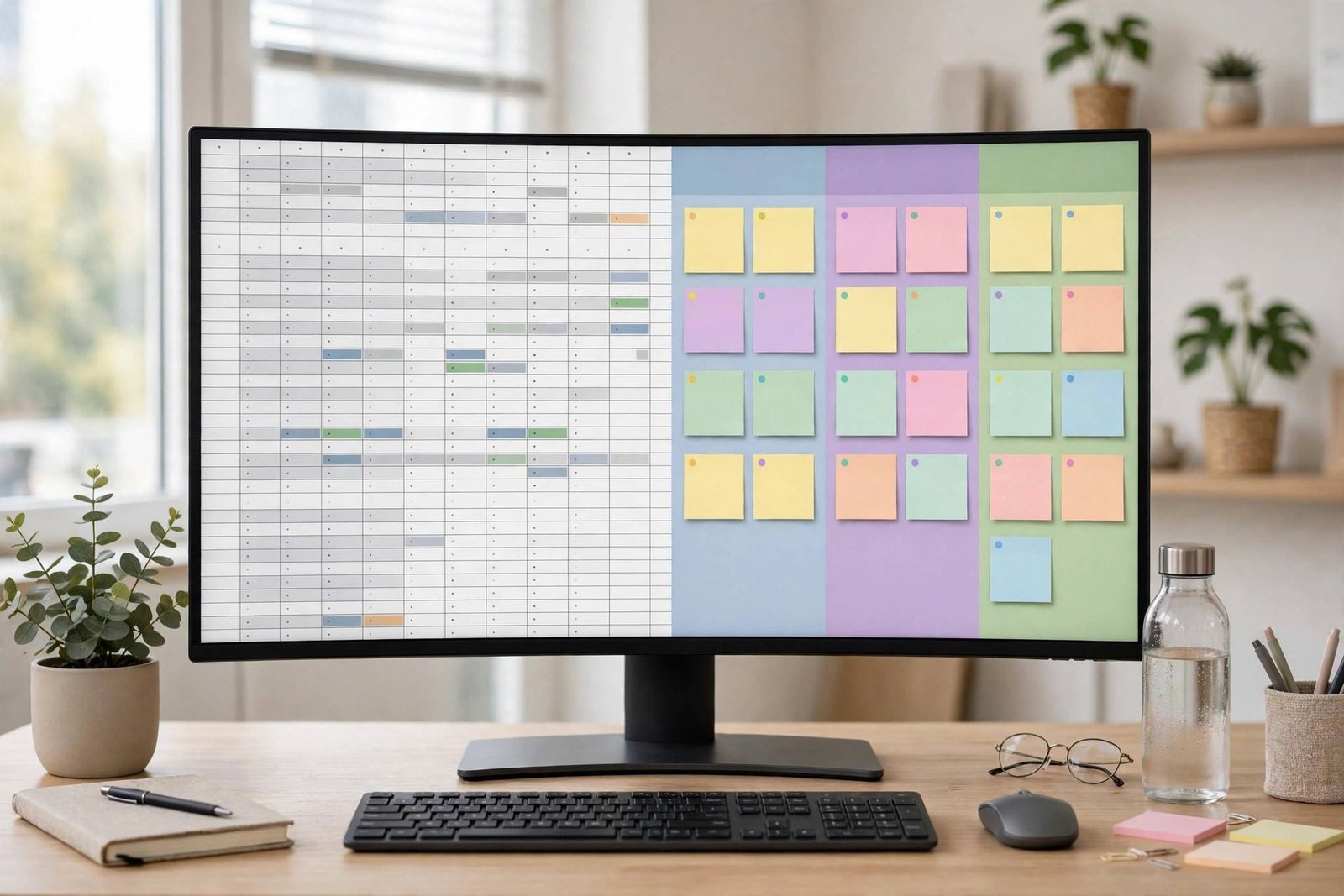
Smartsheet vs Monday.com is a comparison between two tools that look similar on the surface but feel very different in practice. Smartsheet is a spreadsheet with project management superpowers, built for teams that think in rows, columns and Gantt charts. Monday.com is a visual workspace built around colourful boards, built for teams that think in pictures and workflows. Both are capable, and the better choice depends on how your team likes to work. This comparison breaks down the differences that matter.
The core difference is the mental model. Smartsheet starts from a grid: every project is a sheet, every task is a row, and the power comes from formulas, reports and dashboards built on that grid. Monday.com starts from a board: every project is a visual workspace, every task is an item, and the power comes from customisation, automations and views. Teams that live in spreadsheets will feel at home in Smartsheet immediately; teams that find spreadsheets dull will prefer Monday.com.
Key takeaways
- Smartsheet suits spreadsheet thinkers; Monday.com suits visual, board-based teams.
- Smartsheet’s Gantt charts and reporting are stronger; Monday.com’s automations and design are better.
- Monday.com is easier to learn; Smartsheet rewards teams already comfortable with sheets.
- Trial both with a real project — the interface difference matters more than the feature list.
Ease of Use
Monday.com is the easier tool to learn. Its boards are visual, its templates are friendly, and a new team member can start updating tasks within minutes. The interface is colourful and inviting, which helps adoption — people enjoy opening it. The trade-off is that a Monday.com workspace needs someone to design it well; without that, boards can become cluttered and inconsistent.
Smartsheet is easy for spreadsheet users and less intuitive for everyone else. If your team already works in Excel or Google Sheets, Smartsheet will feel familiar within an hour: rows, columns, formulas and filters all work the way you expect. If your team does not think in spreadsheets, the grid can feel dense and old-fashioned, and the learning curve is steeper. Its mobile app is capable but less delightful than Monday.com’s.
Both tools offer strong templates, though Monday.com’s are more visual and Smartsheet’s are more structured. For a team with no spreadsheet culture, Monday.com is the safer choice. For a team that runs on spreadsheets, Smartsheet is the natural upgrade.
Features Compared
Both tools cover tasks, timelines, calendars, comments, attachments and dashboards. The differences show up in the details. Smartsheet’s Gantt charts are genuinely excellent — among the best in any general project tool — and its reporting is powerful, with roll-up reports that pull data from many sheets into one view. It also handles formulas, dependencies and critical paths well, which matters for complex schedules.
Monday.com’s automations are stronger and easier to build, letting teams create rules such as moving an item when its status changes or alerting a manager when a deadline slips. Its dashboards are more visual and flexible, and its range of views — board, timeline, calendar, map, form — is wider. Monday.com also has a larger integration marketplace, which suits teams that connect many other tools.
Smartsheet’s control and permissions are more granular, which suits larger organisations with strict governance. Monday.com’s permissions are simpler, which suits smaller teams. Neither tool is weak on integrations, but check current pricing and plan pages for the specific features and integrations you need, as both vendors reserve some capabilities for higher tiers.

Pricing
Pricing changes regularly, so check current pricing on each vendor’s site before budgeting. Both charge per user per month, with discounts for annual billing, and both offer a free or trial option — Monday.com’s free offering is limited, while Smartsheet offers a trial rather than a permanent free tier.
The practical difference is in what sits on which tier. Smartsheet’s most powerful reporting and control features sit on its higher plans, and its pricing can rise quickly for larger teams. Monday.com’s lower paid tiers are generous, but its automations and advanced features also sit higher up. Cost the tier that includes the features you actually need on both tools, and multiply by your full team, before comparing. For most teams the totals are closer than the headline prices suggest.
Which Should You Choose?
Choose Smartsheet if your team thinks in spreadsheets, runs complex schedules, or needs strong Gantt charts and roll-up reporting. It suits operations, construction and programme teams that manage many interdependent tasks, and it is a natural step up for any team already living in Excel.
Choose Monday.com if your team wants a visual, flexible workspace with strong automations and dashboards. It suits marketing teams, agencies, startups and any team that prefers boards to grids. It is also the better choice if adoption and ease of use matter more than scheduling depth.
Decision Checklist
- Ask how the team plans today: spreadsheets point to Smartsheet; boards and visuals point to Monday.com.
- Check your scheduling needs: complex Gantt schedules favour Smartsheet.
- Trial both with real work: run one live project in each for a week.
- Test the mobile app: if the team works on the move, compare both apps properly.
- Cost the right tier: price the plan that includes the features you need.
Comparison Table
| Feature | Smartsheet | Monday.com |
|---|---|---|
| Core model | Spreadsheet grid | Visual boards |
| Gantt charts | Excellent | Good |
| Automations | Good | Strong |
| Dashboards | Powerful, structured | Flexible, visual |
| Ease of use | Easy for spreadsheet users | Easy for most teams |
| Best for | Schedule-heavy teams | Visual, flexible teams |
If you want a broader view, our guide to the best project management software for small business compares both against the wider field. Teams that need strong scheduling should also read the best Gantt chart software in 2027, and for a comparison of the two biggest names, see our Monday.com vs Asana comparison.
Reporting and Control
Reporting is where Smartsheet pulls clearly ahead. Its roll-up reports gather data from many sheets into a single view, so a programme manager can see the status of ten projects without opening ten files. Dashboards are structured and detailed, with charts, metrics and summaries that suit leadership reporting and governance. Formulas let you calculate progress, flag overdue work and track budgets automatically, which is powerful for teams that manage many interdependent tasks. Setting up good reporting takes time, but once built, it runs itself.
Monday.com’s dashboards are more visual and flexible, which suits managers who want a quick, colourful view of the team’s work. You can pull data from several boards into charts and widgets, and the result is easy to read at a glance in a meeting. The trade-off is depth: Monday.com’s reporting is excellent for status and workload, but less suited to the detailed, formula-driven analysis that Smartsheet handles naturally. The right choice depends on whether your reporting is about showing progress or about analysing it.
Control and permissions follow the same pattern. Smartsheet’s permissions are granular, letting administrators control who can view, edit or share each sheet, which suits larger organisations with strict governance requirements. Monday.com’s permissions are simpler and easier to manage, which suits smaller teams that want reasonable control without administrative overhead. Neither approach is wrong, but a large organisation with compliance needs will value Smartsheet’s granularity, while a small team will prefer Monday.com’s simplicity.

Frequently Asked Questions
Is Smartsheet better than Monday.com?
It depends on your team. Smartsheet is better for spreadsheet-loving teams with complex schedules and reporting needs. Monday.com is better for visual teams that want flexibility, automations and easy adoption. Neither is universally better.
Is Smartsheet hard to learn?
For spreadsheet users, no — it feels familiar within an hour. For teams without spreadsheet experience, the grid interface can feel dense, and the learning curve is steeper than Monday.com’s. A short training session helps considerably.
Which is better for Gantt charts?
Smartsheet, clearly. Its Gantt charts are among the best in any general project tool, with dependencies, critical paths and baselines. Monday.com’s timeline view is good for simple schedules but less powerful for complex ones.
How much do Smartsheet and Monday.com cost?
Both charge per user per month, with annual discounts, and both change their prices regularly. Check current pricing on each vendor’s site and cost the tier that includes the features you need — the headline price is rarely the real price.
Can I switch from Smartsheet to Monday.com later?
Yes. Both tools support imports from spreadsheets, and migrating tasks is straightforward. Templates, automations and dashboards need rebuilding, so allow time for setup after the switch.
Which has better reporting?
Smartsheet’s reporting is deeper and more structured, with roll-up reports across many sheets. Monday.com’s dashboards are more visual and flexible. The right choice depends on whether your reporting is schedule-driven or dashboard-driven.
Conclusion
Smartsheet vs Monday.com comes down to a simple question: does your team think in spreadsheets or in pictures? Choose Smartsheet for Gantt charts, formulas and structured reporting. Choose Monday.com for visual boards, automations and easy adoption. Either way, trial both with a real project before you pay — a week of real use will show you which interface your team reaches for naturally, and that is the answer that matters most.