
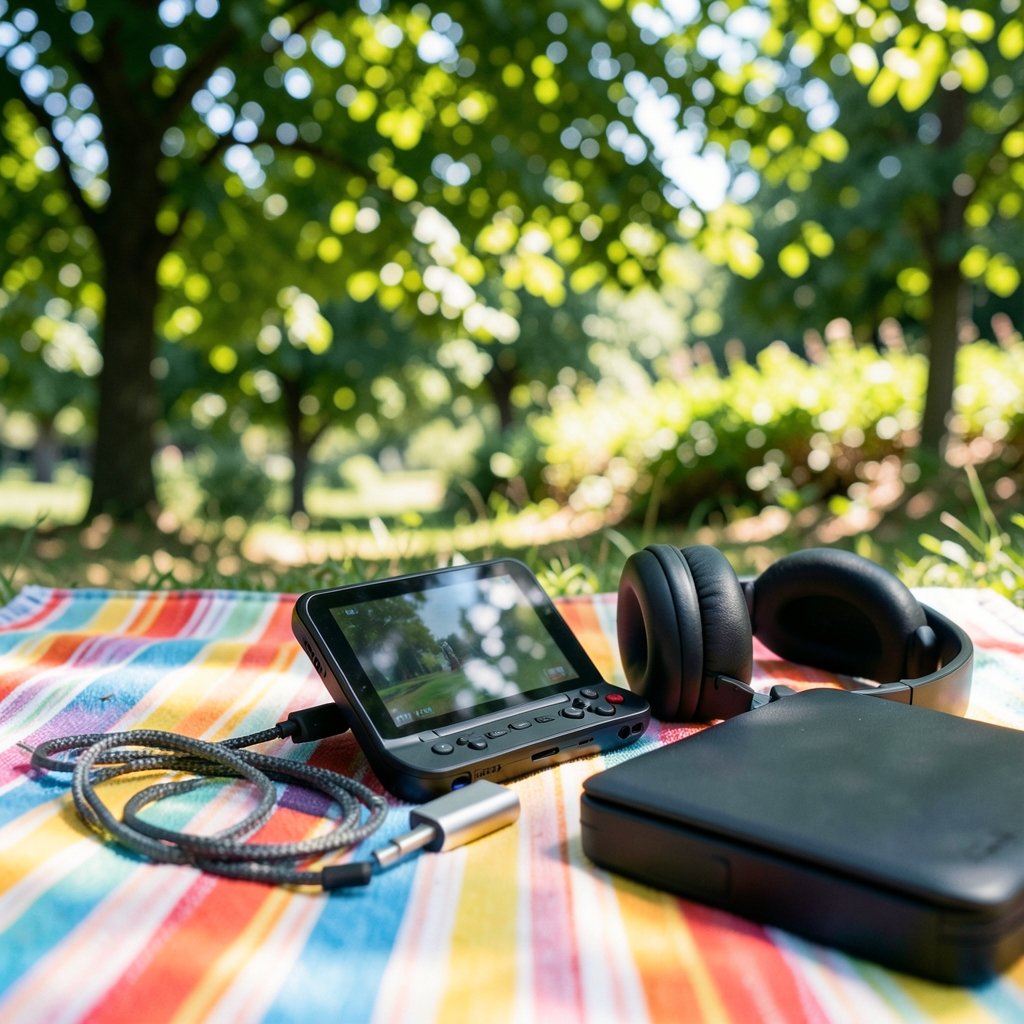
The biggest factor in a Steam Deck’s battery life may be where a game runs, not which game you play. That question drives the cloud gaming vs local play debate. When you stream a game, a remote server does the processing. When you play locally, the handheld does all the work. The two modes draw power in different ways. Understanding that difference can help you get more hours from each charge as hardware and services evolve toward 2027.
Why the Power Budget Is Really an Architecture Question
Every watt a Steam Deck spends comes from the same 40 Wh battery on the LCD model or the 50 Wh cell on the OLED model. The question is how that budget gets divided. In local play, the APU (the combined CPU and GPU) is the star of the show. It renders every frame, and demanding titles can pull serious power. Valve’s own guidance puts demanding games at roughly two to eight hours of runtime, with the built-in TDP limit (3 to 15 W on the LCD model) and frame-rate caps as the main levers you control.
Cloud gaming flips that model. The remote server renders the frames. Your Deck only decodes a video stream and keeps a Wi-Fi connection alive. On paper, that sounds like a massive power saving. In practice, it’s messier. The screen backlight, the wireless radio, and the video decoder all keep drawing power, and a high-bitrate stream at a high refresh rate is not free. This is an architectural inference rather than a Valve-published benchmark, so treat any “cloud saves X hours” claim with healthy skepticism until you test it yourself.
The Local Play Reality: Where the Watts Go
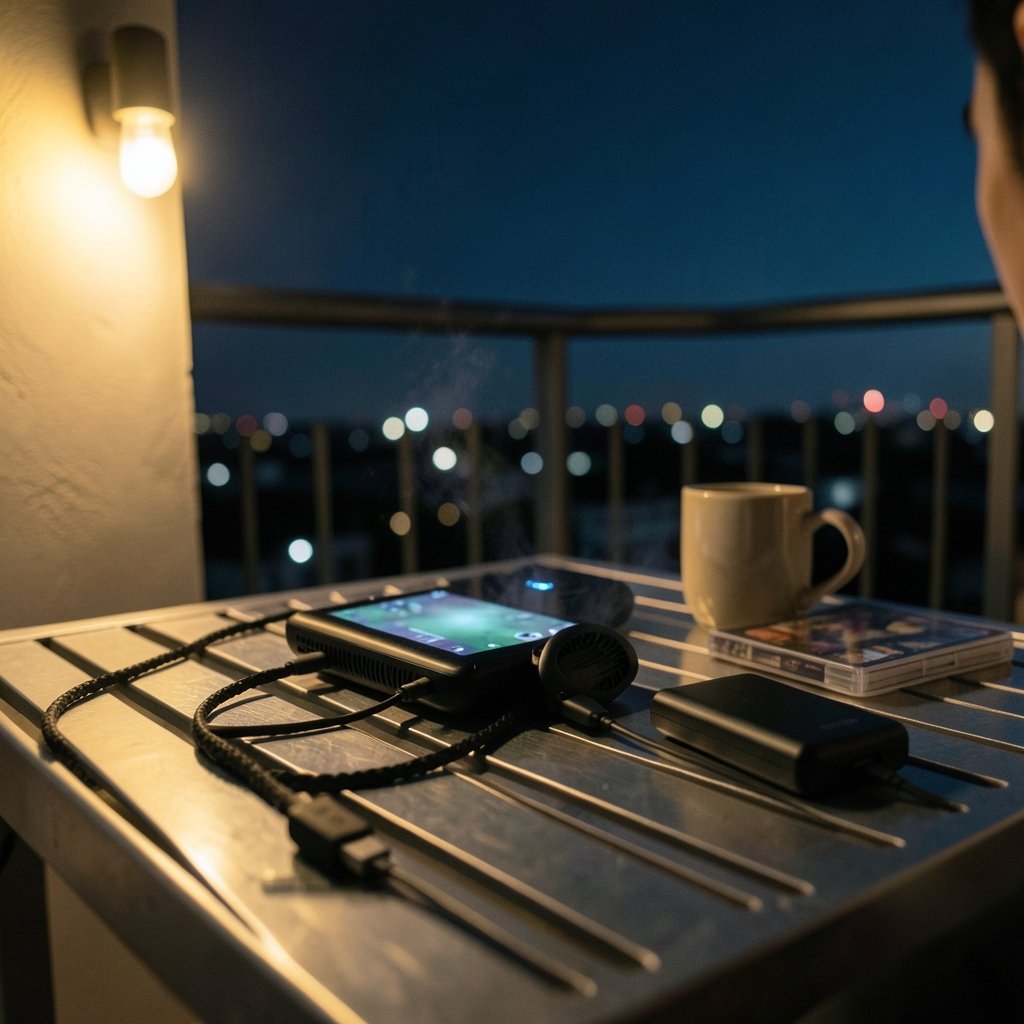
Local play is power-bound by the APU, not the screen alone. That single sentence explains most of the confusion people have about battery life. A lightweight indie game might sip power at a low TDP and run for many hours. A modern AAA title at high settings can drain the battery in under two hours. The variable isn’t the game’s genre; it’s the sustained power draw.
The practical toolkit is built right into SteamOS. Per-game TDP limits, frame-rate caps, and on the OLED model HDR and refresh controls all let you trade performance for battery. The mistake many people make is leaving everything on automatic and then blaming the hardware when a demanding game chews through the charge. The fix is boring but effective: set a frame cap at 30 or 40 fps, drop the TDP a notch or two, and watch the runtime climb. You give up some smoothness, but you gain hours.
It helps to think about local play as a fixed power contract. Whatever the game demands, the Deck must supply. There’s no offloading, no shortcut. If you want to compare how different handhelds handle that contract, a look at the Legion Go vs Steam Deck everyday gaming experience shows how much the answer depends on the specific hardware design rather than the game alone.
Cloud Play Power Use: Video Playback, Radio, and Screen
Cloud streaming shifts the power budget to video playback and network use. The APU’s rendering work largely disappears, replaced by video playback, which typically uses fewer watts. Two costs remain high. First, the Wi-Fi radio must hold a sustained link for the entire session. Valve’s own power guidance lists Wi-Fi and Bluetooth as power consumers and recommends turning radios off when they are not needed. Streaming means the radio is always needed.
Second, the display backlight and refresh rate don’t care whether the frames come from a local chip or a server. A bright screen at 90 Hz draws the same power either way. And if you stream at a high bitrate and high refresh rate to keep the image crisp, the decoder and network stack work harder, eating into the savings.
So the honest picture is this: cloud gaming can absolutely use less power than a demanding local game, but it is not a magic battery extender. On a lightweight local title, local play might already be efficient enough that streaming offers little advantage. On a heavy AAA game, streaming may genuinely win. The outcome depends on the game, the bitrate, and the network conditions at that moment.
A Side-by-Side Look at the Trade-Offs
| Factor | Local Play | Cloud Streaming |
|---|---|---|
| Main power draw | APU rendering | Video playback, Wi-Fi radio, screen |
| Battery predictability | Varies with game and TDP | Fairly stable per stream setting |
| Latency | Minimal | Added network latency |
| Network dependence | Only for downloads | Constant, high-bandwidth |
| Quality ceiling | Limited by Deck hardware | Limited by server and bitrate |
| Best case for battery | Light games at low TDP | Heavy games streamed efficiently |
The table makes the architecture clear. Local play puts the power cost on the chip that renders. Cloud play moves that cost to the pipe that delivers. Neither is universally better; they fail in different ways.
What Actually Works in Practice
First-hand testing habits matter more than marketing claims. The people who get reliable results hold variables constant: same brightness, same refresh rate, same game scene, same network. They measure over a fixed interval rather than eyeballing a percentage drop. And they note that streaming results depend heavily on network conditions at test time, which is why cloud battery numbers swing so much between reviewers.
A few practical tips that consistently hold up:
- Cap the frame rate locally before touching anything else. A 40 fps cap often saves more power than a TDP tweak alone.
- Lower screen brightness. The backlight is a fixed cost that streaming can’t eliminate.
- For cloud sessions, use a stable 5 GHz or Wi-Fi 6E/7 connection so the radio isn’t constantly renegotiating.
- Match stream bitrate and refresh rate to the game. Overkill settings burn power for pixels you may not notice.
- Test your own library. A game that streams beautifully might run locally at a TDP so low that streaming isn’t worth the latency.
The common mistake is treating cloud gaming as a universal battery fix. It isn’t. It’s a different power profile with its own costs. If you want a broader comparison of how streaming platforms shape the everyday experience, the breakdown of Steam vs Epic vs GOG in everyday gaming is a useful companion read, because platform choice affects how and where you actually play.
Latency and Quality Are Architecture Too
Battery life isn’t the only thing the cloud-vs-local decision changes. Cloud streaming adds network latency and depends on codec support and bitrate. Local play avoids that latency but pays in compute power. For a 2027 article, it’s worth noting that AV1 codec support and Wi-Fi 6E/7 adoption on handhelds affect both image quality and power draw. Better codecs can deliver the same picture at a lower bitrate, which means less radio work and less decoder strain. That’s a genuine architectural lever, not a spec-sheet curiosity.
The trade-off is real: a streamed game may look softer or laggier than a local one, even when it saves battery. Whether that’s acceptable depends on the genre. A turn-based strategy game tolerates latency fine. A fast shooter does not.
The 2027 Uncertainty Nobody Should Ignore
Here’s where honesty matters. There is no official Valve-published head-to-head battery benchmark of cloud streaming versus local play on the Steam Deck. Any comparison you read should cite independent testing and be dated, because results vary by game, bitrate, and network. And whether a “Steam Deck 2” or a revised OLED exists by 2027, with a different battery and SoC, is simply unknown. Asserting future specs would be guessing dressed up as fact.
What is knowable is the architecture. The power budget always splits between compute, display, and radio. Cloud gaming moves the compute off-device but keeps the display and radio costs. Local play keeps everything on-device but gives you direct control over the compute cost through TDP and frame caps. That logic won’t change even if the hardware does. If you’re weighing a purchase decision around this kind of trade-off, the analysis in Legion Go S vs Steam Deck for everyday gaming applies the same reasoning to a different pair of devices.
Battery Aging Quietly Changes Every Comparison
One more factor gets ignored constantly: lithium-ion batteries degrade with charge cycles. A used Deck’s runtime will differ from a new one, sometimes dramatically. That means a cloud-vs-local test run on a two-year-old unit may tell you very little about a fresh device, and vice versa. When you compare runtimes, note the battery’s age and health. It’s the least glamorous variable and one of the most influential.
How to Decide for Your Own Playstyle
The decision comes down to what you actually play. If your library is full of demanding AAA titles and you have fast, stable internet, cloud streaming may genuinely stretch your sessions. If you favor lighter games or play offline often, local play with a sensible TDP and frame cap is simpler and more predictable. Many people land on a hybrid: local for quick sessions and offline travel, cloud for the heavy hitters at home.
The architecture decisions to understand in 2027 are the same ones that matter now. Compute costs watts. The screen costs watts. The radio costs watts. Cloud gaming moves the first cost off your device but keeps the other two. Local play keeps all three but hands you the controls. Once you see the budget that way, the marketing noise fades and the right choice for your habits becomes much clearer.
Conclusion
Steam Deck battery life in cloud gaming versus local play isn’t a simple winner-takes-all story. It’s a story about where the work happens and which components pay the price. Local play keeps the APU busy and gives you direct levers like TDP limits and frame caps. Cloud streaming offloads the rendering but keeps the screen and Wi-Fi radio running, and it adds latency and network dependence in exchange. Neither approach is universally better. The smart move is to test your own games, hold your variables constant, respect battery aging, and treat any dramatic battery claim with skepticism until you’ve measured it yourself.
FAQ
Does cloud gaming always save battery on a Steam Deck?
No. Cloud streaming removes the rendering load from the APU, but the screen backlight, Wi-Fi radio, and video decoder still draw power. On lightweight local games, streaming may save little or nothing. On demanding titles, it can help, but results vary by bitrate, refresh rate, and network conditions.
What settings give the longest local battery life?
The biggest wins come from capping the frame rate, usually at 30 or 40 fps, and lowering the TDP limit a notch or two in the Quick Access menu. Reducing screen brightness adds more. These trade some performance for runtime, and the right balance depends on the game.
Is there an official Valve benchmark comparing cloud and local battery life?
Not that anyone should rely on. There is no Valve-published head-to-head battery test of cloud streaming versus local play. Any comparison should cite independent, dated testing, because results shift with the game, bitrate, and network at the time of the test.
Does Wi-Fi really drain the battery that much?
Yes, it’s a meaningful cost. A sustained wireless link for streaming keeps the radio active the entire session. Valve’s own power guidance lists Wi-Fi and Bluetooth as power consumers and suggests turning radios off when they aren’t needed, which is impossible during a cloud session.
Will a Steam Deck 2 change this comparison?
That’s unknown. Whether a successor or revised OLED model exists by 2027, and what battery and chip it uses, can’t be asserted. The underlying architecture, where power splits between compute, display, and radio, will still apply regardless of the hardware.
Why does battery age matter in these comparisons?
Lithium-ion cells lose capacity over charge cycles. A used Deck runs shorter than a new one on the same settings, so a cloud-vs-local test on an older unit may not reflect a fresh device. Always note battery age and health when comparing runtimes.



