
What if you spend hundreds on a new headset in 2027 and discover your favorite games simply won’t run on it? That fear is real, and it’s the reason so many people stall at the checkout page. Three headsets dominate the conversation right now: Valve’s Steam Frame, Sony’s PlayStation VR2, and Meta’s Quest 3S. Each one lives in a different software world, and each one asks something different of your PC, your console, and your game library. This guide walks through how to check compatibility before you commit, using plain checks anyone can run. (Virtual reality headset)
Why 2027 Buyers Need to Check Compatibility First
VR hardware moves fast, but software support moves slower. A headset that fits your setup today may not fit the games you actually want to play next year. The three headsets here were built on very different foundations, and those foundations decide what runs where.
The Steam Frame was announced on 12 November 2025, alongside a new Steam Machine and Steam Controller. It runs SteamOS on an ARM-based Snapdragon 8 Gen 3 chipset. That means it can play VR titles natively or stream them from a PC over Wi-Fi. The PSVR2 launched on 22 February 2023 for PS5, and a PC adapter arrived in 2024. The Quest 3S landed on 15 October 2024 as a cheaper sibling to the Quest 3, using the same Snapdragon XR2 Gen 2 chipset and Touch Plus controllers, but with Fresnel lenses and lower resolution.
Those dates matter. They tell you how mature each platform’s support system is. They also tell you where the surprises hide. A headset bought in 2027 will lean on software built years earlier, so the question isn’t “which is newest” but “which one runs what I own.”
The Three Headsets at a Glance
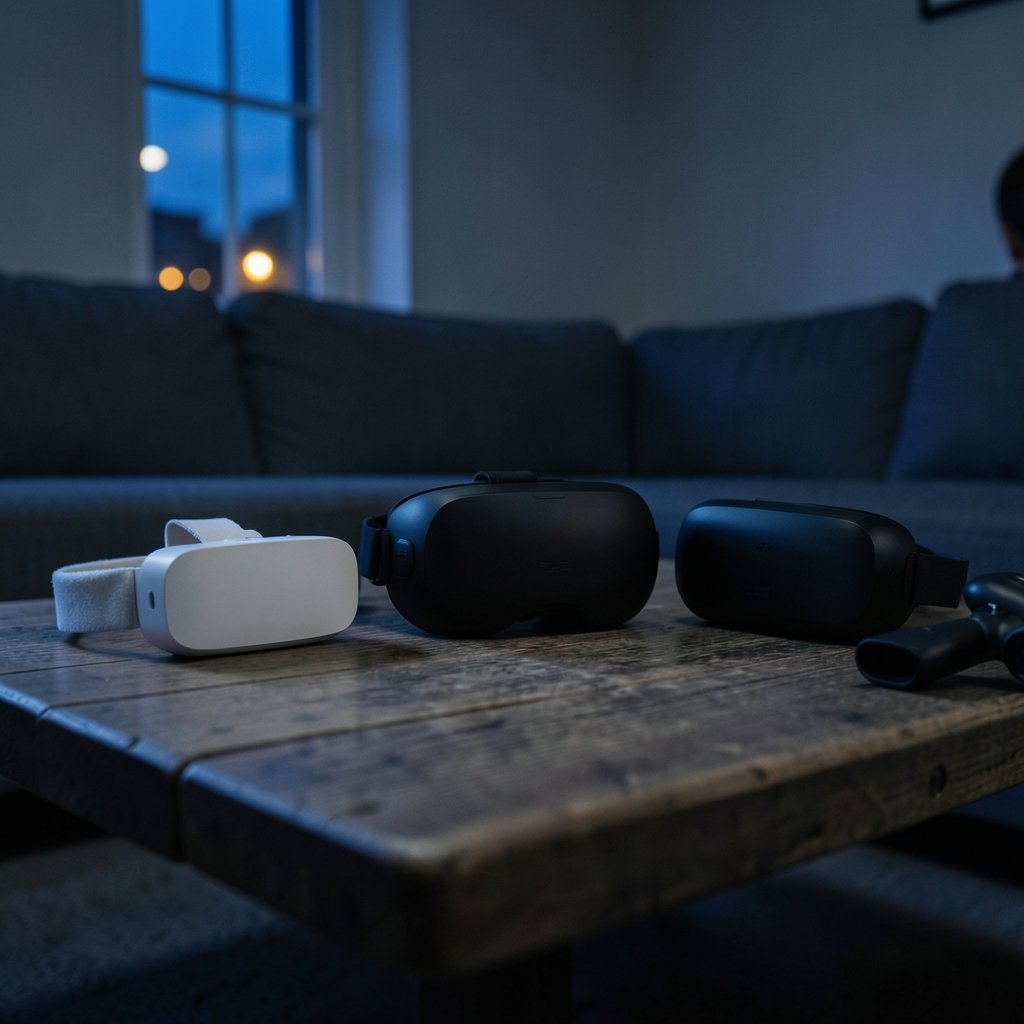
Here’s the honest comparison. Specs come from vendor pages, and pricing for the Steam Frame was not confirmed at announcement, so treat any figure you see as unverified until Valve publishes it.
| Feature | Steam Frame | PSVR2 | Quest 3S |
|---|---|---|---|
| Platform | SteamOS (ARM) | PS5, plus PC via adapter | Horizon OS |
| Chipset | Snapdragon 8 Gen 3 | Not applicable (tethered) | Snapdragon XR2 Gen 2 |
| Connection | Standalone or PC streaming | Wired USB-C / DisplayPort | Standalone or PC Link |
| Tracking | Inside-out, four cameras | Inside-out with eye tracking | Inside-out |
| Controllers | Steam Frame Controllers | PSVR2 Sense controllers | Touch Plus |
| Best fit | Steam library owners | PS5 owners | Budget standalone buyers |
The table hides the hard part. Compatibility isn’t a spec sheet line. It’s a chain of small dependencies, and any weak link breaks the whole thing.
Steam Frame: Your Steam Library Is the Real Question
The Steam Frame doesn’t ask you to build a new library. It’s designed to run existing SteamVR and OpenXR PC titles, either natively on the headset or streamed from a PC. That’s a big deal for anyone with years of Steam purchases. Most modern PC VR games target OpenXR, the cross-vendor API standard that lets one title run across different headsets. You can read an overview of how the OpenXR standard works to understand why this matters for compatibility.
But there is a catch, and it comes up often. The Steam Frame uses inside-out tracking with four monochrome cameras and its own Steam Frame Controllers, which track through the headset rather than through external base stations. Games built around SteamVR base stations, like those made for the Index or Vive, may need controller mapping. Some may not support the new controllers at all. Before you assume your library carries over cleanly, check each title’s store page for supported controllers, as well as supported headsets.
Practical tip: make a short list of the five VR games you play most. Then check each one’s compatibility notes. If three or more list base-station controllers only, budget time for remapping or expect to skip them.
Streaming also has its own requirements. If you plan to stream from a PC, your Wi-Fi and GPU matter. Wi-Fi 6E or 7 and a capable graphics card are the usual baseline. This is the same kind of pre-purchase homework as checking whether your PC supports Windows 11 before you upgrade. Doing it early saves a lot of frustration later.
PSVR2: Great on PS5, Narrower on PC
The PSVR2 is the simplest of the three if you own a PS5. It requires a single USB-C cable, uses inside-out tracking, and adds eye tracking and headset haptics. On console, compatibility is mostly a non-issue: if a game is sold as a PSVR2 title, it works.
PC is where the picture narrows. The 2024 PC adapter lets the headset run on Windows through SteamVR, but PC support has known limits. At launch, features like HDR and eye-tracking functions were not available on PC. Firmware updates have changed details over time, so check the current PlayStation support documentation for PSVR2 setup and PC adapter notes before you buy.
The wired connection is another practical factor. A cable is fine for seated play but annoying for room-scale sessions. If you plan to move around, measure your play space and think about cable routing before the headset arrives.
Quest 3S: The Budget Standalone Path
The Quest 3S is the value pick. It shares the Quest 3’s chipset and controllers but cuts costs with Fresnel lenses and lower resolution. It runs Meta’s Horizon OS, plays standalone titles from the Meta store, and can connect to a PC through Link, Air Link, or third-party tools like Steam Link. Meta’s Quest 3S spec page lists the hardware details if you want to compare numbers directly.
The compatibility question here is store-based. A game you own on Steam won’t automatically appear in your Quest library, and a Meta store purchase won’t run on your PC unless the developer supports cross-buy. Check the store listing for each title. Look for the supported headset line and any notes about PC streaming.
One mistake people make: buying a Quest 3S assuming every Steam VR game will stream flawlessly. Streaming works, but it depends on your router, your PC, and the individual title. Test with a free or cheap game before you rely on it for a big purchase.
How to Check Compatibility Step by Step
Here’s a checklist that works for all three headsets. Run it before you spend anything.
- List your must-have titles. Write down the five to ten VR games you actually play. Ignore the ones you bought on sale and never opened.
- Check each title’s store page. Look for the supported headsets and controllers line. Steam store pages and Meta store pages both list this, though the wording differs.
- Confirm the runtime. PC titles usually target OpenXR or SteamVR. Console titles target the PS5 SDK. A title built for one runtime won’t run on another without a port.
- Check your PC specs. For Steam Frame streaming, confirm Wi-Fi and GPU. For PSVR2 on PC, confirm the adapter and cable requirements. For Quest 3S PC Link, confirm your GPU and router.
- Test before you commit. Use free demos, refund windows, or a friend’s headset. A twenty-minute test beats a week of regret.
- Read the fine print on features. Eye tracking, HDR, and haptics may not work on every platform. Check firmware notes for your specific setup.
If you’re also weighing other tech upgrades this year, the same discipline applies. People researching Notion alternatives and their limitations check before switching learn quickly that feature lists rarely tell the whole story. VR is no different.
Common Mistakes That Break Compatibility
The biggest mistake is assuming cross-platform means universal. It doesn’t. A title must be built or ported for each platform’s runtime, and store listings usually say so. Check the developer’s notes rather than assuming.
The second mistake is ignoring controllers. The Steam Frame Controllers are new, and legacy SteamVR titles may not map cleanly. The PSVR2 Sense controllers work on PS5 and PC, but feature support varies. Touch Plus controllers are well supported on Quest, but PC streaming can add latency or mapping quirks.
The third mistake is skipping the network check. Streaming a VR game over Wi-Fi is demanding. A router that handles video fine may still stutter with VR. Test it before you buy.
A fourth mistake, less obvious: buying based on a mod or workaround you saw online. Community projects can be impressive, but they’re fragile. The Steam Frame PSVR2 controller mod that actually works in 2026 is a good example of a clever fix that may not survive the next firmware update. Treat workarounds as bonuses, not buying reasons.
Budget and Timing: What to Expect in 2027
Pricing for the Steam Frame was not confirmed at announcement, and no 2027 roadmaps are public for any of the three platforms. That means any “2027 price” you see online is speculation. Plan around what’s confirmed today and leave room for change.
The PSVR2 and Quest 3S both have established pricing and steady update histories. The Steam Frame is newer, so its app and accessory lineup is still forming. Early buyers often accept more risk in exchange for being first. If you value stability, waiting for reviews and firmware updates is reasonable. (Introduction to Web Accessibility)
Also weigh the hidden costs. A PC capable of streaming VR may need a GPU or router upgrade. A PSVR2 on PC needs the adapter. A Quest 3S may need a better router for smooth streaming. Add those to the sticker price before you compare.
If money is tight and you’re weighing financing offers, apply the same scrutiny you’d use anywhere else. Borrowers checking BMG Money reviews before signing know that the fine print decides the real cost. Headsets are no different: the accessories, subscriptions, and upgrade paths add up.
Conclusion
The right headset in 2027 is not the one with the best spec sheet. It is the one that runs the games you already love, on the hardware you already own, without a pile of workarounds. The Steam Frame rewards Steam library owners who check controller support and network readiness. The PSVR2 rewards PS5 owners and PC users who accept its wired limits. The Quest 3S rewards budget-conscious buyers who stay inside its store or test streaming first.
Do the checklist. List your games, check the store pages, confirm your PC and network, and test before you commit. That hour of homework is the difference between an upgrade you enjoy and one you regret.
Frequently Asked Questions
Will my Steam VR games run on the Steam Frame?
Most modern SteamVR and OpenXR titles should run, either natively or streamed from a PC. The bigger question is controller support. Games built around base stations may need remapping, so check each title’s store page for supported controllers before you buy.
Does the PSVR2 work on a PC?
Yes, through the 2024 PC adapter and SteamVR. But PC support has known limits, including missing HDR and eye-tracking features at launch. Firmware updates have changed details, so check the current PlayStation support documentation for your setup.
Is the Quest 3S compatible with Steam games?
Not directly. The Quest 3S runs Horizon OS and plays Meta store titles. You can stream Steam VR games to it through Link, Air Link, or third-party tools, but performance depends on your PC and router. Test with a cheap title first.
Do I need a high-end PC for the Steam Frame?
Only if you plan to stream from a PC. The headset runs SteamOS natively, but streaming demands strong Wi-Fi, ideally 6E or 7, and a capable GPU. Check your specs before relying on streaming as your main mode.
Which headset is best for a 2027 upgrade?
It depends on what you own. PS5 owners get the smoothest experience from PSVR2. Steam library owners should look at the Steam Frame, provided controller support checks out. Budget buyers who want standalone play should consider the Quest 3S.
Can I use workarounds and mods to add compatibility?
Sometimes, but treat them as bonuses. Community mods can add controller support or features, yet they often break with firmware updates. Don’t buy a headset based on a workaround alone. Confirm official support first, then enjoy the mods as extras.



