VR headsets and AR glasses both promise better staff training, but they train people in very different ways. A VR headset drops a trainee into a fully virtual scene, which is ideal for practising dangerous or rare situations safely. AR glasses keep the real world visible and overlay instructions on top of it, which suits hands-on work where the trainee needs to see the actual equipment in front of them.
The choice matters because the two technologies cost different amounts, need different content, and suit different jobs. A warehouse team learning to operate machinery will get more from AR glasses that guide their hands, while a customer service team rehearsing difficult conversations will learn more inside a VR scenario. Picking the wrong one means expensive hardware that staff avoid using.
This comparison weighs both options on immersion, safety, real-world practice, cost, and ease of use, so a training manager can match the technology to the job rather than to the hype.
Key takeaways
- VR headsets win on immersion: they are the best choice for rehearsing dangerous, rare, or high-pressure situations safely.
- AR glasses win on real-world practice: trainees keep their hands on real equipment while instructions appear in view.
- VR is cheaper to start per learner but needs dedicated space and scheduled sessions.
- AR glasses cost more per device but fit into normal shifts without taking staff off the floor.
- Many businesses end up using both, with VR for scenarios and AR for on-the-job guidance.
VR headsets for staff training
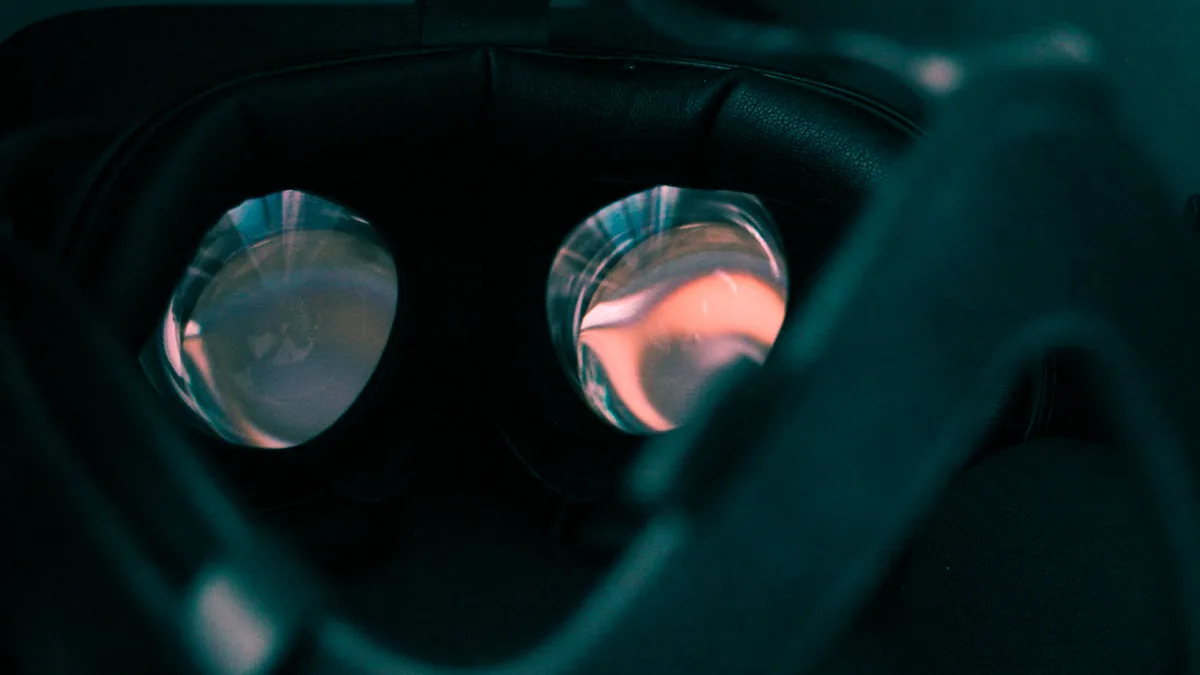
A VR headset blocks out the real world entirely and replaces it with a simulated one. For training, that is a strength: a new hire can practise handling a fire, a medical emergency, or an angry customer without any real risk, and the scenario can be repeated until the response becomes automatic. Trainers can also watch a recording of the session and point out exactly where the trainee hesitated.
The hardware has become much more practical in 2027. Standalone headsets need no PC or cables, setup takes minutes, and a single headset can serve a whole team in rotation. Prices for a good standalone training headset start from about $300, with enterprise models and management software adding to the cost. The limits are physical: sessions longer than about half an hour can cause discomfort, and each learner needs a clear, safe space to move in, so VR works best as a scheduled activity rather than something staff dip into during a shift.
Content is the bigger cost. A generic safety module is cheap, but a scenario built around your own procedures, premises, and equipment needs custom development or a subscription to a training library. That investment pays off when the same scenario is used again and again, for example onboarding every new starter in a high-risk role.
Trainers also get control that a classroom cannot offer. They can pause a scenario, change the difficulty mid-session, or replay a decision from a different angle, which turns a mistake into a lesson on the spot. Accessibility needs planning too: a small number of staff cannot use headsets comfortably, so keep an alternative way to complete the same training, such as a desktop version of the scenario.
Pros: Full immersion makes rare and dangerous practice safe and repeatable; trainers can review recorded sessions; standalone headsets are affordable and easy to set up.
Cons: Long sessions can cause discomfort; needs a clear space and scheduled time; custom scenarios cost real money to build.
AR glasses for staff training
AR glasses work the opposite way: the trainee sees the real world through clear lenses, with digital instructions, labels, and diagrams floating over it. A technician repairing a machine sees each step highlighted on the actual parts in front of them, and a warehouse worker sees the right shelf and the right item marked out as they walk the aisle. The learning happens on the real job, not in a simulation of it.

That makes AR glasses the better fit for hands-on roles where muscle memory and real equipment matter. They also fit into normal work: a trainee can wear them during a real shift with a supervisor nearby, so there is no need to book a room or take people off the floor. The trade-off is price and maturity. Good enterprise AR glasses start from about $1,000 per device, and the field of view is still narrower than natural vision, so overlays can feel cramped on complex tasks.
Battery life is another practical limit, with most devices lasting two to four hours of active use, and bright sunlight or a dusty workshop can wash out the display. For indoor, hands-on work, though, they are the most direct way to guide someone through a real task step by step.
AR glasses also open up remote expert help. A junior technician can share what they see with a senior colleague elsewhere, who draws arrows and notes onto the trainee’s view in real time. That turns a single expert into a coach for several sites at once, and it is the feature that most often justifies the higher device price for businesses with more than one location.
Pros: Trainees practise on real equipment with live guidance; fits into normal shifts without a dedicated room; hands stay free for the actual work.
Cons: Higher cost per device; limited battery life of two to four hours; narrow field of view and displays that struggle in bright light.
VR vs AR at a glance
| Factor | VR headsets | AR glasses |
|---|---|---|
| Immersion | Full: the real world disappears | Partial: the real world stays visible |
| Best training use | Dangerous, rare, or high-pressure scenarios | Hands-on tasks on real equipment |
| Typical starting price | From about $300 per headset | From about $1,000 per device |
| Session length | About 30 minutes before discomfort | Two to four hours, limited by battery |
| Space needed | A clear, safe room | None: used on the job |
| Content cost | Custom scenarios can be expensive | Step-by-step guides are cheaper to build |
The verdict
Neither technology wins outright, because they solve different training problems. Choose VR headsets when the training is about judgement under pressure, when the real situation is too dangerous or too rare to practise live, and when you can schedule dedicated sessions in a safe space. Choose AR glasses when the training is about doing a real task correctly, when the trainee needs their hands on actual equipment, and when learning has to happen during normal work.
For most businesses, the honest answer is both. Use VR to rehearse the situations that cannot be practised live, and AR to guide staff through the real tasks they do every day. If the budget only stretches to one, pick the one that matches the riskiest gap in your training: VR if mistakes could hurt someone, AR if mistakes slow the job down.
Rollout cost also differs in shape. VR needs fewer devices, because one headset serves a team in rotation, but it needs a room and someone to run the sessions. AR needs one device per trainee on shift, which costs more up front, but it needs no room and no timetable. Work out the total cost per trained employee, not the price of one device, before deciding.
When the training involves sensitive company material, our guide to what an AI synthetic media policy is is worth reading before staff start recording or sharing training sessions.
How to choose
Start with the job, not the device. List the three tasks your new starters struggle with most, then ask whether each one needs a safe simulation or live guidance on real equipment. That list usually points at one technology straight away.
Next, trial both with real staff. A one-week trial shows whether people actually enjoy using the devices, whether the content matches your procedures, and whether the sessions fit into the working day. Check the management software too: you will need a way to update content, track who completed which module, and keep devices charged and clean.
Finally, decide how you will measure results. Good training shows up in fewer errors, faster task times, and fewer repeat questions to supervisors, so set a baseline before the trial and compare after a month. If the numbers do not move, the problem is usually the content, not the device, and that is cheaper to fix than buying different hardware.
The hardware that runs the training matters as well, and our roundup of the best ultrabooks in 2027 covers the laptops that handle training content and device management on the move.
Checklist: before you buy
- Trial both technologies with the staff who will actually use them.
- Confirm the content covers your own procedures, not just generic scenarios.
- Check battery life and comfort for a full training session.
- Make sure there is a safe, clear space for VR sessions.
- Ask how completion is tracked and reported for each learner.
- Budget for spare devices, cleaning, and content updates, not just the first purchase.
Frequently asked questions
Which is better for staff training, VR or AR?
It depends on the job. VR is better for rehearsing dangerous or high-pressure situations safely, while AR is better for guiding hands-on work on real equipment. Many businesses use both for different training needs.
How much do VR headsets for training cost?
A good standalone headset starts from about $300, with enterprise management software and training content adding to the total. Custom scenarios are the biggest extra cost, so check what is included in the price before buying.
How much do AR glasses for training cost?
Enterprise AR glasses start from about $1,000 per device, and prices rise with better displays and tracking. Check current pricing before buying, since new models arrive often and prices move quickly.
Can staff wear AR glasses for a full shift?
Usually not. Most devices last two to four hours of active use, so they suit focused training sessions or specific tasks rather than a whole shift. Plan charging breaks and keep a spare device ready.
Do VR headsets make people feel sick?
Some people feel discomfort after about half an hour, especially in fast-moving scenes. Short sessions, well-designed content, and regular breaks keep this to a minimum, and most people adapt with repeated use. Anyone who cannot use a headset should have an alternative route through the same training.
Can training sessions be recorded?
Yes, and reviewing recordings is one of the best uses of VR training. Before recording staff, though, check your privacy rules and consent process. Our explainer on what AI voice biometrics is covers how voice and identity data in training recordings should be handled.
The bottom line
VR headsets are the right tool when training means rehearsing what cannot be practised live: emergencies, rare failures, and high-pressure conversations. AR glasses are the right tool when training means doing the real job better, with guidance overlaid on the actual equipment.
Start from the riskiest gap in your training, trial both with real staff, and budget for content and upkeep, not just the hardware. The technology that gets used every week beats the one that impresses in a demo and then sits in a cupboard. Measure the results after a month, and keep the format that actually makes staff faster and safer.