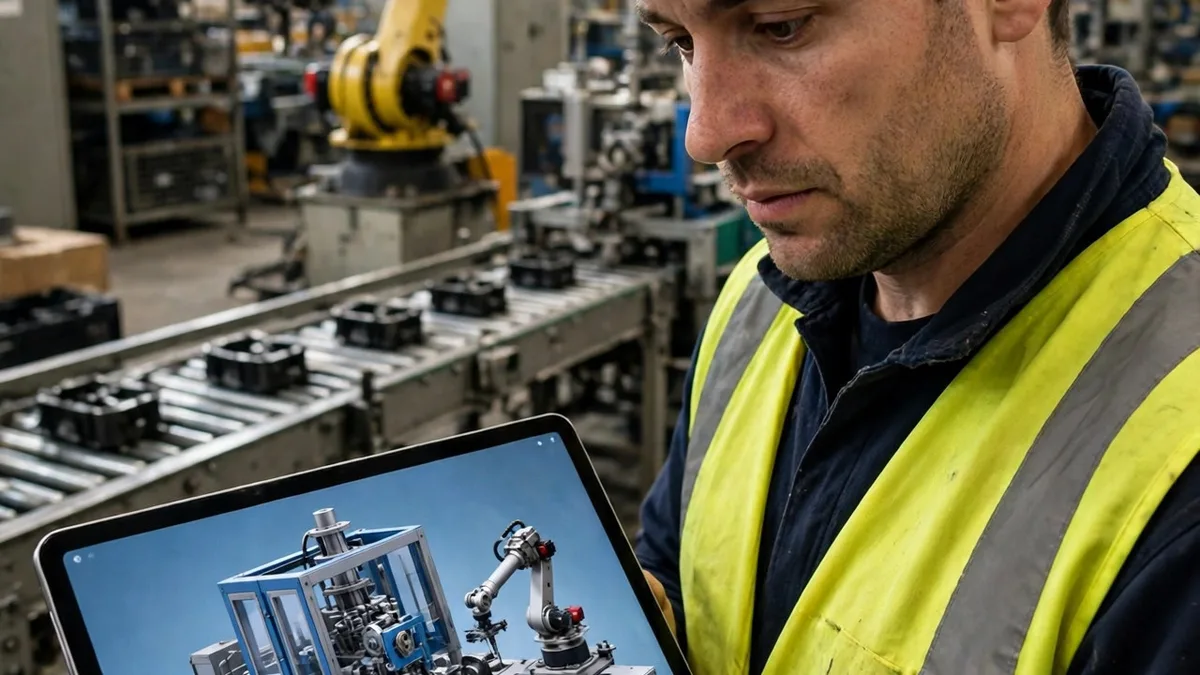
A digital twin for manufacturing is a live, working copy of a real factory asset that runs on a computer. It is not a drawing, a simulation file, or a dashboard chart. It is a model of a machine, a production line, or a whole plant that is fed with real data from sensors, and it changes as the physical asset changes.
The idea has moved from aerospace and Formula 1 into ordinary factories over the last five years, and the cost of the pieces has fallen with it. Cheap industrial sensors, standard connectivity, and cloud computing mean a mid-sized plant can now build a twin of one critical machine for roughly the price of a single unplanned breakdown. Vendors from Siemens to PTC now sell twin software as a standard part of their factory packages.
What matters is not the model itself but the loop it creates. Data flows from the machine to the twin, the twin is used to test a change or spot a failure before it happens, and the decision flows back to the shop floor.
Key takeaways
- A digital twin is a live digital model of a physical asset, kept in sync with real sensor data.
- It differs from a simulation because it stays connected to the real machine and updates continuously.
- Most factories start with one machine or line, not a whole plant, and expand only after the first twin pays for itself.
- The main returns are less unplanned downtime, less scrap, and maintenance scheduled on evidence rather than fixed dates.
- Twins fail most often on bad data, unclear ownership, and models that nobody on the shop floor trusts or uses.
What a digital twin actually is
A digital twin has three parts, and all three have to be present. First, the physical asset: a CNC machine, a robot cell, an oven, a packaging line, or an entire plant. Second, the virtual model: a digital description of that asset, its geometry, its parts, and the physics of how it behaves. Third, the connection between them: sensors and software that carry measurements from the real asset to the model and keep the two in step.
That connection is what separates a twin from an ordinary simulation. A simulation is a one-off exercise. An engineer builds it, runs it, and the result sits in a report. A twin is a living thing. It receives temperature, vibration, pressure, speed, and energy readings as they happen, and its state changes with them.
Twins come in different sizes: a component twin models one part, an asset twin models one machine, a system twin models a line, and a process twin models a whole plant. Most manufacturers start at the asset level, where the data is cleanest and the payback is easiest to measure.
The term is older than the hype. NASA used the idea of a mirrored model to diagnose problems on Apollo 13, when engineers on the ground worked with a copy of the spacecraft to test fixes. Manufacturing picked it up as sensors got cheaper and factories started collecting the data that makes a twin possible. Today the same concept shows up in the best AI tools for manufacturing engineers, where twin software sits alongside predictive maintenance and quality analytics in the same toolbox.
How a digital twin works in a factory
The loop starts with sensing. Vibration sensors on a spindle, temperature probes in an oven, current meters on a motor, and counters on a conveyor all feed measurements into a gateway device on the shop floor. That gateway cleans the data, timestamps it, and sends it to a server or a cloud platform.
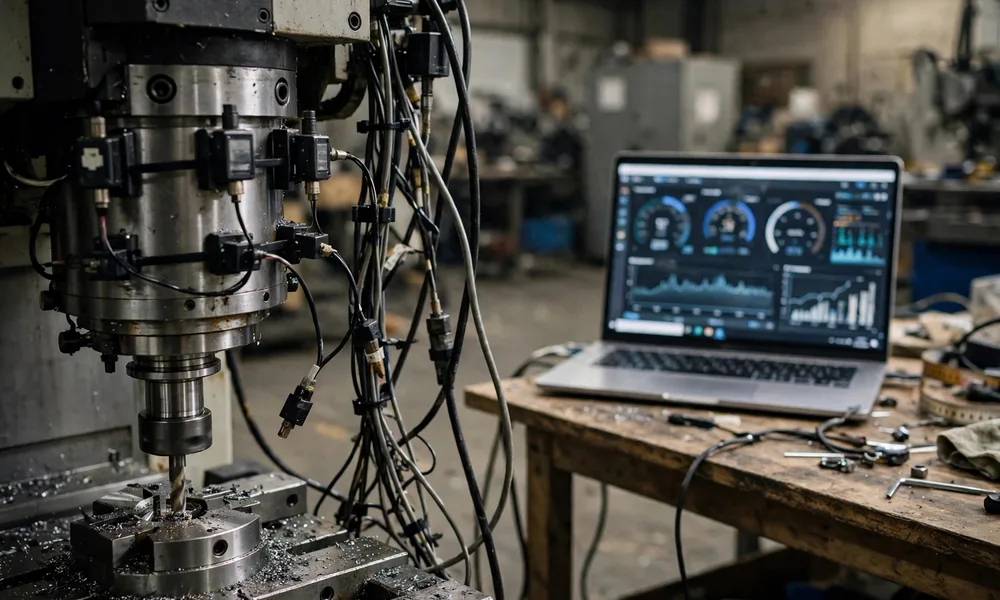
Next comes the model. Engineers build a digital description of the machine using its CAD geometry, its maintenance history, and the physics of its process. For a milling machine, the model knows the spindle speed, the feed rate, the tool wear curve, and the tolerances of the parts it makes. For a line, the model knows the cycle time of each station and the buffers between them. The model is then connected to the live data stream, so its state mirrors the machine minute by minute.
With the twin running, three uses follow. The first is monitoring: operators watch the twin to see the state of a machine they cannot easily inspect, and the twin flags readings that drift outside normal ranges. The second is prediction: by comparing current behaviour with past patterns, the twin estimates when a bearing is likely to fail or a tool needs changing, so maintenance can be planned during a scheduled stop instead of in the middle of a shift. The third is testing: engineers try a change in the twin first, such as a faster cycle time or a different cutting path, and see whether it would cause a collision or a quality problem before anyone touches the real machine.
The software side is now a crowded market. Siemens offers twins inside its industrial software suite, PTC builds them around its ThingWorx platform, and Dassault Systemes ties them to its 3DEXPERIENCE environment. The choice matters less than the fit: a twin that cannot talk to the factory’s existing machines will sit unused, however polished its graphics look. For plant teams comparing options, the best AI tools for plant managers give a useful sense of how twin software is now bundled with scheduling, energy, and quality tools rather than sold on its own.
The background: why factories are building twins now
Three shifts made twins practical. The first was the price of sensing. A decade ago, instrumenting a machine meant expensive proprietary hardware and a specialist integrator. Today, a vibration sensor costs a few tens of dollars, and a wireless gateway can be fitted in an afternoon.
The business pressure helped too. Unplanned downtime remains one of the largest avoidable costs in manufacturing, with industry surveys regularly putting the cost of a stopped line in the thousands of dollars per hour for mid-sized plants. Scrap and rework eat margin in the same way.
The risks of the moment are the usual ones for a hyped technology. The factories that succeed treat the twin as a tool for a named problem, such as cutting downtime on one bottleneck machine by a fifth, and they measure the result before spending more. The ones that fail buy the software first and look for a problem afterwards, and that order rarely works.
The caveats that matter
A digital twin is a model, and every model is a simplification. The most common failure is not technical at all: the twin is built, the pilot is declared a success, and then nobody maintains it. Sensors are replaced, machines are modified, and the model is left behind. Within a year the twin shows a machine that no longer exists.
| Detail | What is known |
|---|---|
| Definition | A live digital model of a physical asset, kept in sync with real sensor data |
| Typical starting point | One machine or one production line, not a whole plant |
| Main data sources | Vibration, temperature, pressure, speed, energy, and cycle-time sensors |
| Main uses | Live monitoring, failure prediction, and testing changes before applying them |
| Typical payback | Less unplanned downtime, less scrap, and maintenance planned on evidence |
| Biggest failure mode | A model that is built once and never calibrated or updated |
| Main cost drivers | Sensors and retrofits, software licences, integration, and ongoing maintenance |
| Best fit | Plants with a clear bottleneck machine and a named problem to solve |
Cost is often underestimated, and not because the software is expensive. The software licence is usually the smallest line in the first year. The real costs are integration — connecting old machines, cleaning data, and building the model — and the ongoing work of keeping the twin accurate. A twin with no maintenance budget is a twin with a short life.
Be sceptical of the numbers in vendor case studies. A claim of 30 percent less downtime is usually measured on a single machine, in a single plant, with a team that was already motivated to fix the problem. The result may be real, but it may not transfer to a different machine or a different factory. Treat vendor figures as a reason to run a small pilot, not as a promise. Integration matters too: a twin that cannot exchange data with the plant’s ERP or maintenance system becomes an island, and its predictions stay on a screen instead of becoming work orders. For smaller manufacturers weighing that decision, the best ERP software for small manufacturers in 2027 is worth reading alongside any twin proposal, because the twin’s value depends on the systems around it.
Checklist: judging a digital twin project honestly
- Name one specific problem the twin will solve, with a number attached, before any software is bought.
- Start with one machine or one line where the data is already decent and the payback is measurable.
- Check the sensors first: are they in the right place, calibrated, and timestamped correctly?
- Give the twin a named owner and a calibration schedule, and treat model updates as part of machine change control.
- Plan the return path: predictions must become work orders, not just alerts on a screen.
- Set a decision date for the pilot, with a written rule for whether to expand it or stop it.
Frequently asked questions
What is a digital twin in manufacturing, in simple terms?
It is a live digital copy of a real machine or line that updates with sensor data as the machine runs, letting engineers watch it, predict failures, and test changes safely.
How is a digital twin different from a simulation?
A simulation is a one-off model run for one question. A twin stays connected to the asset and updates continuously, so it reflects the machine’s current state.
How much does a digital twin cost?
A single-machine twin can cost a few thousand dollars for sensors and software, and far more once integration and model-building are included. Whole-plant twins run into six figures.
Do small factories need a digital twin?
Not always. A small factory with reliable machines may get more from basic monitoring. Twins make most sense where one bottleneck machine causes expensive downtime or scrap.
Can a digital twin control the machine directly?
Usually not. The twin advises and predicts, while the machine’s own controller runs the process. Direct control is kept separate for safety and reliability.
What data does a digital twin need?
The measurements that describe how the asset behaves: vibration, temperature, speed, pressure, energy use, and cycle times, plus its maintenance history and a record of machine changes.
The bottom line
A digital twin for manufacturing is a practical tool when it is aimed at a real problem, built on clean data, and maintained like any other piece of factory equipment. It gives a plant a live, testable copy of a critical machine, and the factories that benefit most use it to cut unplanned downtime, reduce scrap, and schedule maintenance on evidence.
The wrong way to start is to buy the software and then look for a use. Pick one bottleneck machine, write down the number you want to move, build the twin for that machine, and judge it on the result. If the pilot moves the number, expand it; if it does not, find out why before spending more.
Note: Costs, capabilities, and vendor offerings change quickly, and a twin’s results depend heavily on the condition of the specific machine and the quality of its data. Treat this guide as a starting point and verify current pricing and integration details with the vendor before committing to a project.