Choosing a new phone is easier when you start with what you need it to do, not with the highest price tag. Your budget, preferred screen size, camera habits, battery needs, and plans for keeping the device all shape the right choice. A phone for quick photos and everyday apps may not need the same features as one for long workdays or creative projects.
ProMotion is Apple’s variable-refresh-rate display technology, which adjusts how often the screen refreshes to balance smooth motion and power use. Knowing which features matter to you can help you avoid paying for extras that stay unused. This comparison offers practical choices for different budgets and priorities, from newer models to refurbished phones.
A good choice should feel comfortable in your hand and fit the way you use it each day. The right price also depends on storage, carrier terms, and how long you expect to keep the phone. A useful comparison should help you pay for the features you will actually use.
Key Takeaways
- The iPhone 17 suits many buyers who want a balanced set of features.
- The iPhone 17e costs less and keeps current performance, with fewer camera and screen features.
- The iPhone 18 Pro favors advanced photography and demanding apps.
- The iPhone 18 Pro Max puts battery life and a large screen first.
- The iPhone Air is a thin design-focused option.
- Older and refurbished phones can be good buys when price and condition fit.
What Is the Best iPhone Right Now for Most People?
For most people, the iPhone 17 is the best iPhone to buy right now because it balances everyday features without requiring a Pro-model budget. It gives you a strong all-round experience for common needs, while other models suit more specific priorities.
Best value depends on what you value most: a lower starting price or a fuller feature set. If you want a lower-cost current model, the iPhone 17e is the direct alternative. The iPhone 18 Pro suits advanced photography, and the iPhone 18 Pro Max favors long battery life. The iPhone Air puts thinness and lightness first.
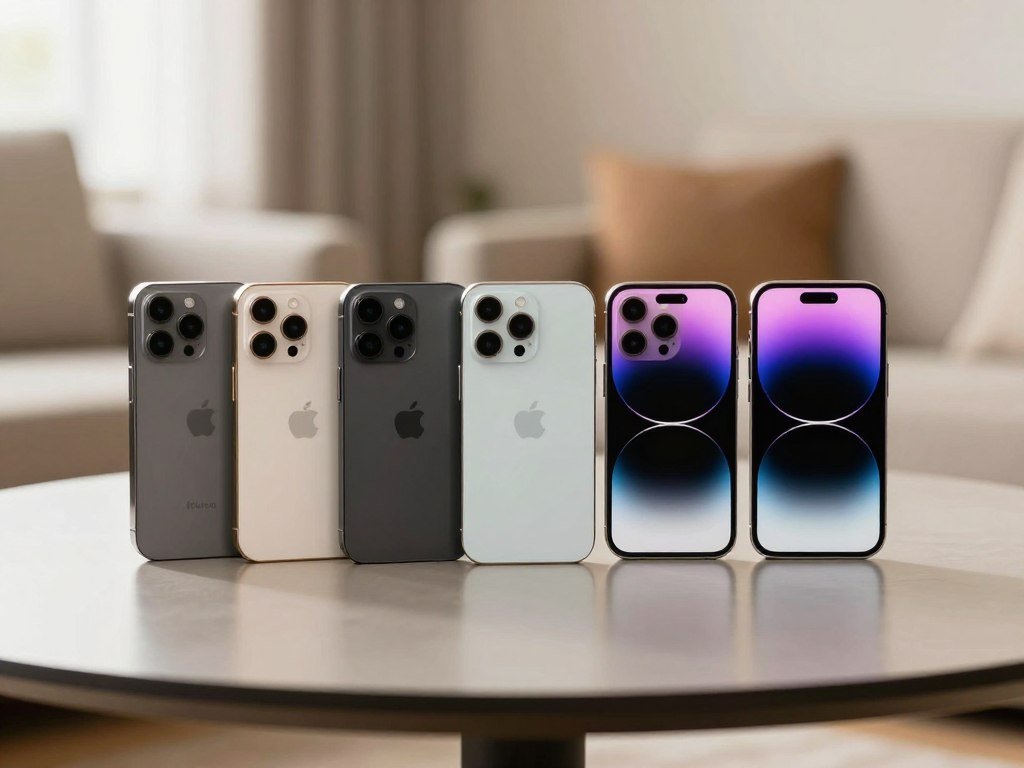
The iPhone 17 is the best fit for most people, while the other choices make sense when one need leads your decision.
- iPhone 17: Choose it for a balanced set of everyday features.
- iPhone 17e: Choose it when a lower starting price matters most.
- iPhone 18 Pro: Choose it for advanced camera controls and demanding work.
- iPhone 18 Pro Max: Choose it when long battery life is a priority.
- iPhone Air: Choose it for a thin, light design.
If you are deciding which iPhone is best value for money in 2026, weigh the purchase price against the features you will use. A lower price can be a better choice when you do not need premium extras, while a fuller model may offer more value over years of daily use.
You can compare these iPhone models for different needs when a particular feature shapes your choice. If a lower upfront price matters more than a second camera or a smoother screen, the iPhone 17e is the more focused value choice.
Which Current iPhone Fits Your Budget and Priorities?
The current lineup spans a lower-cost everyday option, a well-rounded standard model, a thin design, and two premium Pro choices. The starting prices help you see how each model fits your budget before you compare its features.
The iPhone 17 starts at $929, while the iPhone 17e starts at $699. The iPhone Air begins at $1,099, and the Pro models start higher. Your best choice depends on more than the number on the price tag.
| Model | US starting price | Best fit |
|---|---|---|
| iPhone 17 | $929 | All-round use |
| iPhone 17e | $699 | Lower-cost current model |
| iPhone Air | $1,099 | Thin design |
| iPhone 18 Pro | $1,199 | Advanced camera and performance |
| iPhone 18 Pro Max | $1,299 | Larger screen and battery focus |
The table gives you a quick look at the price range and the main role of each model. It does not show every feature or tell you which phone will fit your routine best.
A lower starting price can leave room in your budget for more storage or accessories. A more expensive iPhone may earn its higher price if you use its camera system, larger screen, or added performance often.
Compare each model’s features against the way you use your phone before treating the lowest price as the best deal.
Why Is the iPhone 17 the Best All-Round iPhone?
A 6.3-inch screen that can refresh from 1Hz to 120Hz gives the iPhone 17 the kind of smooth, flexible display previously associated with Pro models. The screen can slow down for still content and speed up for smoother motion while scrolling or gaming.
The iPhone 17 pairs a bright display with a 48MP ultrawide camera and stronger battery test results than its predecessor. Its 2,622 by 1,206-pixel resolution keeps text and photos sharp, while always-on support shows key details without waking the screen fully.
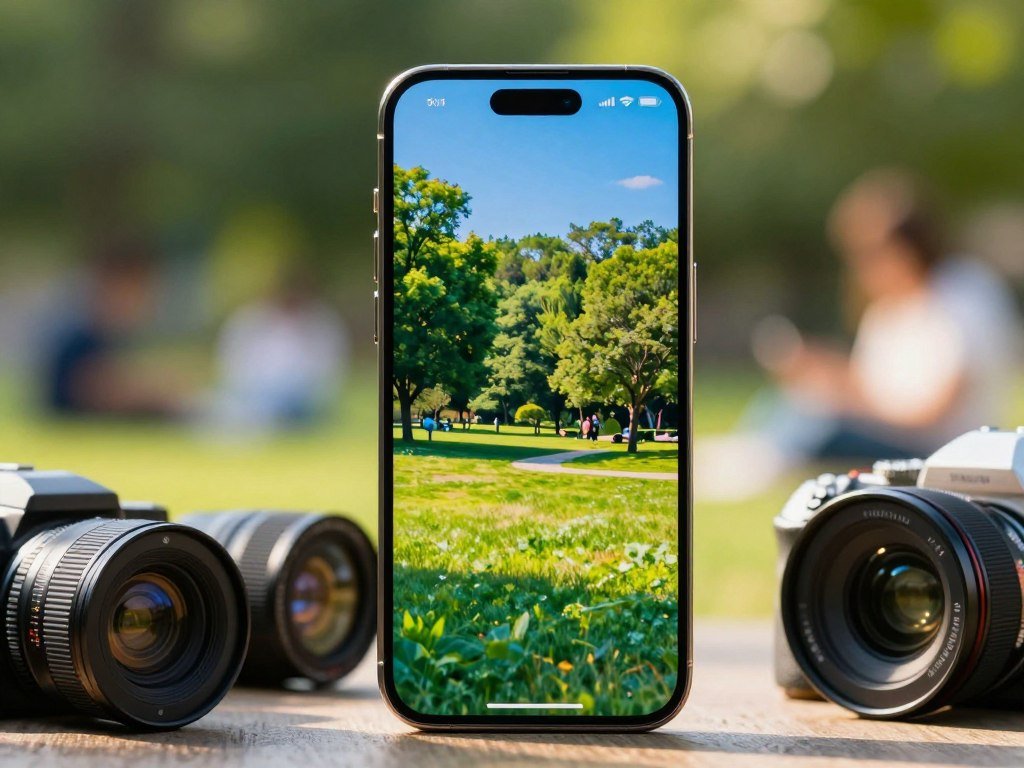
The display and cameras deliver useful upgrades
Peak brightness reaches 3,000 nits, which helps you read the screen outdoors. An antireflective finish can also make bright scenes easier to view. Ceramic Shield 2 offers three times better scratch resistance.
The rear camera system pairs a 48MP main camera with a 48MP ultrawide camera. The ultrawide lens gives you more room for group shots, buildings, and wide landscapes than a standard lens can capture.
An 18MP front camera handles selfies and video calls. Together, these camera and display features suit people who take varied photos but do not need Pro-level controls.
Battery life and charging in everyday use
In CNET’s three-hour streaming test, the iPhone 17 fell from 100% battery to 89%. The iPhone 16 fell to 86% in that same test. Those results describe one timed streaming comparison, not a full-day estimate.
Apple rates the iPhone 17 for up to eight more hours of video playback than the iPhone 16. In a separate test, PCMag measured 24 hours and 31 minutes of battery life. CNET ranked it second for battery life among 35 tested phones.
The phone supports 40-watt wired charging and 25-watt wireless charging. Its September 19, 2025 release places it among the newer models in this lineup.
The iPhone 17 is a particularly sensible upgrade for someone who will notice its display and ultrawide camera every day.
Is the iPhone 17e the Best Budget iPhone?
The iPhone 17e is the budget choice for buyers who want current performance and generous base storage but can live without premium display features. Its lower price makes it a strong option when the essentials matter more than every extra.
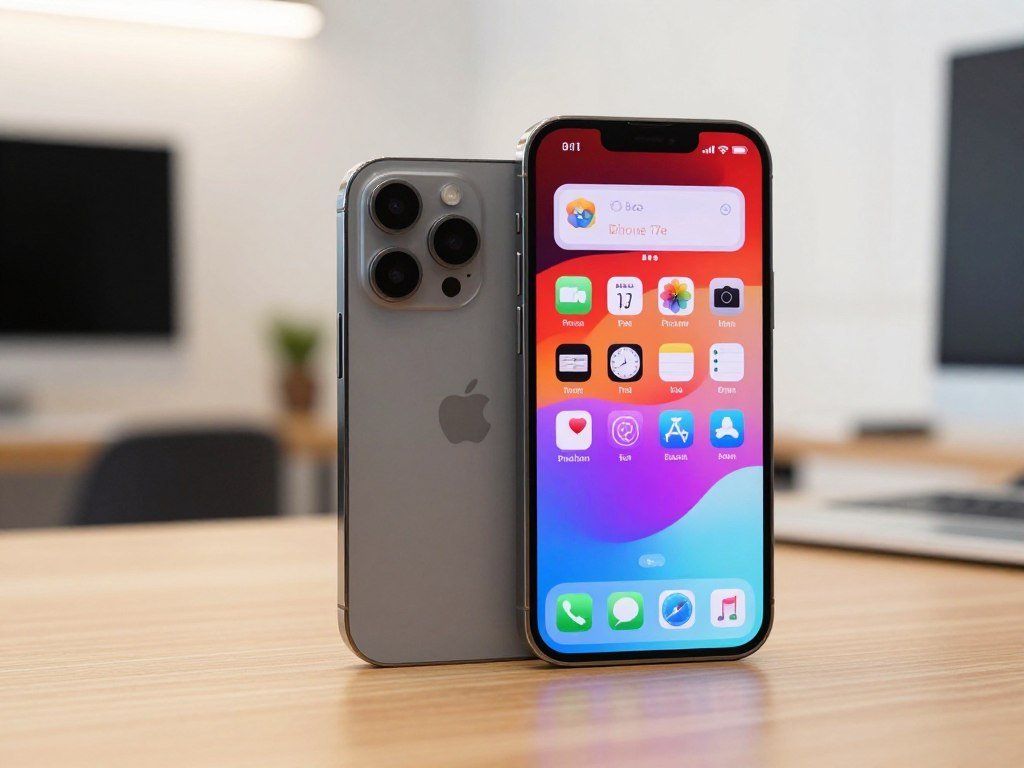
The $699 starting price makes the iPhone 17e a budget pick for buyers who do not need a second rear camera or a faster display. It keeps useful basics, including the A19 chip and 256GB of base storage.
What the 17e includes
The A19 chip gives the phone current processing power for apps, games, and everyday tasks. Its base storage is 256GB, leaving space for photos, apps, and downloaded media.
MagSafe compatibility lets you use compatible magnetic chargers and accessories. The single rear camera keeps the design and camera system simple for everyday pictures.
The trade-offs that matter most
The 60Hz display does not have the iPhone 17’s 1-120Hz variable refresh rate. Scrolling and motion can feel less fluid, and the screen does not offer the same always-on experience.
One rear camera also gives you fewer ways to frame a shot. It is less useful when you need a wider view for a large group or a tight indoor space.
Choose it when the savings matter more than an always-on 120Hz display or an ultrawide camera.
Should You Choose the iPhone 18 Pro for Photography?
Choose the iPhone 18 Pro when camera control and demanding creative or gaming work matter enough to justify its premium price. Its camera flexibility is a clear reason to pay more than you would for a standard iPhone.
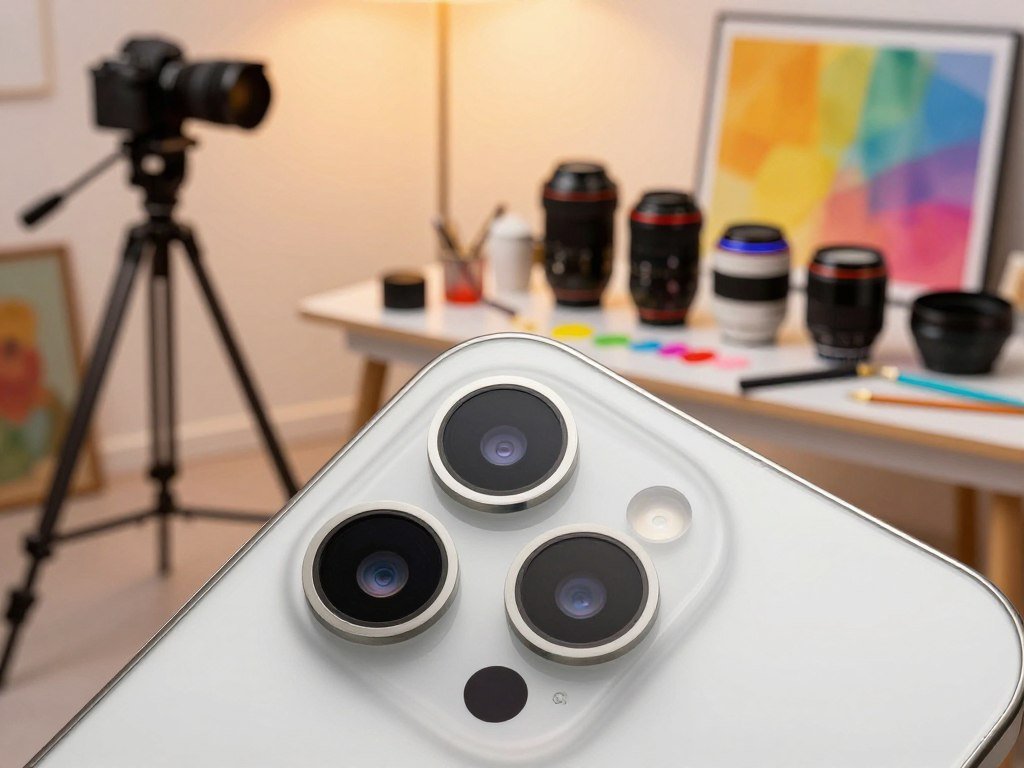
The iPhone 18 Pro starts at $1,199 and pairs three 48MP rear cameras with an A20 Pro processor. That mix suits buyers who will use its photo options or need extra headroom for demanding apps.
Camera flexibility for photographers
The three 48MP rear cameras offer different viewpoints, giving you more choice when framing a shot. A variable-aperture main camera can change how much light enters the lens and affect the depth of field.
That control can help when you want a particular look rather than a quick automatic photo. It is useful for scenes where light, focus, and background blur matter to the result.
The extra cameras also help when you need a wider view or a closer perspective. For a more detailed look at lens choices, see this guide to iPhone camera options for different budgets.
Performance for demanding apps
The A20 Pro is designed for demanding games, creative work, and intensive apps. It gives you a higher-performance tier without requiring a claim about a specific speed increase.
That extra power can help if you edit media, run several demanding apps, or play graphics-heavy games. For messaging, browsing, and casual photos, most buyers will not need to pay for this level.
A hands-on iPhone 18 Pro review describes manual camera controls and the variable-aperture camera’s depth-of-field effects. If your photos are mostly casual point-and-shoot images, the standard iPhone 17 is the more economical fit.
Is the iPhone 18 Pro Max Worth It for Battery Life?
The iPhone 18 Pro Max is the endurance-first choice for people who regularly stream, navigate, game, or work away from a charger. Its long runtime and large screen suit heavy phone use.
Apple rates the iPhone 18 Pro Max for up to 34.5 hours of battery life. It starts at $1,299 and uses the A20 Pro processor with iOS 27.
Endurance and charging
The up-to-34.5-hour figure describes the phone’s rated battery life. In CNET’s charging test, the Pro Max gained 77% battery charge in 30 minutes. That result measures charging speed, not runtime.
These numbers matter most if you often spend long stretches away from an outlet. They can also help if your phone handles navigation or video throughout the day.
Screen size and carrying comfort
At 249 grams, the iPhone 18 Pro Max is a heavy phone to carry. Its large format gives you more room for videos, reading, and games, but can feel cumbersome in a pocket or one-handed grip.
That trade-off is easy to miss when you compare features on a screen. Your hand size, case, and daily habits all affect whether the phone feels comfortable.
The larger Pro Max format suits people who prioritize screen space and fewer charging stops, but its weight can be tiring over time. Handle a large phone in person if its weight and reach could affect daily comfort.
Is the iPhone Air the Right Choice for a Thin, Light Phone?
The iPhone Air is for people who care more about carrying a very thin phone than having a versatile rear-camera system. At 0.31 inches thick, it stands out as a design-led choice.
The iPhone Air starts at $1,099 and has a 6.5-inch screen with one rear camera. That large screen offers more viewing room while the thin body aims to keep the phone sleek.
The design-first advantage
The 6.5-inch display gives you space for reading, video, and games. The slim body may appeal if you dislike bulky phones but still want a broad screen.
That combination sets the Air apart from a small-screen option. It is a specialist design choice, not the default value pick for most buyers.
The single-camera compromise
The single rear camera limits your choice of viewpoints. It cannot offer the same lens flexibility as a phone with separate wide and ultrawide cameras.
If you often photograph groups, buildings, or wide scenes, that limit may matter more than the thin design. Pick it for the slim form factor, not for camera flexibility.
Should You Get the iPhone 17 or the iPhone 16?
At similar prices, choose the iPhone 17 for its larger starting storage and higher-resolution ultrawide camera. Its stronger starting setup gives you more room for files and more detail in wide photos.
The iPhone 17 starts with 256GB of storage, while the iPhone 16 starts with 128GB. The 17 also has a 48MP ultrawide camera, compared with the 16’s 12MP ultrawide camera.
What the iPhone 17 improves
The added starting storage can help if you keep photos, videos, and apps on your phone. Its higher-resolution ultrawide camera gives you more detail in broad scenes.
Those differences make the newer model the better choice when both phones cost about the same. The extra storage can also reduce pressure to remove files to make room.
| Model | Base storage | Ultrawide camera |
|---|---|---|
| iPhone 17 | 256GB | 48MP |
| iPhone 16 | 128GB | 12MP |
When the iPhone 16 may be enough
The iPhone 16 can make sense if its actual price is meaningfully lower and its features meet your needs. It remains a reasonable option for everyday use when the savings are substantial.
Compare its selling price with the cost of the iPhone 17 in the same storage range. This comparison of iPhone buying options can help you think through price and features together.
Compare the exact selling prices before deciding whether the iPhone 16’s lower cost outweighs those upgrades.
Is a Refurbished iPhone 13 Pro Still a Good Buy?
A refurbished iPhone 13 Pro can offer premium camera and display features at a much lower listed price than a new Pro model. Its older flagship features can suit buyers who want more than a basic phone without paying for a new premium model.
On October 13, 2026, RefurbMe listed the refurbished iPhone 13 Pro from $322. A listing is not the same as a guarantee that every phone has the same storage, condition, or terms.
Refurbished prices and standout features
The cheapest unlocked listing with 128GB of storage was $334. The cheapest unlocked 256GB listing was $369. RefurbMe’s lowest recorded price was $199 on eBay Refurbished, a historical low rather than the listed price for every unit.
The 120Hz ProMotion display can make scrolling feel smoother. A 3x optical telephoto camera gives you a closer view, and macro focus helps capture small subjects.
ProRes video adds a format suited to more advanced video work. These features still make the iPhone 13 Pro interesting if the phone is in good shape.
What to inspect before paying
Check the details of the exact phone and its sale terms before you pay. A low price means little if the phone cannot meet your storage or carrier needs.
- Battery health: Check the phone’s reported battery condition.
- Unlocked status: Confirm that the phone can work with your carrier.
- Storage capacity: Match the listing to the space you need.
- Return or warranty terms: Know what help you can get after buying.
Treat a historical low as a reference point, not a promise that a comparable listing is available now.
Which Is Better: iPhone 13, iPhone 14, or iPhone 15?
All three generations support iOS 27, but they began their software lives in different versions. The newer starting point of the iPhone 15 gives it the longest runway among these three families.
The iPhone 15 family supports iOS 17 through iOS 27, while the iPhone 13 family supports iOS 15 through iOS 27. The iPhone 14 family supports iOS 16 through iOS 27.
How long each generation remains supported
| Model family | Earliest supported iOS | Latest supported iOS |
|---|---|---|
| iPhone 13 | iOS 15 | iOS 27 |
| iPhone 14 | iOS 16 | iOS 27 |
| iPhone 15 | iOS 17 | iOS 27 |
The shared current iOS support does not make these models identical. Their age, condition, price, and features still matter to your decision.
What older models suit different buyers
The iPhone 15 is the newer-generation choice and may suit you if you want the newest starting point among these options. The iPhone 13 or iPhone 14 can make sense at a sufficiently lower price.
Battery condition matters more as a used phone ages. A lower price is less useful if the phone cannot last through your normal day or has damage that affects how you use it.
There is no single winner for every budget: compare software runway, condition, and price together. For a used phone, check battery condition and the exact device’s software compatibility before paying.
Which iPhones Support iOS 27 and Apple Intelligence?
A phone can support the latest iOS release without supporting every feature that runs on newer chips. The software update and Apple Intelligence have different requirements.
iOS 27 was released on September 14, 2026, and the iPhone 13 Pro supports it. That support does not mean the model can run Apple Intelligence.
iOS 27 compatibility
The iPhone XR, iPhone XS, and iPhone XS Max support versions through iOS 18. Their software support ended on April 22, 2026.
An older model may keep working after it stops receiving the newest iOS version. The gap matters if you rely on current software features or want the latest updates.
Apple’s iOS 27 Apple Intelligence eligibility guide explains that feature access depends on the device, language, region, and other limits.
Apple Intelligence eligibility
iOS support and Apple Intelligence support are separate. The iPhone 13 Pro’s A15 Bionic chip falls short of the A17 Pro requirement for Apple Intelligence.
Check these points before choosing an older phone:
- Verify the exact iPhone model.
- Verify its current iOS eligibility.
- Decide whether Apple Intelligence is a must-have.
Check software support and AI-feature eligibility separately before choosing an older model.
What Is the Best iPhone Right Now for Students?
For most students, start by comparing the iPhone 17e with the iPhone 17 rather than assuming a Pro model is necessary. The right student phone should handle school tasks without putting extra strain on your budget.
The iPhone 17e can suit students who mainly need messaging, coursework, apps, and everyday photography. The iPhone 17 may be worth more if its screen and camera features fit how you use your phone.
A lower-cost choice for everyday school use
A student who mainly checks class messages, reads course files, and uses common apps may not need a Pro model. The iPhone 17e offers a current phone at a lower starting price than the iPhone 17.
Think about storage before you buy. School files, downloaded videos, photos, and apps can take up space during a busy term.
- Upfront budget: Decide how much you can spend now.
- Storage: Estimate space for school files and media.
- Battery demands: Consider a full day of classes and travel.
- Camera use: Decide whether an ultrawide camera would help.
When it is worth spending more
The iPhone 17’s smoother display and ultrawide camera may be worth the added cost if you use them often. Its screen can feel more responsive during scrolling, and its camera can fit more into wide shots.
Students who take casual photos and use standard apps may have little reason to spend more. If the phone must last through a full day of classes and commuting, prioritize battery needs over a minor performance upgrade.
How Should You Choose the Right iPhone for Your Needs?
Start with the parts of the phone you notice every day, such as how it fits your hand, how often you use the camera, and how much you save offline. Those daily habits can guide your choice more clearly than a model number.
A 6.1- to 6.3-inch screen is generally easier to manage one-handed, while screens of 6.5 inches or more offer more viewing room. Larger screens suit video, reading, and games, but can be harder to use with one hand.
Match screen size and camera to your habits
| Priority | A useful question | What to compare | Common trade-off |
|---|---|---|---|
| Screen size | Can you use it one-handed? | 6.1-6.3 inches or 6.5 inches and up | Reach or viewing room |
| Camera use | Do you need wide or close views? | Everyday photos, ultrawide, telephoto | Simple setup or more choice |
| Storage needs | How much do you save offline? | Photos, video, and apps | Lower cost or more space |
| Total cost | What will checkout cost? | Phone, storage, and carrier terms | Lower price or more features |
Everyday photos may need only a main camera, while wide scenes can benefit from an ultrawide lens. A telephoto camera helps when you want to bring distant subjects closer.
Balance storage and total cost
Locally saved videos and large photo libraries use storage quickly. If you download media or keep years of pictures on the phone, compare larger storage options before settling on a model.
Compare the full cost rather than choosing by model name alone. A lower-priced option may need more storage, while a pricier phone may include features you do not use.
Spend extra only when a feature solves a real need you have.
Should You Buy an iPhone Now or Wait Until 2027?
Buy now if your current phone is failing a need you cannot reasonably work around; otherwise, waiting can preserve your options. The best timing depends on whether your current device still works for your daily needs.
A future iPhone model cannot be chosen on unconfirmed specifications. Base a 2027 buying decision on your current needs and confirmed offers, not rumors about features or prices.
Buy now when your current phone is holding you back
A failing battery can disrupt a day of work, school, or travel. Inadequate storage can make it hard to save files, and unsupported software may leave you without newer features.
If any of those problems already affect your daily use, a current model can solve a real need. The iPhone 17 and iPhone 17 Air were released on September 19, 2025.
Wait when a specific future feature matters
Waiting makes more sense if your current phone works well and a particular upcoming feature is worth delaying for. Name that feature before you wait, so the choice is tied to something you actually need.
There is no confirmed feature list to use as a basis for picking a 2027 model. Recheck confirmed model details and actual prices when you are ready to purchase.
What Should You Check Before Paying?
Before checkout, verify the exact model configuration, carrier setup, and activation conditions behind the displayed price. The iPhone 17 costs $899 with carrier activation, compared with $929 without that condition.
Check each detail before you submit payment:
- Confirm the storage capacity you selected.
- Confirm carrier compatibility and eSIM setup.
- Check whether the price requires carrier activation.
- Confirm which USB-C cable and accessories you need.
iPhone 15 and newer models use USB-C. In the United States, iPhone 14 and newer models are eSIM-only.
Make sure the final checkout price matches the model and carrier terms you intended.
Conclusion
For most buyers, the iPhone 17 is the safest all-round recommendation, while the right alternative depends on budget and the features you will use. The best value may be a lower-cost model or a Pro choice when its extra camera or battery features matter to you.
Choose based on the features you will use, not the highest price you can afford. The iPhone 17e can fit a tighter budget, while a Pro model suits buyers with more specific needs.
Before ordering, compare the exact storage configuration and the final carrier or unlocked price for your preferred model. Check the final configuration and price before placing the order.
FAQ
Which is better, the iPhone 15 Pro or the iPhone 16?
The iPhone 15 Pro suits buyers who want ProMotion and a telephoto camera, while the iPhone 16 is newer and can be a simpler everyday choice. Compare the exact condition and price, especially if you are considering a used 15 Pro. The newer model may make more sense when both phones cost about the same.
Should I get the iPhone 17 or 16?
At similar prices, get the iPhone 17 for 256GB of base storage and its 48MP ultrawide camera. The iPhone 16 starts with 128GB and has a 12MP ultrawide camera. The older model can still be a good buy if it is substantially discounted and its storage suits your needs.
Which iPhone is the best value for money in 2026?
The iPhone 17 is the all-round value choice, while the iPhone 17e is the lower-cost option. Choose the 17e if its 60Hz display and single rear camera meet your needs. The iPhone 17 costs more, but its fuller feature set can be useful if you use its display and camera often.
Which iPhone is best for photography?
The iPhone 18 Pro is the best choice for photography because it has three 48MP rear cameras and a variable-aperture main camera. Those features give you more camera viewpoints and control over light and depth of field. The iPhone 17 is enough for everyday photos if you do not need those options.
Which is better, iPhone 13 or 14 or 15?
The iPhone 15 is the newest of the three generations, while a lower-priced iPhone 13 or 14 can suit a tighter budget. All three families support iOS 27. For a used phone, compare condition and price, and make sure its software support fits how long you plan to keep it.
Is the iPhone 13 too old for 2026?
No, the iPhone 13 is not too old for every buyer in 2026, since the family supports iOS 27. Its A15 Bionic chip does not support Apple Intelligence, which requires an A17 Pro chip or newer. Check battery condition before buying a used model, since battery wear can affect daily use.
Is the iPhone 15 outdated in 2026?
No, the iPhone 15 is not outdated for basic use, and its family supports iOS 27. The standard iPhone 15 does not match every feature on newer models, so compare its price with a current phone. A lower price can make it appealing if its camera, screen, and storage meet your needs.
Which iPhone is the most secure?
Choose an iPhone that still receives current iOS updates and install those updates promptly. Software support is a better guide to ongoing protection than a model’s age alone. Apple Intelligence compatibility is a separate feature requirement, so a phone can receive iOS updates without supporting that tool.



