

Quick Answer: Which budget gaming laptops are worth buying?
The budget gaming laptops worth buying are the ones where the graphics card gets enough power and the cooling can handle it, not the ones with the flashiest spec sheet. In practice, that means shopping last-generation or refurbished models, prioritizing the GPU over the CPU, and confirming the stated power limit before paying.
Comparable options exist in slightly different shapes: a cheaper laptop plus an external monitor can beat a pricier all-in-one machine, and a refurbished mid-range unit often outperforms a new entry-level one. Before acting, compare the GPU model and its wattage, the RAM and storage upgrade paths, the screen’s brightness and refresh rate, the cooling design, the battery size, and the warranty terms.
Why the Spec Sheet Lies to Budget Buyers
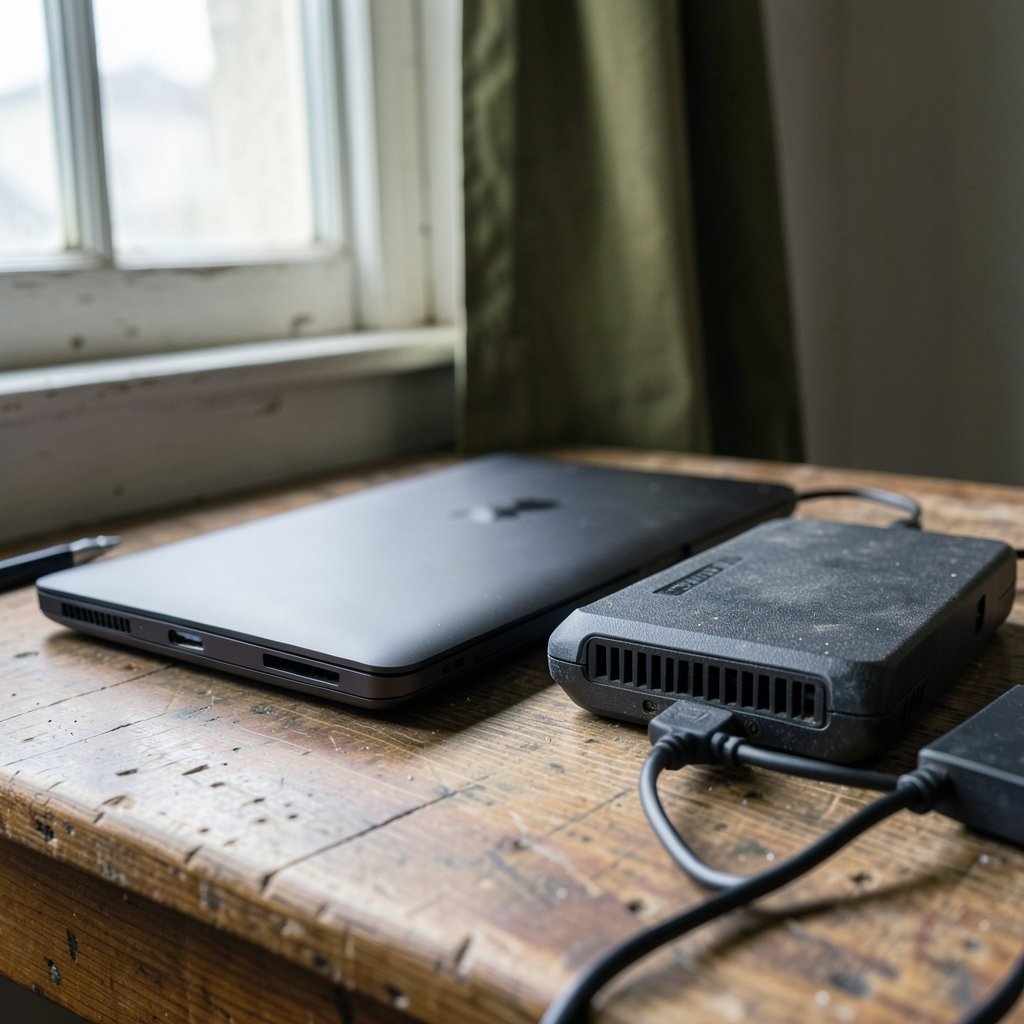
Ever noticed how two laptops with the exact same graphics card name can feel like completely different machines? That is not a trick of the imagination. It is the single most important thing to understand before spending money on a budget gaming laptop.
Laptop graphics chips are not desktop chips. They run at lower power limits, and manufacturers decide how much power to feed them. The same model name can appear in a thin, quiet machine running at a modest wattage and in a chunky machine running much higher. The performance gap between those two can be enormous, and the box rarely tells you which one you are holding.
This is why the honest answer to “which budget gaming laptop is worth buying” is never a single model name. It is a set of rules for filtering. Get the rules right and almost any shortlist you build will serve you well for years.
Rule One: The GPU Decides Everything
In the budget tier, the discrete GPU is almost always the performance limiter. The processor is usually fine. Modern budget CPUs handle everyday tasks and most games without breaking a sweat, while the graphics chip is the part doing the heavy lifting in every 3D scene.
That means money spent upgrading the CPU is usually money wasted, and money spent on a better GPU class is money well spent. A modest processor paired with a stronger graphics chip will beat a powerful processor paired with a weak one in nearly every game.
There is a catch, though. A graphics chip’s name tells you its family, not its muscle. You need the TGP, or total graphics power, which is the wattage the manufacturer allows the chip to draw. Many budget listings quietly omit it. When a listing hides the wattage, treat that as a warning sign and look for an independent review that measured it.
If you are also sorting out a display to pair with the machine, the same logic applies: the panel you look at every day matters as much as the hardware inside. A practical guide to gaming monitors worth buying for beginners covers the numbers that actually change how games feel.
Rule Two: Cooling Is Not a Luxury
A fast chip that overheats becomes a slow chip. Budget chassis often use less capable cooling systems, and under sustained load that leads to thermal throttling, where the hardware deliberately slows itself down to avoid damage. The first ten minutes of a game can look great while the next hour stutters.
Independent reviews that include thermal testing are more useful than spec sheets. Look for reviewers who run long sessions and report frame rates after thirty minutes as well as at the start. Fan noise matters too, especially if the laptop will sit in a shared room or a lecture hall.
Practical tip: a laptop that runs cool at a lower wattage often delivers smoother, more consistent performance than one that sprints and then stumbles. Consistency beats peak numbers for actual play.
Rule Three: Buy Last Generation, or Buy Refurbished
The budget shopper’s best friend is the calendar. Previous-generation graphics hardware is still perfectly capable, and it drops in price fast once the new generation arrives. A last-gen machine at a discount routinely beats a current-gen entry model at full price.
Refurbished units are the other lever. Manufacturer-refurbished laptops have historically offered strong value because they are inspected, restored, and sold with a warranty, unlike a random used listing. Warranty length and terms vary by region, so read the fine print before committing.
One caution: refurbished is not a magic word. Buy from the manufacturer’s own program or a reputable retailer with a clear return window, and confirm the battery health policy. A cheap refurbished unit with a worn battery is not a bargain.
If portability matters more than raw gaming power, it is worth knowing where the money goes in other categories. A guide to tablets worth buying for beginners and everyday use explains the trade-offs between light, cheap, and capable.
The Comparison That Matters Most
Here is how the main budget strategies stack up against each other in plain terms.
| Strategy | Strength | Weakness | Best For |
|---|---|---|---|
| New entry-level gaming laptop | Full warranty, latest ports | Weakest GPU tier, hidden wattage | Buyers who want zero risk |
| Last-gen model on clearance | Better GPU for the money | Stock disappears fast | Patient shoppers |
| Manufacturer-refurbished mid-range | Strong build, real warranty | Limited configurations | Value hunters |
| Budget laptop plus external monitor | Big screen, better ergonomics | Not portable as a setup | Dorm and desk users |
| Thin lightweight with weak GPU | Easy to carry | Poor sustained gaming | Casual and older titles |
Notice that the “best” row depends entirely on the person. A student who games at a desk has different needs from someone who wants one machine for everything.
What to Check Before You Pay
A short checklist separates a good buy from a regret. Work through these in order.
- GPU model and stated TGP. Find the wattage. If the listing will not say, find a review that measured it.
- Cooling design. Look for reviews that report sustained performance and fan noise alongside peak frame rates.
- RAM and storage upgrade paths. Many budget models have user-accessible memory slots and an extra drive slot, which lets you buy small and upgrade later. Some thin models solder the memory permanently, so check per model.
- Screen quality. Budget panels often compromise on brightness, color range, or refresh rate. Verify the actual panel specs for the exact configuration.
- Battery size. Gaming laptops drain fast under load, and budget models often ship smaller batteries. Expect modest unplugged gaming time regardless.
- Warranty and return window. This is your safety net for dead pixels, coil whine, and thermal surprises.
That last point deserves emphasis. A generous return window is worth more than a small discount, because the first week is when most problems show up.
The Mistakes That Cost People Money
Some errors show up again and again in budget laptop purchases.
The first is paying for a processor upgrade instead of a graphics upgrade. Sales staff love talking about core counts because the numbers sound impressive. In gaming, they rarely are the bottleneck.
The second is ignoring the wattage. Two laptops with the same GPU name at different power limits are not the same product, and the cheaper one is often cheaper for a reason.
The third is buying the smallest storage and never upgrading it. A small drive fills up fast with modern game installs. If the model has an open drive slot, plan the upgrade into your budget from day one.
The fourth is skipping the return window test. Run a demanding game, watch the temperatures, listen for fan rattle, and check the screen for dead pixels within the first few days. Problems found late are problems you own.
The fifth is forgetting the accessories budget. A cooling pad, an external mouse, and possibly a monitor add real cost. If the total stretches too far, a cheaper laptop plus a good screen can be the smarter split. The same budgeting logic appears in laptop battery buying guides for beginners, where replacement costs quietly reshape the math.
How Much Should a Budget Gaming Laptop Cost?
There is no fixed number, because pricing shifts by region, season, and stock. What matters is the ratio: how much graphics performance you get per dollar compared with the alternatives on the shelf that week.
A useful habit is to compare three options side by side before buying: a new entry-level model, a last-gen model on clearance, and a refurbished mid-range unit. Whichever delivers the strongest GPU at a wattage you can verify, with a warranty you trust, is usually the winner.
Be suspicious of deals that undercut everything else by a wide margin. In this category, deep discounts usually mean an older GPU, a smaller battery, a dim screen, or a seller with weak after-sales support. One of those might be acceptable. Several at once rarely are.
Where Budget Laptops Fit in a Bigger Setup
A gaming laptop is rarely the whole story. Most people end up pairing it with a monitor, a mouse, and a headset. That is why it helps to think about the whole desk rather than the single box.
If the laptop will mostly sit on a desk, a cheaper machine plus a better screen often beats a more expensive laptop with a mediocre panel. The screen is what you look at, and it outlasts the laptop. A guide to gaming monitors worth buying for everyday use walks through the refresh rate and panel choices that matter most.
For buyers who also want a console or a handheld in the mix, the calculus changes again. A piece on whether the Nintendo Switch 2 is worth buying for beginners is a useful sanity check on how much dedicated gaming hardware you actually need before spending laptop money.
And if video calls or streaming are part of the plan, do not overlook the cheap add-on that transforms the experience. A look at webcams worth buying for everyday use shows how little it costs to fix the one part of a laptop that is almost always bad.
Conclusion
The budget gaming laptops worth buying are not the ones with the longest feature list. They are the ones where the graphics chip gets enough power, the cooling keeps up, and the price leaves room for the upgrades you will actually make.
Shop last generation. Verify the wattage. Read reviews that test sustained performance. Check the memory and storage upgrade paths. Buy from a seller with a real warranty and a return window you can use. Do those things and a modest machine will serve you far better than a flashier one that throttles, hides its power limit, or arrives with a dim screen and a small battery.
Spend where it counts, skip what does not, and the budget tier stops feeling like a compromise.
FAQ
Is a budget gaming laptop worth it compared with a desktop?
It depends on how much you value portability. A desktop at the same price typically delivers more performance per dollar and easier upgrades. A laptop wins when you need one machine for class, work, and play. If the laptop never leaves a desk, a desktop or a laptop plus external monitor usually makes more sense.
How much RAM do I need for gaming on a budget laptop?
Sixteen gigabytes is the comfortable target for modern games, and it is often the sweet spot for budget buyers. Eight gigabytes can work for older or lighter titles but will feel tight. If the model has accessible memory slots, buying eight and upgrading later is a legitimate strategy that saves money up front.
Does the processor matter for gaming?
It matters, but less than the graphics chip in the budget tier. A mid-range processor paired with a strong GPU will outperform a high-end processor paired with a weak one in most games. Spend the upgrade money on graphics performance and cooling first, and treat the processor as a secondary concern.
Should I buy a refurbished gaming laptop?
Often yes, provided it comes from the manufacturer’s own refurbishment program or a reputable retailer with a clear warranty and return policy. Refurbished mid-range machines frequently beat new entry-level ones on both build quality and performance. Always confirm battery health terms and test the machine thoroughly during the return window.
What is TGP and why does it matter?
TGP stands for total graphics power, the wattage a laptop allows its graphics chip to draw. Two laptops with the same GPU name can perform very differently depending on this limit. Many budget listings omit it, so look for independent reviews that measured actual performance under sustained load before deciding.
How long should a budget gaming laptop last?
With reasonable care, three to five years of useful gaming life is a realistic expectation. Longevity depends heavily on cooling, so keeping vents clear and occasionally cleaning dust makes a real difference. A model with upgradeable memory and storage tends to stay useful longer, because you can extend its life instead of replacing it.



