
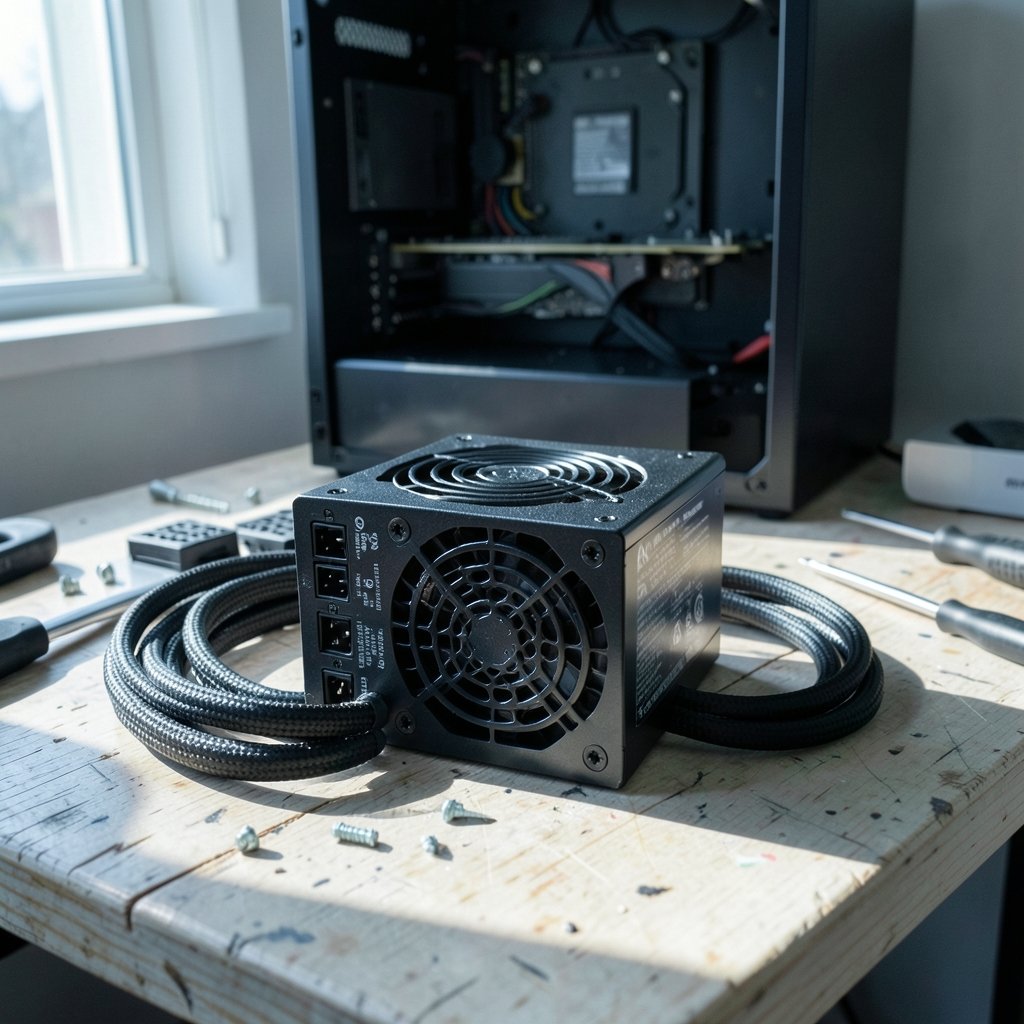
Quick Answer: Which budget gaming power supplies are worth buying?
The budget gaming power supplies worth buying are the ones that carry real safety marks, list a known manufacturer, and publish honest continuous wattage instead of peak numbers. In practice, that means shopping for a certified Bronze or Gold unit with a five-year warranty rather than chasing the highest wattage on the shelf. A smaller, well-built ATX 3.0 unit usually beats a bigger, older design for the same graphics card.
Two distinctions matter most. First, the 80 Plus badge grades efficiency only, not build quality, so a Bronze-rated supply from a reputable maker can outlast a flashier unit from an unknown one. Second, ATX 3.0 and ATX 3.1 models handle short power spikes far better than older designs, which changes how much wattage you actually need.
Before buying, compare the safety certifications, the listed manufacturer, continuous versus peak wattage, the ATX version, the warranty length, and independent load-test results.
Why the Cheap Power Supply Is the One Part You Shouldn’t Skimp On
Ever watched a friend’s PC die mid-game and wondered whether the power supply was quietly to blame? It happens more than people think. The power supply is the one component that touches every other part of the build, and when it fails badly, it can take the motherboard and graphics card down with it.
That is the strange thing about budget builds. People happily spend on a graphics card, then pick the cheapest box with a fan and a wattage sticker. The result is a machine that runs fine for a year and then starts randomly shutting down under load.
The good news is that the budget tier is not a wasteland. There are genuinely solid units under a hundred dollars. You just need to know which numbers on the box actually mean something. If you are already comparing parts for a first build, the same logic that applies to a power supply unit worth buying for beginners applies here: buy for the parts you will actually run, not the fantasy build in your head.
What 80 Plus Actually Tells You (And What It Doesn’t)
80 Plus is a voluntary efficiency certification that has been running since 2004. It grades how much AC power a unit converts into DC power at 20%, 50%, and 100% load, across 115-volt and 230-volt variants. The familiar Bronze, Gold, and Platinum labels come from that program.
Here is the catch that trips up most first-time buyers: efficiency is not quality. A unit can earn 80 Plus Bronze and still be built with cheap capacitors, a weak fan, and missing protection circuits. The badge says nothing about whether the supply will survive three summers in a warm room.
Efficiency does have practical value, though. Higher tiers waste less energy as heat, which means a quieter fan at the same load. For a low-wattage build, paying extra for Platinum is usually wasted money. Bronze is the realistic floor at budget prices, and a decent Gold unit is a sensible stretch if the price gap is small.
The tier names and test conditions have also drawn criticism for being outdated and easy to game. A competing certification program uses different methodology, so the two sets of ratings are not directly comparable. Treat any badge as one data point, not a verdict.
The ATX 3.0 Question: Why Newer Specs Matter More Than Raw Wattage
Modern graphics cards do something annoying. They pull brief bursts of power far above their rated draw, sometimes for just milliseconds. Older power supply designs were not built with that behavior in mind.
ATX 3.0, announced in 2022, changed the rules. It introduced the 12VHPWR connector and requires units to tolerate short power spikes up to 200% of rated wattage. ATX 3.1, released in 2024, revised that connector to the 12V-2×6 design with shorter sense pins.
This is why a 650 W ATX 3.0 unit can be safer than a 750 W unit built to an older standard for the same graphics card. The newer supply is designed for the spike; the older one just has a bigger number on the box.
Budget units often skip these specs entirely, so check the label carefully. Vendor labeling is inconsistent, and some units marketed as ATX 3.0 shipped before the specification was finalized. When in doubt, look for the connector type and the transient rating rather than the marketing name.
Red Flags That Reveal a Bad Budget Unit
Most bad budget supplies announce themselves before you plug them in. Learning to read the label takes about five minutes and saves a lot of grief.
| Red flag | What it usually means |
|---|---|
| No 80 Plus or equivalent rating | Unknown efficiency, often inflated wattage claims |
| No manufacturer name listed | Likely a rebadged no-name unit with no accountability |
| “Peak wattage” instead of continuous | The real sustained output is lower than advertised |
| Vague 12 V rail amperage | Poor design or hidden split rails |
| No OCP, OVP, or SCP protections listed | The unit may not shut down safely during a fault |
| Warranty under three years | The maker does not trust its own build |
The single biggest hazard in this tier is counterfeit or unmarked hardware. Look for UL or ETL marks in the US, TÜV or CE marks in the EU, and a real company name on the label. A supply with no safety certification is not a bargain, it is a fire risk with a fan attached.
Brand Names Lie, Manufacturers Don’t
Here is a fact that surprises almost everyone: most power supply “brands” do not make power supplies. They buy units from a small group of original equipment manufacturers and put their own sticker on the box. Seasonic, CWT, FSP, Great Wall, and HEC are among the names that actually build the hardware.
That means two supplies from different brands can be the same unit inside. It also means a trusted brand can sell a mediocre model, and an unknown brand can sell something excellent. The model matters, not the logo.
The practical move is to find a review database that lists the actual manufacturer for each model before you buy. That single step filters out more bad purchases than any other.
Warranty length is a useful shortcut here. Budget units commonly carry three years. Five to ten years signals better capacitors and a design the maker is confident about. It is not a guarantee, but it is a strong hint.
What Independent Testing Reveals That Spec Sheets Hide
Spec sheets tell you what the maker wants you to know. Independent load testing tells you what the unit actually does.
Reviewers who test with electronic loads and oscilloscopes publish ripple measurements, transient response, and protection behavior. Those are the numbers that predict whether a supply will run quietly for years or start causing crashes. Some certification labs also publish their own efficiency and noise results with open methodology, which is more useful than a sticker.
This is the same principle that applies when you are choosing peripherals for a new setup. A gaming monitor worth buying for beginners is not the one with the biggest number on the box; it is the one that independent testing shows performs as claimed. Power supplies work exactly the same way.
Matching Wattage to Your Actual Build
Overspending on wattage is the most common budget mistake. A mid-range gaming PC with a single graphics card typically runs comfortably on 550 to 650 watts. Buying 1000 watts “for future-proofing” usually means paying more for a lower-quality unit at the same price.
A rough approach that works in practice:
- Add up the rated power draw of the processor and graphics card.
- Add about 100 watts for the motherboard, drives, fans, and memory.
- Add 20 to 30 percent headroom for transient spikes.
- If the result lands near a common size, round up one step, not three.
For most budget gaming builds, that lands between 550 W and 750 W. Anything above that is only justified by a genuinely power-hungry graphics card.
It also helps to think about the whole desk beyond the tower. People building a first setup often juggle several purchases at once, and a gaming monitor or webcam worth buying for everyday use can eat into the budget that should have gone to a decent power supply. Prioritize the part that powers everything else.
Common Mistakes People Make When Buying Budget PSUs
The same errors show up again and again in build threads and comment sections.
Buying on wattage alone tops the list. A 750 W unit with no certification is worse than a 550 W unit with Gold efficiency and a five-year warranty.
Ignoring the connector situation is second. If the graphics card needs a newer 12V-2×6 connector and the supply only has older PCIe cables, you are stuck with adapters, which adds a failure point.
Third is trusting the brand without checking the model. Every major brand has at least one model that reviewers dislike.
Fourth is skipping the case airflow question. A supply rated for 500 watts at 25 degrees Celsius may deliver less in a warm case. Budget units are more sensitive to heat than premium ones because of cheaper capacitors.
Finally, people forget the warranty paperwork. Register the unit and keep the receipt. A five-year warranty is worthless if you cannot prove when you bought it.
When Spending a Little More Actually Pays Off
There is a real ceiling to what budget shopping can deliver. Below roughly fifty dollars, the honest options thin out fast, and the remaining units tend to cut corners on protections or capacitors.
Spending an extra twenty or thirty dollars usually buys three things: a longer warranty, a documented manufacturer, and ATX 3.0 compliance. Those are not luxury features. They are the difference between a supply that lasts through two graphics card upgrades and one that gets replaced in eighteen months.
The same principle shows up across budget tech. A tablet worth buying for everyday use is rarely the cheapest one on the shelf, and a gaming laptop under 1000 that actually fits the budget usually wins on build quality rather than raw specs. Cheap hardware has a floor, and the power supply is where that floor matters most.
If a console is also on the shopping list, the same value logic applies to a Nintendo Switch 2 worth buying for everyday use: the right question is not “what is cheapest” but “what will still work well in three years.”
Conclusion
A budget gaming power supply is worth buying when it carries a genuine safety mark, names a real manufacturer, quotes continuous wattage, and survives independent load testing. Efficiency badges help, but they are a starting filter, not a finish line. ATX 3.0 or 3.1 support matters more than an extra hundred watts for most modern graphics cards.
The practical formula is simple. Pick a 550 to 750 watt unit from a known manufacturer, confirm the protections and warranty, check a teardown review, and ignore the peak wattage sticker entirely. Do that, and the cheapest part of the build stops being the one you worry about.
FAQ
Is a cheap power supply safe to use in a gaming PC?
It can be, provided it has a recognized safety certification and a named manufacturer. Units without UL, ETL, TÜV, or CE marks are the real hazard, because there is no evidence anyone tested them. Price alone is not the deciding factor.
Does 80 Plus Bronze mean a power supply is good?
No. 80 Plus grades efficiency only, not build quality or safety. A Bronze unit can still have weak capacitors or missing protections. Use the rating as one filter alongside warranty length, manufacturer identity, and independent test results.
How many watts does a budget gaming PC actually need?
Most single-graphics-card gaming builds run comfortably on 550 to 650 watts, with 750 watts covering higher-end cards. ATX 3.0 units handle short power spikes better, so a smaller newer unit can outperform a larger older one.
What is the difference between ATX 3.0 and ATX 3.1?
ATX 3.0 introduced the 12VHPWR connector and requires units to tolerate brief spikes up to 200% of rated wattage. ATX 3.1 revised that connector to 12V-2×6 with shorter sense pins. Both address the same problem: modern graphics cards draw short bursts well above their rated power.
Do power supply brands actually manufacture their own units?
Most do not. A small group of manufacturers builds the hardware, and brands rebadge it. That is why the specific model matters more than the logo, and why review databases listing the real manufacturer are so useful.
How long should a budget power supply last?
A well-chosen budget unit with a five-year warranty should comfortably last through several upgrades. Three-year warranties are common at the low end and suggest less confidence in the capacitors. Heat, dust, and case airflow all affect real-world lifespan.



