
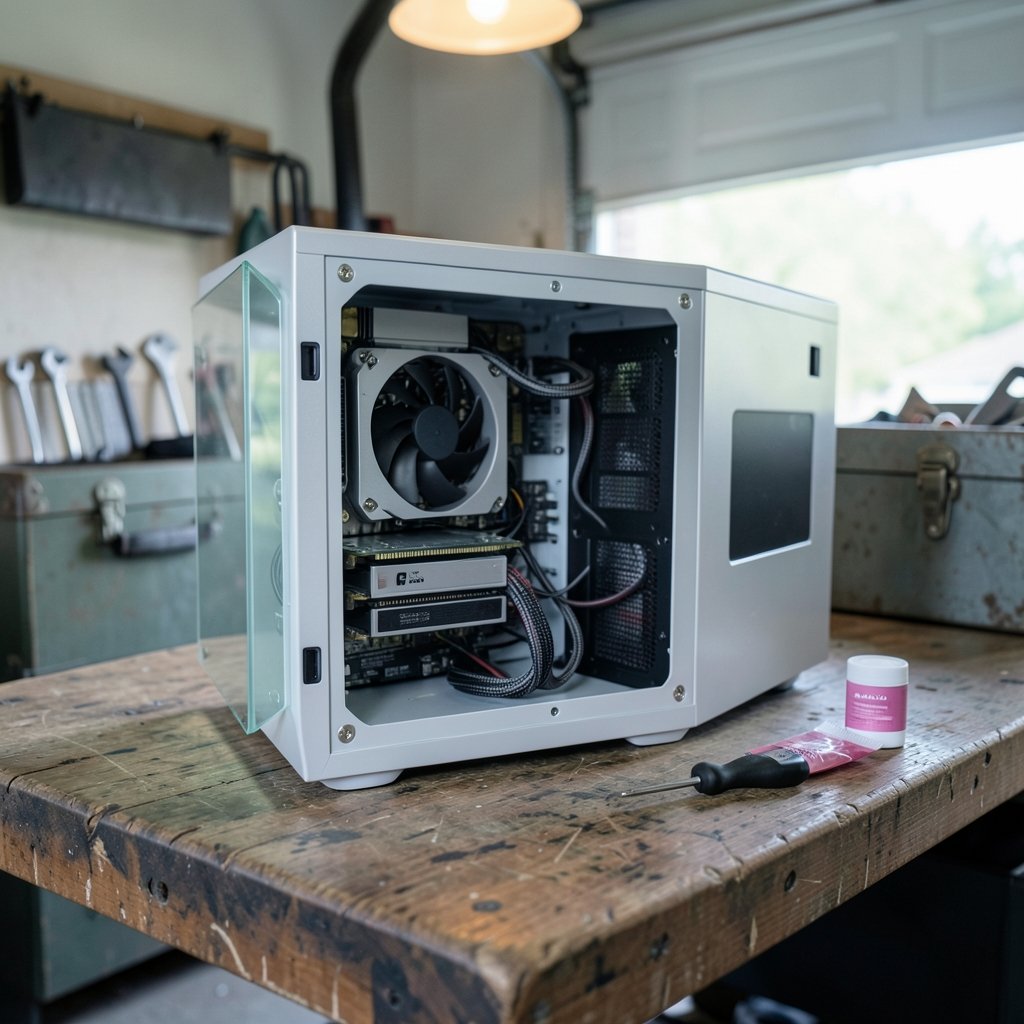
Quick Answer: Which prebuilt gaming PCs are best for competitive gaming?
The best prebuilt gaming PCs for competitive play are mid-range towers built around a strong CPU, fast dual-channel memory, and a high-refresh monitor pairing rather than the biggest graphics card. Shoppers can act on this at major system builders and retailers by prioritizing frame-rate consistency in titles like Valorant, CS2, and Overwatch 2 over raw GPU horsepower. Heavier shooters such as Apex Legends and Warzone shift the balance somewhat toward GPU headroom, so the right pick depends on which games someone actually plays. Before buying, compare CPU generation, RAM configuration, power supply quality, cooling, monitor refresh rate, upgrade paths, warranty terms, and the return window.
Why Competitive Gaming Rewards a Different Kind of PC
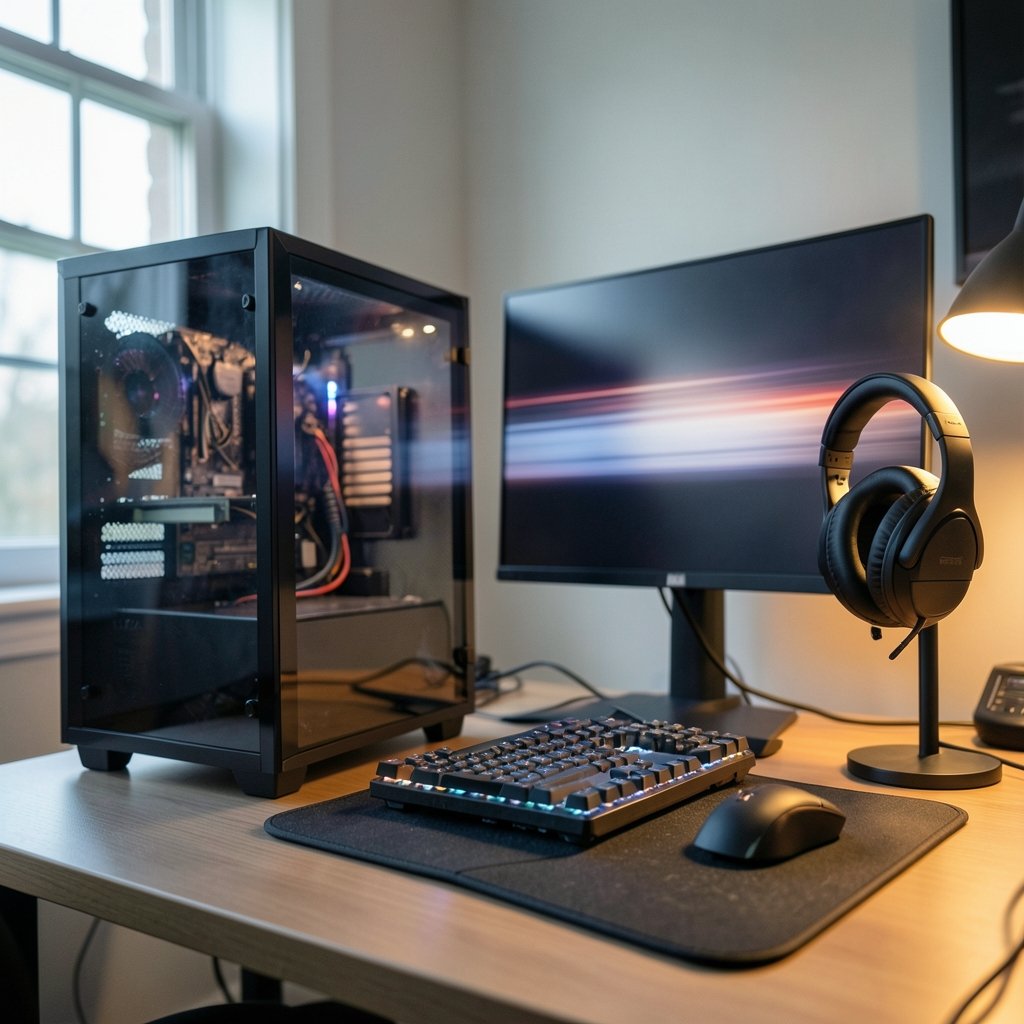
Ever wondered why a $900 prebuilt can outgun a $2,000 showpiece in Valorant? It comes down to where the frames actually come from. Competitive titles are famously light on graphics and heavy on processor speed. Valorant’s official recommended specs ask for nothing more than an Intel i3-4150 or Ryzen 3 1200 with 4 GB of RAM, and CS2’s minimum list is similarly modest: Windows 10, 4 GB of RAM, and a DirectX 11 card with 1 GB of VRAM. Almost any current prebuilt clears those bars. The differentiator is not compatibility. It is headroom.
That flips the usual buying logic on its head. In single-player blockbusters, the GPU does the heavy lifting. In a tactical shooter running at low settings on a 240 Hz panel, the CPU feeds frames as fast as it can and the GPU mostly waits. If the processor stalls, the monitor sits half-idle no matter how much silicon is bolted to the motherboard.
Refresh rate is the other half of the equation. A display refreshes a set number of times per second, and a PC that cannot push frames near that ceiling wastes the panel. A $1,200 tower chained to a 60 Hz screen will feel worse in CS2 than a $900 tower driving a 240 Hz display. That single principle reshuffles most prebuilt advice.
The Spec Sheet That Actually Matters
Before comparing brands, it helps to know which lines on the box deserve attention and which are marketing noise.
| Component | What to prioritize | Why it matters in competitive play |
|---|---|---|
| CPU | High clock speed, recent generation, strong single-core performance | Feeds frames in Valorant, CS2, League of Legends |
| RAM | 16 GB minimum, two sticks, ideally 6000 MT/s DDR5 | Dual-channel prevents frame-time stutter |
| GPU | Mid-range current card | Plenty for esports titles; matters more in Apex and Warzone |
| PSU | Named brand, 80 Plus Bronze or better | Cheap units throttle or fail under load |
| Cooling | Tower air cooler or 240 mm AIO | Sustained clocks beat burst clocks |
| Storage | 1 TB NVMe SSD | Fast loads, room for multiple game installs |
The RAM row deserves a spotlight. Prebuilt makers love to ship a single 16 GB stick because it is cheaper, and a single stick runs in single-channel mode. That configuration can shave meaningful frame rate and, worse, introduce stutter that shows up as uneven pacing rather than a lower average. Two 8 GB sticks beat one 16 GB stick every time in this context. It is one of the most common mistakes buyers make, and it is invisible on a spec sheet that just says “16 GB.”
Power supplies are the second quiet trap. A no-name 500 W unit may technically power a mid-range build, but it leaves no room for a future GPU upgrade and can cause instability under sustained esports loads. If the listing does not name the PSU brand and wattage, that is a signal to keep scrolling.
Matching the PC to the Game You Actually Play
“Best” is meaningless without naming the title and the target refresh rate. Competitive games split into two rough camps.
The first camp is CPU-bound and light: Valorant, CS2, League of Legends, Overwatch 2. These reward single-core speed and fast memory above all. A mid-tier current GPU paired with a strong CPU will happily saturate a 240 Hz monitor at competitive settings. Spending extra on a flagship graphics card here is money that never shows up on screen.
The second camp is heavier: Apex Legends, Warzone, and most battle royale shooters. These still benefit from a good CPU, but the GPU starts to matter because the engine renders far more geometry and effects. Someone who splits time between Valorant and Warzone needs a more balanced build than a pure CS2 player.
The practical move is to name the two or three games that get the most hours, note the monitor’s refresh rate, and buy for that combination. A build tuned for 144 Hz Warzone will crush Valorant. A build tuned only for Valorant may feel thin in a battle royale.
What to Look For in a Prebuilt Tower
Beyond the spec table, a few structural details separate a good competitive prebuilt from a frustrating one.
Cooling and Sustained Clocks
Esports sessions run long. A tower that boosts hard for ten minutes and then throttles is worse than one that holds a steady, slightly lower clock for three hours. Look for a case with real front-to-back airflow, a tower-style air cooler or a 240 mm liquid cooler on the CPU, and at least two case fans. Small form-factor builds can work, but they demand better cooling design to avoid cooking the components.
Upgrade Path
Competitive players often upgrade the monitor before the PC. A motherboard with spare RAM slots, an accessible M.2 slot, and a power supply with headroom lets a build grow. Proprietary cases and oddball PSUs lock buyers in. If the plan is to move to a 360 Hz panel in two years, the tower needs to be able to keep up.
The Monitor Pairing
This is where the whole purchase either sings or falls flat. Budget the display alongside the tower, not after it. It also helps to think about what the display connects to. Wired networking still beats Wi-Fi for stable competitive play, and anyone weighing that trade-off can read up on ethernet vs wi-fi gaming and which connection actually wins before finalizing a setup. A fast PC on a flaky wireless link still drops packets.
For readers still deciding between a console and a desktop, a side-by-side look at ps5 pro vs gaming pc and which one actually fits your setup is worth the detour, since competitive shooters on console come with their own input and refresh-rate caveats.
Brands and Lines Worth Comparing
The retail landscape for prebuilts is dominated by a handful of system builders, and each has a personality.
NZXT tends to favor clean cases and sensible component pairings, which suits competitive buyers who want a quiet, tidy tower. iBuyPower and CyberPowerPC compete hard on price and configurability, letting buyers swap the CPU and RAM before checkout, which is exactly the lever a competitive player wants. Maingear and Origin PC sit at the premium end with better cable management and support, at a price that rarely pays off for esports titles alone.
The honest caveat: specific “best” models change monthly as component generations roll over. Any recommendation has to be re-verified against current reviews at the moment of purchase. What does not change is the framework. Strong CPU, dual-channel memory, honest power supply, good cooling, and a monitor that matches the frames.
One more angle worth checking is the broader market context. A roundup of the best prebuilt gaming PCs in 2026 helps frame which current towers are actually worth their asking price, which is a useful sanity check before committing to any single model.
Common Mistakes That Quietly Cost Frames
A few errors show up again and again in competitive builds, and most are avoidable with a careful read of the listing.
The first is overspending on the GPU while underspending on the CPU. It feels backwards because graphics cards are the flashy part, but in Valorant and CS2 the processor is the engine. The second is accepting a single stick of RAM, which caps bandwidth and can cause stutter. The third is ignoring the power supply until it fails. The fourth is pairing a fast tower with a slow monitor, which is like buying a sports car and driving it in a school zone.
The fifth, and perhaps the most expensive, is skipping the return window check. Prebuilts occasionally arrive with loose coolers, misconfigured memory, or a dead fan. A generous return policy turns a bad unit into a minor inconvenience instead of a fight. Buyers should confirm the warranty length and return terms before the card comes out.
Where the Display and the Tower Meet
It is tempting to treat the PC and the monitor as separate purchases, but they are a single system in competitive play. The refresh rate sets the target, and the tower has to hit it. A buyer targeting 240 Hz needs a CPU that can push those frames in the chosen game, plus a GPU that will not choke. A buyer targeting 144 Hz has far more room to save.
That is why a display shortlist belongs next to the tower shortlist. A look at the best gaming monitors for competitive gaming that actually win you rounds helps match panel to PC, and it prevents the classic mismatch of a premium tower feeding a budget screen.
Handhelds are a different story, but worth a glance for players who split time between desk and couch. A comparison of the best handheld gaming consoles in 2026 and which one actually fits clarifies where handheld play fits and where it does not for competitive shooters, since refresh rate and input latency behave differently on a small screen.
How to Vet a Prebuilt Before Buying
A short, repeatable checklist keeps the decision grounded.
- Name the two or three competitive games that get the most play time.
- Note the monitor’s refresh rate and resolution.
- Confirm the CPU is a recent generation with strong single-core performance.
- Verify 16 GB of RAM in two sticks, not one.
- Check that the PSU is a named brand with headroom for a future GPU.
- Confirm cooling: tower air cooler or 240 mm AIO, plus case airflow.
- Read the warranty and return policy in full.
- Cross-check the model against current independent reviews before checkout.
That sequence takes about twenty minutes and saves months of second-guessing. It also makes it easy to walk away from a deal that looks good on the sticker but hides a single RAM stick or a mystery power supply.
Conclusion
The best prebuilt gaming PC for competitive play is not the most expensive one. It is the one built around a fast CPU, dual-channel memory, an honest power supply, and a monitor that matches the frames it can produce. Valorant and CS2 barely care about a flagship graphics card, while Apex and Warzone reward a bit more GPU headroom, so the right answer always starts with the games and the refresh rate. Get those two facts straight, verify the RAM and PSU, budget the display alongside the tower, and the shortlist narrows itself. Frames win rounds, and frames come from balance, not bragging rights.
FAQ
Do I need a top-tier GPU for competitive shooters?
No. In titles like Valorant and CS2, the official system requirements are modest and the frame rate is limited mainly by the CPU and the monitor’s refresh rate. A mid-range current graphics card is enough to saturate a high-refresh display at competitive settings. The GPU budget matters more in heavier games such as Apex Legends and Warzone.
Is 16 GB of RAM enough for competitive gaming?
Yes, 16 GB is the practical sweet spot, provided it comes as two sticks rather than one. Dual-channel memory improves bandwidth and smooths frame pacing, which shows up as less stutter in fast-paced shooters. A single 16 GB stick can cost measurable performance even though the capacity looks identical on paper.
Does monitor refresh rate matter more than the graphics card?
For esports titles, often yes. A 240 Hz monitor paired with a CPU-strong, GPU-modest tower will feel dramatically better in CS2 than a premium tower driving a 60 Hz screen. The display and the PC should be chosen together so the tower can actually feed the panel.
Are budget prebuilts good enough for competitive play?
Many are, if the CPU is recent and the memory is dual-channel. The risk with very cheap towers is a weak power supply, a single RAM stick, or poor cooling that causes throttling during long sessions. Checking those three items separates a genuine budget contender from a false economy.
How often should I upgrade a competitive gaming PC?
Most players get several years from a well-balanced tower, upgrading the monitor or GPU first as needs change. A motherboard with spare RAM slots and an accessible M.2 drive extends useful life considerably. Buyers planning a move to a higher refresh rate should confirm the power supply and CPU can keep pace.
Should I buy a prebuilt or build my own for competitive gaming?
Prebuilts win on convenience, warranty coverage, and immediate availability, which matters for players who want to compete now rather than troubleshoot a first build. Building offers more control over every component. For most competitive players, a well-configured prebuilt from a reputable builder is the lower-risk path.



