
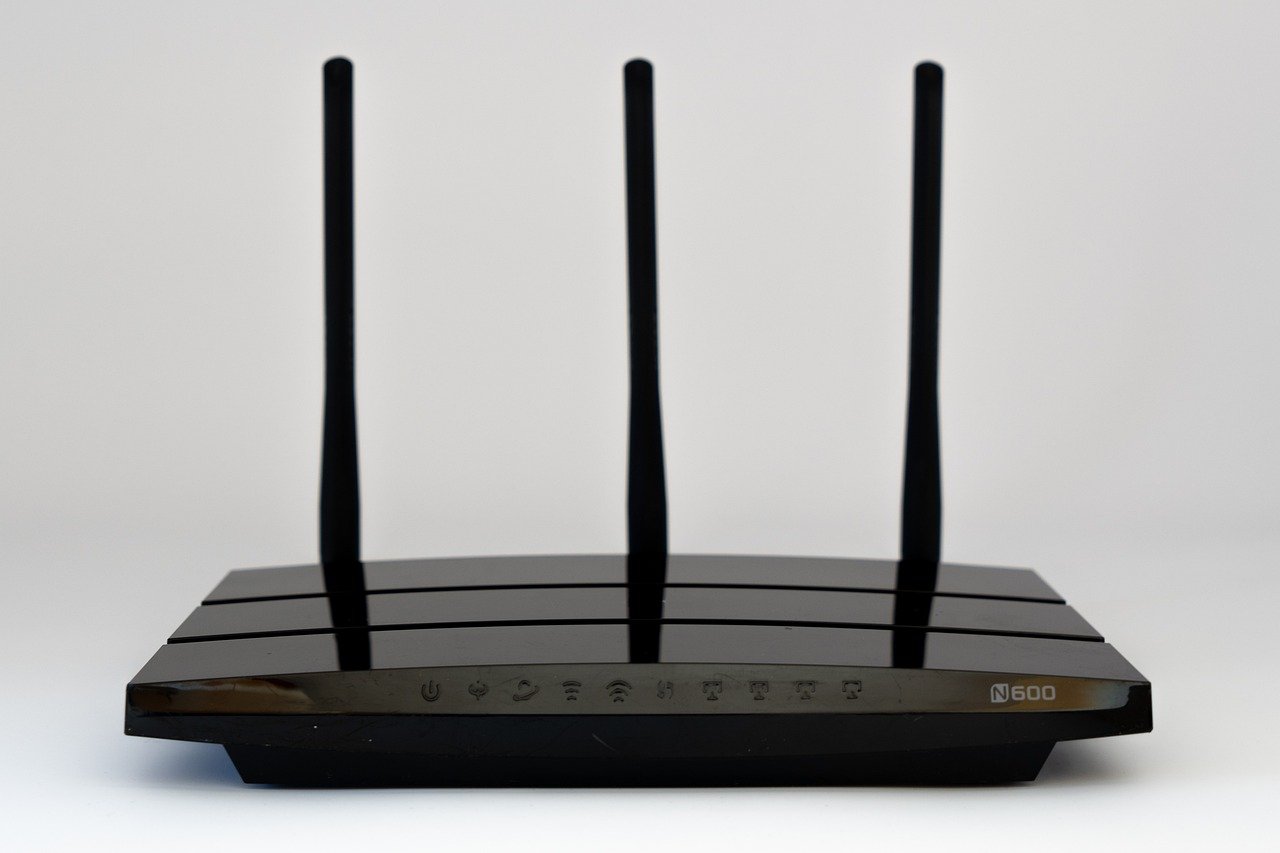
Quick Answer: Is wifi router worth buying for beginners and everyday use?
Yes. Buying your own router is usually worth it if your current Wi-Fi is slow, drops out in some rooms, or if you’re paying a monthly rental fee that adds up over a year or two. A good modern router fixes coverage and stability problems that a faster internet plan alone can’t solve.
It depends on your situation. If you live in a small apartment, the equipment your ISP supplies already handles your plan speed, and you don’t pay rent for it, a new router is optional rather than required. Mesh systems suit large or multi-floor homes better; a single router suits most flats.
Before buying, compare your plan speed against real-world router throughput, your home’s size and wall layout, Wi-Fi 6 or Wi-Fi 7 support, WPA3 security, firmware update history, and the total rental cost over two to three years. (CISA: Secure Our World)
The Statistic That Changes How You Think About Routers
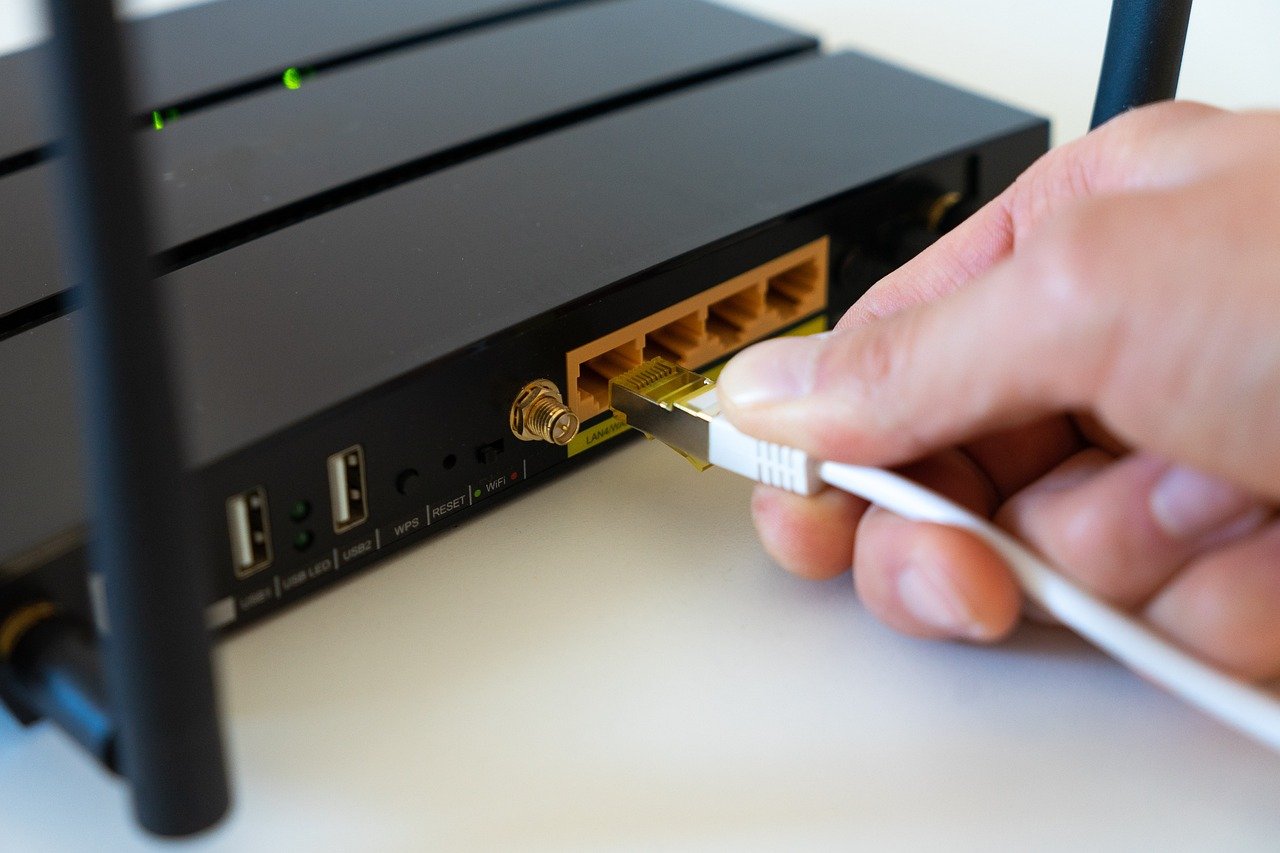
Most home Wi-Fi problems aren’t caused by a slow internet connection. They’re caused by a router that can’t push the signal far enough, or that chokes when ten devices ask for data at once. A family with two phones, a laptop, a smart TV, a games console, and a couple of tablets is already asking a lot of a cheap box from five years ago. (Gameboy Color Games: 15 Classics Still Worth Playing)
That gap between what you pay for and what you actually get is the whole argument. A router is the piece of hardware that turns your internet plan into usable Wi-Fi. When it’s weak, everything downstream feels weak.
What a Router Actually Does (and What It Doesn’t)
A router takes the internet signal coming into your home and shares it across your devices wirelessly. It also decides which device gets priority when the network is busy.
What it doesn’t do is create speed that isn’t there. If your plan delivers 100 Mbps, no router on earth will give you 500 Mbps. This is the single most common misunderstanding among first-time buyers, and it’s why people spend money on a router and feel cheated.
The rule is simple: match the router to your plan, then let it solve coverage and congestion. Don’t buy a router hoping it will upgrade your broadband.
When Buying Your Own Router Is Clearly Worth It
There are a handful of situations where the answer is a firm yes.
You’re paying rental fees
Many ISPs charge a monthly fee for their supplied equipment. Over two or three years, that adds up to more than the cost of a decent mid-range router. Check the math on your own bill before deciding. If the rental costs more than a router over the period you expect to keep it, buying wins.
Your Wi-Fi dies in half the house
If the bedroom, kitchen, or garden office gets one bar, that’s a coverage problem, not a speed problem. A better router, or a mesh system, fixes it. Nothing else will.
You have lots of devices
Smart bulbs, doorbells, thermostats, and streaming boxes all compete for airtime. Older routers handle this badly. Modern ones handle it well.
You want control
Parental controls, guest networks, device prioritisation, and detailed settings are usually locked down or missing on ISP-supplied hardware. If any of that matters to you, buying is the way to get it. (Wi-Fi)
When You Can Probably Skip It
Being honest here saves people money. Skip the purchase if:
- Your home is small and the equipment supplied by your ISP covers it fine.
- Your plan speed is below what the supplied router can already deliver.
- You’re not paying rental fees.
- You don’t have dead zones or dropouts.
There’s no prize for owning extra hardware. If the current setup works, leave it alone.
Wi-Fi Generations Explained Without the Jargon
The naming is confusing, so here’s the short version.
| Standard | Marketing Name | Year Certified | What It Means for You |
|---|---|---|---|
| 802.11n | Wi-Fi 4 | 2009 | Old. Fine for basic browsing, poor for 4K streaming |
| 802.11ac | Wi-Fi 5 | 2013 | Still common. Good enough for most households |
| 802.11ax | Wi-Fi 6 | 2019 | Better with many devices at once |
| 802.11ax (6 GHz) | Wi-Fi 6E | 2021 | Adds a cleaner, less crowded band |
| 802.11be | Wi-Fi 7 | 2024 | Fastest, but only helps with Wi-Fi 7 devices |
The practical takeaway: Wi-Fi 6 is the sensible floor for a new purchase. Wi-Fi 7 is genuinely better, but its headline features need compatible phones and laptops to matter. Buying Wi-Fi 7 today is future-proofing, not an instant upgrade.
One more thing worth knowing: the 6 GHz band used by Wi-Fi 6E and Wi-Fi 7 isn’t available everywhere. Rules differ by country, so check what’s permitted where you live before paying extra for a 6 GHz router.
Mesh System or Single Router?
This is the decision that trips up most beginners.
A single router is cheaper, simpler, and perfect for apartments and smaller houses. One device, one setup, done.
A mesh system uses two or three units that work together to blanket a larger space. It’s the right call for multi-floor homes, thick walls, or long layouts. It costs more and takes more setup, but it eliminates dead zones properly rather than hoping a stronger antenna reaches.
If you’re weighing up beginner-friendly tech purchases generally, the same logic applies as with picking the best ukulele for beginners: buy for your actual situation, not for the spec sheet. A cheap instrument you’ll play beats an expensive one you won’t.
The Beginner Buying Checklist
Work through this before you spend anything.
- Check your plan speed. Run a speed test on a wired connection if possible. That number is your ceiling.
- Map your dead zones. Walk around the house and note where Wi-Fi fails. This tells you whether you need coverage or throughput.
- Count your devices. Ten or more connected devices pushes you toward Wi-Fi 6 or better.
- Confirm WPA3 support. It’s the current security standard and worth insisting on.
- Check firmware update history. A brand that patches regularly is a brand that takes security seriously. This is a real differentiator and rarely mentioned in reviews.
- Compare total cost. Router price versus rental fees over the years you’ll keep it.
- Check return windows. Wi-Fi performance varies by home. Buy somewhere you can return it.
That last point matters more than people expect. A router that reviews brilliantly can still perform badly in a house with steel-framed walls. Always test it in your own space within the return period.
Common Mistakes Beginners Make
Mistake one: buying for speed instead of coverage. People upgrade the router when the real problem is distance. If the signal is strong but slow, it’s the plan. If the signal is weak, it’s the router or its placement.
Mistake two: hiding the router in a cupboard. Placing it in a cabinet, behind a TV, or on the floor kills performance. Central, elevated, and out in the open is the rule.
Mistake three: ignoring the rental fee. Plenty of people buy a router and keep paying rent on the old one. Cancel the rental.
Mistake four: chasing Wi-Fi 7 with Wi-Fi 5 devices. If your phone and laptop don’t support it, you’re paying for features you can’t use.
Mistake five: never updating firmware. A router is a small computer with an internet connection. Unpatched, it’s a security risk. Set a reminder to check every few months.
What About Other Connected Gear?
Router decisions don’t happen in isolation. If your home network is strained, it’s often because everything on it is asking for bandwidth at once. A modem router combo can simplify a setup by replacing two boxes with one, which suits people who want fewer devices and less cable clutter.
The same “buy for your real use case” principle shows up everywhere in beginner tech. It’s why guides on the best 3D printer for beginners focus on reliability over raw specs, and why an AI video generator from images: a beginner’s guide starts with what you’re actually trying to make rather than the model list.
Setting It Up Properly (The Part People Skip)
Buying a good router and setting it up badly is a waste of money. The setup matters as much as the hardware.
Put the router central and high. Avoid metal, water tanks, and microwaves. Name the 2.4 GHz and 5 GHz networks separately so you can choose which one a device uses; 2.4 GHz travels further, 5 GHz is faster at close range. Change the default admin password immediately. Turn on WPA3 if every device supports it, and fall back to WPA2 if an older device refuses to connect.
Then leave it alone for a week. Real-world performance over several days tells you far more than a five-minute test.
How Much Should Beginners Spend?
There’s no single right answer, but the pattern is consistent. Budget routers cut corners on processing power and antenna design, which shows up when the house is busy. Mid-range models are usually the sweet spot for everyday use. Premium models make sense for large homes, heavy gaming, or people who work from home on video calls all day.
The mistake is buying at the top of the range to solve a problem that a mid-range device would have fixed. Equally, buying at the very bottom to save money often means replacing it in eighteen months.
Conclusion
So, is a Wi-Fi router worth buying for beginners and everyday use? For most households, yes, if the purchase fixes a real problem. If you have dead zones, dropouts, too many devices, or a rental fee you’d rather not pay, a modern router is one of the better-value upgrades in a home. If the equipment your ISP supplies already covers a small home at your plan speed, you can comfortably wait.
The formula is unglamorous but reliable: match the router to your plan, buy for coverage rather than headline speed, insist on WPA3 and regular firmware updates, and test it in your own home before the return window closes. Do that, and the money is well spent. Skip it, and you’ve saved yourself a pointless purchase.
Frequently Asked Questions
Do I need a new router if my internet is already fast?
Not necessarily. Fast internet with strong signal everywhere means the router is doing its job. A new router only helps when the bottleneck is the router itself, such as weak coverage or too many devices competing for bandwidth.
Can I use my own router with an ISP that supplies its own equipment?
Usually yes, though the setup varies. Some ISPs let you put their supplied equipment into bridge mode and connect your own router, while others require you to use their equipment for certain services. Check with your provider before buying.
Is Wi-Fi 7 worth it for a beginner right now?
Only if you already own Wi-Fi 7 devices and want to future-proof. For most beginners, Wi-Fi 6 offers the better balance of price and real-world performance, and the difference won’t be noticeable on older phones and laptops.
How long should a router last?
Five to seven years is a reasonable expectation. After that, firmware support often dries up and newer devices expose the hardware’s limits. If a router stops receiving security updates, replace it regardless of age.
Will a better router increase my download speed?
Only if your current router is the bottleneck. If your plan delivers 100 Mbps and your router can handle 300 Mbps, a new router won’t add speed. Test with a wired connection first to find out where the limit actually sits.
Does router placement really matter that much?
Yes, enormously. Moving a router from a cupboard to a central, elevated, open spot can transform coverage in a home without spending anything. Try repositioning before you buy anything new.



