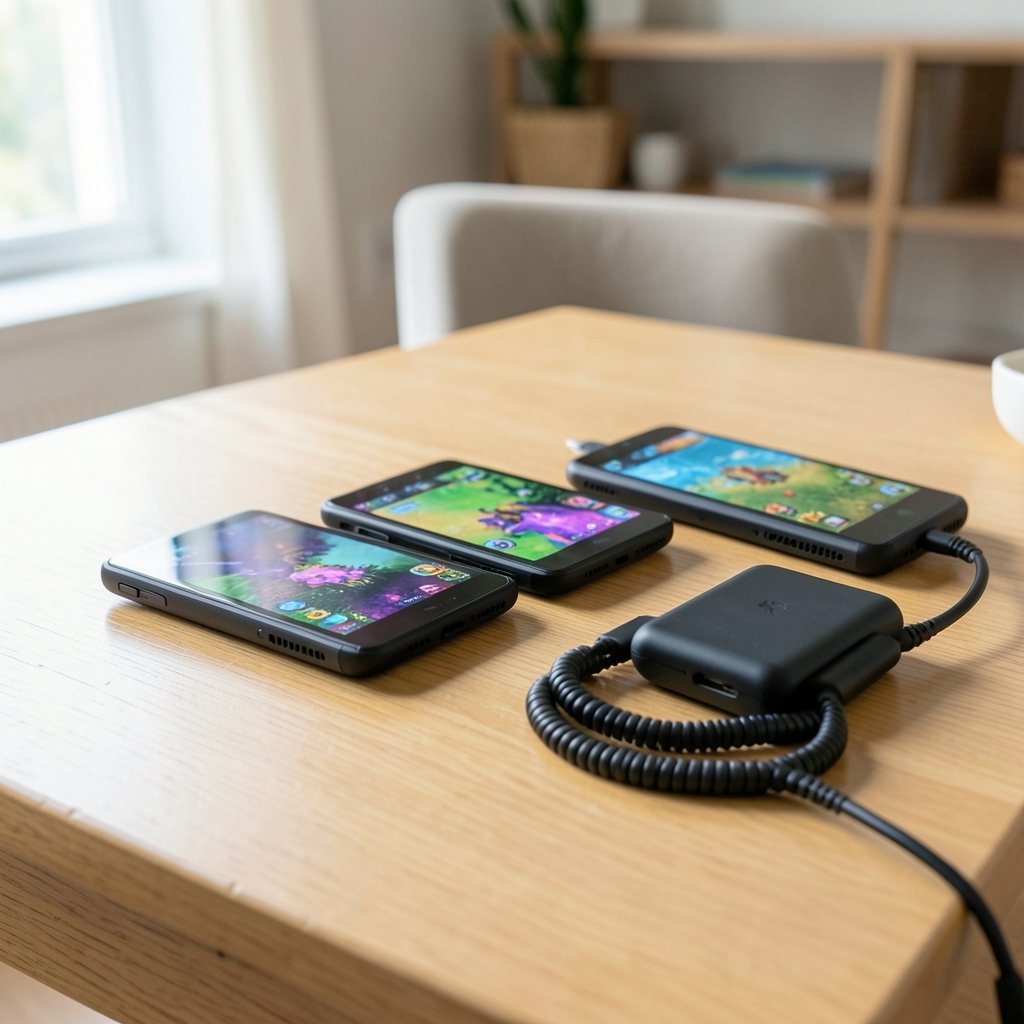
What if the handheld you buy in 2026 says more about how you play than about how much you spend? Three machines sit at the center of that question: the Odin 3 Portal, the ROG Xbox Ally X20, and the MSI Claw 8 EX AI Plus. One leans on Android and streaming, one leans on Windows and Xbox muscle, and one leans on Intel silicon and a big screen. Picking between them is less about raw horsepower and more about the kind of player you actually are. (Handheld PC)
This guide breaks down the tradeoffs honestly, flags what is still rumor versus confirmed, and gives practical buying advice you can act on.
The 2026 handheld landscape at a glance
Handheld gaming has split into three camps. Android-based portables like the AYN Odin line focus on emulation, cloud streaming, and light native titles. Windows handhelds like the ROG Xbox Ally family and the MSI Claw run full PC games but demand more tuning. And streaming-first devices carve out a cheaper middle ground.
The three devices here each represent a different bet. The Odin 3 Portal bets you want portability and battery life over AAA native performance. The ROG Xbox Ally X20 bets you want Xbox integration and Windows flexibility. The MSI Claw 8 EX AI Plus bets you want a larger screen and Intel’s latest efficiency push.
A quick note on sourcing: much of what circulates about 2026 models is speculative. AYN has an established Odin line, ASUS and Microsoft announced the ROG Xbox Ally and Ally X in 2025, and MSI shipped the Claw 8 AI+ in early 2025. Any “X20,” “EX AI Plus,” or “Odin 3 Portal” naming should be treated as unverified until official pages confirm specs, pricing, and dates. That uncertainty matters, and it should shape how you buy.
Odin 3 Portal: the Android specialist
What it is built for
AYN’s Odin family has earned a loyal following among emulation fans and cloud gamers. The pitch is simple: a pocketable device that runs Android, handles retro consoles beautifully, streams Game Pass and GeForce Now well, and sips battery.
The Odin 3 Portal name suggests AYN is pushing further into “portal” territory, meaning a device optimized for streaming and screen quality rather than native AAA rendering. If that holds, expect a bright display, strong Wi-Fi, and a chassis that stays comfortable for long sessions.
Who should care
- Players who mostly emulate older systems
- People who stream rather than install
- Buyers who value battery life and portability over frame rates
Where it falls short
Android cannot run most modern PC titles natively. If your library is built around Steam, you are relying on streaming or workarounds. That is a real limitation, not a footnote.
For a sense of how streaming-first hardware is evolving, the reported PS Portal 2 Wi-Fi Alliance filing shows how seriously manufacturers now treat network performance as a spec.
ROG Xbox Ally X20: Windows power with Xbox DNA
What it is built for
ASUS and Microsoft’s partnership produced the ROG Xbox Ally line, and the X20 label implies a refined follow-up. The core idea is a Windows handheld that feels like an Xbox: a console-style shell, optimized Xbox app integration, and enough horsepower for demanding titles.
The appeal is breadth. A Windows device runs Steam, Game Pass, Epic, and everything in between. You get flexibility that Android simply cannot match.
The practical reality
Windows handhelds reward tinkerers. Expect to adjust TDP settings, manage updates, and occasionally troubleshoot. The payoff is access to a massive library. The cost is friction that console players are not used to.
Battery life is the perennial weak point. Demanding games drain these devices fast, so a power bank becomes part of your kit.
If you are weighing this against Valve’s machine, our breakdown of the ROG Ally X vs Steam Deck OLED covers the software and ergonomics gap in detail. Pricing also shifts constantly, which is why tracking the Xbox Series X price in 2026 helps you judge whether a handheld or a console is the better value for your setup.
MSI Claw 8 EX AI Plus: the big-screen Intel option
What it is built for
MSI’s Claw line has evolved quickly. The Claw 8 AI+ brought Intel’s Lunar Lake chips into a large-format handheld, and the EX AI Plus naming suggests further refinement. The defining trait is screen size: an 8-inch panel that makes text, UI, and strategy games far more readable than smaller rivals.
Intel’s efficiency gains have narrowed the gap with AMD-based handhelds, though real-world results vary by title. The larger chassis also allows better cooling, which helps sustained performance.
Tradeoffs to know
Bigger screens mean bigger devices. Portability suffers. And Intel driver maturity, while improved, still lags in some older titles.
A quick comparison
| Feature | Odin 3 Portal | ROG Xbox Ally X20 | MSI Claw 8 EX AI Plus |
|---|---|---|---|
| Platform | Android | Windows | Windows |
| Best for | Emulation, streaming | AAA PC + Xbox library | Big-screen PC gaming |
| Screen size | Compact | Mid-size | Large (8-inch class) |
| Battery focus | Strong | Moderate | Moderate |
| Tinkering required | Low | High | High |
| Native AAA games | No | Yes | Yes |
Head-to-head: performance, battery, and ecosystem
Performance
Windows devices win on raw capability. The ROG Xbox Ally X20 and MSI Claw 8 EX AI Plus can run modern titles natively. The Odin 3 Portal cannot, but it does not need to for its target audience.
Battery life
Android wins comfortably. Streaming and emulation demand far less power than native AAA rendering. If you commute or travel without easy charging, this is decisive.
Ecosystem
This is where the choice gets personal. Xbox loyalists will gravitate toward the Ally X20. Steam-first players may prefer Valve’s ecosystem, and our Steam Deck vs ROG Ally comparison explains why. Emulation fans will find the Odin 3 Portal the most frictionless.
Software maturity
Windows handhelds have improved dramatically, but they still require patience. Android is simpler but more limited. There is no free lunch.
What actually works in practice
Buying advice sounds clean until you live with a device. Here is what tends to matter after the honeymoon phase.
Match the device to your library, not the spec sheet. If 80 percent of your playtime is older games or streaming, a Windows handheld is overkill. If you want the latest releases on the go, Android will frustrate you.
Budget for accessories. A case, screen protector, and power bank add real cost. Windows handhelds drain faster, so a high-capacity power bank is close to mandatory.
Check return windows. Handheld ergonomics are deeply personal. What feels great in a review may cramp your hands. Buy where you can return.
Do not buy on rumors. Naming like “X20” and “EX AI Plus” invites speculation. Wait for official spec pages before committing.
Test your Wi-Fi. Streaming quality depends on your network more than your device. A weak router undermines the best handheld.
A common mistake is chasing the highest benchmark score. In practice, thermal throttling, fan noise, and battery drain shape daily use far more than peak numbers.
The bigger picture: industry shifts worth watching
The handheld market is consolidating around a few platforms, and that has consequences. Microsoft’s recent restructuring shows how volatile the gaming business remains; coverage of the Xbox layoffs and studio sales in 2026 illustrates why platform stability matters when you invest in an ecosystem. (The Verge)
Performance targets are shifting too. Reports that GTA 6 may be locked to 30fps on PS5 and Xbox in 2026 remind buyers that handhelds will always trail dedicated consoles. Setting realistic expectations prevents disappointment.
For a deeper look at how the two leading Windows options stack up, see our ROG Xbox Ally X20 vs MSI Claw 8 EX AI Plus 2026 comparison. And if you are curious how chip supply shapes these devices, the Nintendo Switch 2 Lite Samsung 8LPU Plus chip rumor is a useful case study in how fabrication decisions ripple through pricing.
Which one should you buy?
There is no universal winner, only a best fit.
Choose the Odin 3 Portal if you mostly emulate, stream, and travel light. You will get the best battery life and the least friction.
Choose the ROG Xbox Ally X20 if you want a Windows library with Xbox-flavored polish and do not mind tuning settings.
Choose the MSI Claw 8 EX AI Plus if screen size and readability matter most and you play strategy, RPGs, or anything with dense UI.
If you are still undecided, write down your last ten games. Count how many are native PC titles, how many are retro, and how many you streamed. That list will point you to the right device faster than any benchmark.
Conclusion
The 2026 handheld race is not about one device crushing the others. It is about three philosophies competing for your attention. The Odin 3 Portal sells simplicity and endurance. The ROG Xbox Ally X20 sells flexibility and Xbox integration. The MSI Claw 8 EX AI Plus sells screen real estate and Intel efficiency.
The smartest move is to treat unverified naming with skepticism, wait for official specs, and buy based on your actual library rather than hype. Handhelds are personal devices. The right one is the one you reach for every day, not the one that wins a spec sheet.
Frequently Asked Questions
Is the Odin 3 Portal a real, confirmed device?
As of now, the Odin 3 Portal name is unverified. AYN has an established Odin line, but buyers should confirm specs, pricing, and release details on official channels before purchasing.
Can the Odin 3 Portal run modern PC games natively?

No. Android-based handhelds cannot natively run most modern PC titles. They rely on streaming services or emulation, which is fine for many players but limits access to new releases.
Is the ROG Xbox Ally X20 better than the MSI Claw 8 EX AI Plus?
It depends on priorities. The Ally X20 leans toward Xbox ecosystem integration, while the Claw 8 EX AI Plus emphasizes a larger screen and Intel efficiency. Neither dominates across every use case.
How much battery life should I expect from a Windows handheld?
Expect noticeably less than an Android device. Demanding native games drain Windows handhelds quickly, so most owners carry a power bank for longer sessions.
Should I wait for 2026 models or buy now?
If you need a device today, buy based on confirmed specs and a good return policy. If you can wait, official announcements will clarify naming and pricing that is currently speculative.
Do I need to be technical to own a Windows handheld?
Not strictly, but it helps. Adjusting power settings, managing updates, and troubleshooting the occasional driver issue are part of the experience. Android devices require far less maintenance.
One final consideration: repairability and long-term support. Windows handhelds from major brands typically offer better parts availability and warranty coverage, while smaller Android makers can be slower to ship replacements. Before buying, check whether the battery is user-replaceable and how long software updates are promised. A device that stays supported for years is worth more than one that wins this month’s benchmark. Whichever you choose, buy for the way you actually play, and let the spec sheet serve that decision rather than drive it.