

What would a single leaked spreadsheet cost your company? Most leaders guess low. The real number is usually a mix of software licenses, staff hours, consultant fees, and, when things go wrong, fines and lost customers. Understanding the data loss prevention cost means looking at both sides of the ledger: what you pay to prevent a breach, and what you pay when prevention fails.
This article breaks down the real price of DLP, from cheap built-in tools to enterprise platforms, and explains where budgets quietly disappear. It also covers the harder-to-see costs, like regulatory fines and lost trust, that never appear on a software invoice.
What “Data Loss Prevention Cost” Actually Means
The phrase gets used in two very different ways, and mixing them up leads to bad budgeting.
The first meaning is the cost of buying and running DLP tools. That covers software licenses, deployment, staff time, and maintenance. This is a predictable line item you can plan for.
The second meaning is the cost of a data loss incident. That includes regulatory fines, legal fees, customer churn, and cleanup. This number is unpredictable and often far larger than any software bill.
A useful budget looks at both. A company might spend $40,000 a year on DLP tooling to avoid a breach that, on average, costs millions. Framed that way, the software looks cheap. Framed as “another subscription,” it looks expensive. The framing matters.
It helps to remember that DLP is really a subset of broader cybersecurity spending, which covers everything from firewalls to employee training. DLP focuses specifically on keeping sensitive data, like customer records, financial files, and intellectual property, from leaving the organization by accident or on purpose. (NIST Cybersecurity Framework)
The Direct Costs: What DLP Tools and Deployment Run
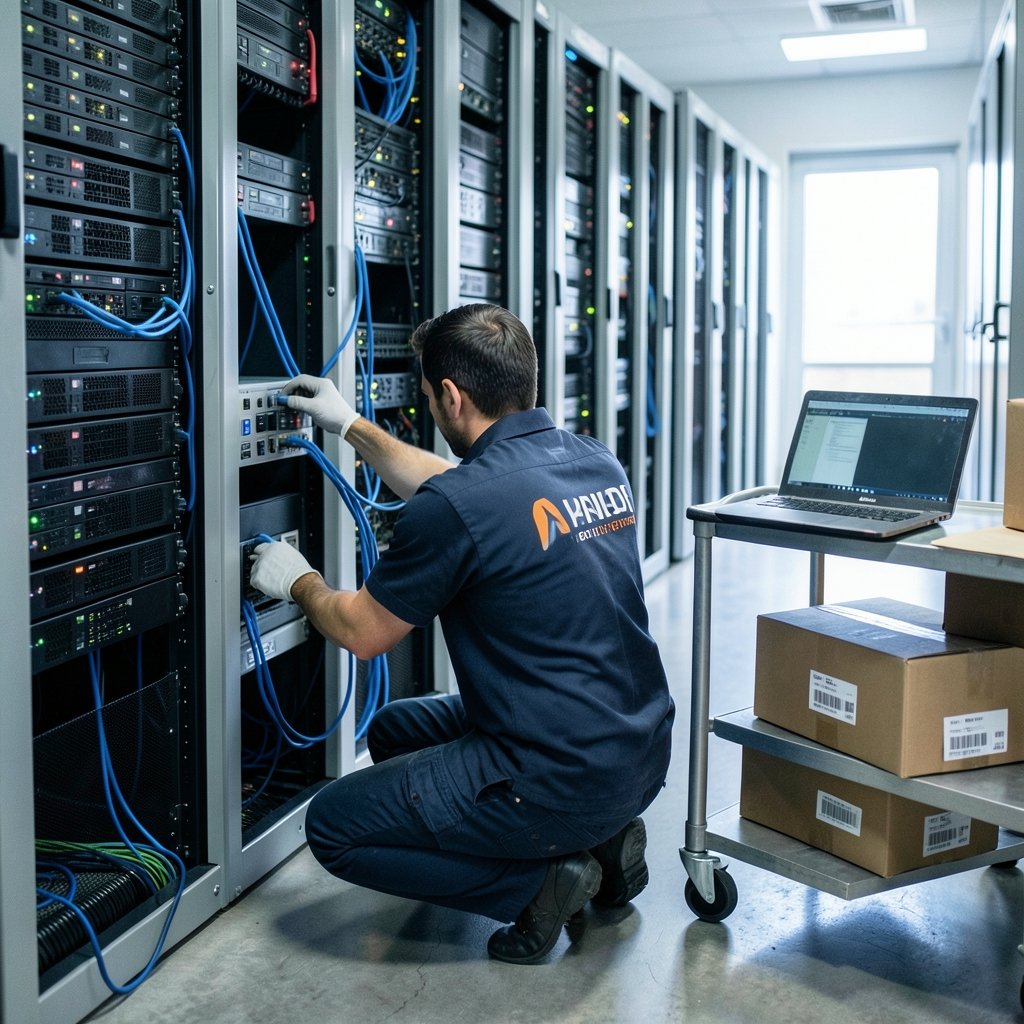
Direct costs are the easiest to estimate, though vendors rarely make it simple.
Software licensing
DLP pricing models vary widely. Some charge per user, some per endpoint, and some per gigabyte of data scanned. Entry-level cloud DLP tools often start in the low thousands per year for small teams. Enterprise platforms from major security vendors can run into six figures annually.
Implementation and integration
This is where budgets often break. A DLP tool has to connect to email, cloud storage, endpoints, and sometimes custom internal systems. Integration work can easily match or exceed the license cost in the first year. A mid-sized company should expect implementation to take weeks to months, not days.
Staff and operations
Someone has to tune the rules, review alerts, and investigate incidents. A dedicated security analyst can cost well over $80,000 a year in salary alone in many markets. Smaller firms often fold this into an existing IT role, which works until alert volume grows.
Training and change management
DLP fails when employees don’t understand it. Budget for awareness training, policy communication, and the productivity hit that comes with new restrictions.
| Cost Category | Typical Range | Notes |
|---|---|---|
| SMB cloud DLP license | Low thousands per year | Limited coverage, few integrations |
| Mid-market platform | $20,000–$80,000 per year | Email, cloud, endpoint coverage |
| Enterprise suite | $100,000+ per year | Full integration, dedicated support |
| Implementation | Often 50–100% of year-one license | Varies hugely by environment |
| Analyst time | $80,000+ per year (fully loaded) | Often shared with other security work |
These figures are planning ranges, not quotes. Real pricing depends on user count, data volume, and how much customization you need. Always ask vendors for a total cost of ownership estimate rather than only a license price.
The Indirect Costs: Where Budgets Quietly Disappear
Indirect costs are the sneaky ones. They don’t show up on a vendor invoice, but they drain time and money all the same.
Alert fatigue is the biggest. A poorly tuned DLP system generates hundreds of false positives a week. Analysts start ignoring alerts, which defeats the purpose. Fixing this means ongoing tuning, which means ongoing staff hours.
Productivity friction is the second. If employees can’t share files easily, they find workarounds, like personal email or consumer cloud storage. That actually increases risk. Good DLP design balances control with usability.
Opportunity cost is the third. Every hour spent managing DLP is an hour not spent on other security work, like patching or incident response.
A practical tip from people who run these programs: start with a narrow scope. Protect the most sensitive data first, like customer financial records or health information. Expand only after the initial rules are stable. Trying to protect everything at once is the most common mistake, and it’s the fastest way to burn a budget on alerts nobody reads.
The Cost of Getting It Wrong: Breach and Compliance Expenses
Now the other side of the ledger. When data loss happens, the bill arrives in several parts.
Regulatory fines vary by jurisdiction and severity. Under Europe’s GDPR, penalties can reach into the tens of millions of euros or a percentage of global revenue, whichever is higher. In the United States, healthcare breaches under HIPAA and financial breaches under state laws carry their own penalty structures. Regulators publish enforcement actions, so these figures are verifiable, though they shift with each case.
Legal and notification costs add up fast. Breach notification letters, credit monitoring for affected individuals, and legal counsel all cost money. In large breaches, these alone can run into millions.
Customer churn is often the largest and least visible cost. Studies of breach aftermath consistently show that some customers leave and some prospects delay purchases. That lost revenue never appears on a breach report, but it hits the bottom line for years.
Reputation damage is harder to price but real. A single incident can affect partnership deals, investor confidence, and recruiting.
The lesson for budgeting: DLP spending should be weighed against incident exposure, not against a vague sense that “security is good.” A company holding 50,000 customer records faces a very different risk profile than one holding a few hundred.
How to Build a Realistic DLP Budget
A workable budget follows a few practical steps.
- Classify your data first. Identify what would actually hurt if it leaked. Customer financial data, health records, source code, and contracts usually top the list. Everything else can wait.
- Estimate incident exposure. Use published breach cost research and your record count to get a rough range. Even a wide range beats no number.
- Price the tooling against that exposure. If a breach could plausibly cost millions, a five-figure annual DLP spend is easy to justify.
- Reserve 30–50% of year one for implementation and tuning. This is the line most budgets miss.
- Plan for ongoing staff time. DLP is not a set-and-forget product. Budget analyst hours every year.
- Review annually. Data volumes grow, regulations change, and pricing shifts.
A common mistake is buying the biggest platform available and then under-resourcing the team that runs it. A modest tool that’s well tuned beats a premium tool nobody has time to configure. Another mistake is skipping the data classification step, which leads to rules that block harmless files while missing the sensitive ones.
For teams comparing security spend across categories, it helps to see how other tech costs stack up. For example, budgets for endpoint hardware like a Steam Deck or a PS5 are trivial next to enterprise security, which puts DLP spending in perspective. Similarly, subscription costs like PlayStation Plus or a 1Password plan show how per-user pricing scales, a model DLP vendors often copy.
Free and Low-Cost Options Worth Knowing
Not every organization needs a six-figure platform. Several credible low-cost paths exist.
Built-in tools in major cloud platforms offer basic DLP features, often included in existing subscriptions. They won’t cover everything, but they catch the obvious cases, like credit card numbers in email.
Open-source and community tools can handle specific use cases, though they require more technical skill to run.
Policy and training cost almost nothing and prevent a surprising share of incidents. A clear rule that sensitive files never go to personal email, backed by training, is genuinely effective.
Framework guidance from standards bodies helps prioritize controls without buying anything. The NIST Cybersecurity Framework, for instance, lays out categories of controls that map well to DLP planning.
The realistic advice: start with what you already own. Many companies pay for cloud suites that include basic DLP and never turn it on. Before buying anything new, check what’s already in the stack.
Where AI Fits Into the Cost Picture
AI is changing both sides of the equation. On the cost side, AI-powered DLP tools classify data faster and cut false positives, which reduces analyst hours. That’s a real saving.
On the risk side, AI tools themselves create new data loss paths. Employees pasting sensitive material into chatbots is now a common incident type. Understanding how AI is used for data analysis helps teams see where data flows, and knowing what an AI data center involves explains why so much sensitive data now sits in third-party infrastructure. The backlash over Google’s data center plans in India also shows how public pressure and regulation can shift compliance costs overnight.
The practical takeaway: budget for AI-related data loss controls as a separate line. Blocking sensitive prompts and monitoring AI tool usage is now part of a complete DLP program, not an optional extra.
Conclusion
The data loss prevention cost is never a single number. It’s a stack: licenses, implementation, staff time, tuning, and the far larger exposure of a breach that gets through. Companies that budget only for software tend to under-resource the human side, and that’s where programs fail.
The winning approach is unglamorous. Classify your data, estimate your exposure, buy tooling that fits your team’s capacity, and reserve real money for tuning and training. Start narrow, measure results, and expand. Done that way, DLP stops looking like a cost center and starts looking like insurance with a measurable return.
Frequently Asked Questions
How much does data loss prevention software cost?
Small teams can find cloud DLP tools starting in the low thousands per year. Mid-market platforms typically run $20,000 to $80,000 annually, and enterprise suites often exceed $100,000. Implementation usually adds 50–100% of the first-year license cost.
Is DLP worth the money for a small business?
Often yes, but scope matters. A small business should protect its most sensitive data first, like customer payment details, rather than trying to monitor everything. Built-in cloud tools and clear policies deliver much of the benefit at little cost.
What is the biggest hidden cost of DLP?
Alert fatigue and staff time. A poorly tuned system generates constant false positives, which consumes analyst hours and erodes trust in the tool. Budgeting for ongoing tuning is essential.
How do regulatory fines compare to DLP software costs?
Fines can dwarf software costs. GDPR penalties can reach tens of millions of euros or a percentage of global revenue. Even a single mid-sized incident usually exceeds years of DLP licensing.
Can free tools replace paid DLP software?
For basic needs, sometimes. Built-in cloud DLP features catch obvious cases like card numbers in email. They usually lack the customization, reporting, and cross-platform coverage of paid tools, so most growing companies eventually upgrade.
How long does DLP implementation take?
For a mid-sized company, expect several weeks to a few months for initial deployment, plus ongoing tuning afterward. Integration with email, cloud storage, and endpoints is usually the slowest part.



